

Content ITV PRO
This is Itvedant Content department
Business Scenario
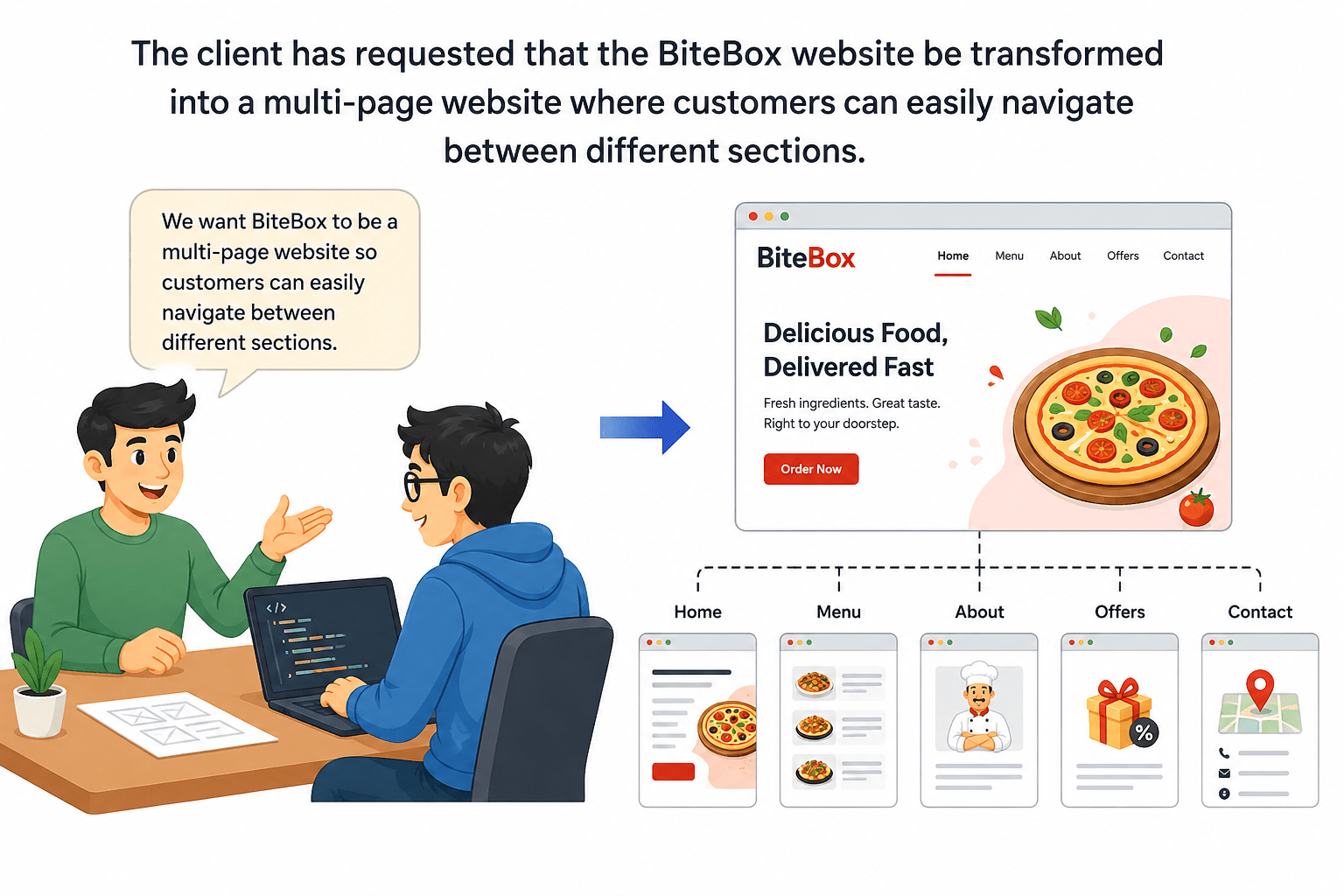
The BiteBox homepage developed in the previous labs now provides visitors with detailed information about the restaurant. However, modern websites are rarely built using a single webpage. As the amount of information grows, it becomes difficult for users to locate specific content.
Pre-Lab Preparation
Module: HTML Structure, Links, and Images
1) Understanding HTML Anchor Tag
2) Website Navigation Basics
3) Internal and external Hyperlink Navigation
git pull origin branchNameGit Pull
Task 1: Expand BiteBox Project into a Multi-Page Website
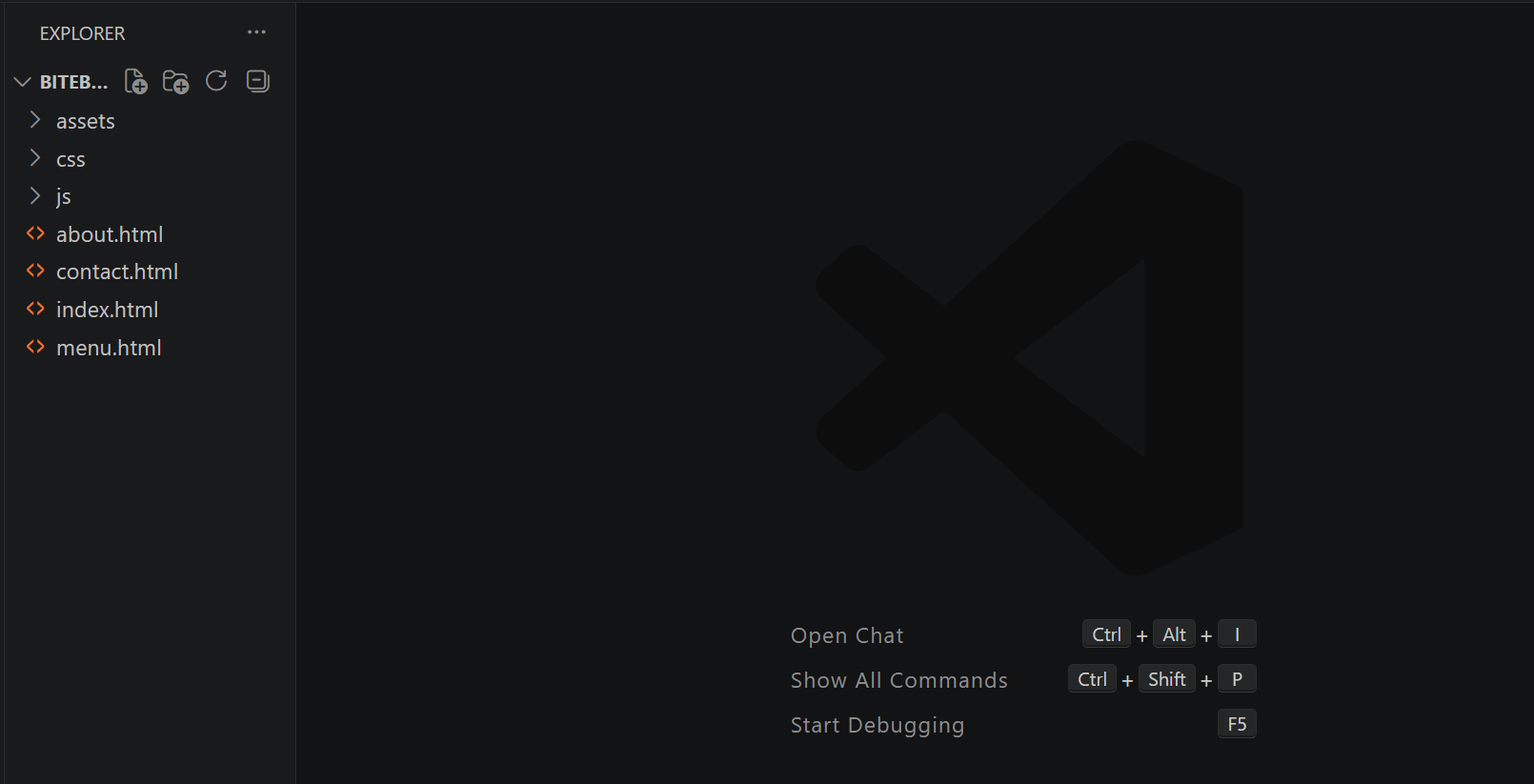
Open the existing BiteBox project and Inside the project folder, create three new HTML files.
1
Task 2: Create the Navigation Menu on the Homepage
Open the existing index.html file and Immediately below the restaurant name, add the following navigation links
1
<p>

<a href="index.html">Home</a>
|
<a href="menu.html">Menu</a>
|
<a href="about.html">About</a>
|
<a href="contact.html">Contact</a>

</p>
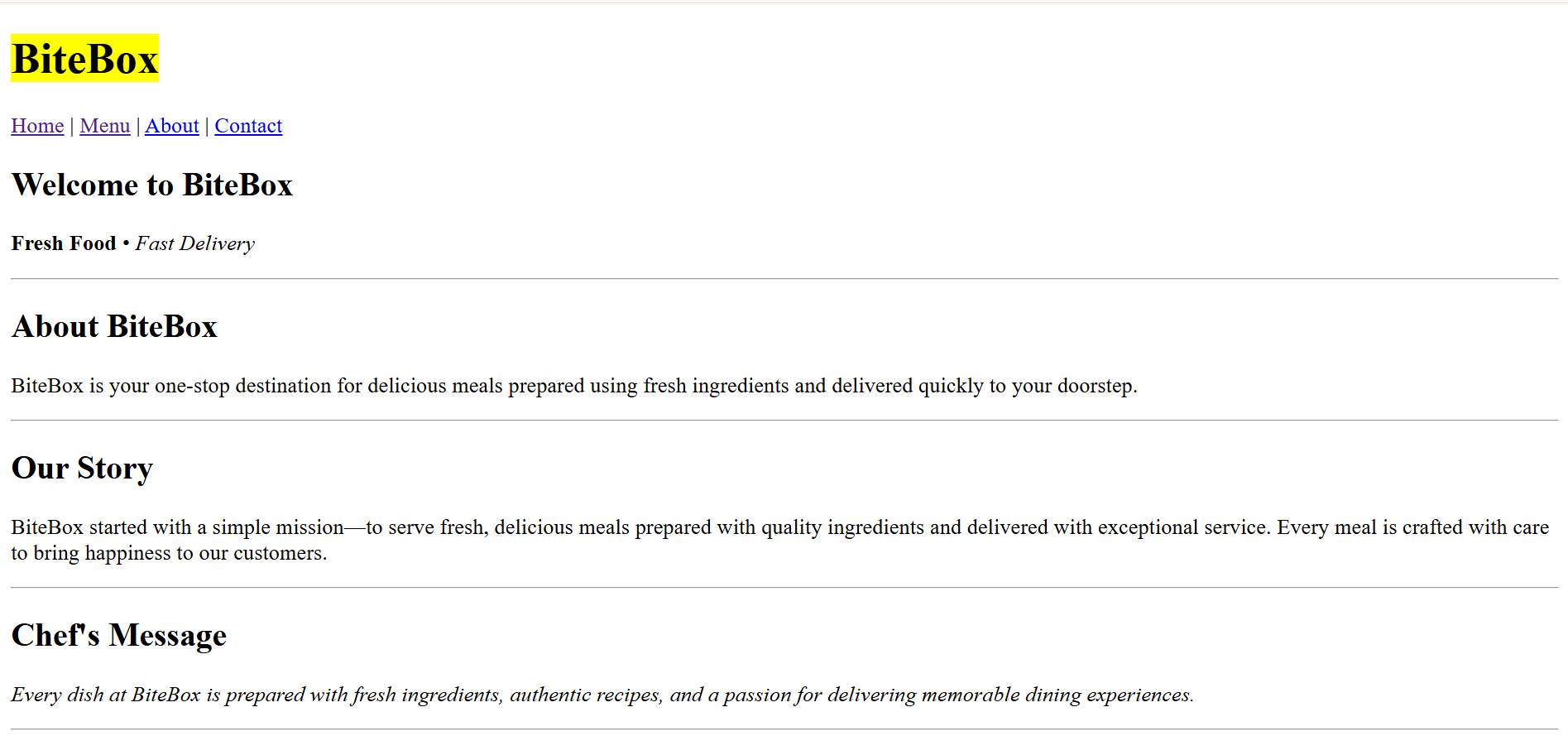
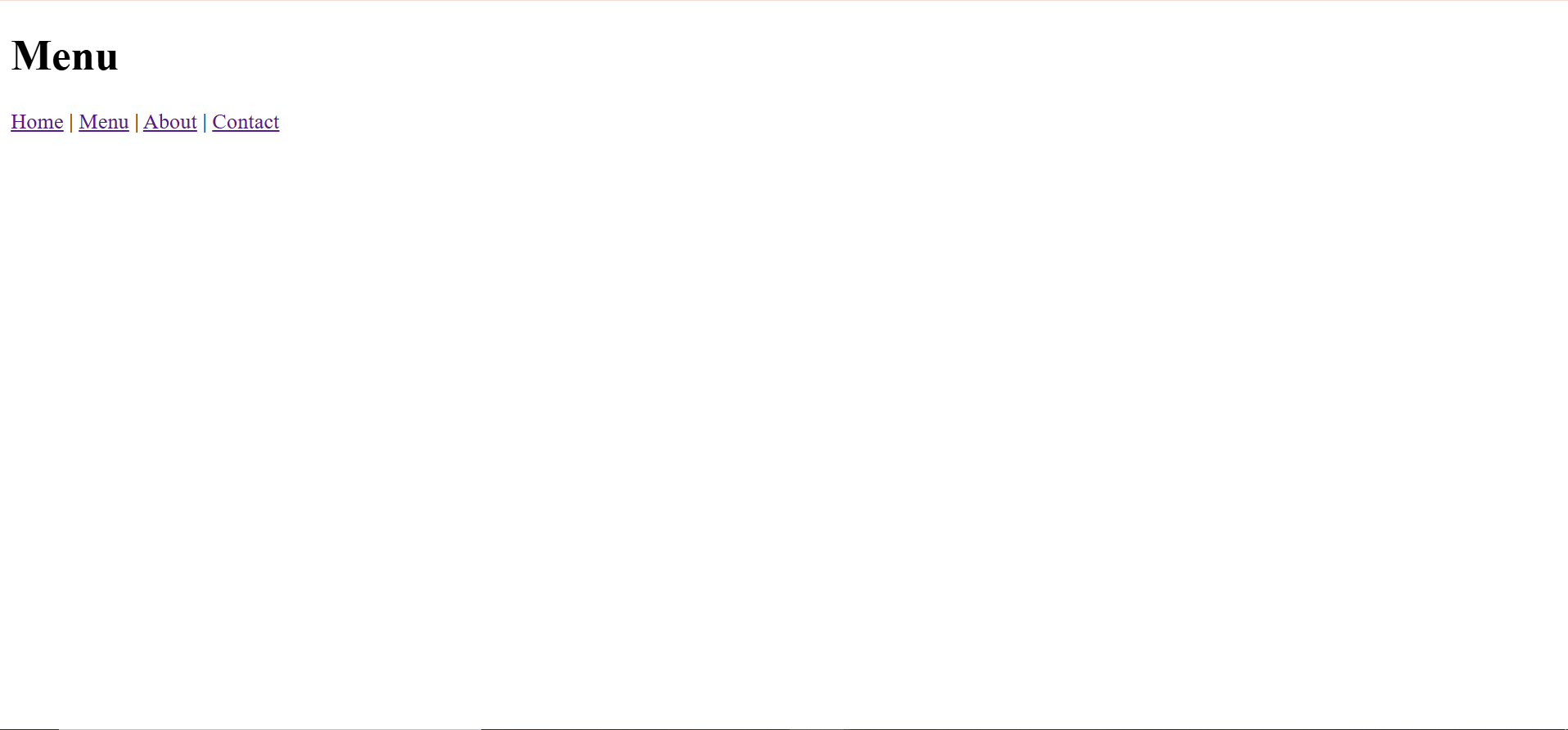
Check the Output
2
Task 3: Create the Basic Structure for the New Webpages
Open menu.html and generate html5 boilerplate code
1
<!DOCTYPE html>
<html lang="en">

<head>
    <meta charset="UTF-8">
    <meta name="viewport" content="width=device-width,
    initial-scale=1.0">
    <title>Menu - BiteBox</title>
</head>

<body>
</body>
</html>
Open about.html and generate html5 boilerplate code
2
<!DOCTYPE html>
<html lang="en">

<head>
    <meta charset="UTF-8">
    <meta name="viewport" content="width=device-width,
    initial-scale=1.0">
    <title>About - BiteBox</title>
</head>

<body>
</body>
</html>
Open contact.html and generate html5 boilerplate code
3
<!DOCTYPE html>
<html lang="en">

<head>
    <meta charset="UTF-8">
    <meta name="viewport" content="width=device-width,
    initial-scale=1.0">
    <title>Contact - BiteBox</title>
</head>

<body>
</body>
</html>
Task 4: Build Navigation on Every Webpage
Open menu.html - Inside the <body> tag, add the following heading and Immediately below the heading, add the navigation menu.
1
<body>
  <h1> Menu </h1>

<p>
<a href="index.html">Home</a>
|
<a href="menu.html">Menu</a>
|
<a href="about.html">About</a>
|
<a href="contact.html">Contact</a>
</p>

</body>
Open about.html - Inside the <body> tag, add the following heading and Immediately below the heading, add the navigation menu.
2
<body>
  <h1> About Us </h1>

<p>
<a href="index.html">Home</a>
|
<a href="menu.html">Menu</a>
|
<a href="about.html">About</a>
|
<a href="contact.html">Contact</a>
</p>

</body>
Open contact.html - Inside the <body> tag, add the following heading and Immediately below the heading, add the navigation menu.
3
<body>
  <h1> Contact Us </h1>

<p>
<a href="index.html">Home</a>
|
<a href="menu.html">Menu</a>
|
<a href="about.html">About</a>
|
<a href="contact.html">Contact</a>
</p>

</body>
Task 5: Add an External Hyperlink
Open contact.html - Below the navigation menu, add the following heading and add an external link
1
<h2> Visit Our Website </h2>
<p>

<a href="https://www.google.com">

Visit Google

</a>

</p>
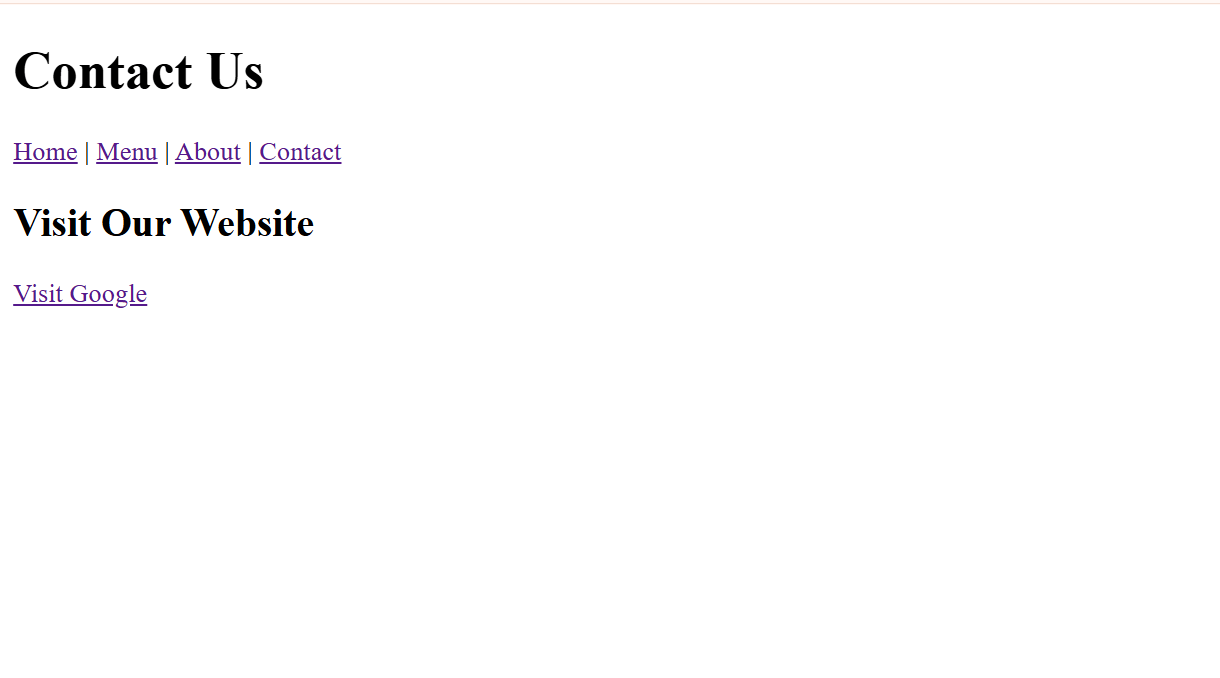
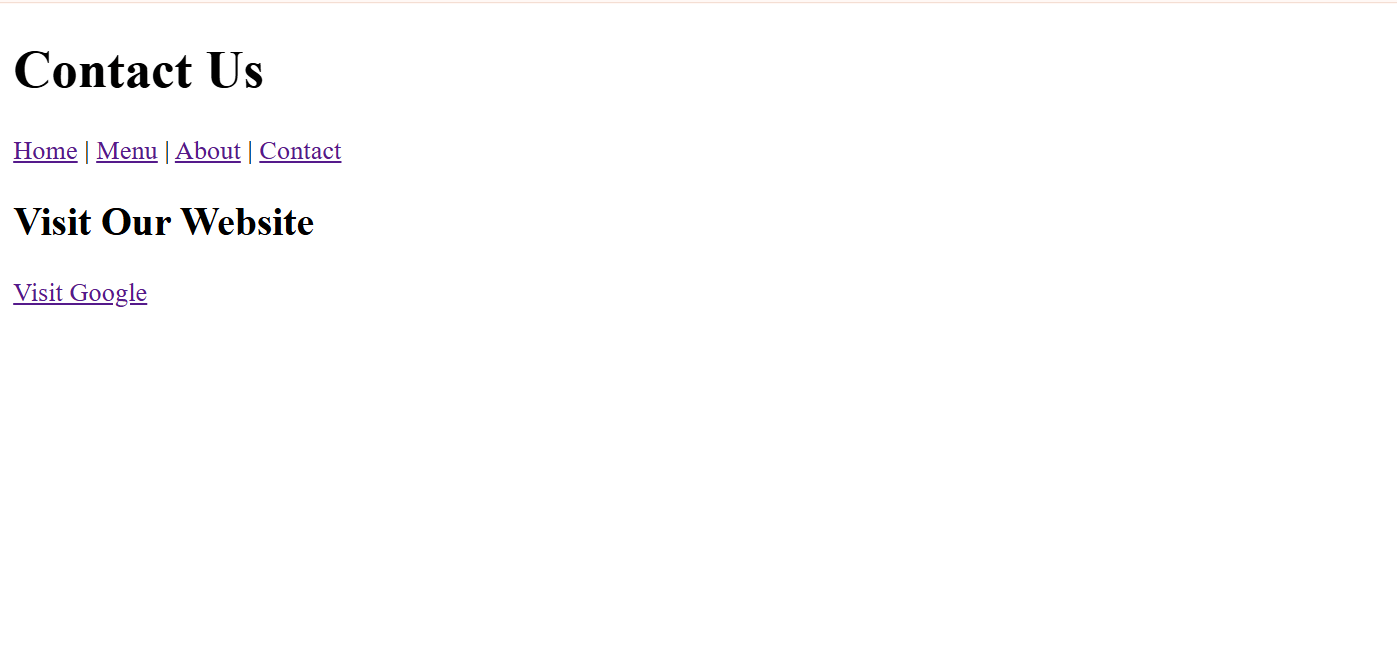
Check the output
2
When the hyperlink is clicked, Google.com opens.
Complete Solutions
3
<!DOCTYPE html>
<html lang="en">

<head>
    <meta charset="UTF-8">
    <meta name="viewport" content="width=device-width, initial-scale=1.0">
    <title>BiteBox</title>
</head>

<body>
    <!-- Restaurant Name -->
    <h1><mark>BiteBox</mark></h1>

    <!--Navigation Menu -->
    <p>

<a href="index.html">Home</a>
Home Page(index.html)
|
<a href="menu.html">Menu</a>
|
<a href="about.html">About</a>
|
<a href="contact.html">Contact</a>

</p>


    <!-- Welcome Section -->
    <h2>Welcome to BiteBox</h2>
    <p>
        <strong>Fresh Food</strong>
        •
        <em>Fast Delivery</em>
    </p>


    <!-- About section -->
    <hr>
    <h2>About BiteBox</h2>
    <p>
        BiteBox is your one-stop destination for delicious meals prepared using
      fresh ingredients and delivered quickly to your doorstep.
    </p>

    <!--Restaurant Story -->
  <hr>
    <h2> Our Story </h2>

    <p>

        BiteBox started with a simple mission—to serve fresh, delicious meals
        prepared with quality ingredients and delivered with exceptional
        service. Every meal is crafted with care to bring happiness to our
        customers.

    </p>

    <!-- Chef's Message-->
    <hr>
    <h2> Chef's Message </h2>
    <p>
        <em>
            Every dish at BiteBox is prepared with fresh ingredients, authentic
          recipes, and a passion for delivering memorable dining experiences.
        </em>
    </p>

    <!--Todays Featured Dishes -->
    <hr>
    <h2>Today's Featured Dishes</h2>

    <p>Pizza</p>

    <p>Burger</p>
<p>Pasta</p>


    <!--Todays Special Offers -->
    <hr>
    <h2> Today's Special Offer </h2>

    <p> Get <strong>20% OFF</strong> on all Combo Meals. </p>

    <p>

        Offer Valid Till

        31<sup>st</sup> July

    </p>


    <!--Contact Information-->
    <hr>
    <h2> Contact Information </h2>
    <p>

        Phone : +91 98765 43210
        <br>
        Email : contact@bitebox.com
        <br>
        Location : Pune, Maharashtra

    </p>

    <!-- Customer Notice -->
    <hr>

    <h2> Customer Notice </h2>

    <p>

        <mark> Free home delivery is available on orders above ₹499. </mark>

    </p>

    <p>
        Delivery services are available from 10:00 AM to 11:00 PM.
    </p>


    <hr>

    <h2>Opening Hours</h2>

    <p>
        Monday - Sunday
        <br>
        10:00 AM - 11:00 PM
    </p>

    <hr>

    <p>
        © 2026 BiteBox
    </p>

    <hr>


</body>

</html>
    <!-- Customer Notice -->
    <hr>
    <h2> Customer Notice </h2>
    <p>
        <mark> Free home delivery is available on orders above ₹499. </mark>
    </p>

    <p>
        Delivery services are available from 10:00 AM to 11:00 PM.
    </p>

    <hr>
    <h2>Opening Hours</h2>
    <p>
        Monday - Sunday
        <br>
        10:00 AM - 11:00 PM
    </p>

    <hr>
    <p>
        © 2026 BiteBox
    </p>
    <hr>
</body>
</html>
Menu page(menu.html)
<!DOCTYPE html>
<html lang="en">
<head>
    <meta charset="UTF-8">
    <meta name="viewport" content="width=device-width, initial-scale=1.0">
    <title>Menu - BiteBox</title>
</head>
<body>
  <h1> Menu </h1>
<p>
<a href="index.html">Home</a>
|
<a href="menu.html">Menu</a>
|
<a href="about.html">About</a>
|
<a href="contact.html">Contact</a>
</p>
</body>
</html>
About page(about.html)
<!DOCTYPE html>
<html lang="en">
<head>
    <meta charset="UTF-8">
    <meta name="viewport" content="width=device-width, initial-scale=1.0">
    <title>Menu - BiteBox</title>
</head>
<body>
  <h1> Menu </h1>
<p>
<a href="index.html">Home</a>
|
<a href="menu.html">Menu</a>
|
<a href="about.html">About</a>
|
<a href="contact.html">Contact</a>
</p>
</body>
</html>
Contact Us page(contact.html)
<!DOCTYPE html>
<html lang="en">
<head>
    <meta charset="UTF-8">
    <meta name="viewport" content="width=device-width, initial-scale=1.0">
    <title>Contact - BiteBox</title>
</head>
    <body>
        <h1> Contact Us </h1>
        <p>
            <a href="index.html">Home</a>
            |
            <a href="menu.html">Menu</a>
            |
            <a href="about.html">About</a>
            |
            <a href="contact.html">Contact</a>
        </p>
       <h2> Visit Our Website </h2>
        <p> <a href="https://www.google.com"> Visit Google </a </p>
    </body>
</html>
Great job!
You have successfully transformed the BiteBox project into a multi-page website by creating separate webpages and connecting them using internal and external hyperlinks.
Checkpoint
Git Push
git push origin branchNameNext-Lab Preparation
Module: HTML Structure, Links, and Images
1) Lists, Block Elements, and Inline Elements
2) Links, Images, and File Paths
By Content ITV