Website Navigation System

Business Scenario
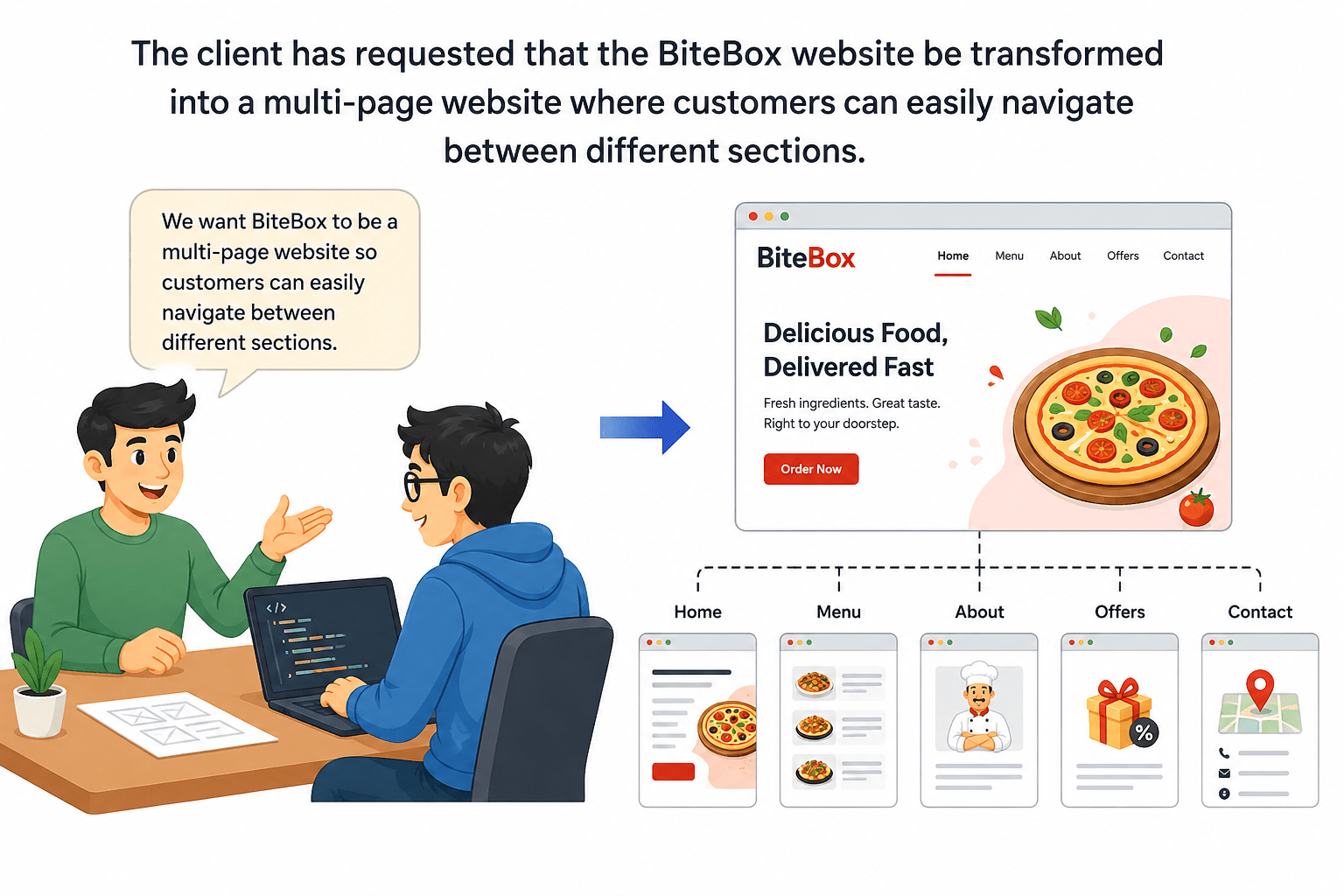
The BiteBox homepage developed in the previous labs now provides visitors with detailed information about the restaurant. However, modern websites are rarely built using a single webpage. As the amount of information grows, it becomes difficult for users to locate specific content.

Now...
Pre-Lab Preparation
Module: HTML Structure, Links, and Images
1) Understanding HTML Anchor Tag
2) Website Navigation Basics
3) Internal and external Hyperlink Navigation
git pull origin branchName
Git Pull
Task 1: Expand BiteBox Project into a Multi-Page Website
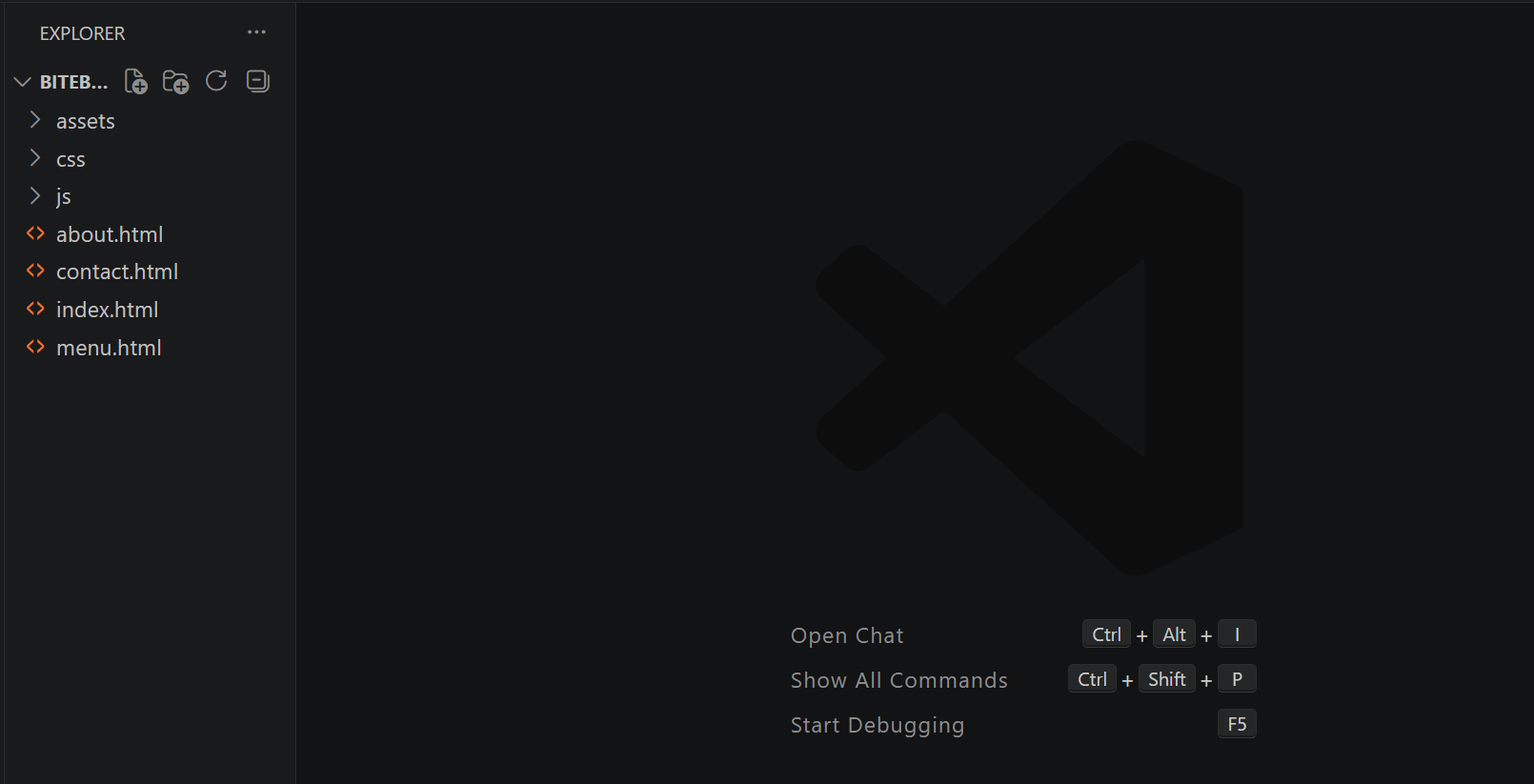
Open the existing BiteBox project and Inside the project folder, create three new HTML files.
1
Task 2: Create the Navigation Menu on the Homepage
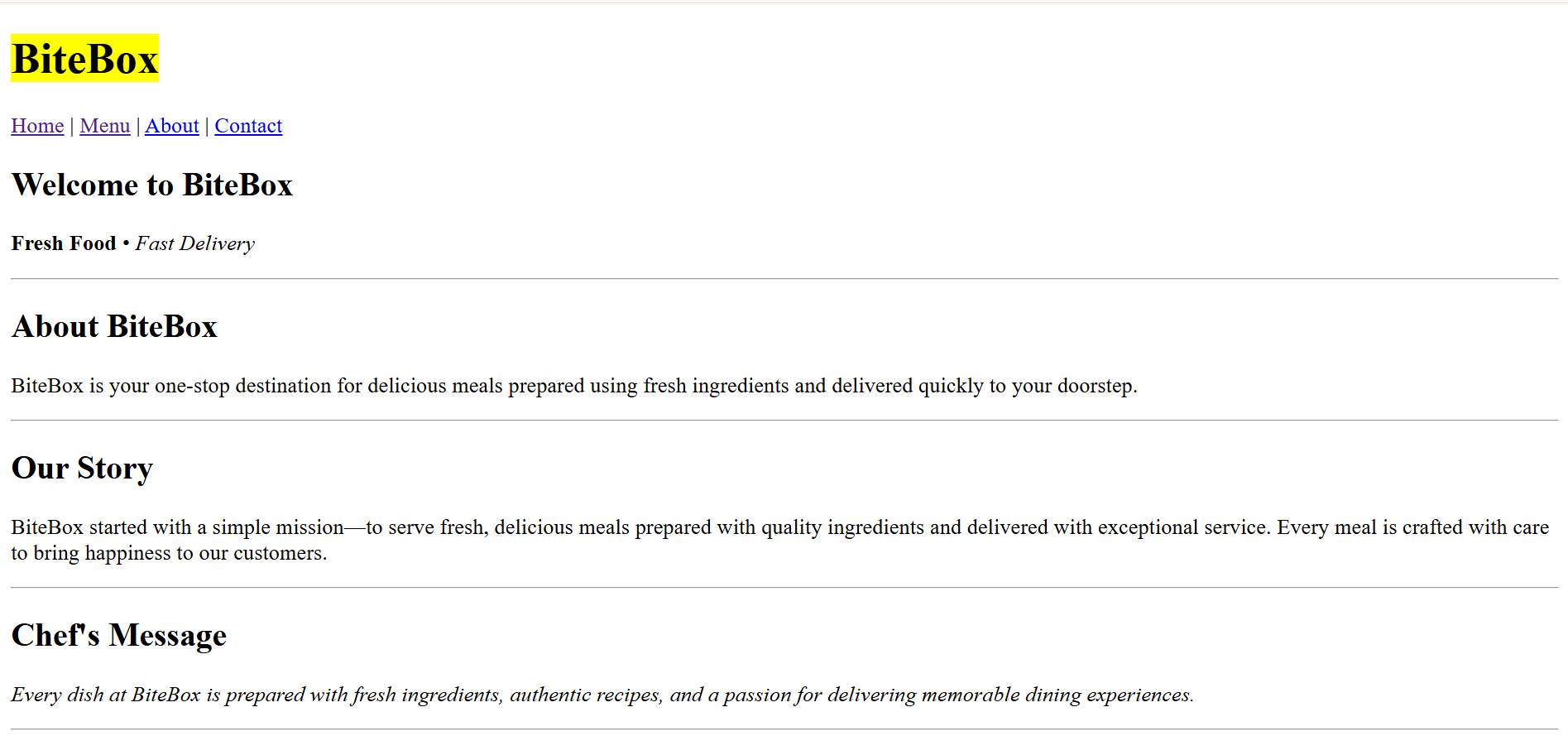
Open the existing index.html file and Immediately below the restaurant name, add the following navigation links
1
<p>

<a href="index.html">Home</a>
|
<a href="menu.html">Menu</a>
|
<a href="about.html">About</a>
|
<a href="contact.html">Contact</a>

</p>
Check the Output
2
Task 3: Create the Basic Structure for the New Webpages
Open menu.html and generate html5 boilerplate code
1
<!DOCTYPE html>
<html lang="en">

<head>
    <meta charset="UTF-8">
    <meta name="viewport" content="width=device-width,
    initial-scale=1.0">
    <title>Menu - BiteBox</title>
</head>

<body>
</body>
</html>
Open about.html and generate html5 boilerplate code
2
<!DOCTYPE html>
<html lang="en">

<head>
    <meta charset="UTF-8">
    <meta name="viewport" content="width=device-width,
    initial-scale=1.0">
    <title>About - BiteBox</title>
</head>

<body>
</body>
</html>
Open contact.html and generate html5 boilerplate code
3
<!DOCTYPE html>
<html lang="en">

<head>
    <meta charset="UTF-8">
    <meta name="viewport" content="width=device-width,
    initial-scale=1.0">
    <title>Contact - BiteBox</title>
</head>

<body>
</body>
</html>
Task 4: Build Navigation on Every Webpage
Open menu.html - Inside the <body> tag, add the following heading and Immediately below the heading, add the navigation menu.
1
<body>
  <h1> Menu </h1>

<p>
<a href="index.html">Home</a>
|
<a href="menu.html">Menu</a>
|
<a href="about.html">About</a>
|
<a href="contact.html">Contact</a>
</p>

</body>
Open about.html - Inside the <body> tag, add the following heading and Immediately below the heading, add the navigation menu.
2
<body>
  <h1> About Us </h1>

<p>
<a href="index.html">Home</a>
|
<a href="menu.html">Menu</a>
|
<a href="about.html">About</a>
|
<a href="contact.html">Contact</a>
</p>

</body>
Open contact.html - Inside the <body> tag, add the following heading and Immediately below the heading, add the navigation menu.
3
<body>
  <h1> Contact Us </h1>

<p>
<a href="index.html">Home</a>
|
<a href="menu.html">Menu</a>
|
<a href="about.html">About</a>
|
<a href="contact.html">Contact</a>
</p>

</body>
Task 5: Add an External Hyperlink
Open contact.html - Below the navigation menu, add the following heading and add an external link
1
<h2> Visit Our Website </h2>
<p>

<a href="https://www.google.com">

Visit Google

</a>

</p>
Check the output
2
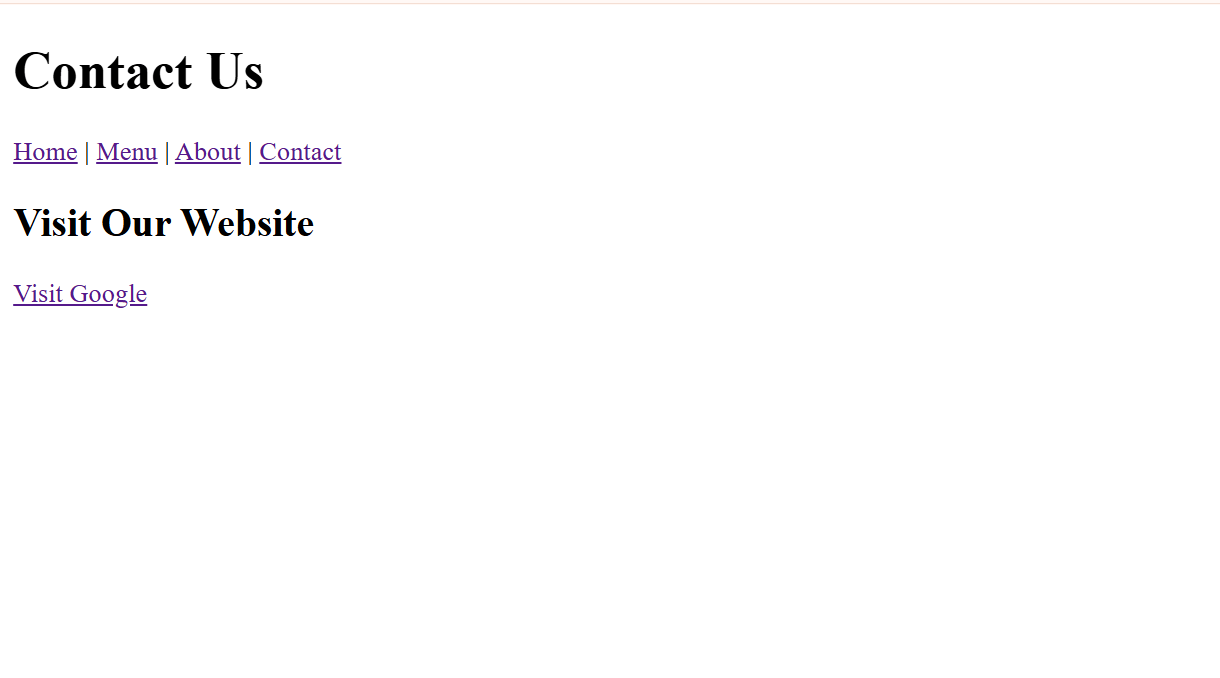
When the hyperlink is clicked, Google.com opens.
Complete Solutions
3
<!DOCTYPE html>
<html lang="en">

<head>
    <meta charset="UTF-8">
    <meta name="viewport" content="width=device-width, initial-scale=1.0">
    <title>BiteBox</title>
</head>

<body>
    <!-- Restaurant Name -->
    <h1><mark>BiteBox</mark></h1>

    <!--Navigation Menu -->
    <p>

<a href="index.html">Home</a>
Home Page(index.html)
|
<a href="menu.html">Menu</a>
|
<a href="about.html">About</a>
|
<a href="contact.html">Contact</a>

</p>


    <!-- Welcome Section -->
    <h2>Welcome to BiteBox</h2>
    <p>
        <strong>Fresh Food</strong>
        •
        <em>Fast Delivery</em>
    </p>


    <!-- About section -->
    <hr>
    <h2>About BiteBox</h2>
    <p>
        BiteBox is your one-stop destination for delicious meals prepared using
      fresh ingredients and delivered quickly to your doorstep.
    </p>

    <!--Restaurant Story -->
  <hr>
    <h2> Our Story </h2>

    <p>

        BiteBox started with a simple mission—to serve fresh, delicious meals
        prepared with quality ingredients and delivered with exceptional
        service. Every meal is crafted with care to bring happiness to our
        customers.

    </p>

    <!-- Chef's Message-->
    <hr>
    <h2> Chef's Message </h2>
    <p>
        <em>
            Every dish at BiteBox is prepared with fresh ingredients, authentic
          recipes, and a passion for delivering memorable dining experiences.
        </em>
    </p>

    <!--Todays Featured Dishes -->
    <hr>
    <h2>Today's Featured Dishes</h2>

    <p>Pizza</p>

    <p>Burger</p>
<p>Pasta</p>


    <!--Todays Special Offers -->
    <hr>
    <h2> Today's Special Offer </h2>

    <p> Get <strong>20% OFF</strong> on all Combo Meals. </p>

    <p>

        Offer Valid Till

        31<sup>st</sup> July

    </p>


    <!--Contact Information-->
    <hr>
    <h2> Contact Information </h2>
    <p>

        Phone : +91 98765 43210
        <br>
        Email : contact@bitebox.com
        <br>
        Location : Pune, Maharashtra

    </p>

    <!-- Customer Notice -->
    <hr>

    <h2> Customer Notice </h2>

    <p>

        <mark> Free home delivery is available on orders above ₹499. </mark>

    </p>

    <p>
        Delivery services are available from 10:00 AM to 11:00 PM.
    </p>


    <hr>

    <h2>Opening Hours</h2>

    <p>
        Monday - Sunday
        <br>
        10:00 AM - 11:00 PM
    </p>

    <hr>

    <p>
        © 2026 BiteBox
    </p>

    <hr>


</body>

</html>
    <!-- Customer Notice -->
    <hr>
    <h2> Customer Notice </h2>
    <p>
        <mark> Free home delivery is available on orders above ₹499. </mark>
    </p>

    <p>
        Delivery services are available from 10:00 AM to 11:00 PM.
    </p>

    <hr>
    <h2>Opening Hours</h2>
    <p>
        Monday - Sunday
        <br>
        10:00 AM - 11:00 PM
    </p>

    <hr>
    <p>
        © 2026 BiteBox
    </p>
    <hr>
</body>
</html>
Menu page(menu.html)
<!DOCTYPE html>
<html lang="en">
<head>
    <meta charset="UTF-8">
    <meta name="viewport" content="width=device-width, initial-scale=1.0">
    <title>Menu - BiteBox</title>
</head>
<body>
  <h1> Menu </h1>
<p>
<a href="index.html">Home</a>
|
<a href="menu.html">Menu</a>
|
<a href="about.html">About</a>
|
<a href="contact.html">Contact</a>
</p>
</body>
</html>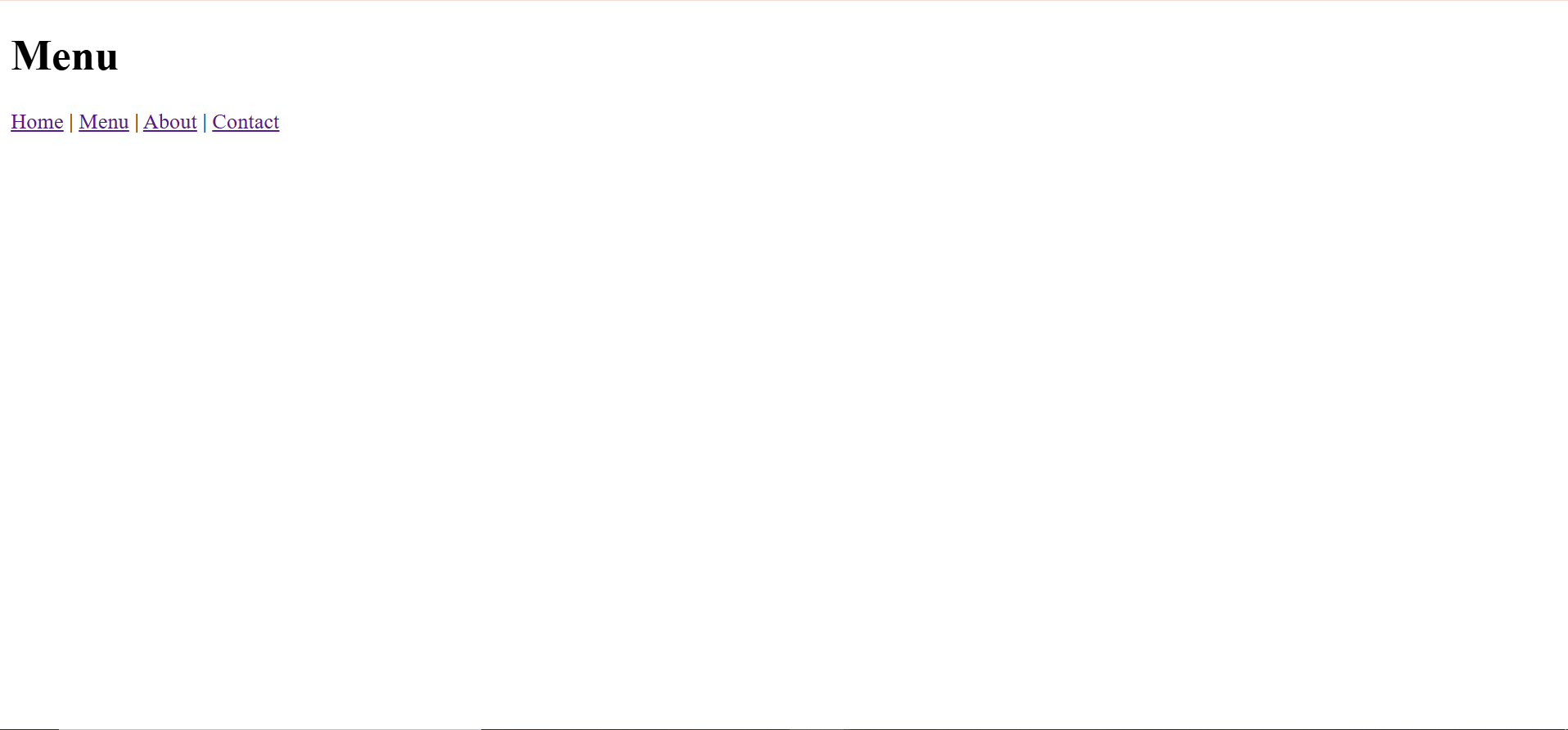
About page(about.html)
<!DOCTYPE html>
<html lang="en">
<head>
    <meta charset="UTF-8">
    <meta name="viewport" content="width=device-width, initial-scale=1.0">
    <title>Menu - BiteBox</title>
</head>
<body>
  <h1> Menu </h1>
<p>
<a href="index.html">Home</a>
|
<a href="menu.html">Menu</a>
|
<a href="about.html">About</a>
|
<a href="contact.html">Contact</a>
</p>
</body>
</html>
Contact Us page(contact.html)
<!DOCTYPE html>
<html lang="en">
<head>
    <meta charset="UTF-8">
    <meta name="viewport" content="width=device-width, initial-scale=1.0">
    <title>Contact - BiteBox</title>
</head>
    <body>
        <h1> Contact Us </h1>
        <p>
            <a href="index.html">Home</a>
            |
            <a href="menu.html">Menu</a>
            |
            <a href="about.html">About</a>
            |
            <a href="contact.html">Contact</a>
        </p>
       <h2> Visit Our Website </h2>
        <p> <a href="https://www.google.com"> Visit Google </a </p>
    </body>
</html>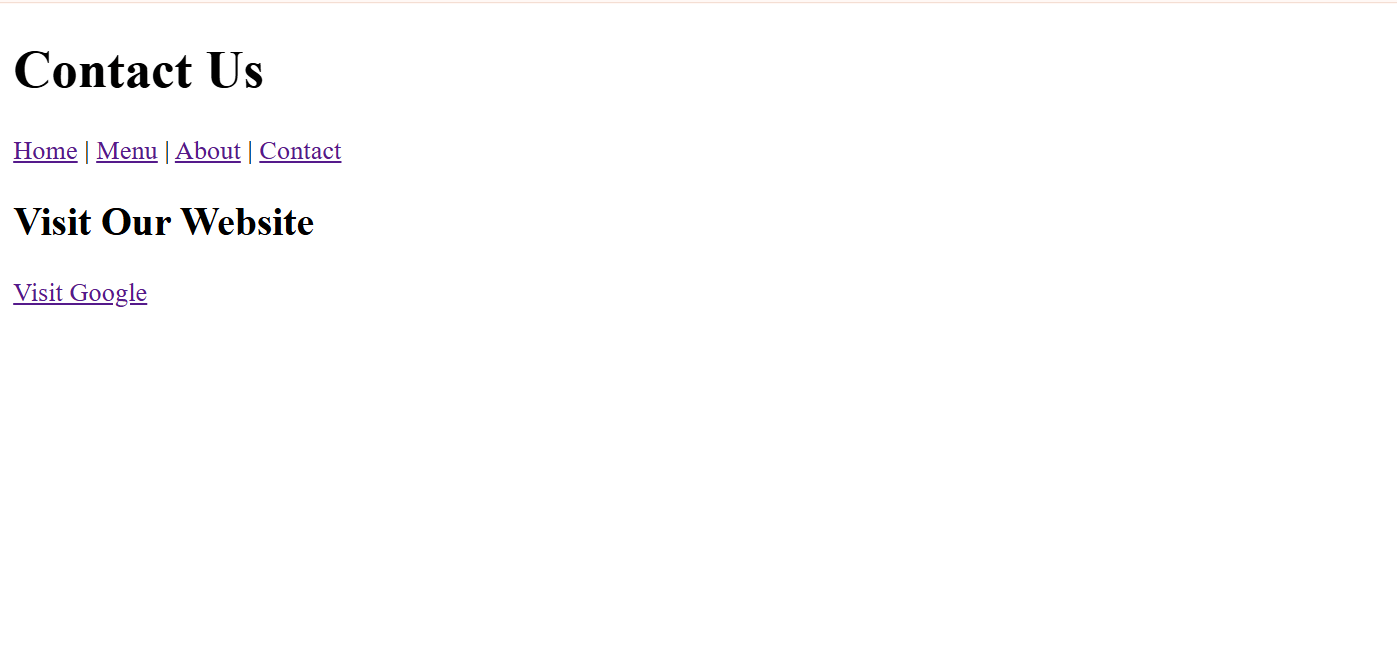
Great job!
You have successfully transformed the BiteBox project into a multi-page website by creating separate webpages and connecting them using internal and external hyperlinks.
Checkpoint
Git Push
git push origin branchNameNext-Lab Preparation
Module: HTML Structure, Links, and Images
1) Lists, Block Elements, and Inline Elements
2) Links, Images, and File Paths