




























Content ITV PRO
This is Itvedant Content department
Framework Design
Page Object Model (POM)
Learning Outcome
4
Improve test readability and reduce code duplication.
3
Create reusable and maintainable page classes.
2
Separate test logic from UI interaction code.
1
Understand the purpose and structure of POM.
5
Apply POM with Selenium and update tests easily when UI changes.
Recall
Page Object Model (POM)
Analogy : School Exam System
You write an answer (actual result)
The teacher has the correct answer key (expected result)
Think of assertions like a teacher correcting your exam paper.
Assertions = Checking Answers
The teacher compares both:
If they match → marks given (test PASS)
If they don’t match → marks deducted (test FAIL)
Assertions = Checking Answers
In TestNG:
assertEquals() = checking if your answer matches the key
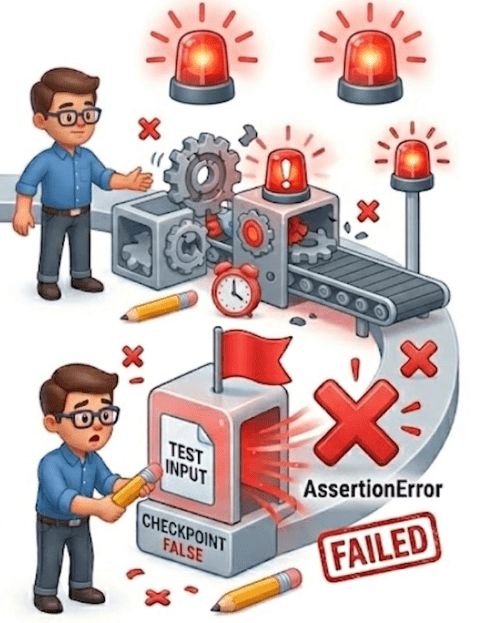
If assertion fails, the test immediately fails (like getting a wrong answer marked)
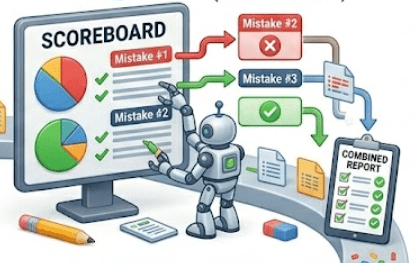
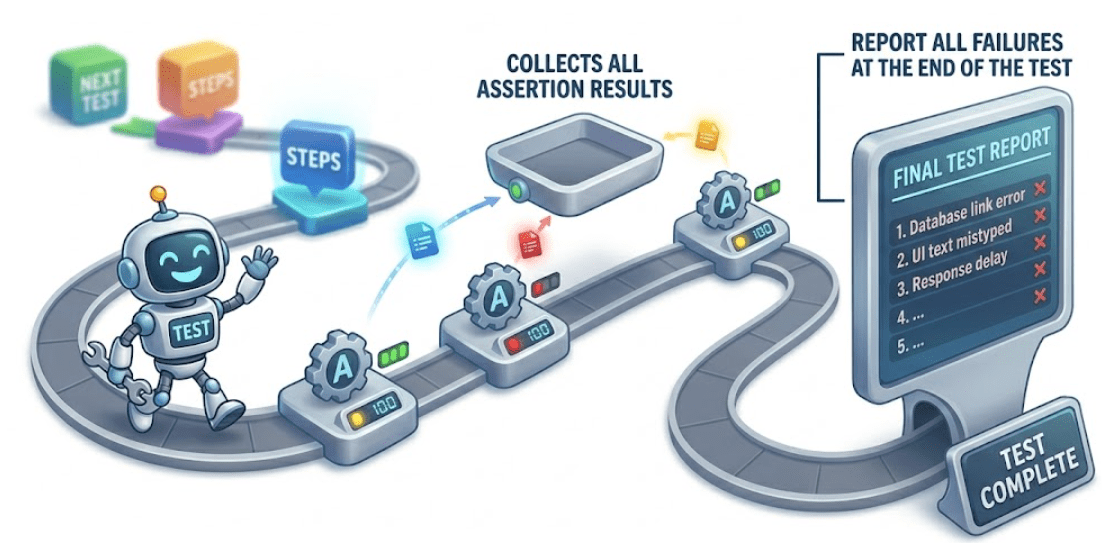
Soft Assertion = Partial Checking
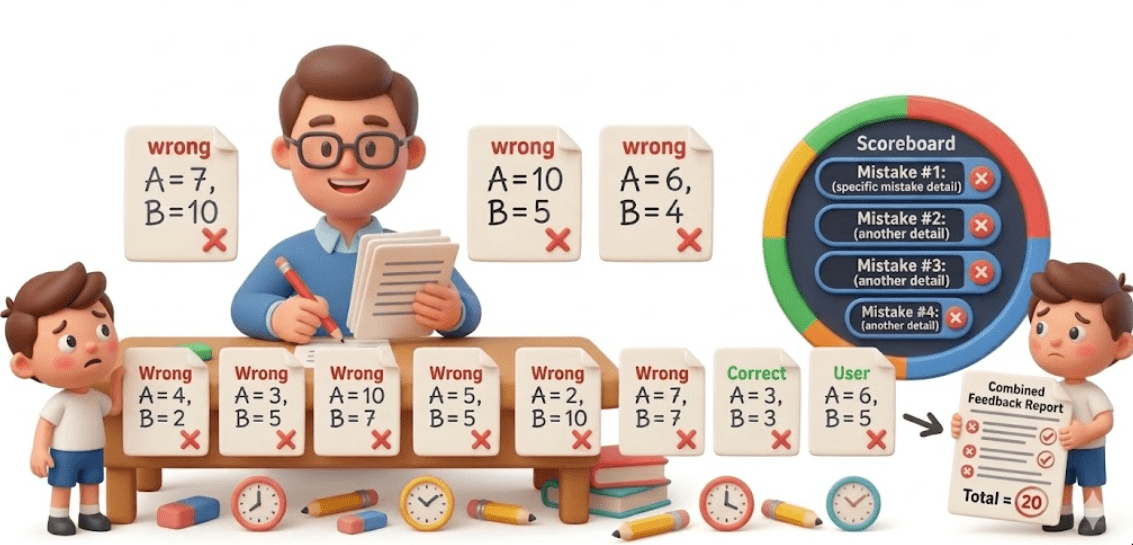
Imagine a teacher checks the whole paper first, notes all mistakes, and then gives feedback at the end.
Soft assertions allow the test to continue even if some checks fail
All failures are reported together at the end
In TestNG:
Reporting = Marksheet
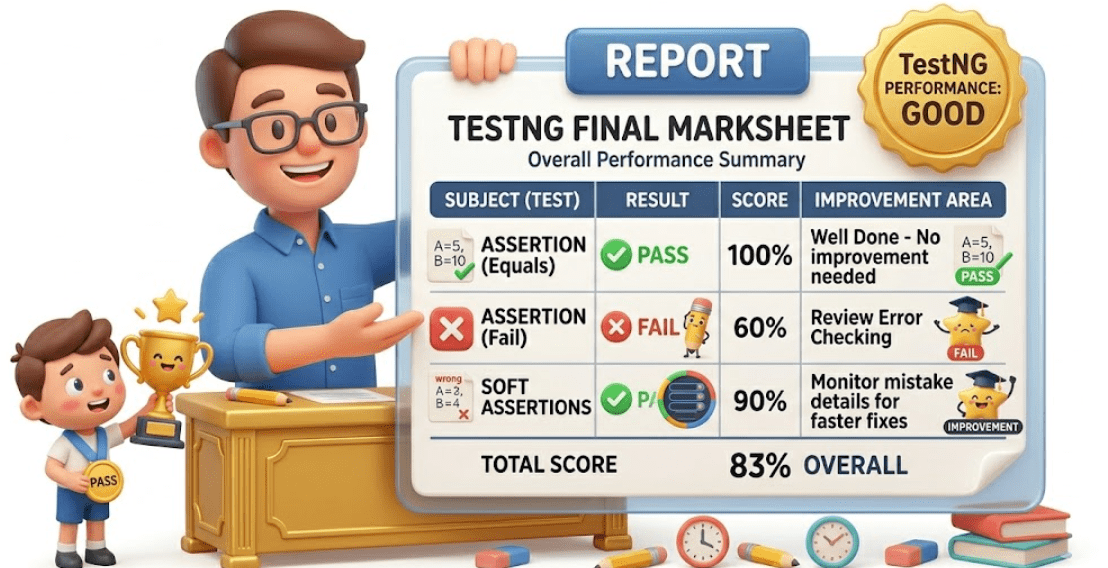
TestNG reports are like your final marksheet.
Shows which subjects (tests) passed or failed
Gives overall performance summary
Helps you understand where you did well and where you need improvement
In TestNG:
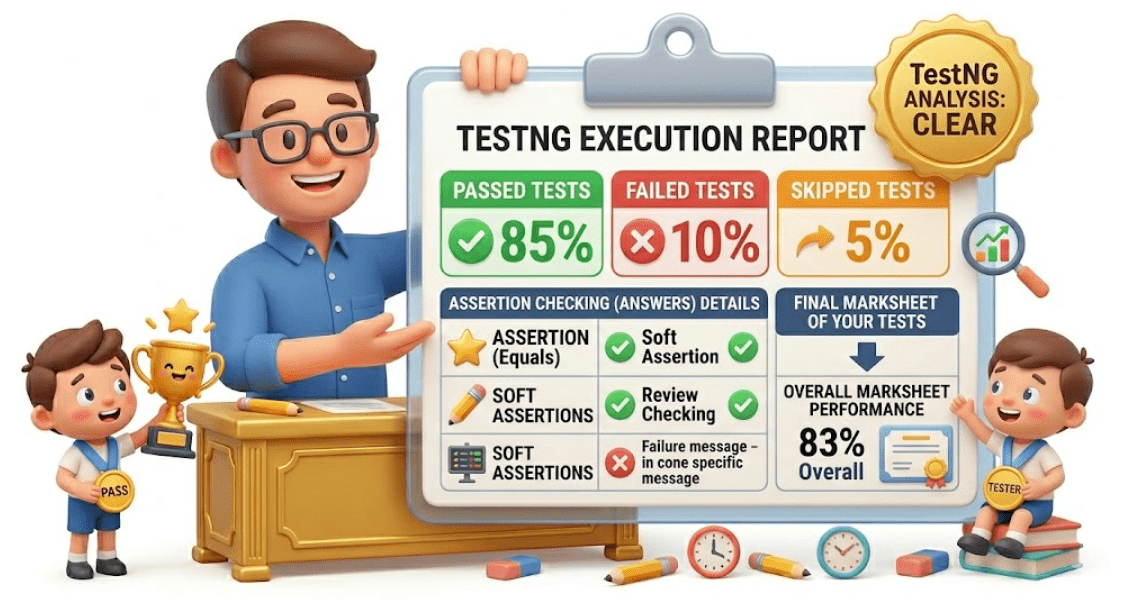
Reports show passed tests, failed tests, skipped tests
Helps analyze test execution results clearly
Assertions = checking answers, Reporting = final marksheet of your tests.
Why do we use assertions in TestNG?
We use assertions in TestNG to validate and enforce correctness of test outcomes during execution.
assertions act as the decision point of automation testing—they convert a script from just “running steps” into a meaningful test that can detect defects automatically
Assertions also help:
Catch failures early by stopping execution when critical checks fail (hard assertions)
Validate multiple conditions within a single test (soft assertions)
Improve reliability by ensuring every important checkpoint is verified
Support debugging by clearly indicating where expected behavior breaks
What is Assertions?
Assertions in TestNG are a core validation mechanism used to verify whether the application under test behaves exactly as expected by comparing the actual result produced during execution with a predefined expected result.
They determine the success or failure of a test based on logical conditions. When an assertion is evaluated, TestNG performs a runtime comparison:
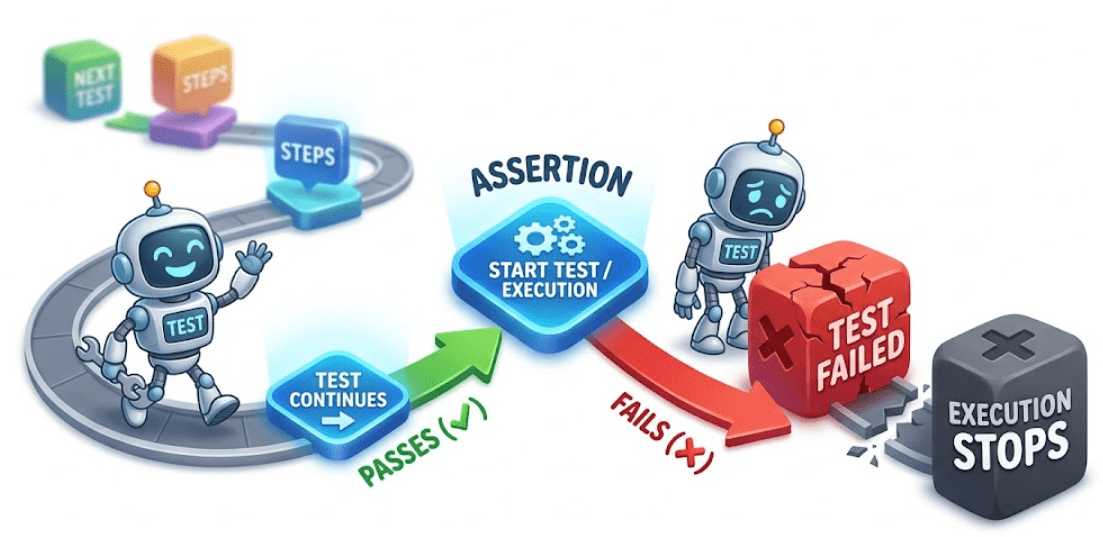
If the condition is true, execution continues normally and the test is marked PASSED
If the condition is false, TestNG raises an AssertionError, and the test is marked FAILED (for hard assertions)
Types of Assertions
In TestNG, assertions are mainly classified into two types based on how they handle test execution after validation:
Hard Assertions
Soft Assertions
Hard Assertions
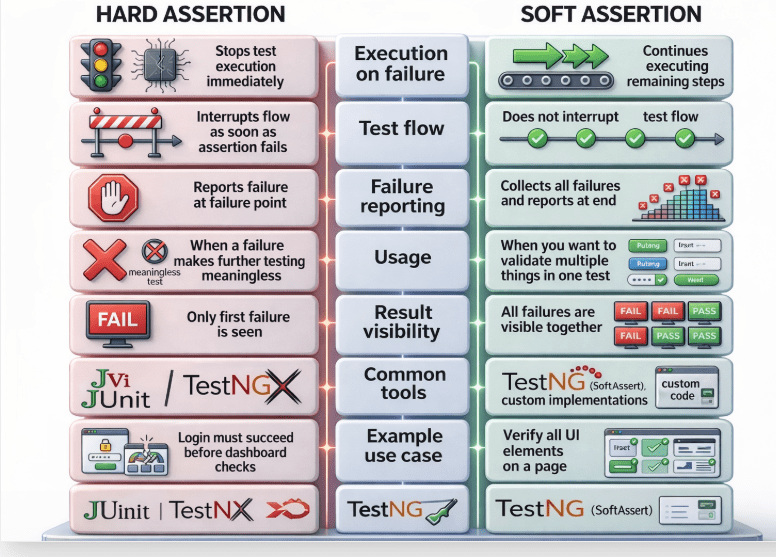
Hard assertions immediately stop the test execution when a validation fails.
If assertion passes → test continues
If assertion fails → test is marked FAILED and execution stops
Example :
Assert.assertEquals(actualTitle, "Home Page");
Used when a failure is critical and further execution is not meaningful.
Example :
SoftAssert soft = new SoftAssert();
soft.assertEquals(actualTitle, "Home Page");
soft.assertTrue(isLogoDisplayed);
soft.assertAll(); // mandatory to report results
Used when you want to validate multiple conditions in a single test.
Soft Assertions
Difference between Hard Assertion and Soft Assertion
TestNG reporting is the mechanism that captures test execution details, results, logs, failures, and metadata, and presents them in structured formats like HTML, XML, and logs
It is automatically generated after execution and can also be extended using listeners and third-party tools.
When you run a TestNG suite, it automatically creates a folder:
/test-output
This folder contains all reports generated by TestNG.
TestNG Reporting
Types of Report
test-output/index.html
What it contains :
Test suite summary
Passed / Failed / Skipped tests
Execution time
Class-wise breakdown
Error stack traces (for failures)
Test methods details
Structure:
Suite view
Test view
Groups view
Reporter output
This is the most commonly used report for debugging.
Emailable Report
test-output/emailable-report.html
Purpose :
Lightweight report
Designed to be sent via email/CI tools
Contains:
Pass/fail summary
Test case names
Execution status
XML Report
test-output/testng-results.xml
Purpose :
Machine-readable format
Used by CI/CD tools like Jenkins
Contains:
Suite structure
Test methods
Execution status
Time stamps
Exceptions
D. JUnit Report
Purpose :
Converts TestNG results into JUnit format
Useful for tools that support only JUnit (like older CI systems)
test-output/junitreports
Summary
4
3
2
1
WebElements represent HTML elements on a web page in Selenium.
5
Check element states: displayed, enabled, selected.
Perform actions: click, type, clear, submit.
1
Assertions validate expected vs actual results in tests.
2
Hard assertions stop execution on failure.
3
Soft assertions continue and report all failures at the end.
4
Common methods include assertEquals, assertTrue, and assertFalse.
5
TestNG reports help analyze results and improve test quality.
Quiz
Where does TestNG generate default reports after execution?
A. src folder
B.test-output folder
C.resources folder
D.logs folder
Quiz - Answer
Where does TestNG generate default reports after execution?
A. src folder
C.resources folder
D.logs folder
B.test-output folder
By Content ITV