






Content ITV PRO
This is Itvedant Content department
Learning Outcome
4
Use TestNG features like annotations and parallel execution.
3
Execute Cucumber tests using TestNG runner.
2
Write feature files and step definitions for automated tests.
1
Understand integration of Cucumber, Selenium, and TestNG.
5
Generate and analyze test reports.
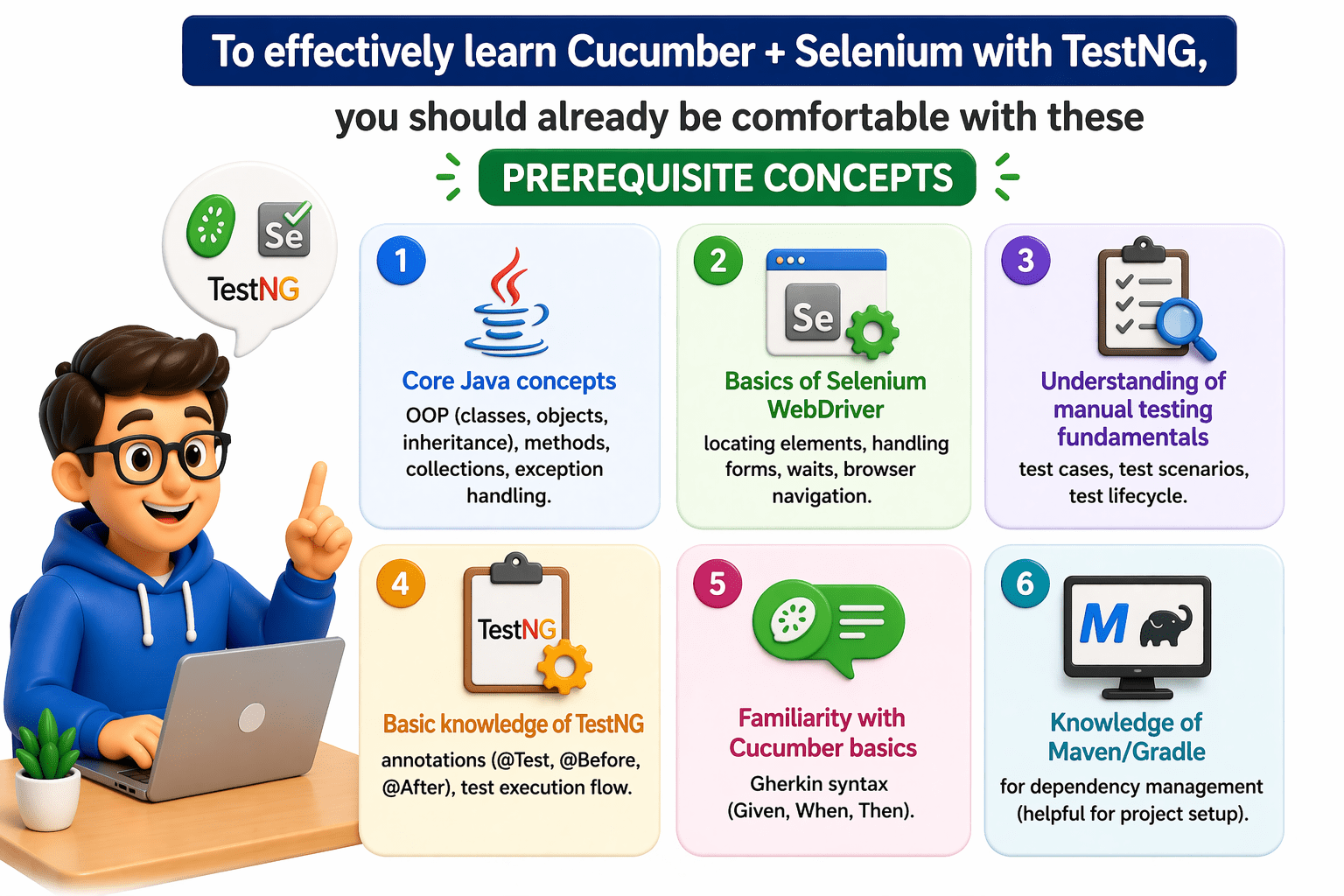
These foundations make it much easier to understand how all three tools integrate into a test automation framework.
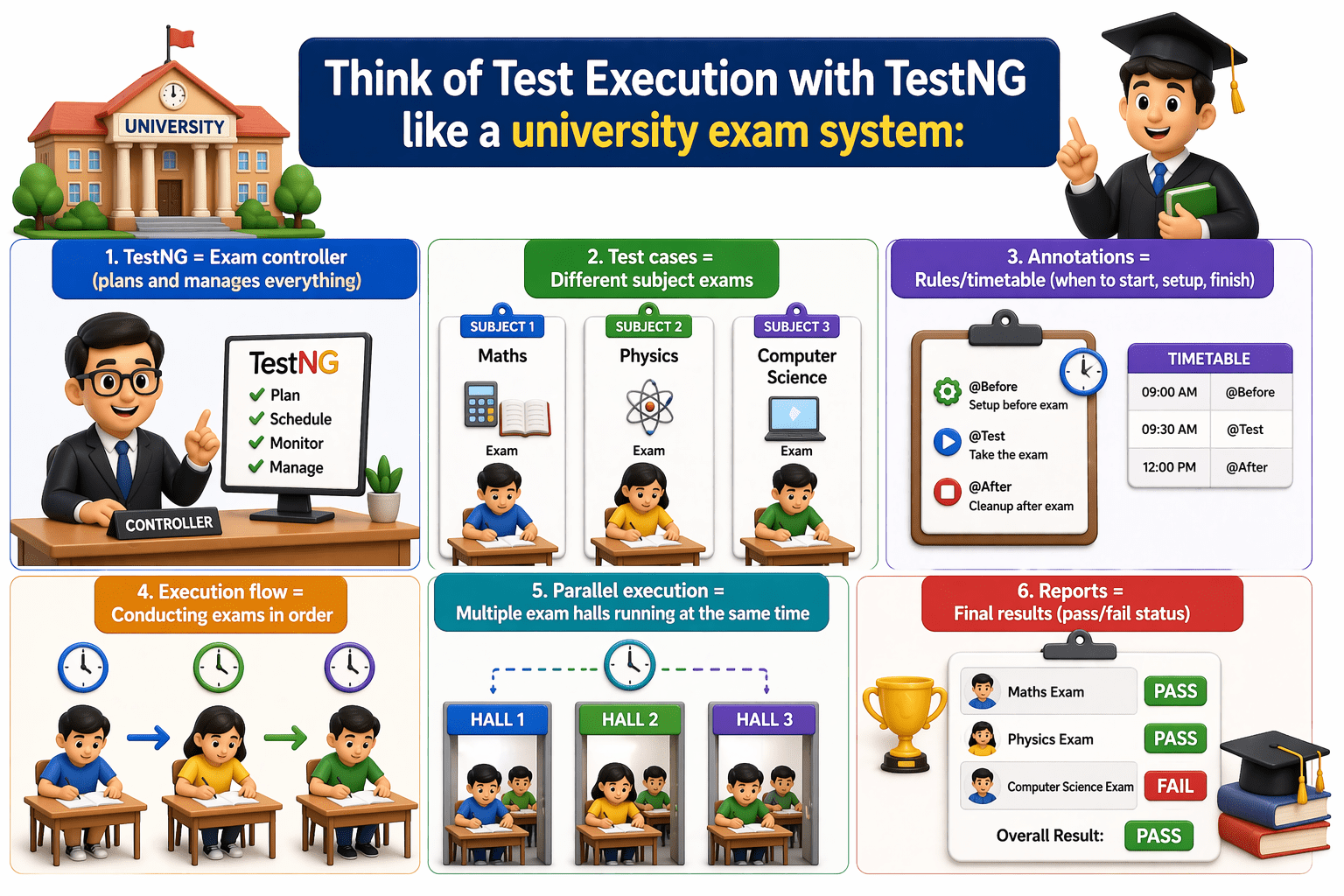
Think of Test Execution with TestNG like a university exam system:
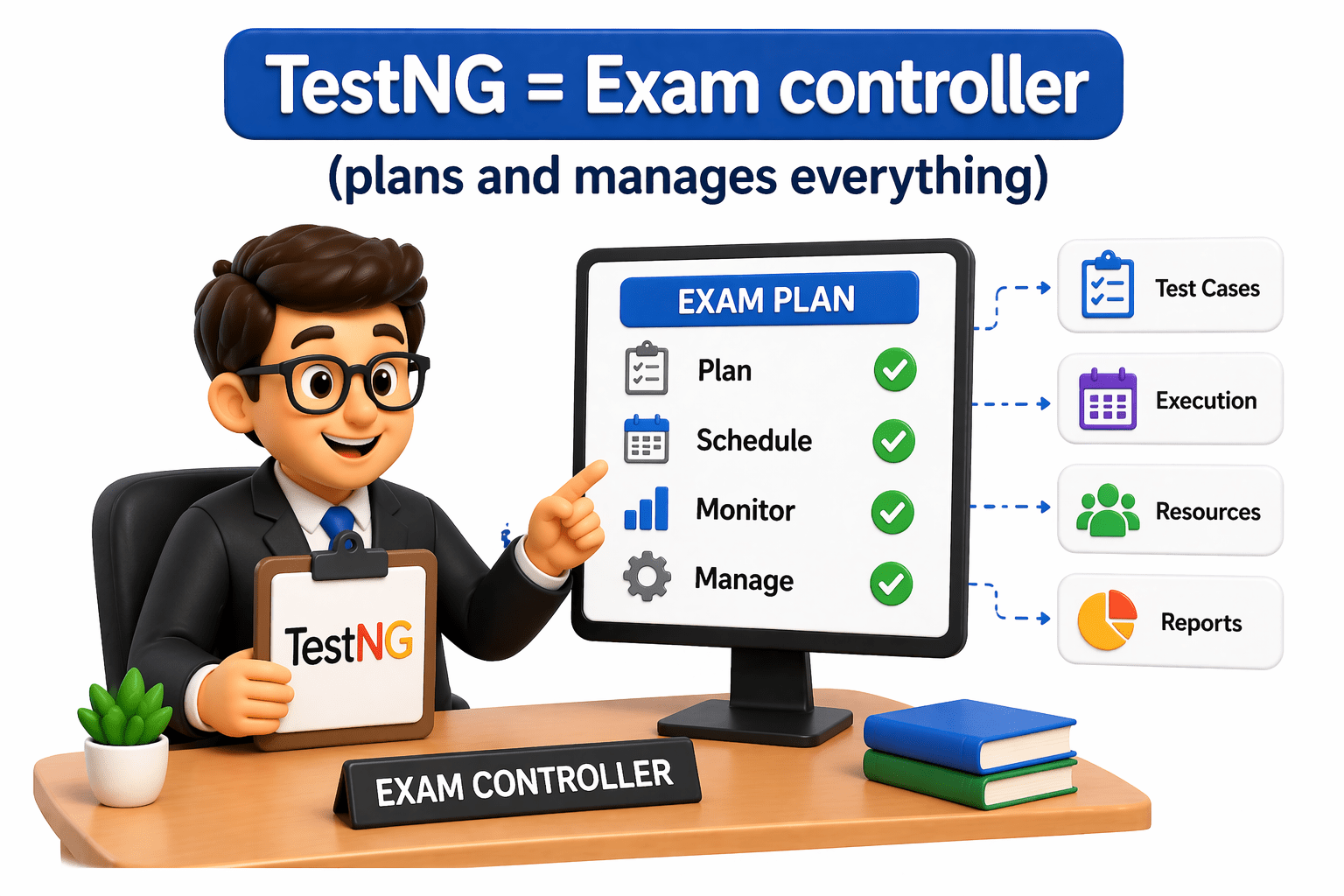
TestNG = Exam controller
(plans and manages everything)
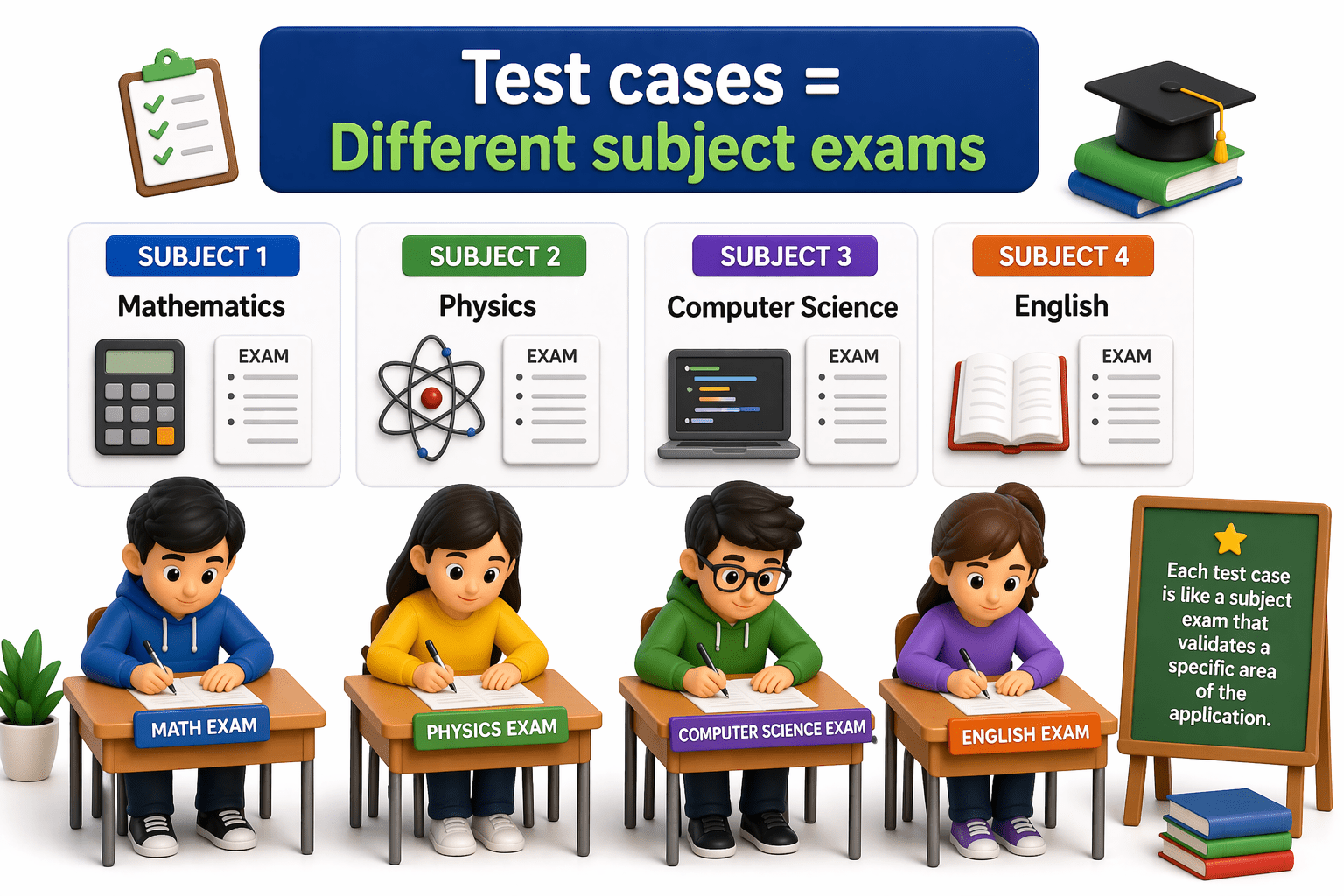
Test cases = Different subject exams
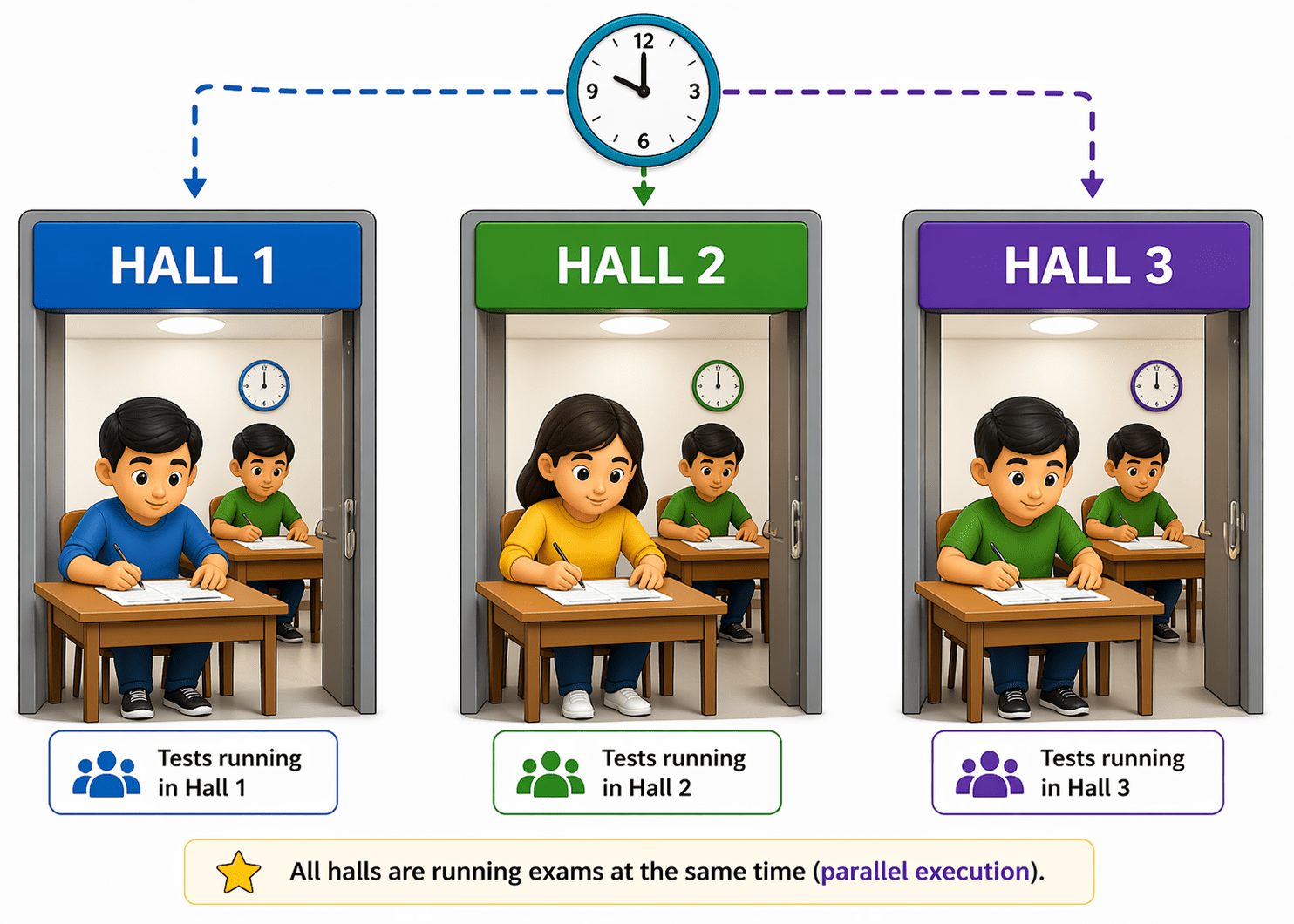
Parallel execution = Multiple exam halls running at the same time
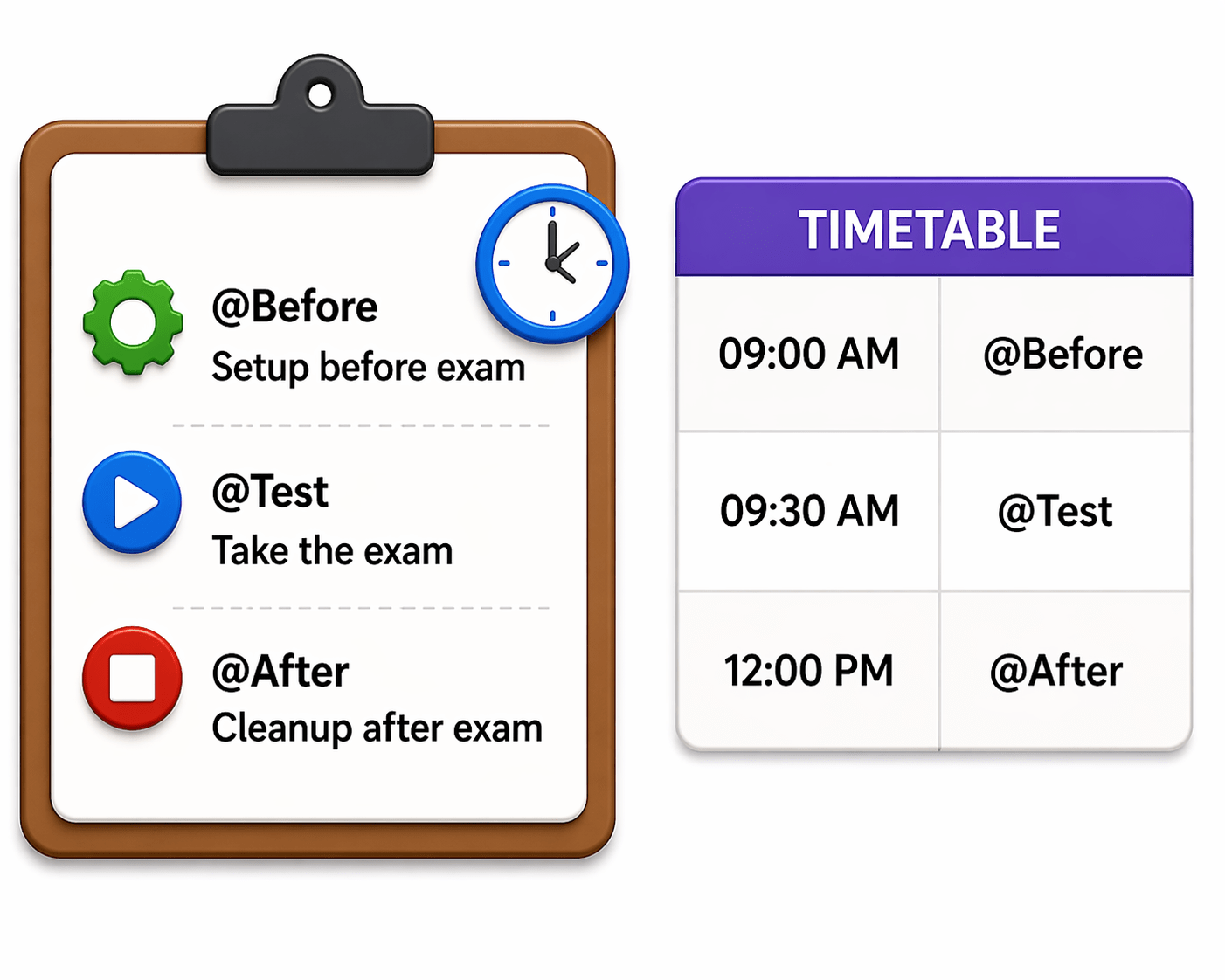
Annotations = Rules/timetable (when to start, setup, finish)
Execution flow = Conducting exams in order
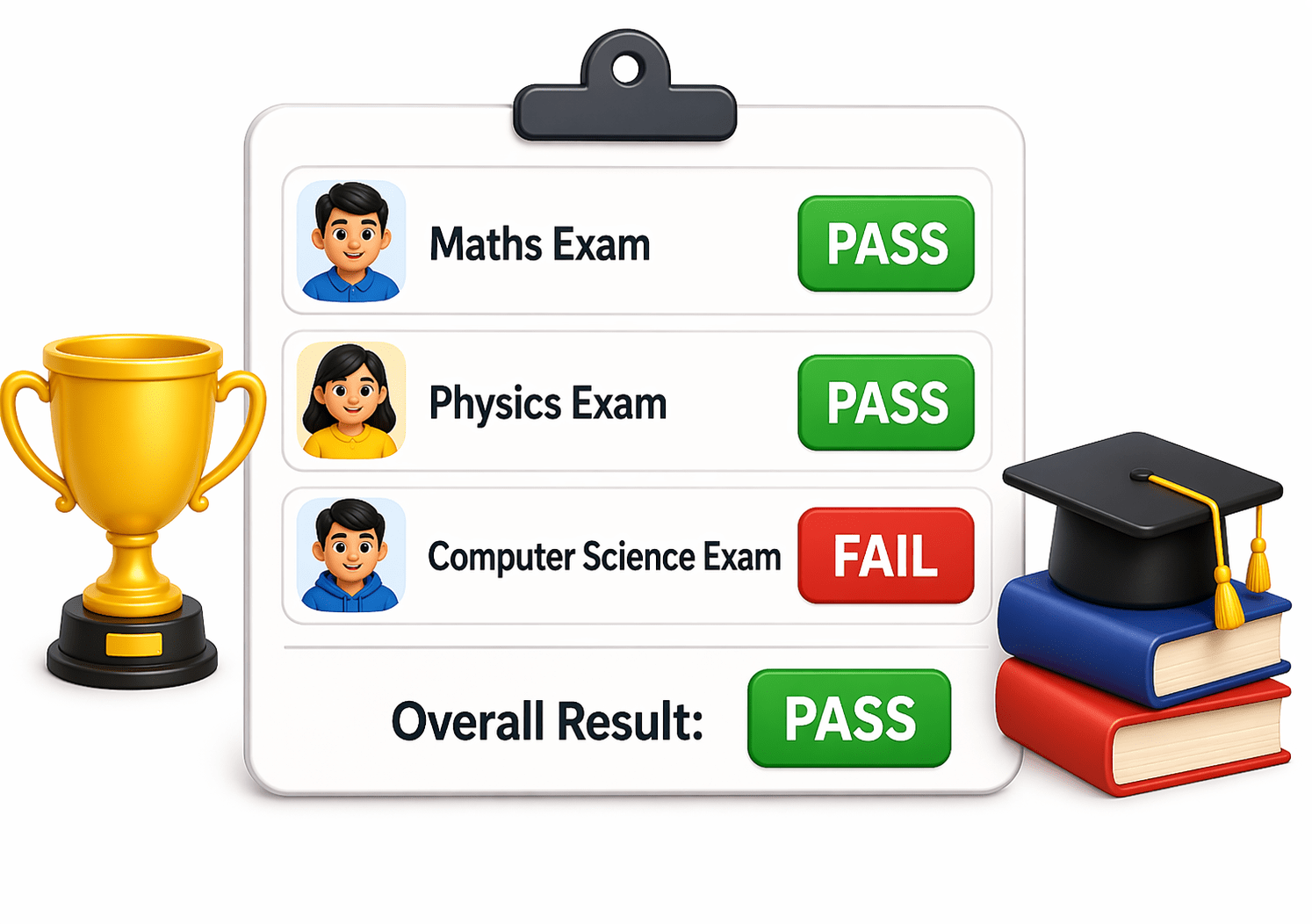
Reports = Final results (pass/fail status)
It shows how TestNG organizes, runs, and evaluates tests in a structured way.
Why do we use TestNG for test execution?
What is Hooks ?
A Hook in Cucumber is a special block of code that runs automatically before or after a test scenario.
Types of Hooks
Hook = code that executes without calling it directly
@Before Hook → runs before each scenario
used for setup (e.g., open browser, initialize data)
@After Hook → runs after each scenario
used for cleanup (e.g., close browser, clear cache)
@Before
public void setup() {
   System.out.println("Browser opened");
}
@After
public void teardown() {
   System.out.println("Browser closed");
}
Hook is used to automatically perform setup and cleanup actions before and after scenarios in Cucumber.
Example:
What is Tags?
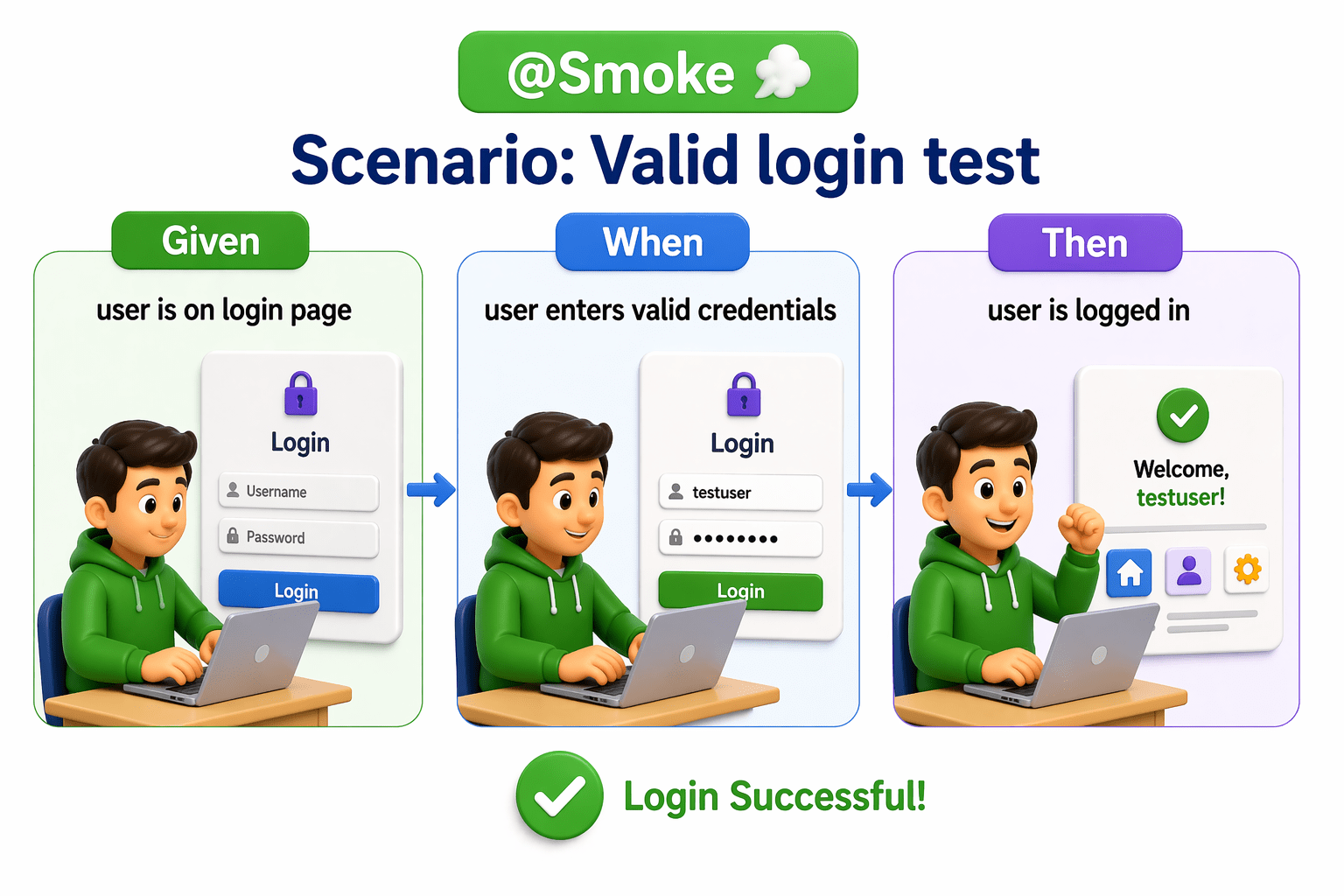
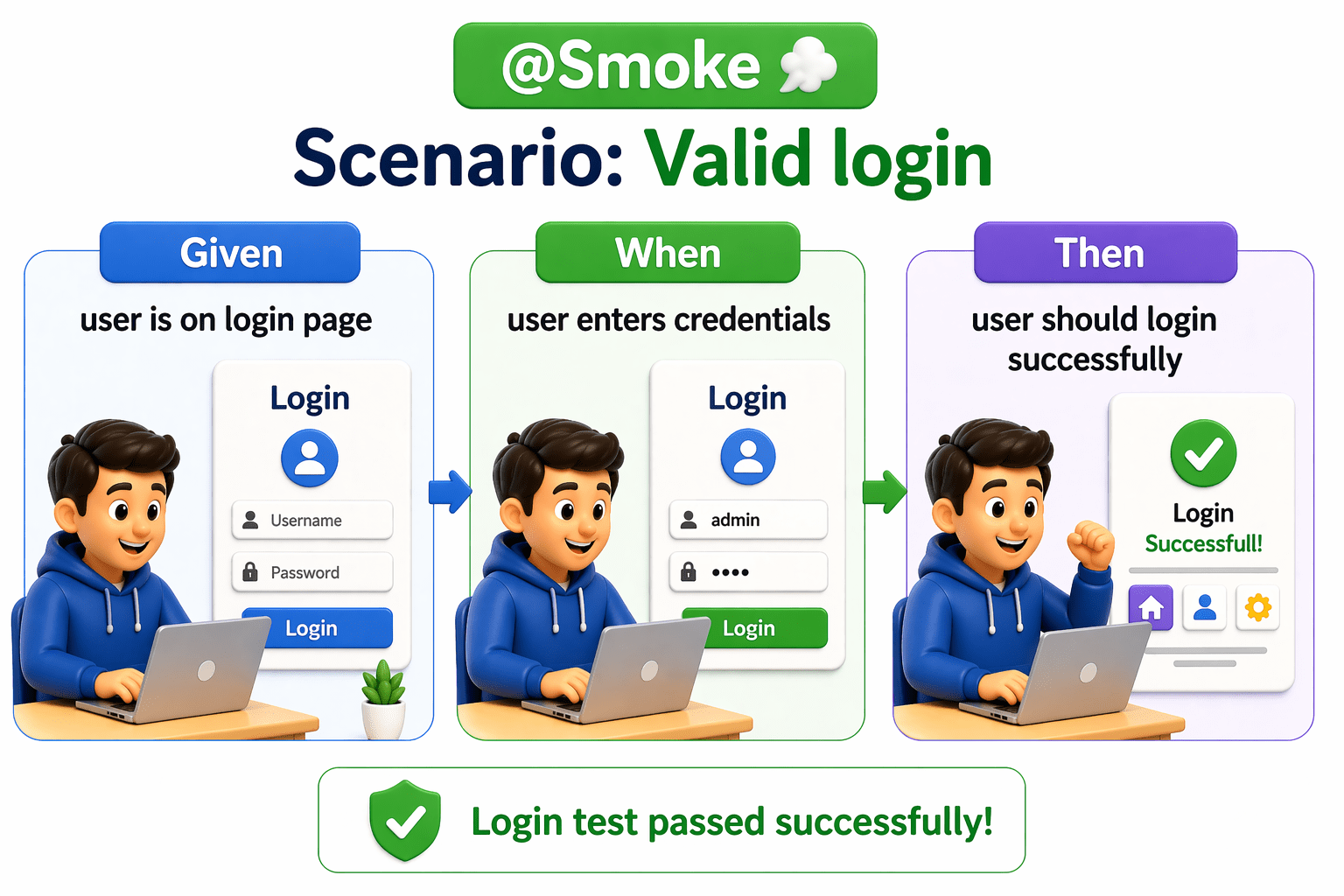
A Tags in Cucumber is a label used to group and organize scenarios in a Gherkin feature file so you can run specific tests.
Tag = a name/label added to a test scenario
Example:
Why Tags are used:
To group tests (e.g., @Smoke, @Regression)
To run only selected scenarios
To avoid running all tests every time
A tag in Cucumber is used to mark and filter test scenarios for execution.
What is pom.xml?
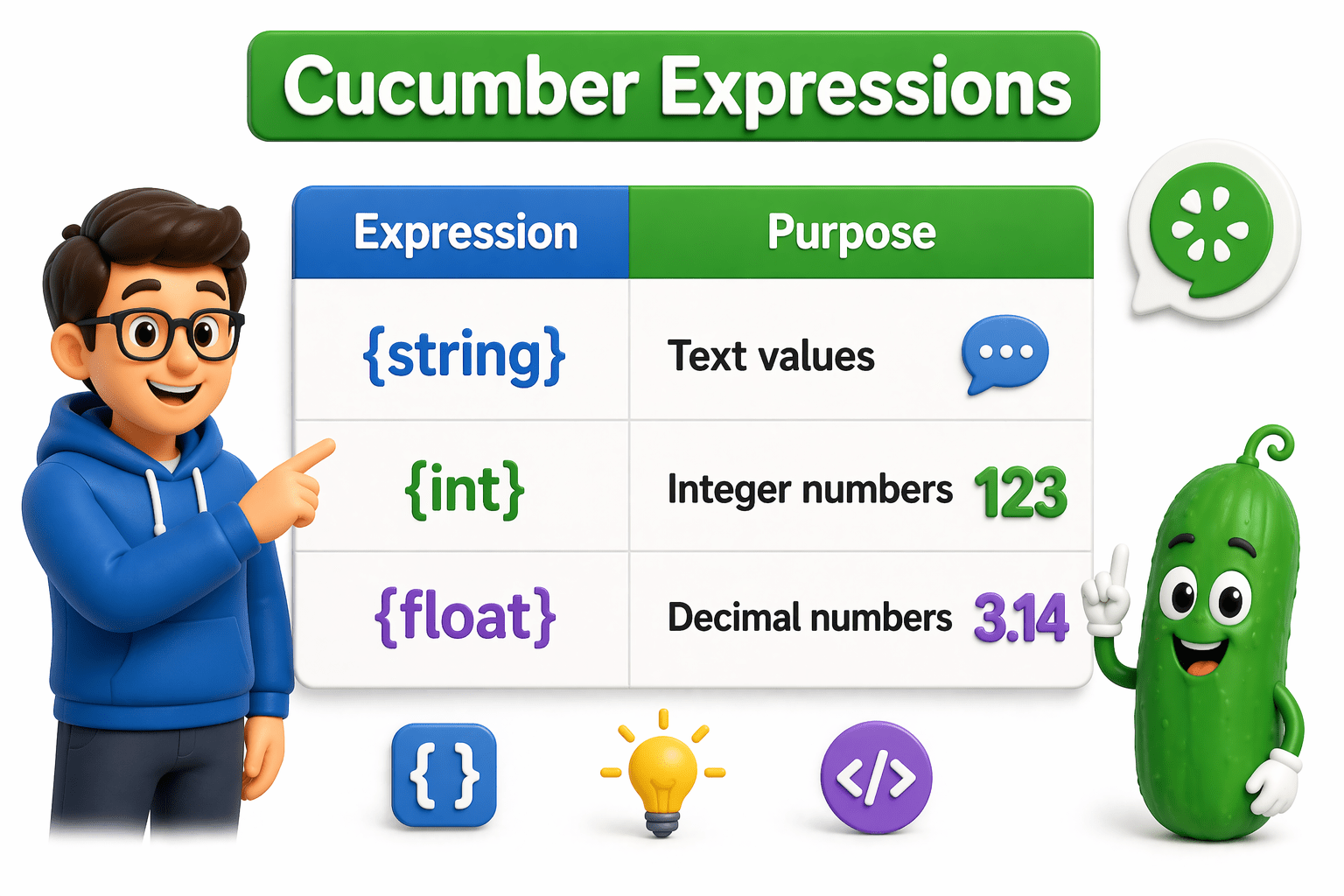
Parameters and expressions in steps
Parameters and expressions allow step definitions to accept dynamic values from Gherkin steps instead of hardcoded data.
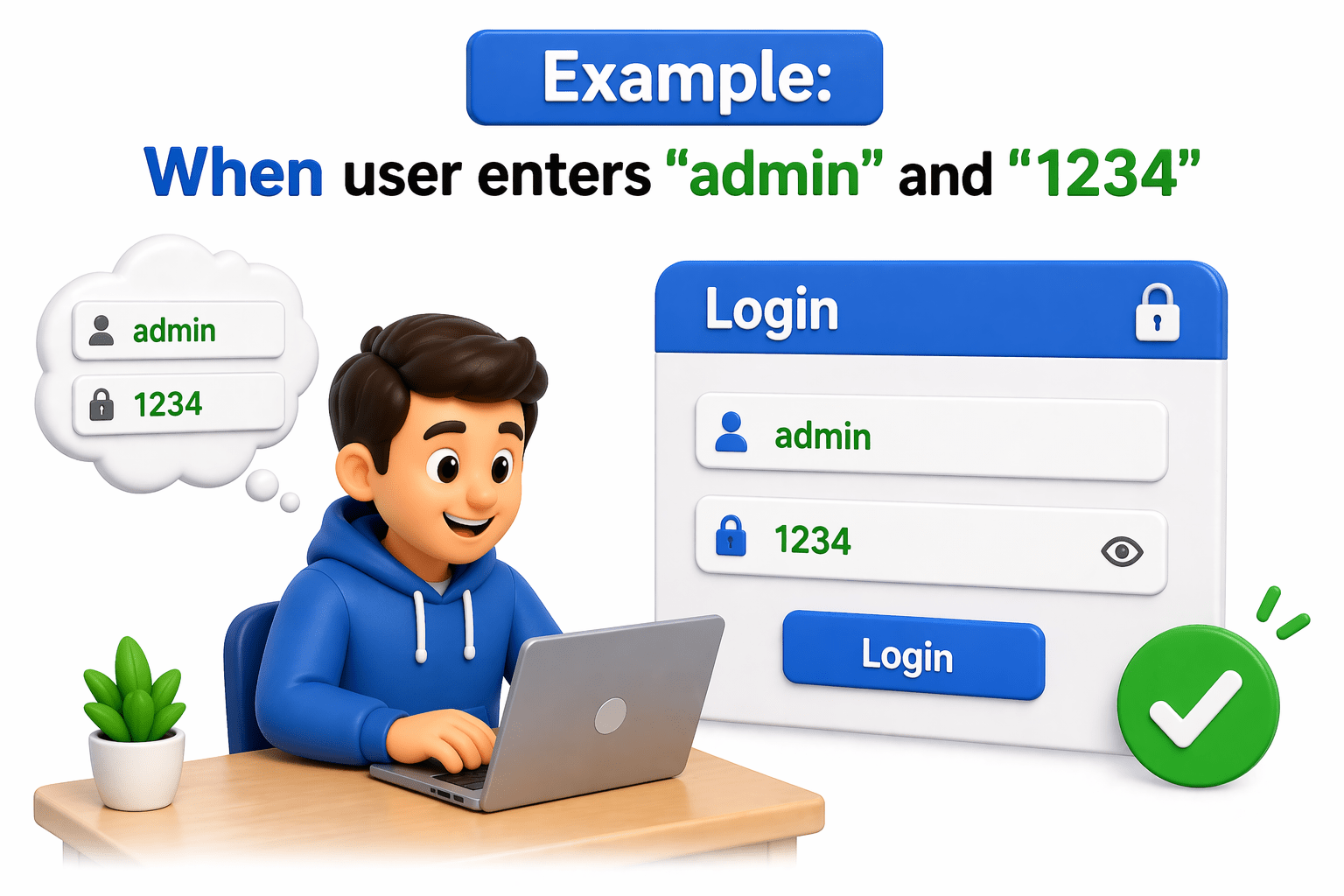
@When("user enters {string} and {string}")
public void enterCredentials(String username, String password) {
   System.out.println(username);
   System.out.println(password);
}
"admin" → username
"1234" → password
Step definition:
Parameters
@When("user adds {int} and {int}")
public void add(int a, int b) {
   System.out.println(a + b);
}
Example:
Expressions
Expressions define how Cucumber identifies and captures values from steps.
What is pom.xml?
Running Tests Using Tags
Tags are used to select and run specific scenarios from a large set of tests written in Gherkin.
Add Tags in Feature File
What is pom.xml?
Running Tests Using Tags
Tags are used to select and run specific scenarios from a large set of tests written in Gherkin.
Configure Tags in Test Runner
@RunWith(Cucumber.class)
@CucumberOptions(
   features = "src/test/resources/features",
   glue = "stepDefinitions",
   tags = "@Smoke"
)
public class TestRunner {
}
This runs only Smoke tests
Using JUnit
What is pom.xml?
Tag Execution Options
✔ Run single tag
tags = "@Smoke"
✔ Run multiple tags (AND condition)
tags = "@Smoke and @Regression"
✔ Run either tag (OR condition)
tags = "@Smoke or @Regression"
✔ Exclude tag
tags = "not @Smoke"
Summary
4
Work with JUnit / TestNG for execution control
3
Improve test control and organization
2
Tags help run specific tests only
1
Hooks (@Before, @After) → handle setup and cleanup (e.g., browser open/close)
Quiz
Which annotation is used for teardown in Cucumber?
A.@Before
B.@After
C.@Test
D.@RunWith
Which annotation is used for teardown in Cucumber?
A.@Before
B.@After
C.@Test
D.@RunWith
Quiz-Answer
By Content ITV