


























Content ITV PRO
This is Itvedant Content department
Python Kickstart
Learning Outcome
5
Differentiate between basic data types and use them appropriately
4
Create and use variables to store and manipulate data
3
Apply in-built Python functions to perform simple operations efficiently
2
Identify and use basic input and output functions for user interaction
Explain what a Dockerfile is
1
Understand how Python programs are written and executed in a structured way
6
Set up a Python environment and run their first working program
Analogy
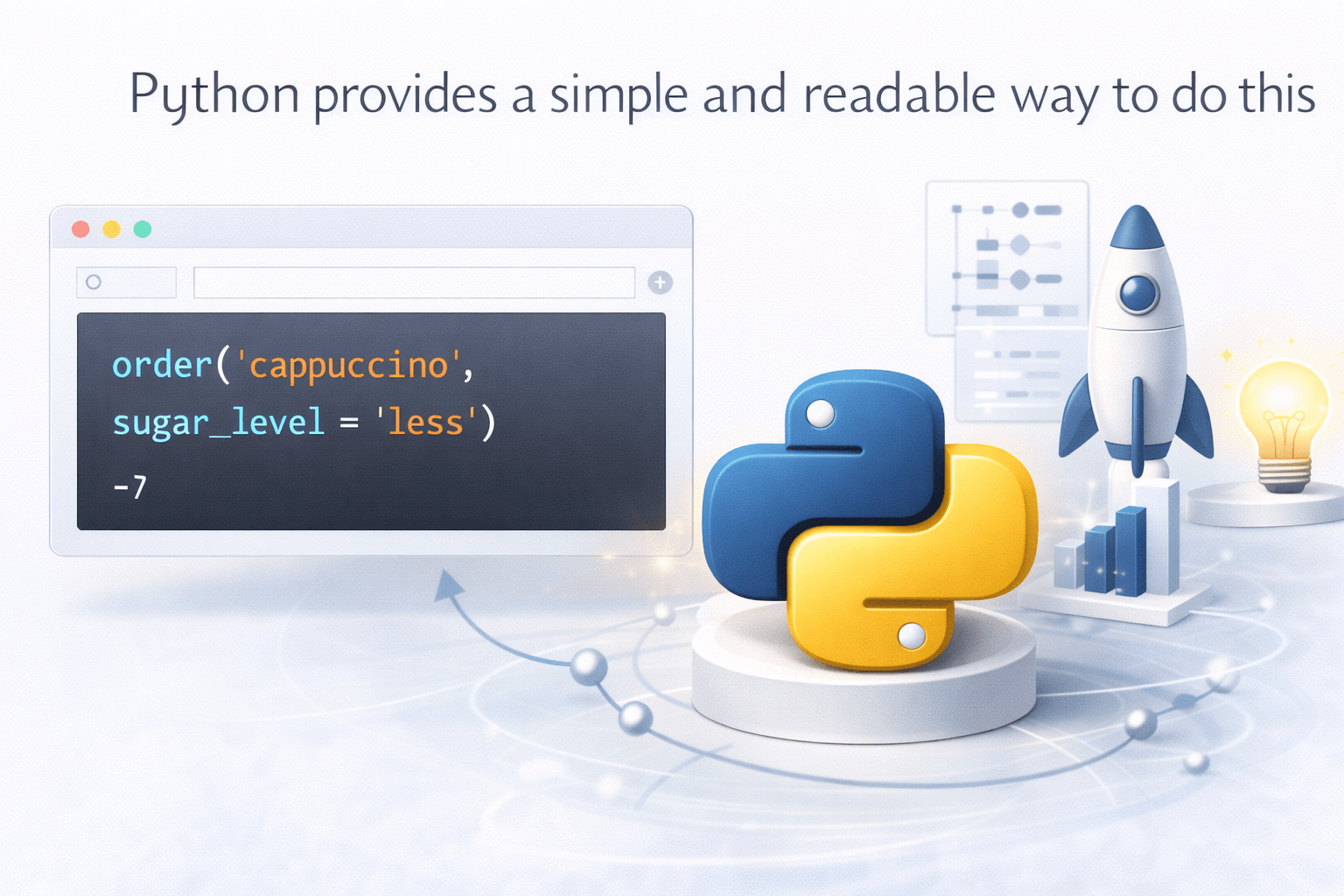
Imagine you walk into a coffee shop
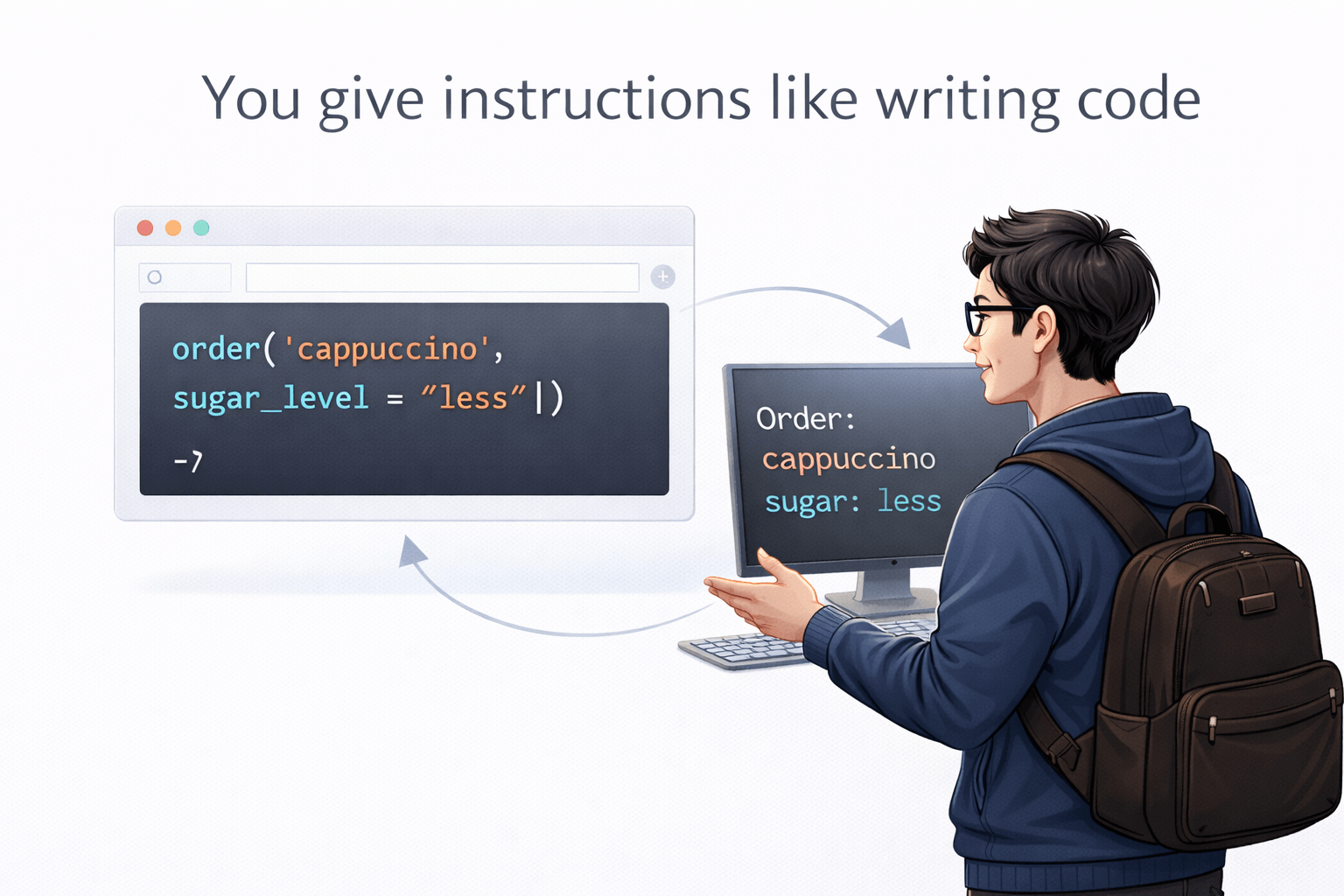
You tell the barista:
“Give me one cappuccino with less sugar.”
You give instructions like writing code
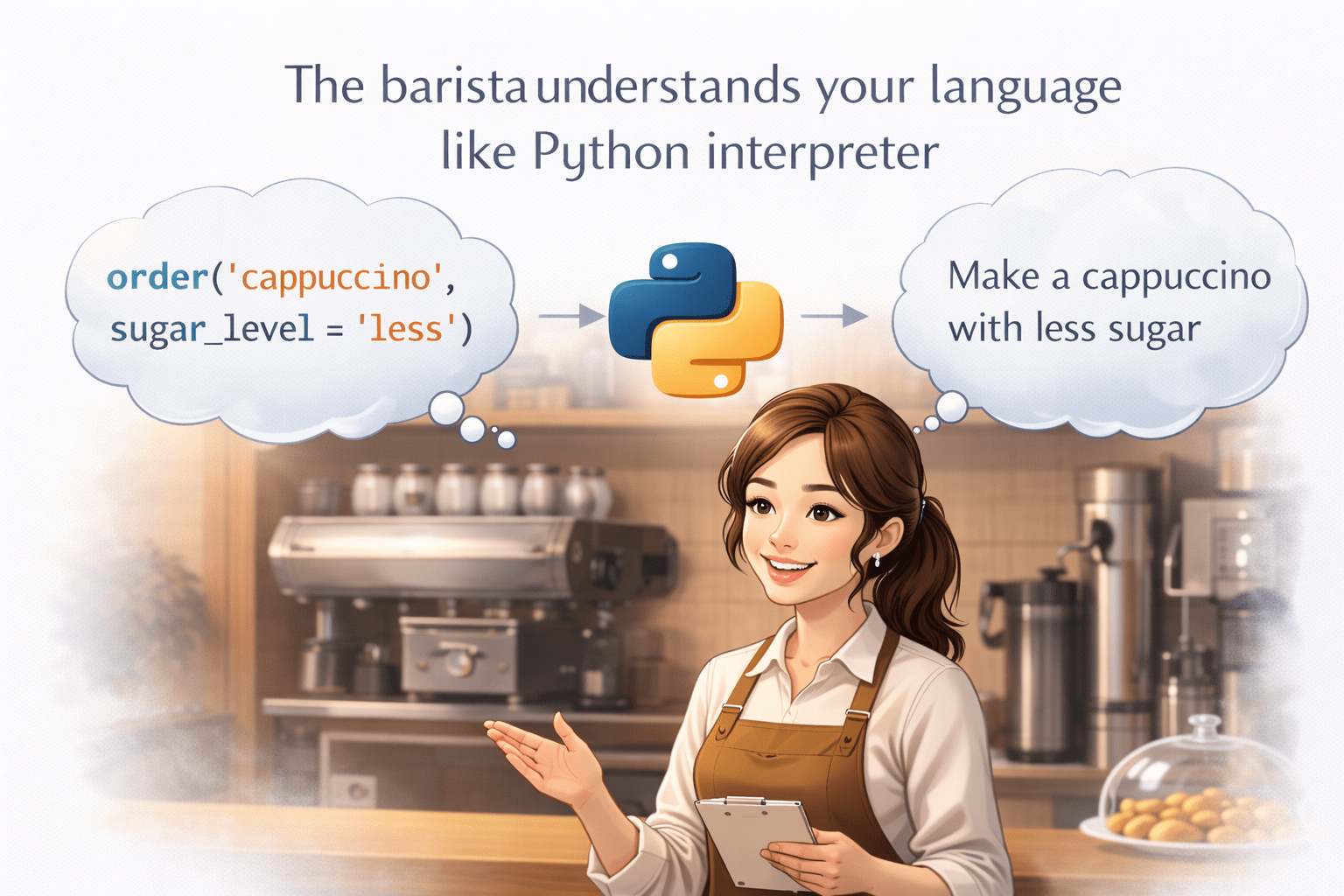
The barista understands your language
like Python interpreter
You get output your coffee
Just like giving clear instructions in real life, programming requires:
Python provides a simple and readable way to do this
Let’s start by writing and running our first Python program.
Writing & Executing First Python Program
Steps:
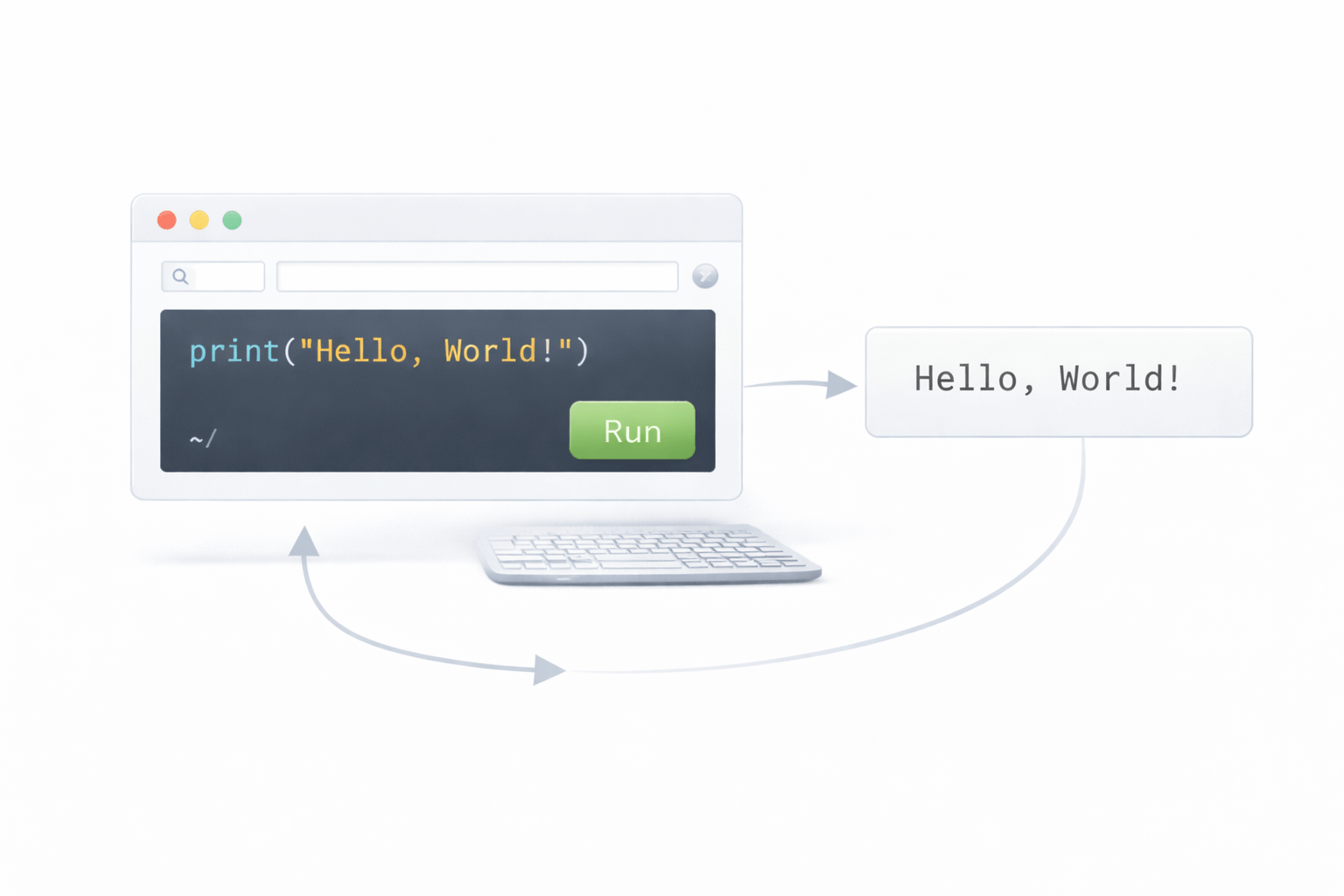
Open Python (IDLE / Colab)
Create a new file
Write your first code
print("Hello, World!")
Run the program
Output:
Hello, World!
Key Insight:
Python executes code line-by-line in a simple readable format
Understanding Python Syntax & Structure
Python uses indentation instead of brackets
Code is written in a clean and readable format
Example:
if 5 > 2:
    print("5 is greater than 2")
Important:
Indentation is mandatory
No semicolons required
Basic Input & Output
Taking Input:
name = input("Enter your name: ")
Displaying Output:
print("Hello", name)
Flow:
User → Input → Processing → Output
In-Built Python Functions
Python provides ready-made functions.
Len : Show the Length of the string
Example :
print(len("Python")) # Output: 6Type : It Return the Datatype of the particular variable
Example :
print(type(10)) # Output: int
max : Find the Maximum Number from the group
Example :
print(max(5, 10, 3)) # Output: 10
Variables
Variables store data.
name = "Sahil"
age = 20
Rules:
No spaces
Cannot start with number
Case-sensitive
Data Types
Common data types in Python
int → 10
float → 10.5
str → "Hello"
bool → True / False
Installing Python & Tools
Install Python
Download from python.org
Install and check version
Default Editor
IDLE (comes with Python)
Other Tools
Colab Example:
Open browser
Write code
Run instantly (no installation)
Hello World Program
The first program everyone writes:
print("Hello World")
Output:
Hello World
Steps:
Open Python/Colab
Type code
Run → see output
Insight:
This confirms your Python setup is working correctly
4
It is used in web development, AI, data science, and automation
3
Python is simple, powerful, and widely used across industries
2
Languages are categorized into low, medium, and high-level based on abstraction
1
Programming languages help humans communicate with computers effectively
Quiz
Who created Python?
A. Bill Gates
B. Elon Musk
C. Guido van Rossum
D. Mark Zuckerberg
Quiz-Answer
Who created Python?
A. Bill Gates
B. Elon Musk
C. Guido van Rossum
D. Mark Zuckerberg
By Content ITV