






























Content ITV PRO
This is Itvedant Content department
Learning Outcome
3
Use try, catch, finally correctly
2
Identify types of exceptions and their hierarchy
1
Explain what exceptions are and why they occur
4
Apply throw and throws in programs
5
Create and use custom exceptions
OOP (Inheritance): Exceptions are classes; understanding parent–child relationships helps in catching parent exceptions for multiple child errors.
The Call Stack: Errors propagate backward through method calls until they are caught.
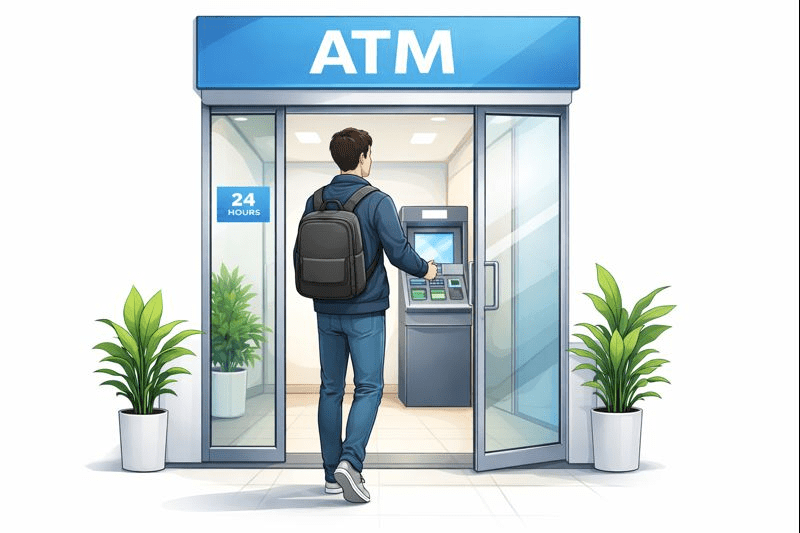
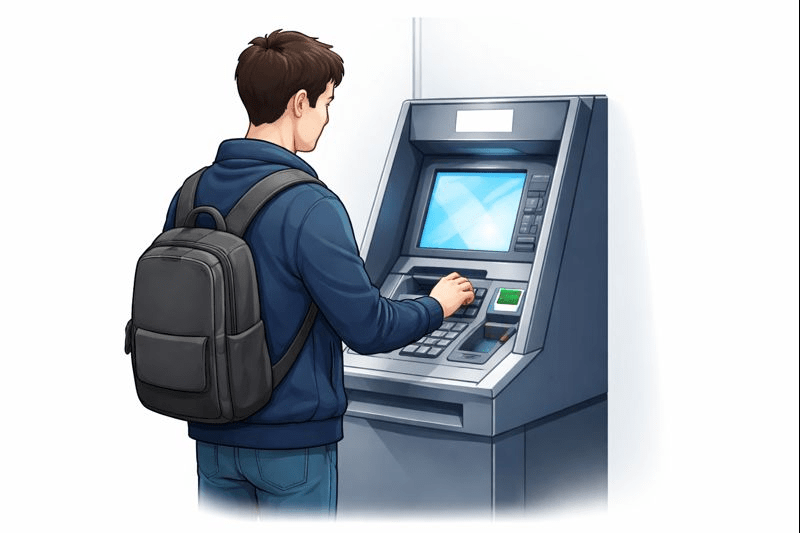
You insert your card
Enter the PIN
Type the amount.
But suddenly, something goes wrong
Everything seems fine.....
After reading the message, you understand that there is a server problem with the ATM,
So You cancel the transaction, walk out, and visit another ATM.”
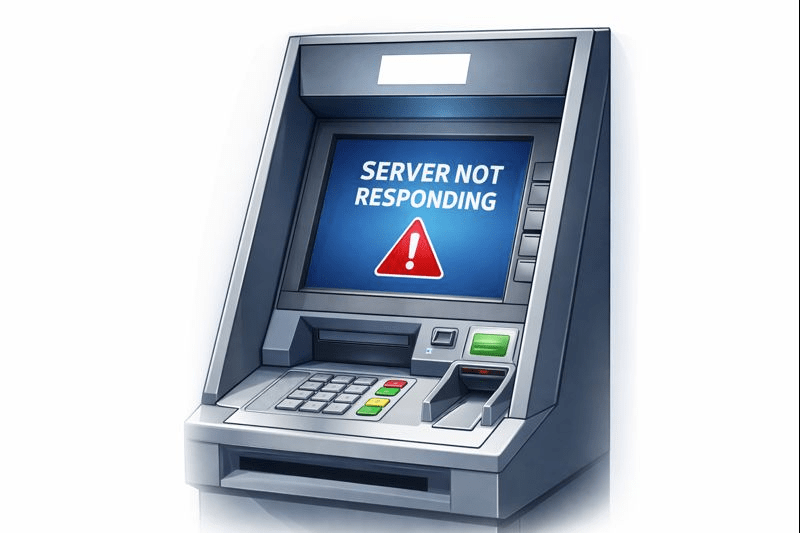
The ATM displays an error message:
‘Server Not Responding’.
If the ATM simply crashed or shut down, you would feel confused and frustrated because: You don’t know what actually went wrong
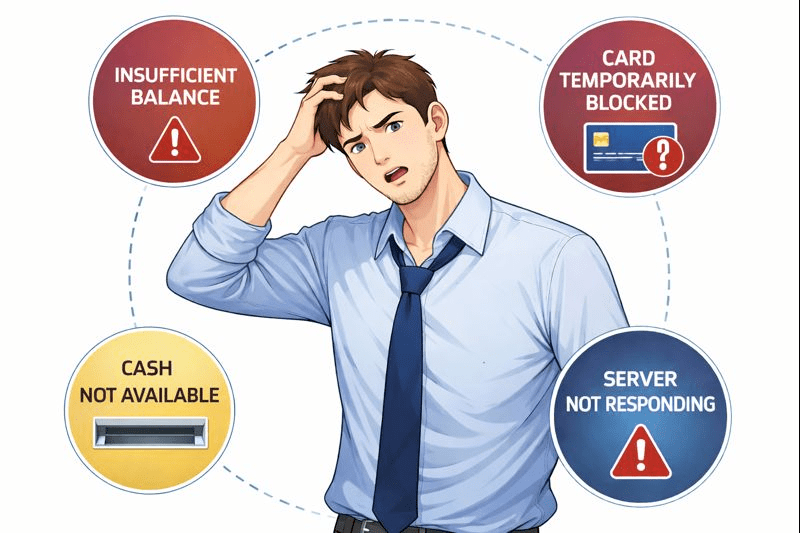
Instead, the ATM displays clear error messages, such as:
“Insufficient Balance”
“Server Not Responding”
“Cash Not Available”
Because of these messages, you understand what went wrong and can decide what to do next—try another ATM, wait, or check your balance.
So just like an ATM needs a system to handle problems gracefully,
Java provides try, catch, and finally blocks to handle errors properly.
That system is called: Exception Handling in Java.
An exception is an event that occurs during program execution and causes the program to behave abnormally.
Defination
An exception is an event that occurs during program execution and causes the program to behave abnormally.
Defination
10 / 0
File Not Found
File does not exist
new FileReader("missing.txt")
Input Mismatch
Entering incorrect input
int x = scanner.nextInt() // "abc"
Arithmetic Error
Dividing a number by zero
What is Exception Handling?
A mechanism used to handle runtime errors so that the normal flow of the program is not interrupted. Without it, the program crashes abruptly.
Try - The Moniter:
Contains code that may cause an exception.
Catch - The Handler:
Handles the exception if it occurs, preventing a crash.
Finally - The Cleanup:
Always executes, regardless of errors. Used for closing resources.
Syntax Structure
try {
// Code that may cause an exception
// e.g., opening a file, dividing by zero }
catch (ExceptionType ) {
// Code to handle the exception
// e.g., print error, log message }
finally {
// Optional block
// Code that always executes
public class Test {
public static void main(String[] args) {
try {
int a = 10;
int b = 0;
int result = a / b; // Exception occurs here
System.out.println(result);
} catch (ArithmeticException e) {
System.out.println("Cannot divide by zero");
} finally {
System.out.println("End of program");
}
}
}
Example
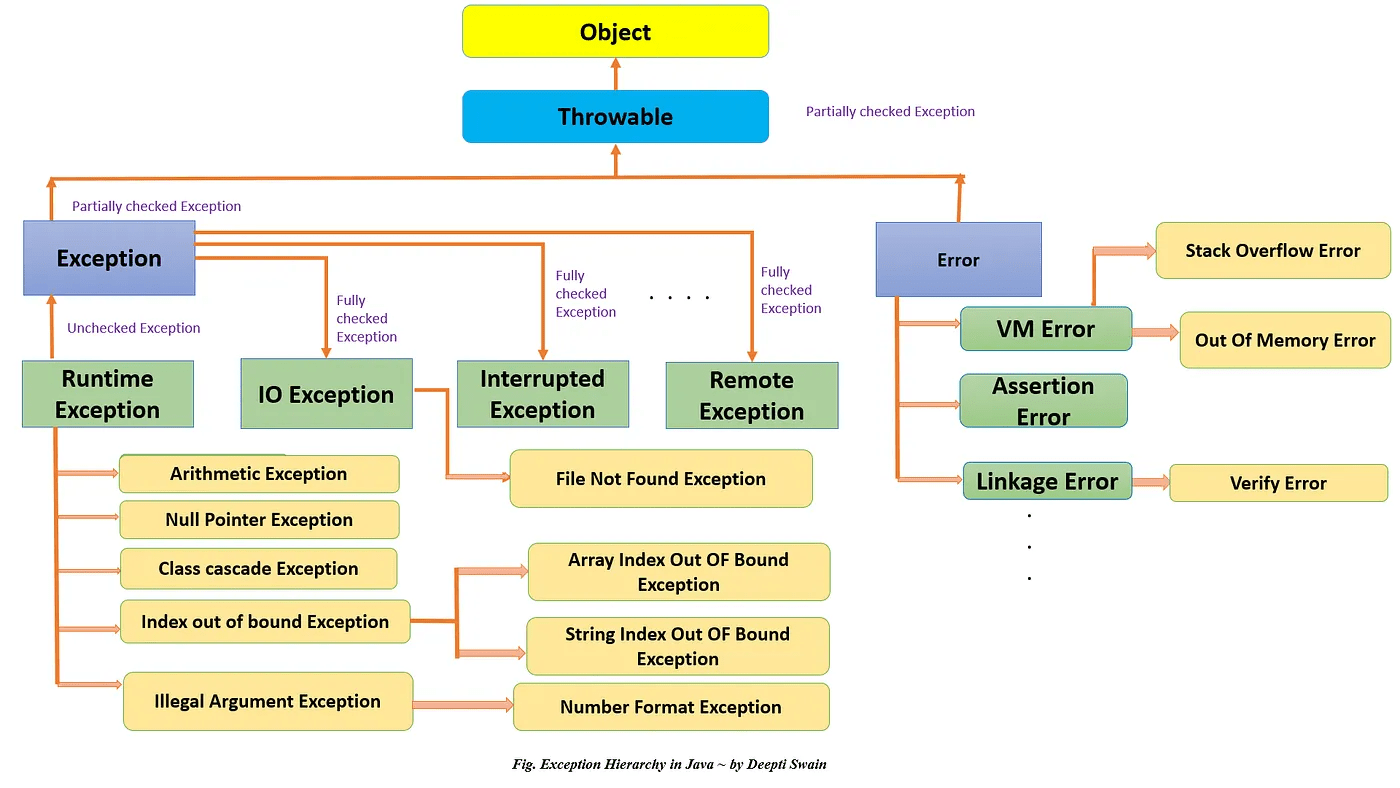
Object
Throwable
Exception
Programmatic Errors
Error
System Errors(JVM)
Error
System Errors(JVM)
RuntimeException
Unchecked Exceptions
Other Exceptions
Checked Exceptions
Occur due to programming logic errors.
Not checked by the compiler (Runtime)
Examples
ArithmeticException
IndexOutOfBounds...
Example
Checked by the compiler at compile-time.
Mandatory handling using try-catch or throws.
SQLException
IOException
Compile-Time Error
Occurs during the compilation phase of the program.
Run-Time Errors
Occurs during the execution phase (while running).
Caused by syntax mistakes or rule violations.
Caused by logic errors or invalid data input.
Program will not run; no .class file is generated.
Program starts but crashes/terminates unexpectedly.
Detected by the Compiler (javac) automatically.
Detected by the JVM when the bad line is executed.
import java.io.FileReader;
public class Test {
public static void main(String[] args) {
try {
FileReader fr = new FileReader("abc.txt"); // file may not exist
} catch (Exception e) {
System.out.println("File not found");
}
}
}
public class UncheckedExample {
public static void main(String[] args) {
int a = 10;
int b = 0;
int result = a / b; // runtime error
System.out.println(result);
}
}
Checked Exception
Unchecked Exception
Sometimes, the built-in exceptions are not enough, so we create our own exception.
Extend Exception for checked or RuntimeException for unchecked exceptions.
Pass the custom error message to the parent class using super(message).
Use throw to raise the custom exception in your code.
class InvalidAgeException extends Exception {
InvalidAgeException(String msg) {
super(msg);
}
}
class Test {
public static void main(String[] args) throws InvalidAgeException {
int age = 16;
if (age < 18)
throw new InvalidAgeException("Not eligible");
}
}
Example
Throw
Throws
Used to explicitly throw an exception instance.
Used to declare potential exceptions.
Followed by an instance of a class.
Followed by class names.
Used inside the method body.
Used with the method signature.
Cannot throw multiple exceptions.
Can declare multiple (comma separated).
Summary
4
finally runs whether error happens or not
3
try-catch handles errors safely
2
Exceptions have different types and levels
1
Exceptions are runtime errors that stop normal flow
5
Custom exceptions help handle special cases
Quiz
Which of the following is a checked
exception in Java?
A. ArithmeticException
B. NullPointerException
C. IOException
D. ArrayIndexOutOfBoundsException
Which of the following is a checked
exception in Java?
A. ArithmeticException
B. NullPointerException
C. IOException
D. ArrayIndexOutOfBoundsException
Quiz-Answer
By Content ITV