



Content ITV PRO
This is Itvedant Content department
Automate CartForge Server Tasks Using Bash Scripts
Business Scenario
After monitoring is set up, everything initially looks stable.
But after a few days, the manager notices recurring issues again.
Disk space keeps filling up
Logs are growing continuously
Temporary files are not getting cleared
System performance drops over time
The manager calls the Junior DevOps Engineer and explains:
“We now have visibility into the system, but problems keep coming back.”
He continues:
“Logs keep increasing, unnecessary files are piling up, and we are fixing everything manually again and again.”
“This approach is not scalable. If traffic increases, these issues will grow faster.”
“We need a permanent solution.
The manager clearly defines the next step:
“We need automation using Bash scripts.”
“Routine server tasks should run automatically without manual intervention.”
He adds:
“If we automate these tasks, the system will maintain itself and stay stable.”
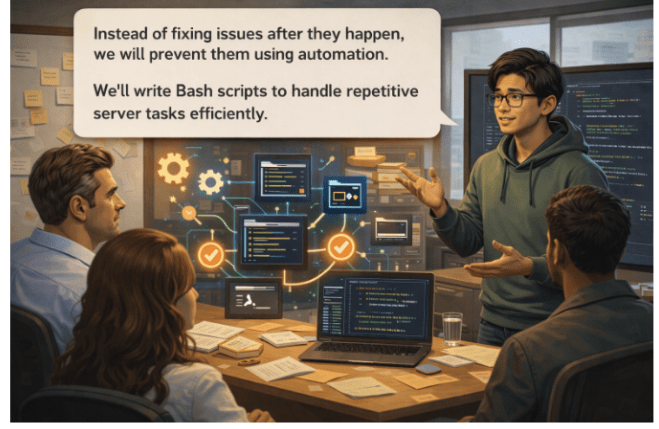
The Junior DevOps Engineer gathers the team and explains:
“Instead of fixing issues after they happen, we will prevent them using automation.”
“We’ll write Bash scripts to handle repetitive server tasks efficiently.”
Pre-Lab Preparation
1) What is Bash Script 2) Why Bash Script
3) Variables Loops 4) Error Handling Commands like echo and read Functions
Task 1: Automate CartForge Server Tasks Using Bash Scripts
1
Create Your First Script
2
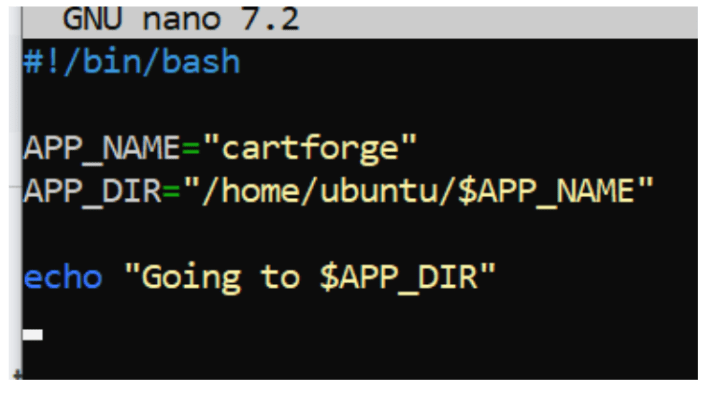
Using Variables in Real Script
nano var.sh
#!/bin/bash

APP_NAME="cartforge"
APP_DIR="/home/ubuntu/$APP_NAME"

echo "Going to $APP_DIR"
3
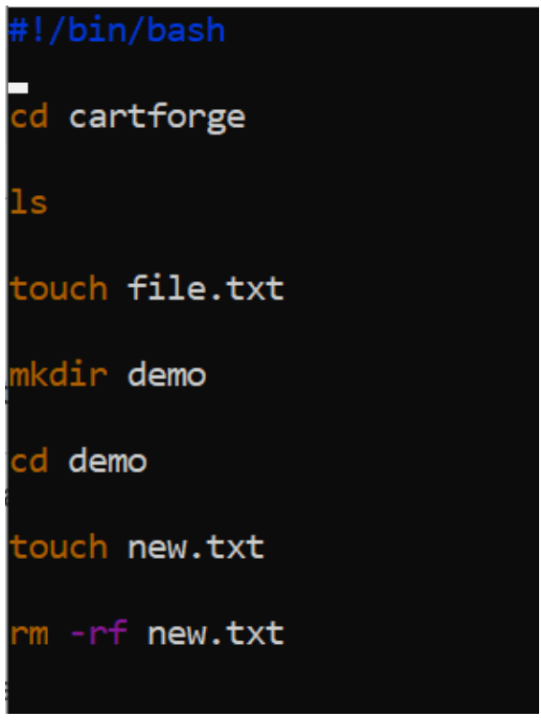
Commands in DIR
Output :
4
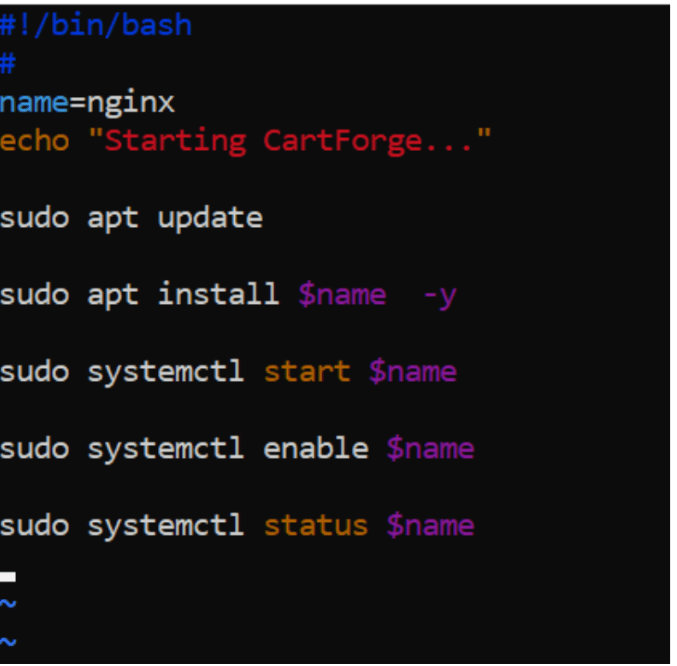
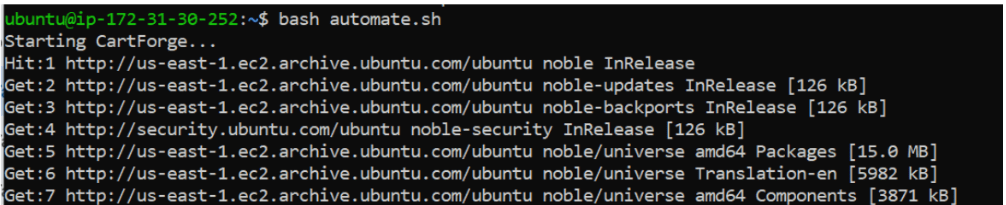
Script: Start Application
nano automate.shOutput :
5
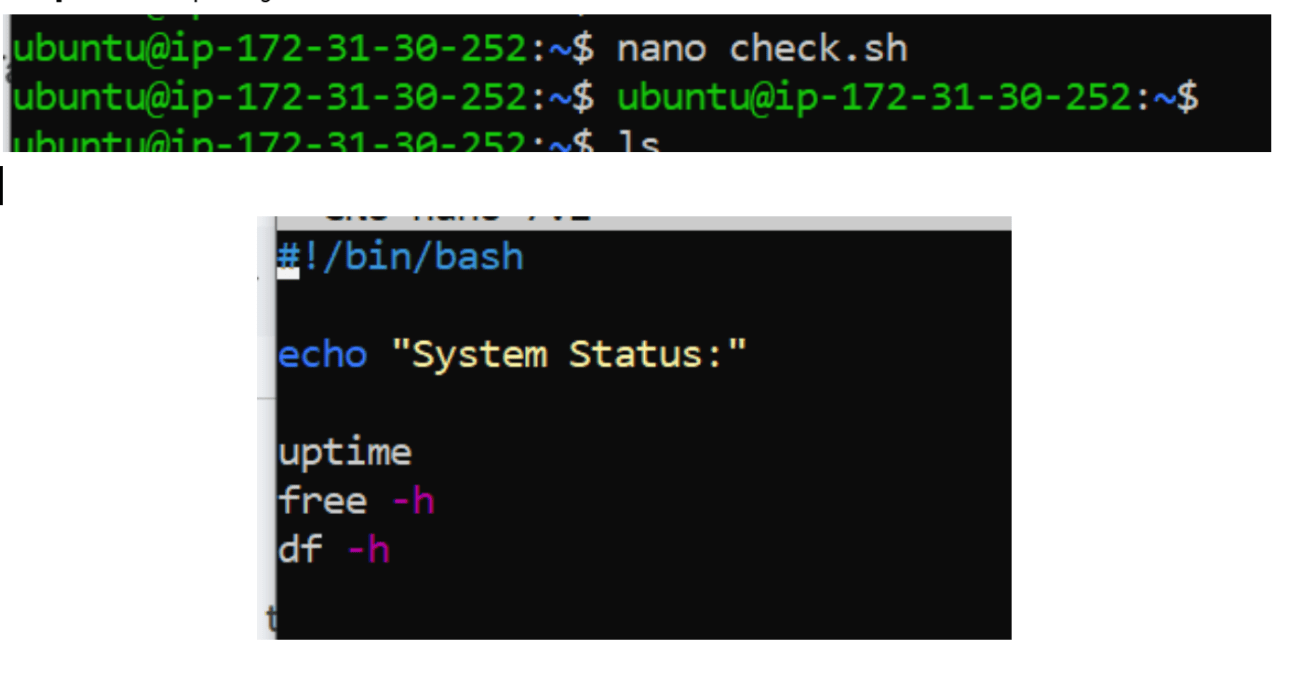
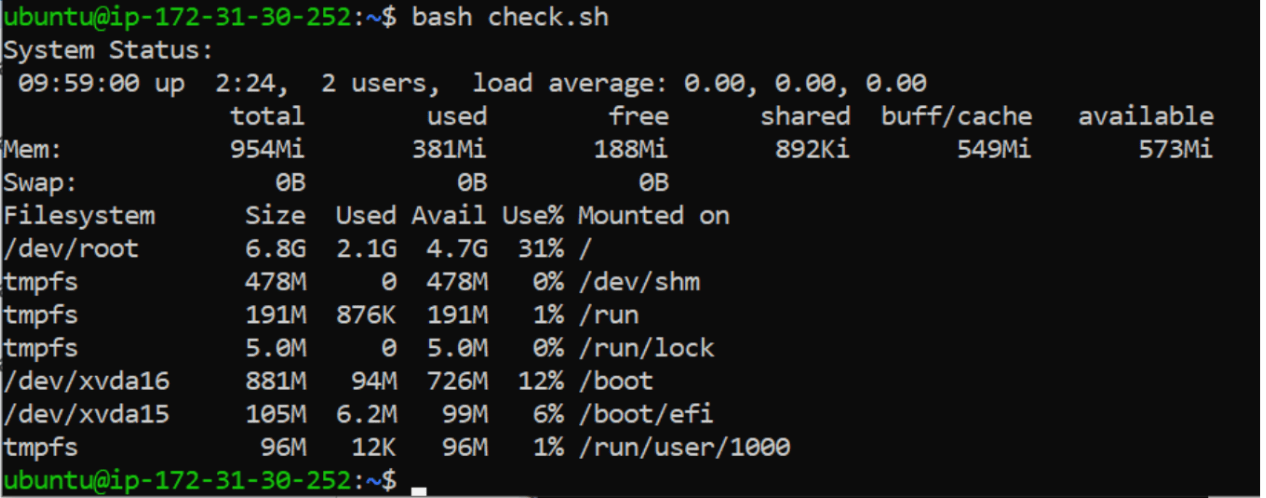
Script: System Health Check
Output :
Task 2: Build Dynamic Workflows with Bash (Inputs, Loops, Conditions)
After implementing basic automation with Bash scripts, the CartForge servers become stable.
But after some time, the manager notices a limitation.
The scripts are running…
…but they are too static.
Same actions run every time
No decision-making
No flexibility based on system state
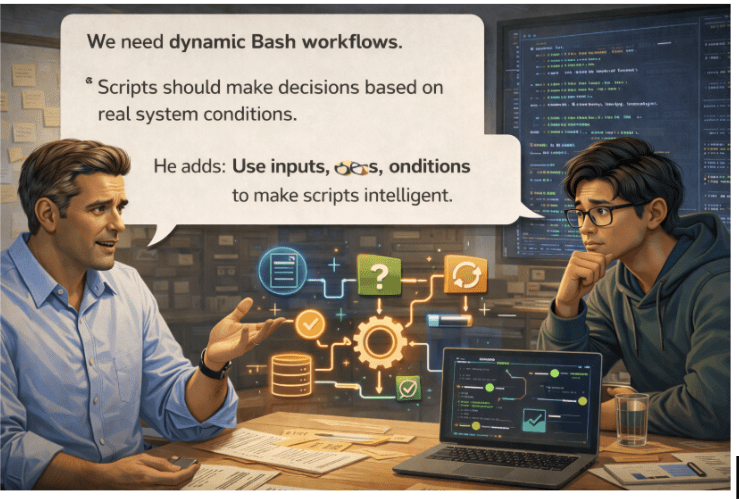
The manager realized the automation lacked intelligence and suggested smarter, condition-based workflows instead of repetitive tasks
The Junior DevOps Engineer gathers the team and explains:
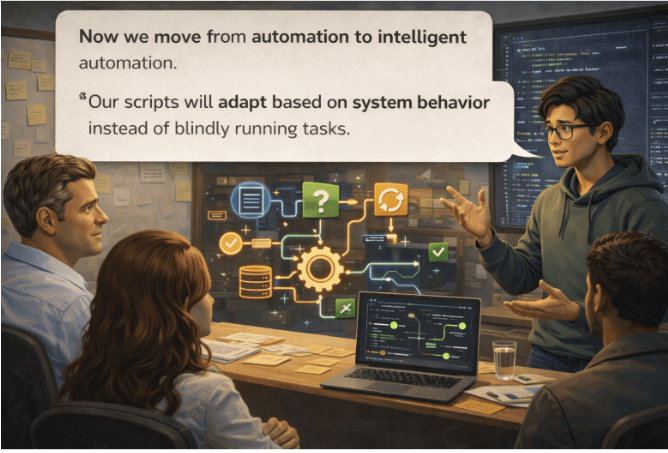
“Now we move from automation to intelligent automation.”
“Our scripts will adapt based on system behavior instead of blindly running tasks.”
1
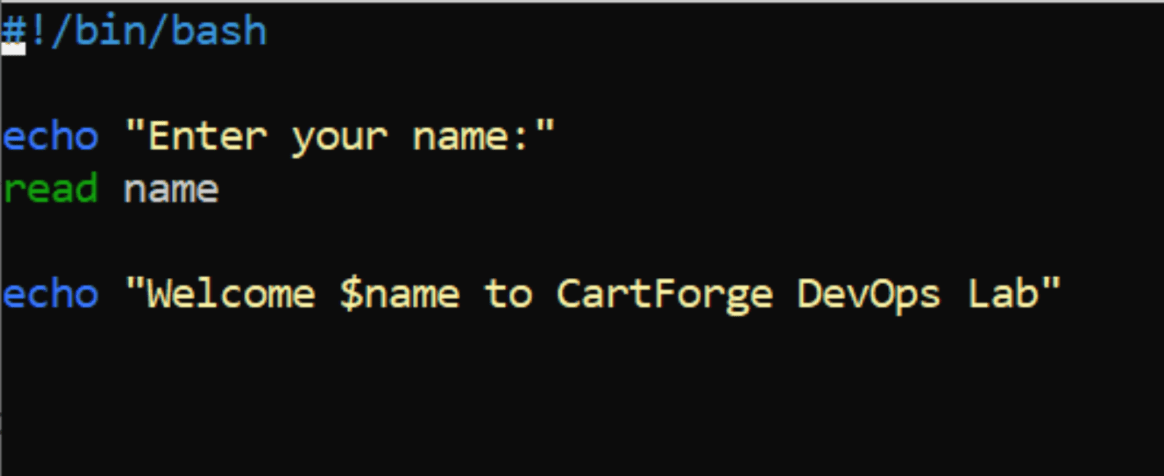
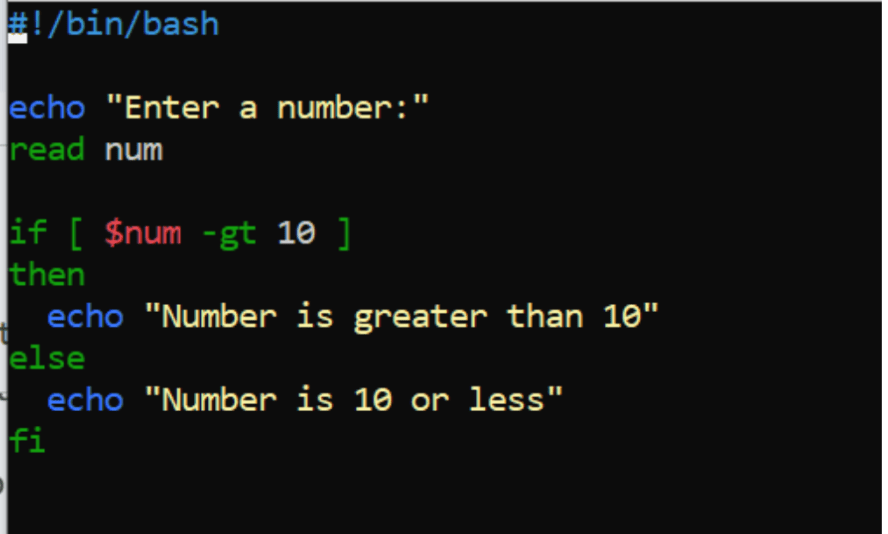
Taking User Input
Create Script : nano dynamic.sh
2
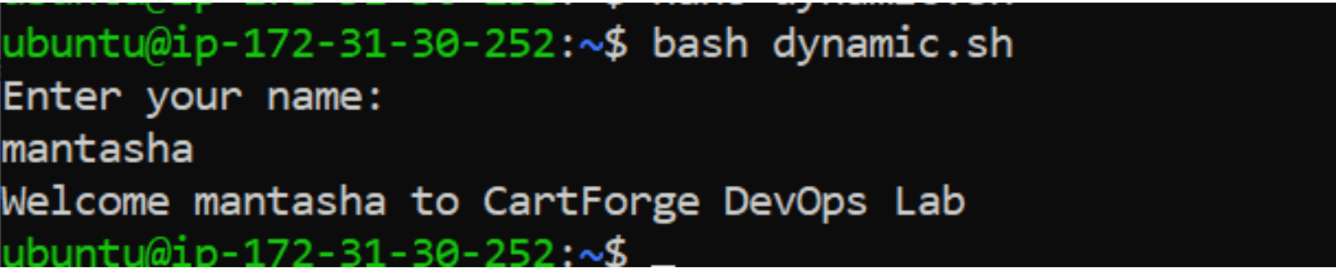
Run
chmod +x dynamic.sh
bash dynamic.sh
3
Update Script
Nano if.sh4
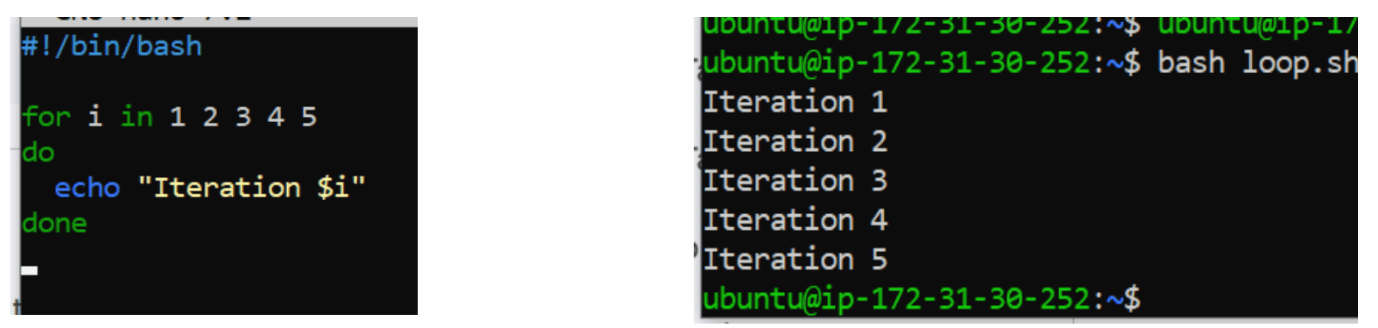
Loops (Repeat Tasks)
nano loop.sh 5
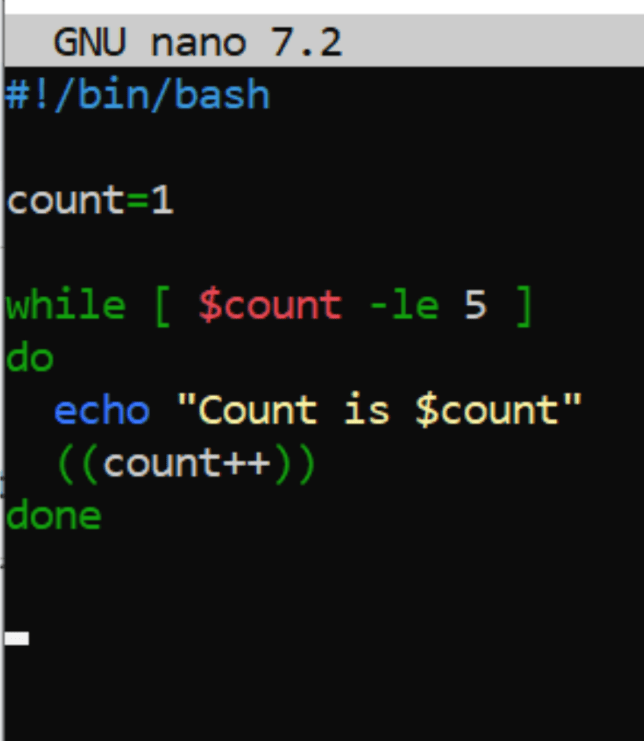
While Loop
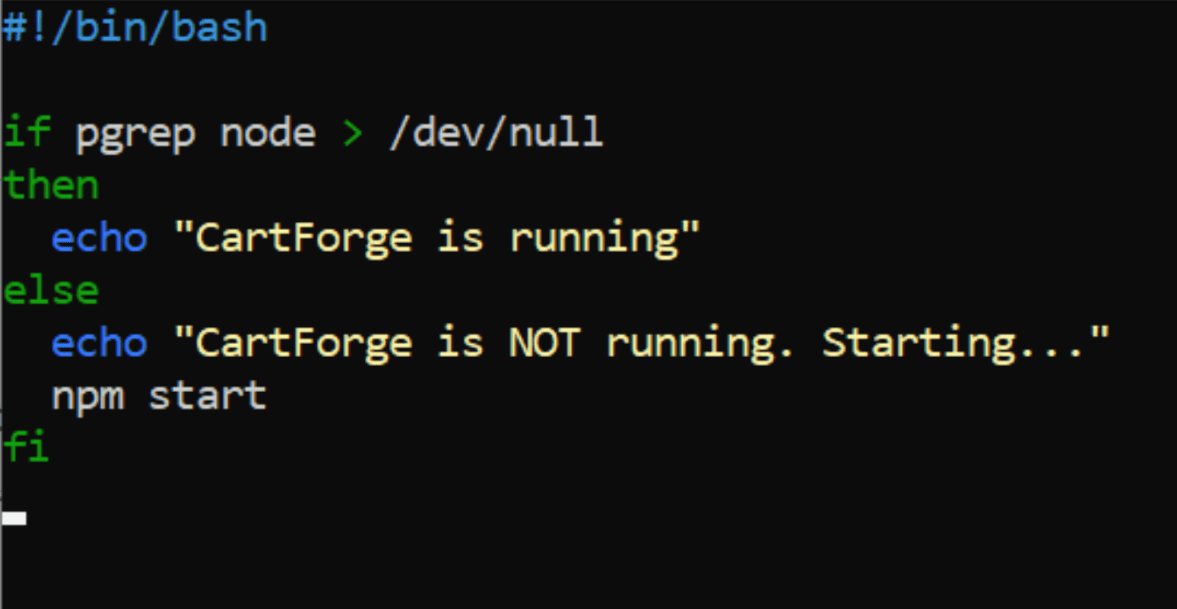
Check If App is Running
6
Task 3: Create Reusable Checks & Handle Automation Errors
After adding dynamic Bash workflows, CartForge becomes smarter:
It takes inputs, makes decisions, and runs tasks conditionally.
But new challenges appear — silent failures, repeated checks, and difficult debugging.
The manager calls the Junior DevOps Engineer and explains:
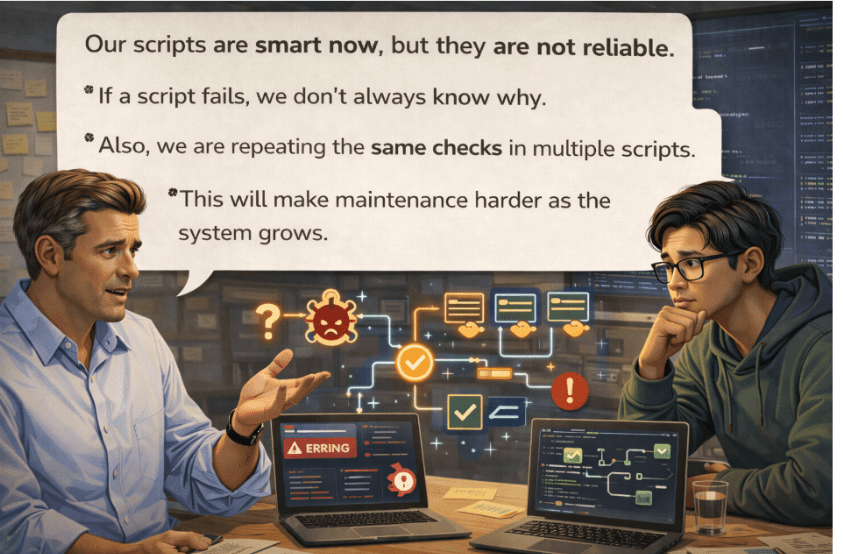
“Our scripts are smart now, but they are not reliable.”
He continues:
“If a script fails, we don’t always know why.”
“Also, we are repeating the same checks in multiple scripts.”
“This will make maintenance harder as the system grows.”
The Junior DevOps Engineer gathers the team and explains:
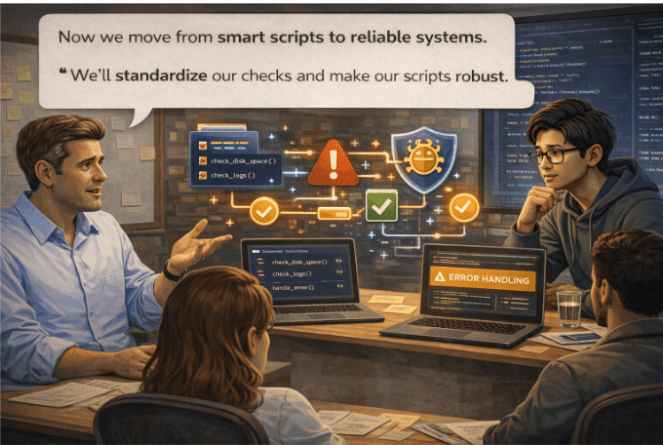
“Now we move from smart scripts to reliable systems.”
“We’ll standardize our checks and make our scripts robust.”
If you repeat the same commands again and again… what should you do?
Create a function
1
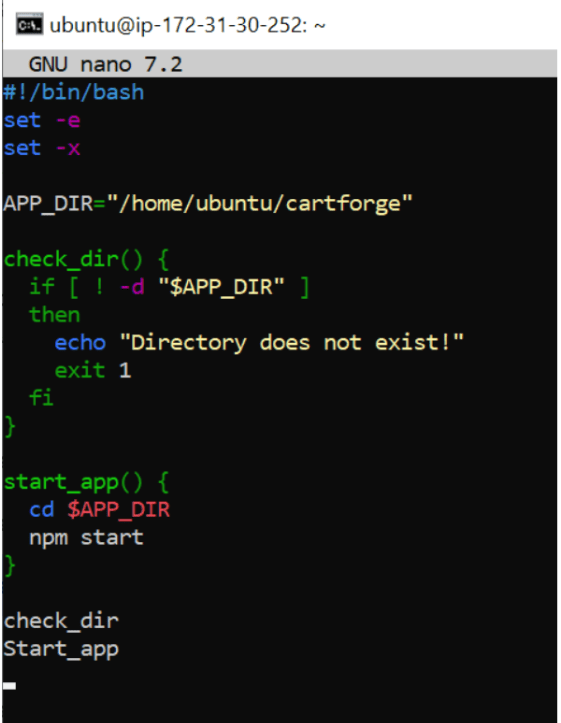
Handling Errors
Problem Example
cd /wrong-folder
npm start
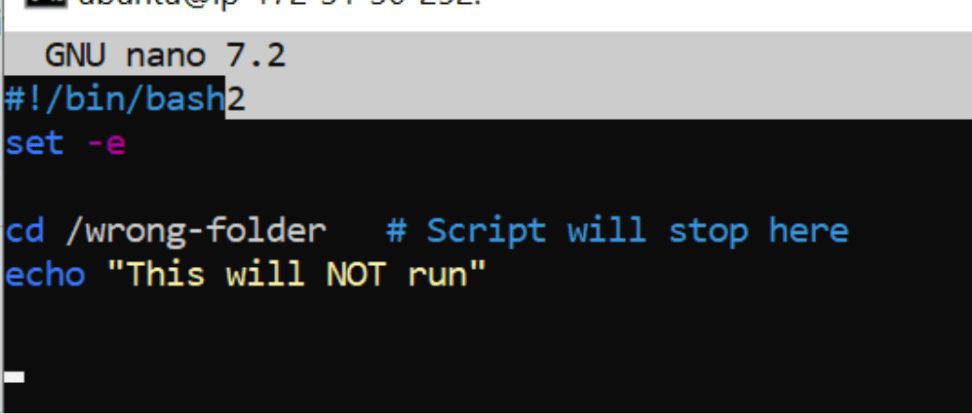
Script will continue even if cd fails
Solution 1:
Stop on Error
set -e2
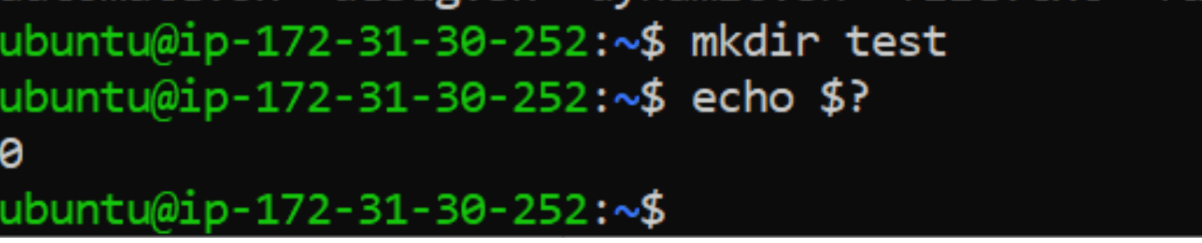
Check Last Command Status
$?mkdir test
echo $?
3
Combine Everything
Final Script
nano last.sh
Great job!
Checkpoint
Next-Lab Preparation
What is logs ?
Different between Syslog and Journal Ctl ?
What is Monitoring ?
By Content ITV