Working with text and lists in HTML


Power of HTML text tags
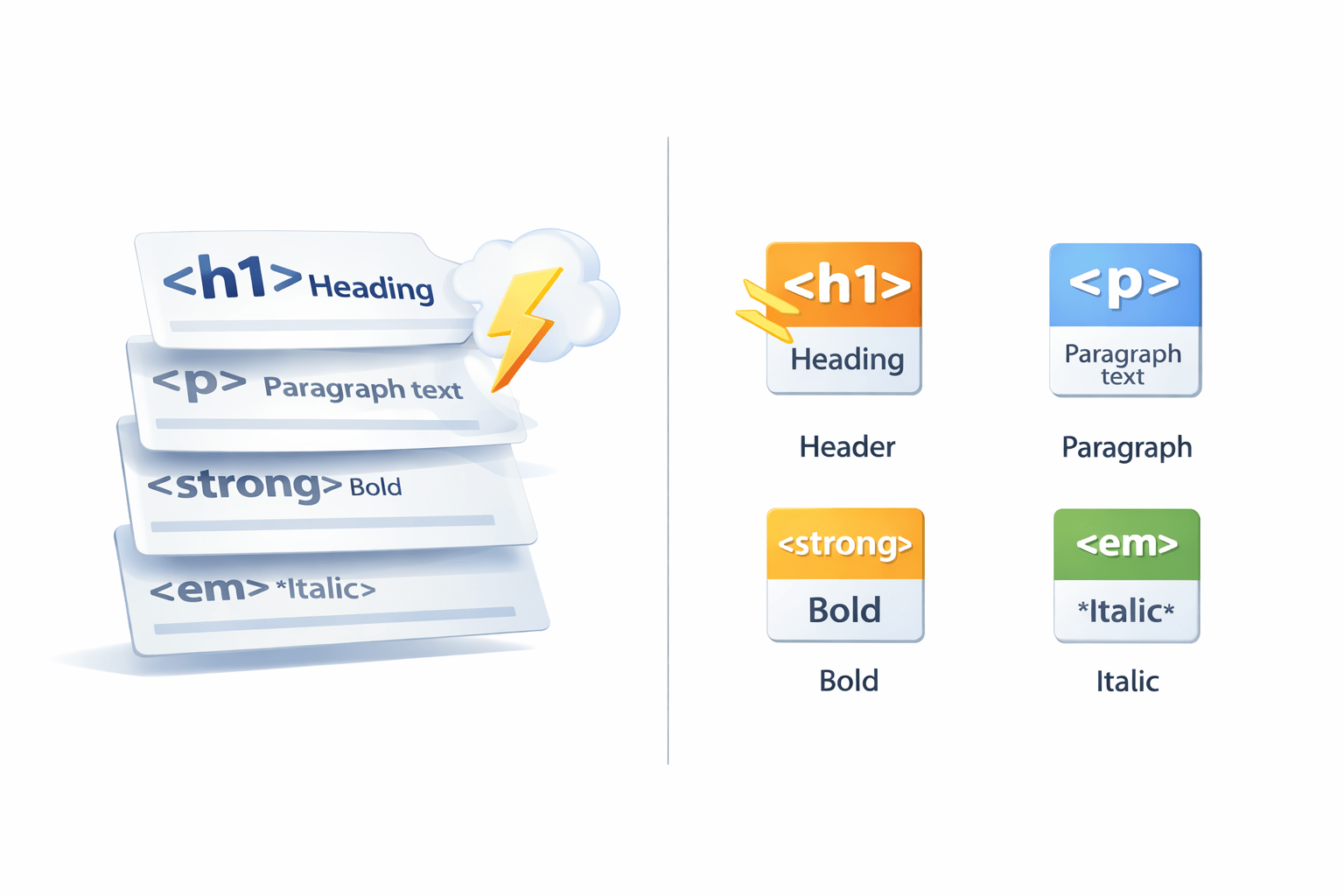

Learning Outcome
What are text decoration tags?

1
2
Block & inline elements
So If You Notice Here, the Text Here Is Styled Differently, How Is That?
Brandlogo
Search
Home
Services
FAQ
GRAPHICS
About us
Contact us
Privacy policy
Text description
<sup>
<i>
<u>
<b>
<sub>
Using Text formatting tags
What Are Text Formatting Tags?
Brandlogo
Search
Home
Services
FAQ
GRAPHICS
About us
Contact us
Privacy policy
Text description
<sup>
<i>
<u>
<b>
<sub>
Text formatting tags are special codes used in web development to change the appearance of text on a webpage
<b>
How to Use Text Formatting Tags?
You can utilize text formatting tags to customize the appearance of your content
| Tag | Description |
|---|---|
| <b> | Defines bold text |
| <i> | Defines italic text |
| <u> | Defines underlined text |
| <sub> | Defines subscript text |
| <sup> | Defines superscript text |
| <mark> | Defines highlighted text |
| <strong> | Defines strong emphasis (often displayed as bold) |
subscript
superscript
If You Look Below, You'll See It's Plain Text With No Formatting
But we can enhance it with formatting, Let's see how!
HTML is a powerful language for creating dynamic and interactive web pages. It allows you to format text with subscripts and superscripts, and highlight important information using the mark tag. Whether you're emphasizing a point or adding mathematical notations, HTML offers a flexible and versatile way to design your content.
Important information might not stand
Might fail to engage visitors on a website

How Does Formatting Tags Enhance Texts On A Website?
HTML is a powerful language for creating dynamic and interactive web pages. It allows you to format text with subscripts and superscripts, and highlight important information using the mark tag. Whether you're emphasizing a point or adding mathematical notations, HTML offers a flexible and versatile way to design your content.
subscripts
superscript
<strong> tag
<u> tag
<sub> & <sup> tags
<mark> tag
<b> tag
We Have Seen The Basic Structure of Website
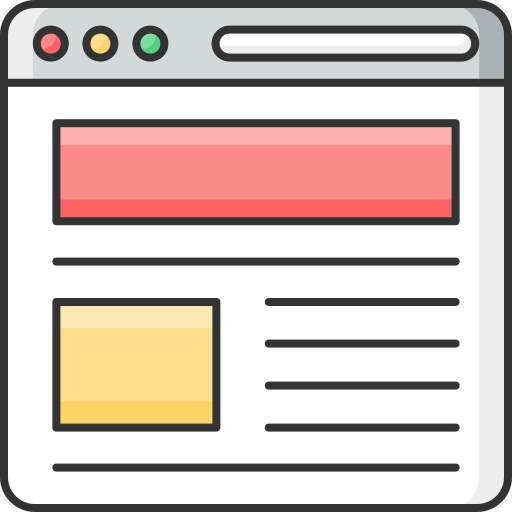
Why do some elements in this layout occupy space horizontally, while others occupy space vertically?

Because of block and inline elements
What is Block Element?
A block-level element in HTML occupies the full width available, starts on a new line, and can contain other elements
<div>
<p>
<ol>
<h1> ...
<h5>
<ul>
<form>
<li>
<table>
<header>
<footer>
<section>
<article>
<nav>
What is Inline Element?
Inline elements flow horizontally with text, using only the space their content needs and doesn't start on the new line
<a>
<span>
<br>
<em>
<button>
<i>
<b>
<img>
<video>
<sub>
<sup>
Let's See Block and Inline In Action
Div are block-level containers for webpage sections, while spans are inline wrappers for small bits of text
<!DOCTYPE html>
<html>
<head>
  <title>Div and Span Example</title>
</head>
<body>

<div>
  This is a div.
</div>

<p>This is a paragraph containing a <span>span</span> element.</p>

</body>
</html>
This is a div.
This is a paragraph containing a span element.
Summary
Text formatting tags in html:
Element Types:

Block & inline elements