
















Content ITV PRO
This is Itvedant Content department
Learning Outcome
4
Identify and apply appropriate relationship types
3
Create and manage relationships between multiple table
2
Differentiate between primary keys and foreign keys
1
Understand the fundamentals of data modeling
Recall
Data Transformation Techniques
Pivot / Unpivot Columns
Split Columns
Add Columns
Imagine entering a huge shopping mall for the first time.
Finally, you leave without buying anything, even though everything was right there.
It has every store but no map or signs, so you walk in circles, struggle to compare prices, and feel confused.
Power BI works the same way.
That’s why data modeling is needed—to connect data and turn visuals into meaningful insights.
When data tables aren’t properly connected, reports may look good but fail to guide decisions.
Data Modeling
Data modeling in Power BI organizes cleaned data so it works together and tells a clear story before reporting.
Key Parts of Data Modeling
Tables & Columns
Relationships
Data Types
DAX
Keys
How can we uniquely identify each record in a table?
Primary Key
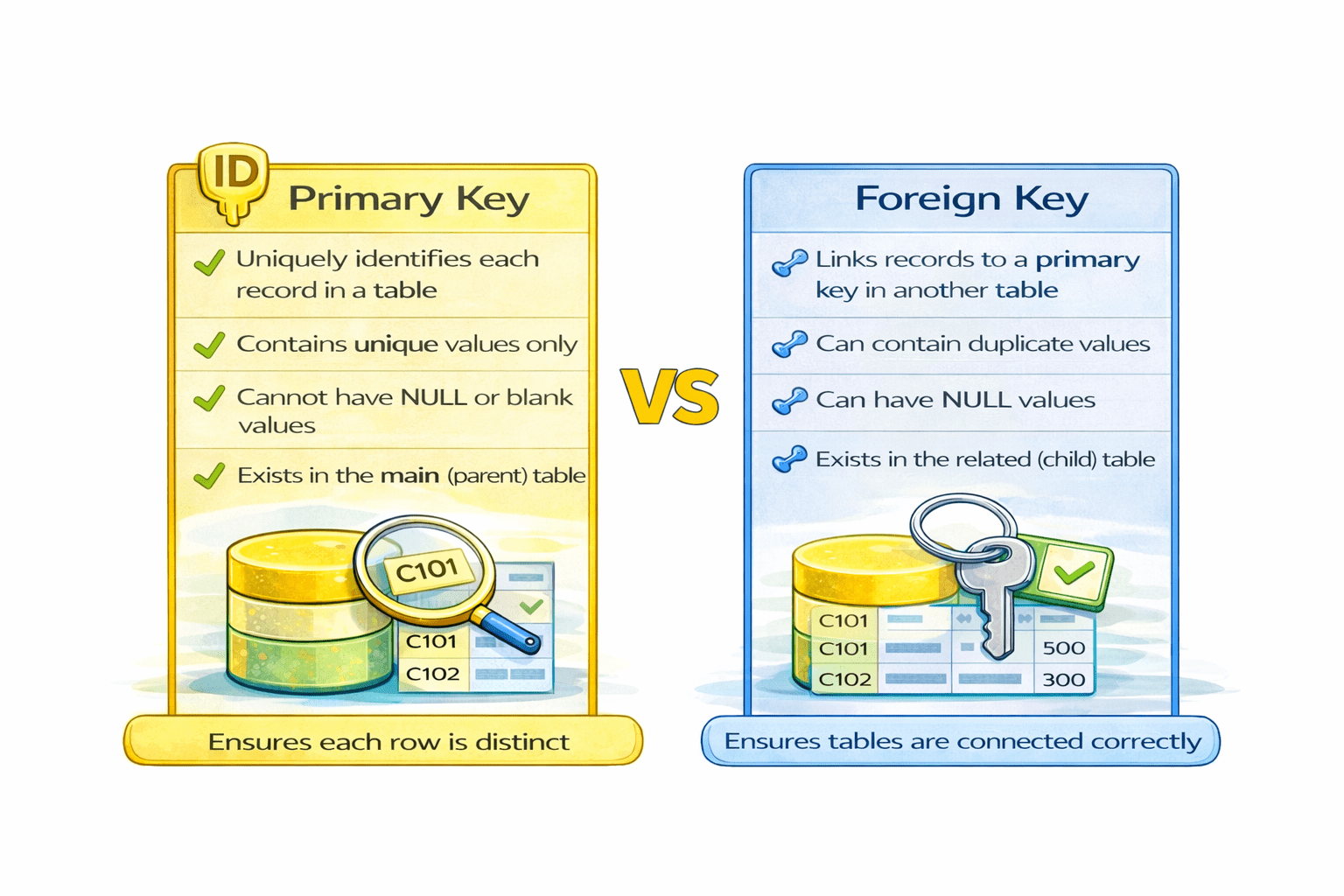
A Primary Key Is a Column that uniquely identifies each record in a table
Unique Values
No blanks
No Duplicates
Example
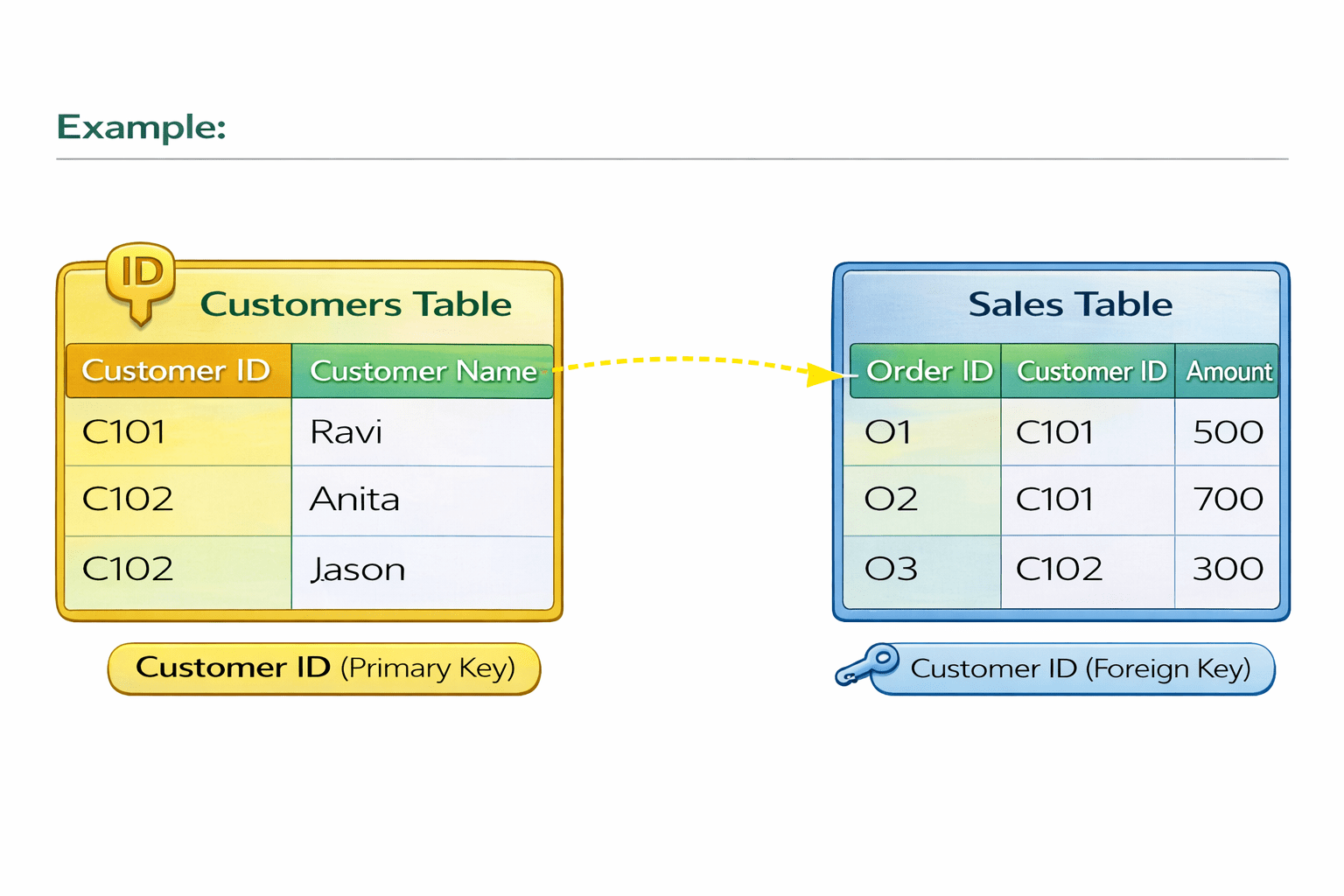
In a Customers table , Customer ID is a Primary Key because each customer has a unique ID
How do we connect related data across different tables?
Foreign Key
A Foreign Key is a column that connects one table to another by referencing a primary key, allowing repeated values and ensuring related data stays consistent.
Refers to a Primary Key
Can have duplicates
Can be blank (NULL)
Example
One customer can make multiple sales, and each sale is linked back to that customer using a foreign key.
Maintains table relationships
Difference between Primary Key and Foreign Key
What types of relationships are there?
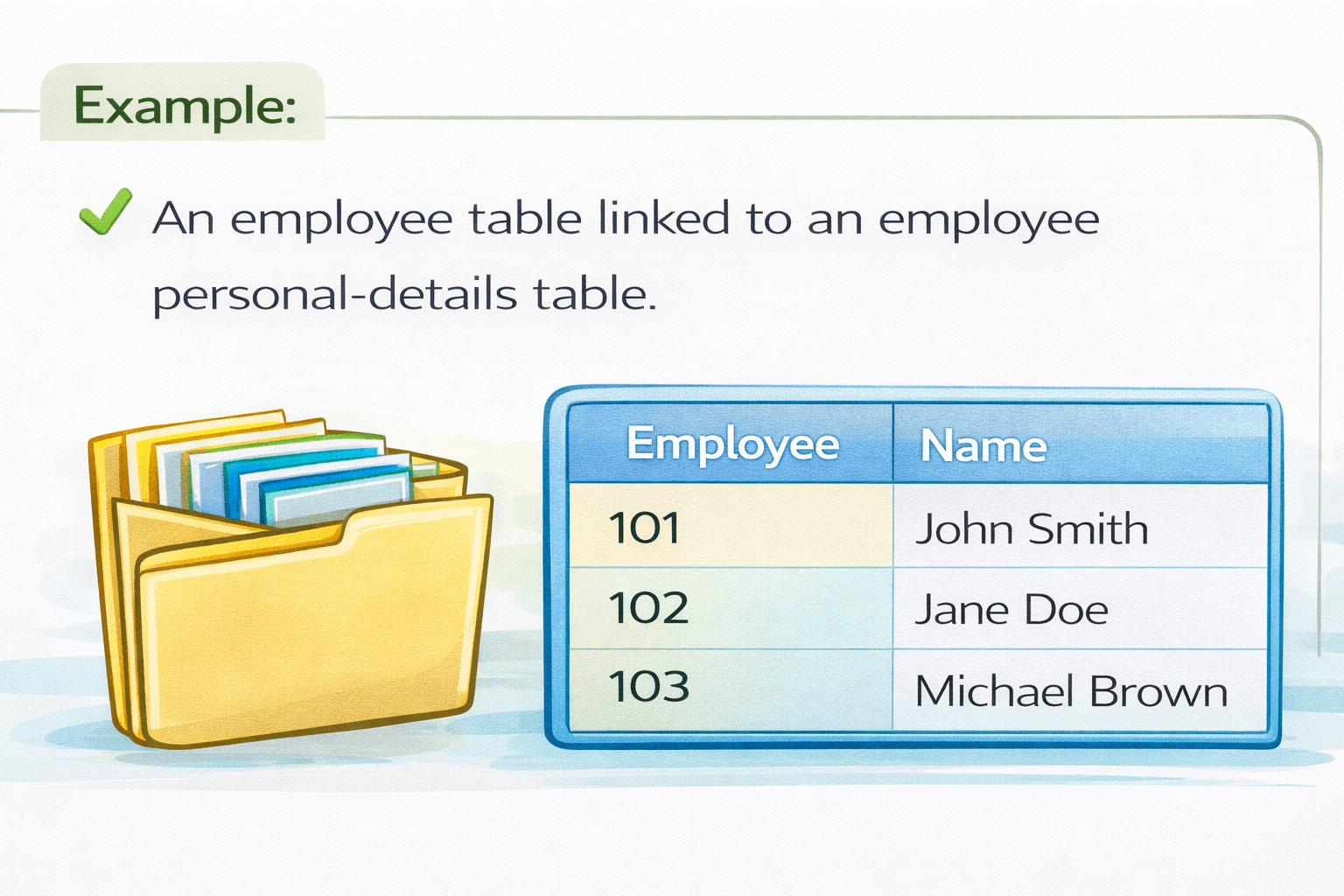
A one-to-one relationship means one record in one table matches exactly one record in another table.
One-to-One Relationship
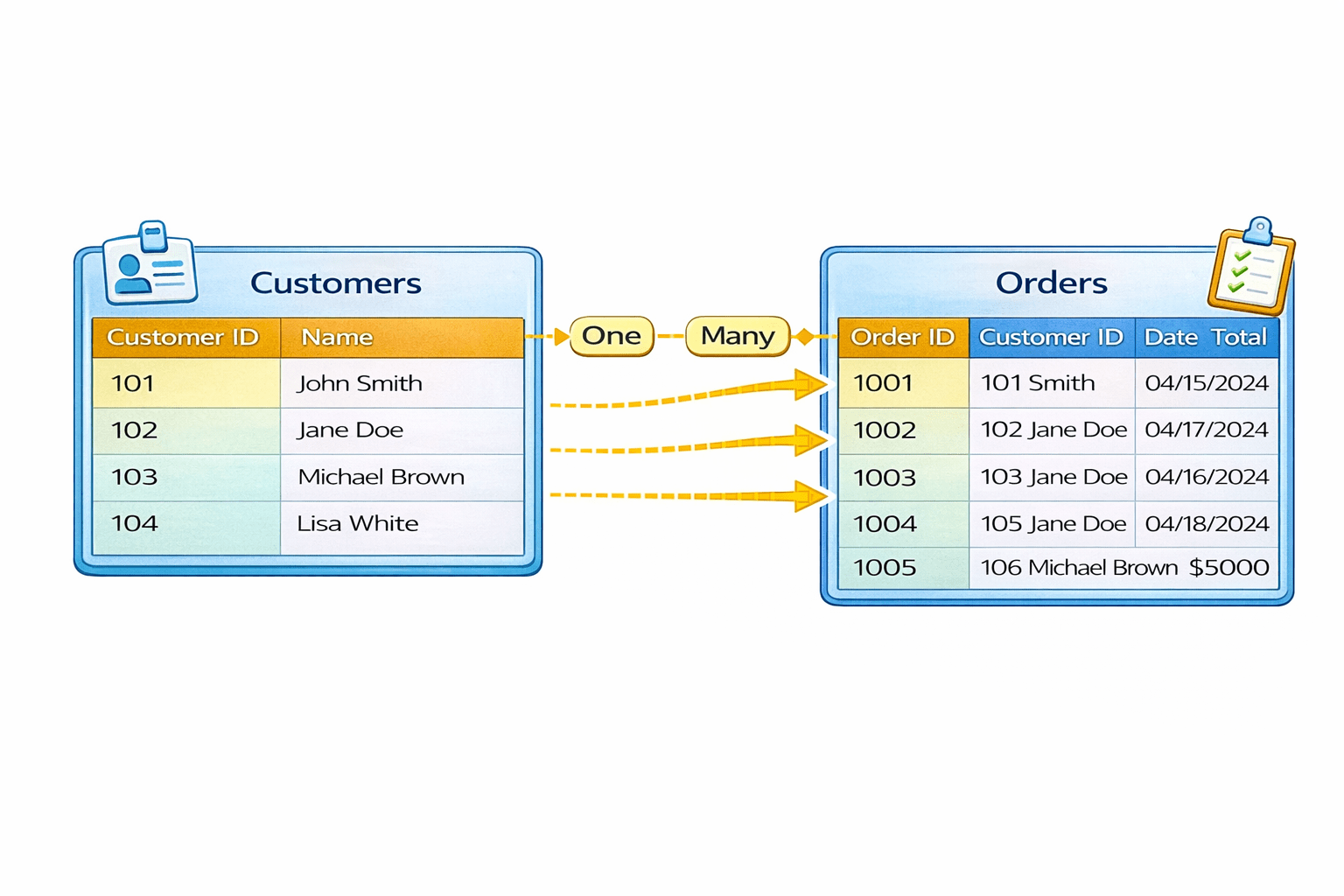
One-to-Many Relationship
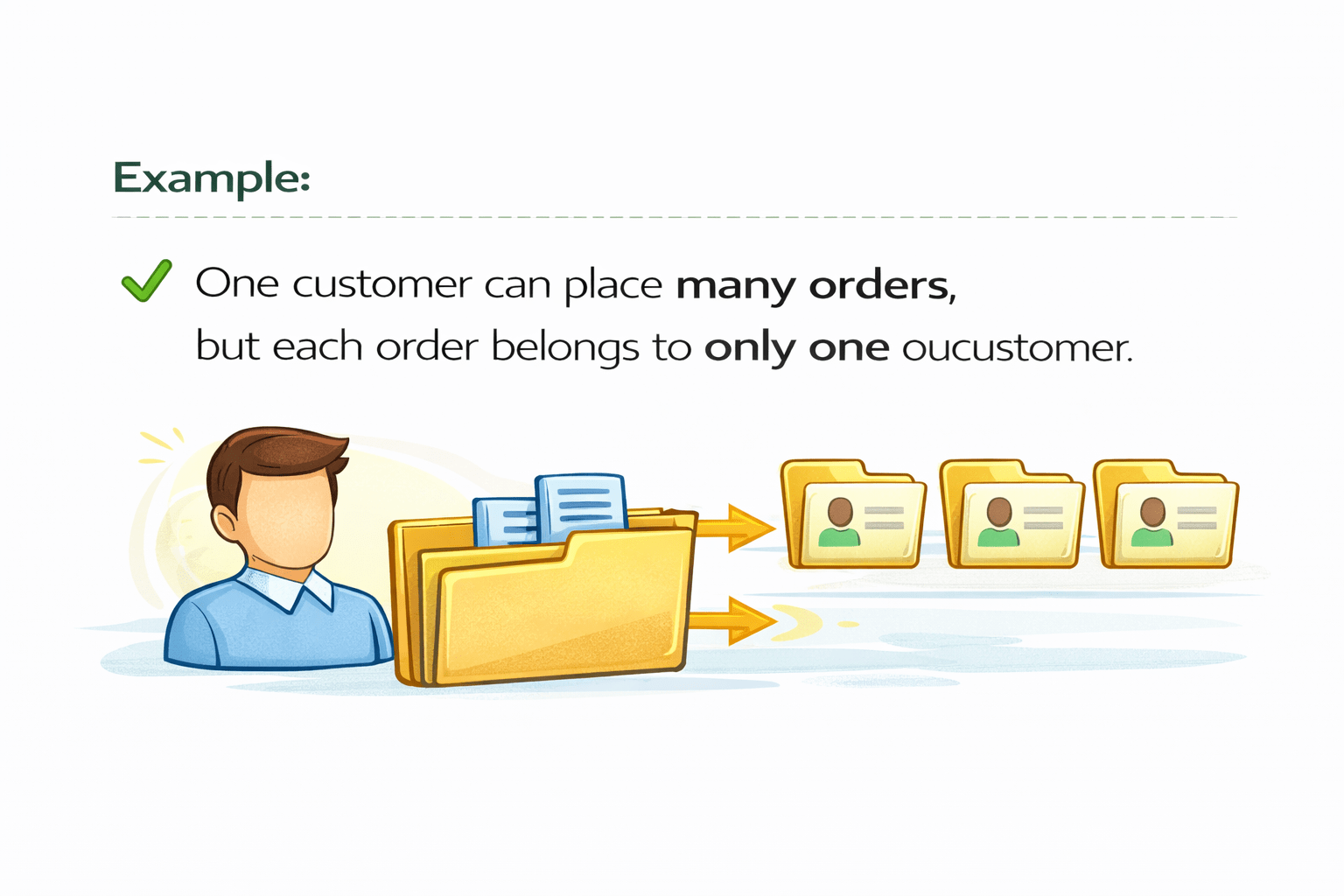
A one-to-many relationship means one record in a main table is related to multiple records in another table.
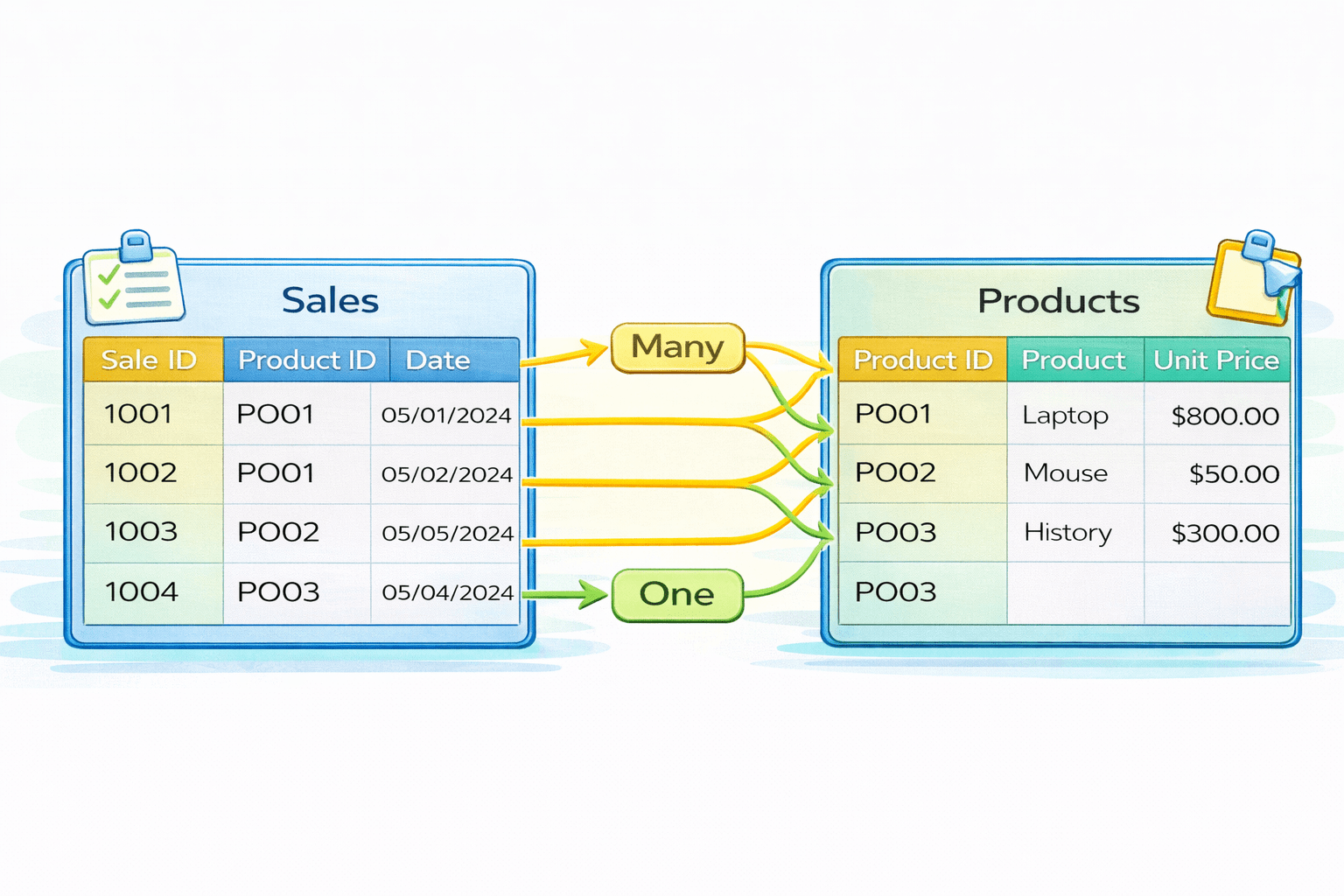
Many-to-One Relationship
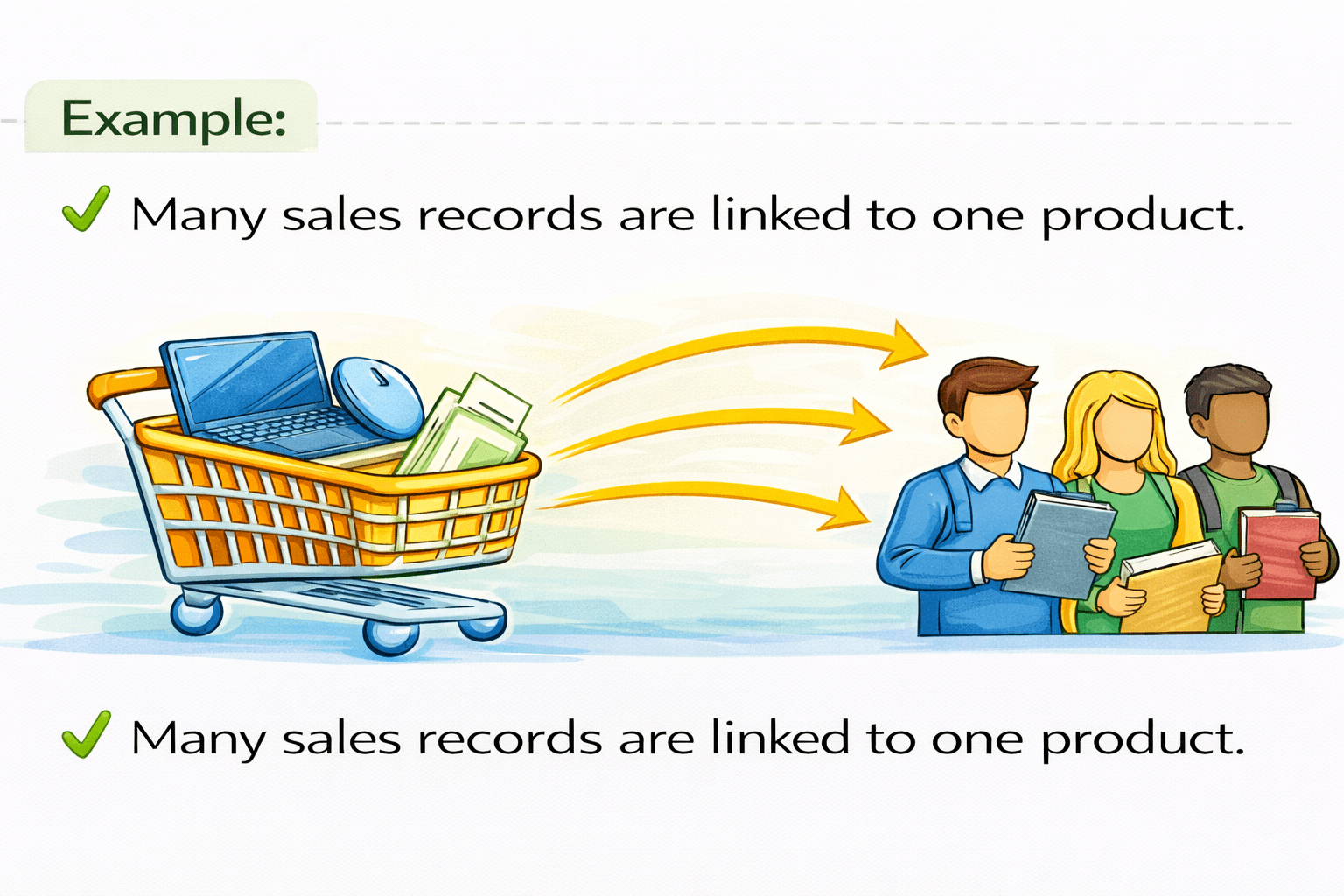
This is the reverse view of a one-to-many relationship
Many-to-Many Relationship
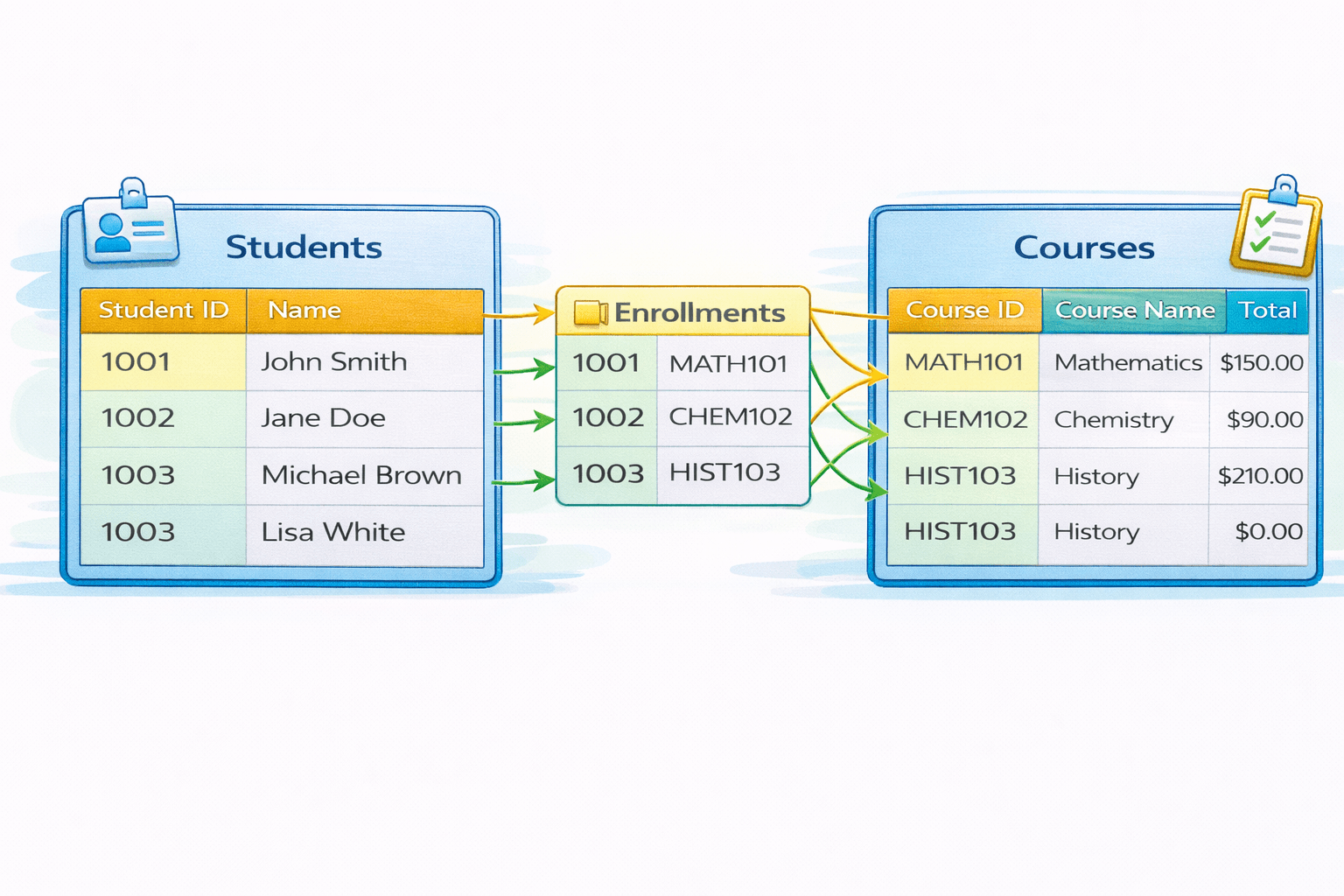
A many-to-many relationship means multiple records in one table relate to multiple records in another table.
Summary
4
Relationship types define data flow and behavior
3
Keys maintain data integrity across tables
2
Relationships link tables for integrated analysis
1
Data modeling structures data for accurate reporting
Quiz
What is the primary purpose of data modeling?
A. To create visual charts
B. To organize data for accurate analysis
C. To design dashboards
D. To export data
Quiz-Answer
What is the primary purpose of data modeling?
A. To create visual charts
B. To organize data for accurate analysis
C. To design dashboards
D. To export data
By Content ITV