CICD on AWS


CICD using AWS

Learning Outcome
5
Differentiate Agile from traditional models
4
Understand the 12 Agile Principles
3
Describe the 4 values of the Agile Manifesto
2
Explain why Agile was introduced
1
Understand the concept of Agile methodology
The Nature of JavaScript Execution
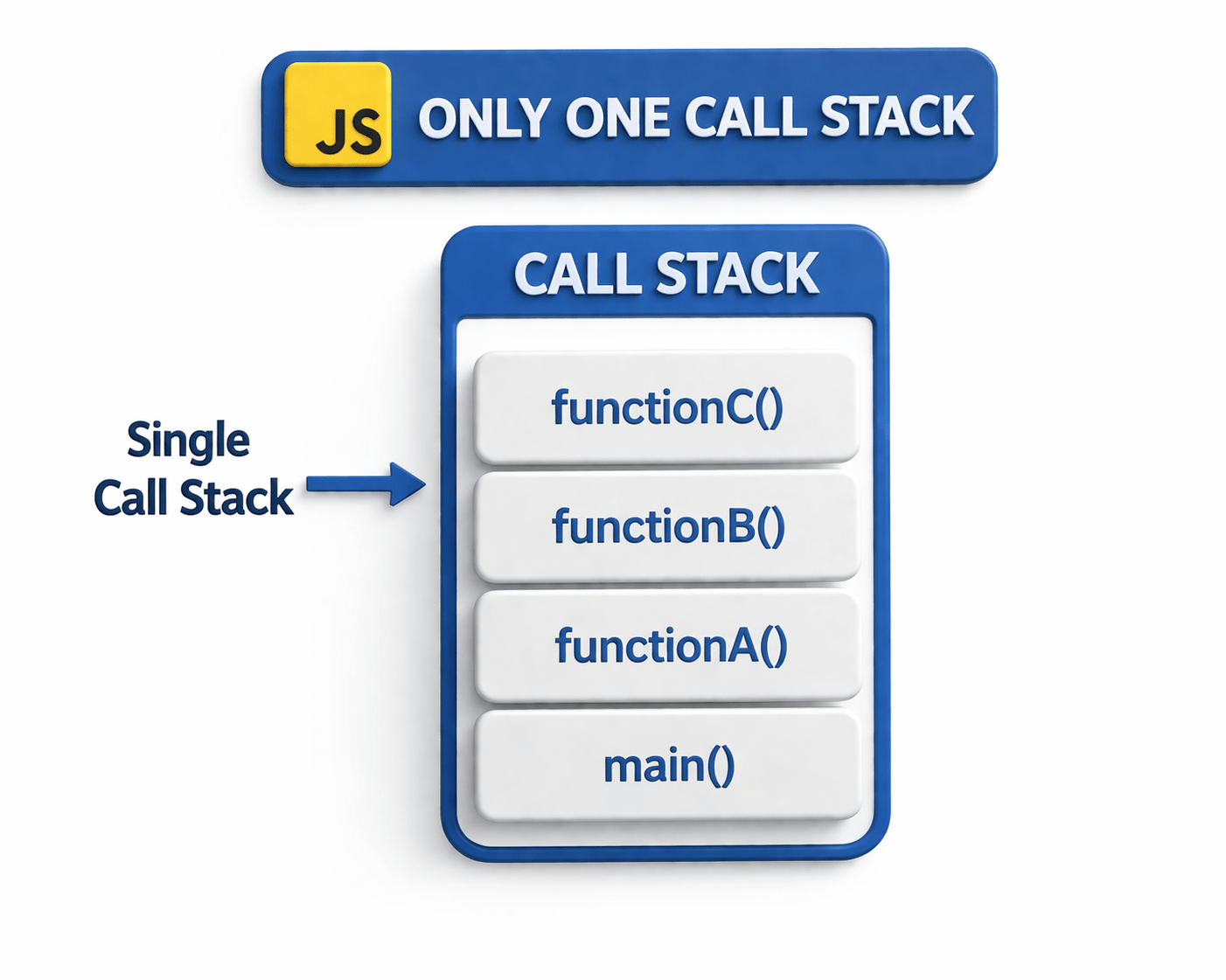

It has only one call stack
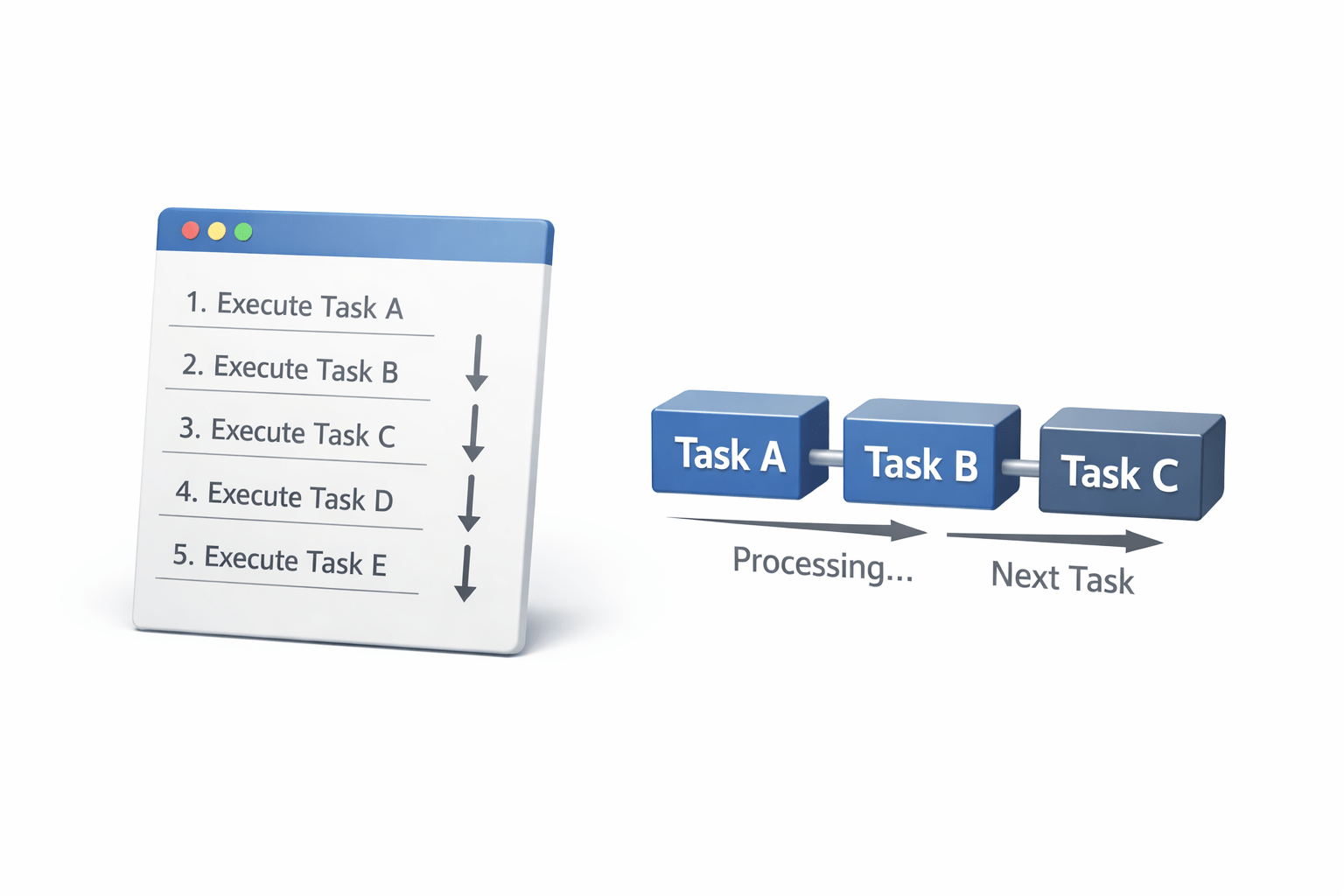
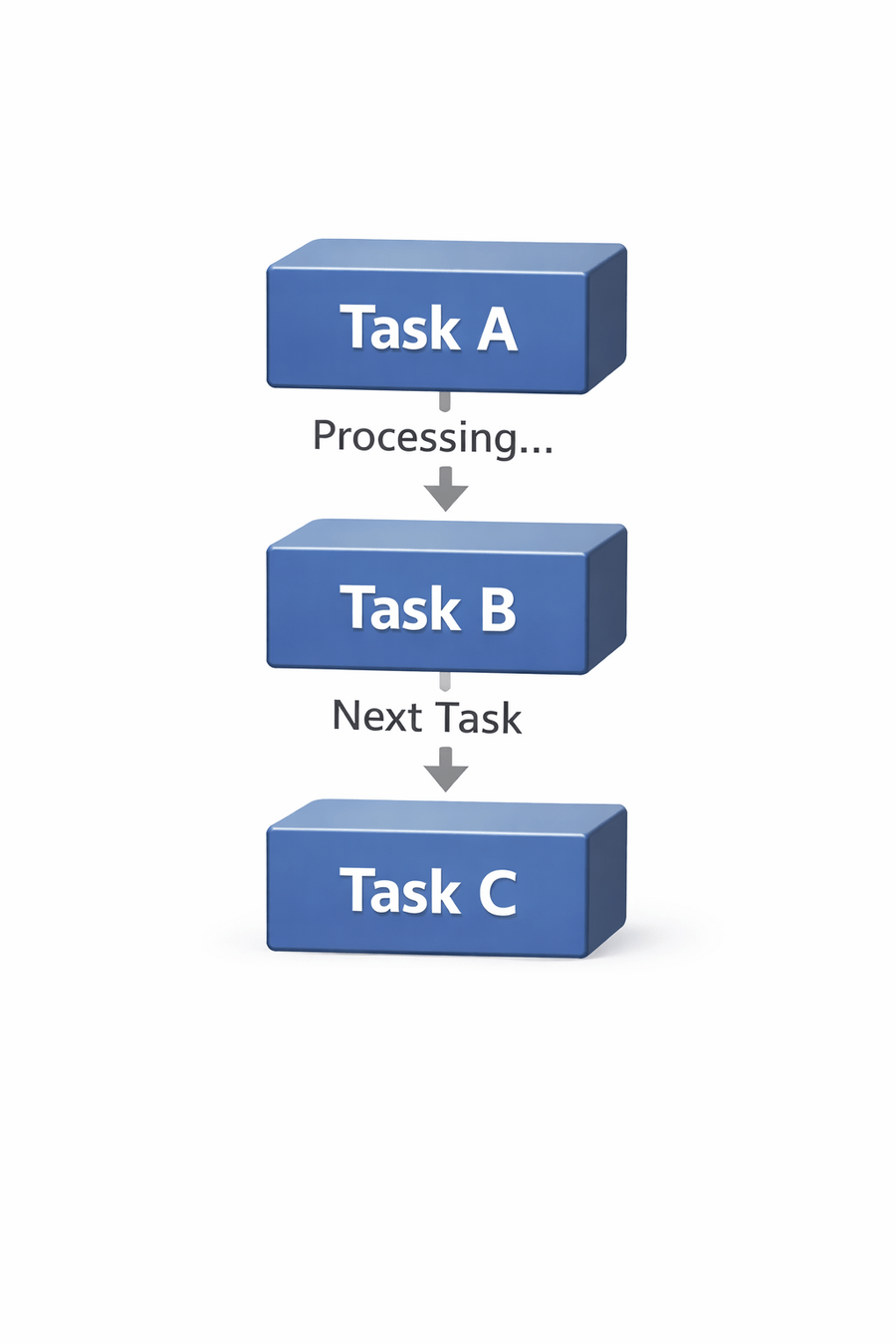
It executes code line by line
One task must complete before the next begins
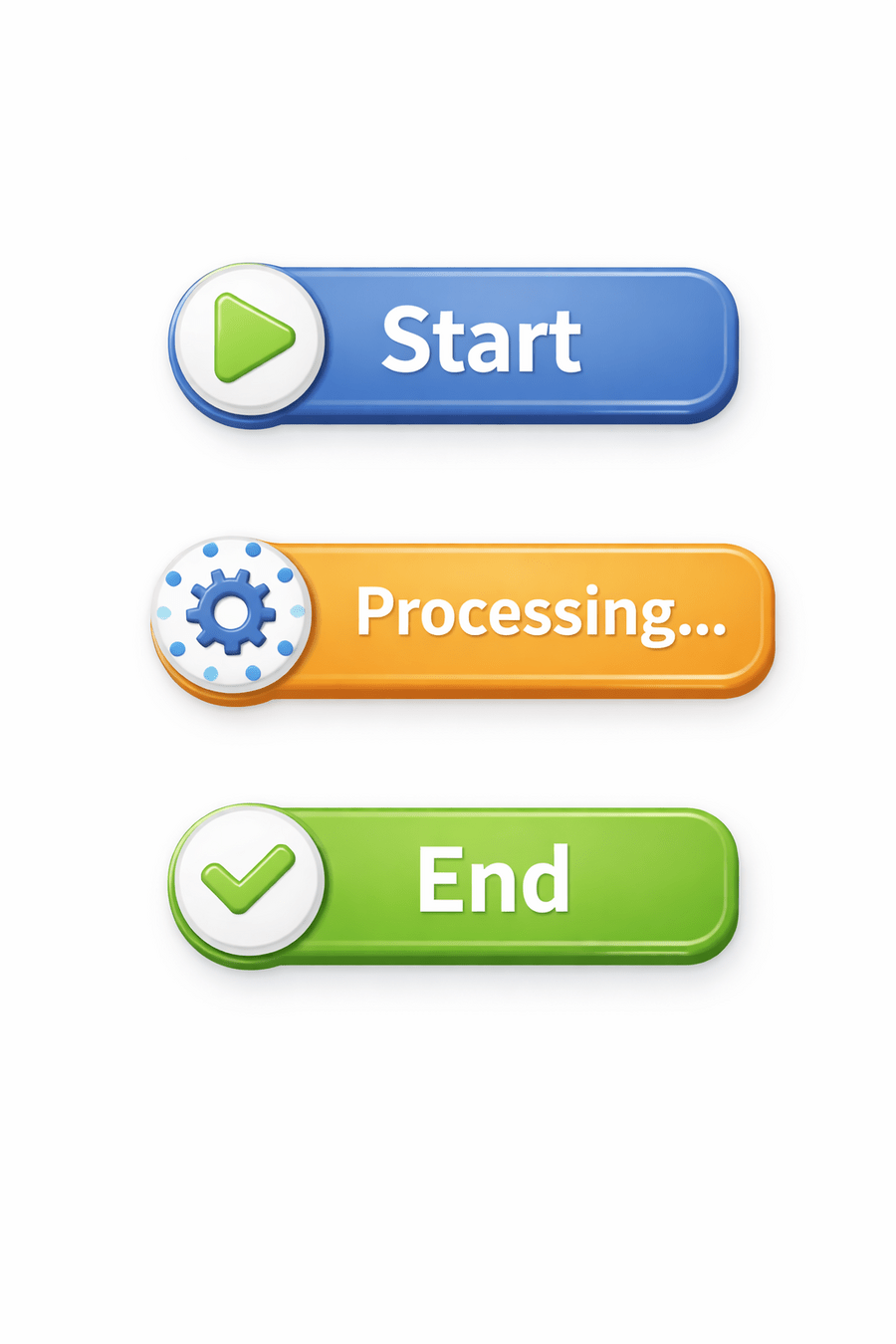
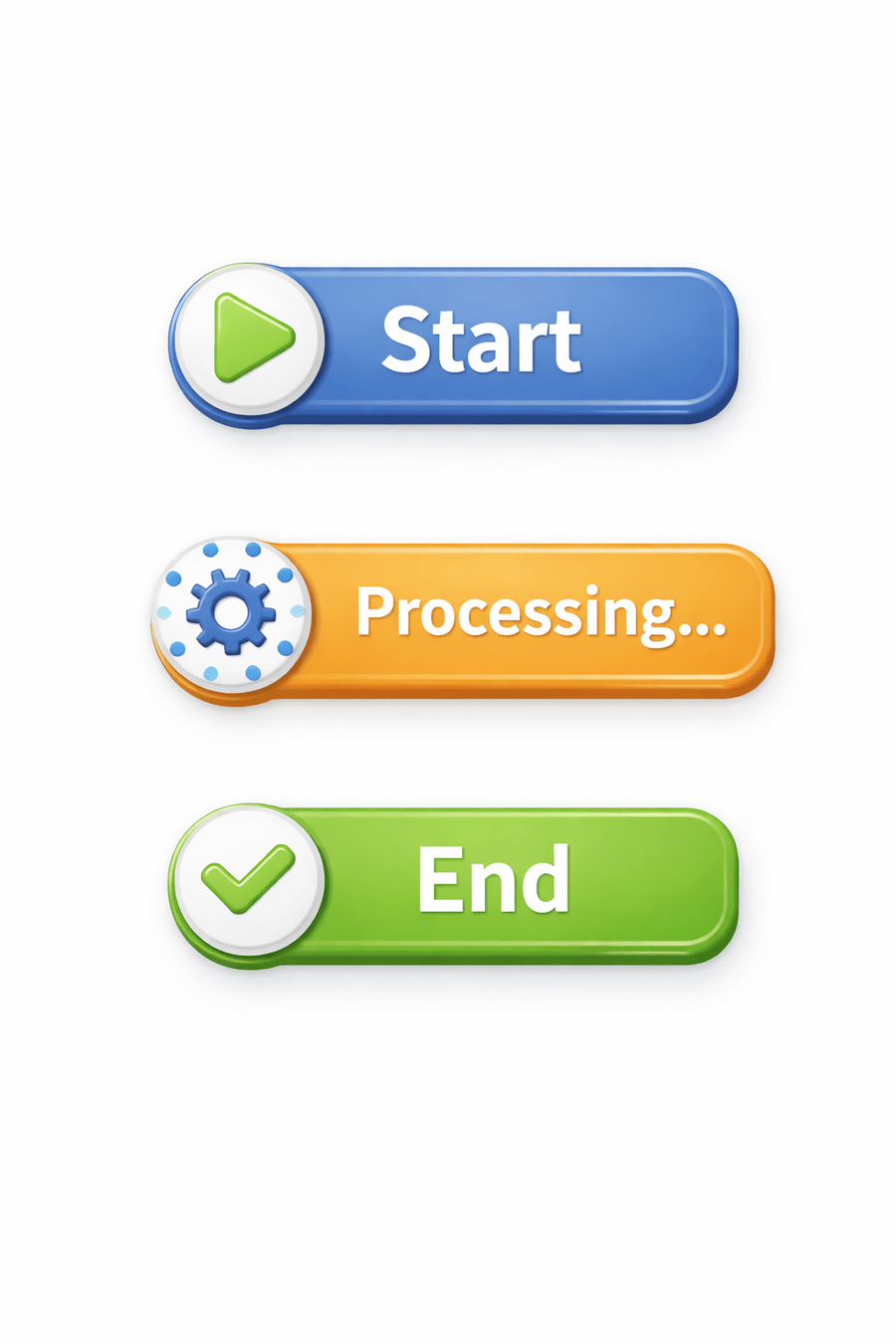
console.log("Start");
console.log("Processing...");
console.log("End");
JavaScript is a single-threaded, synchronous language by default
This means:
Input:
Output:
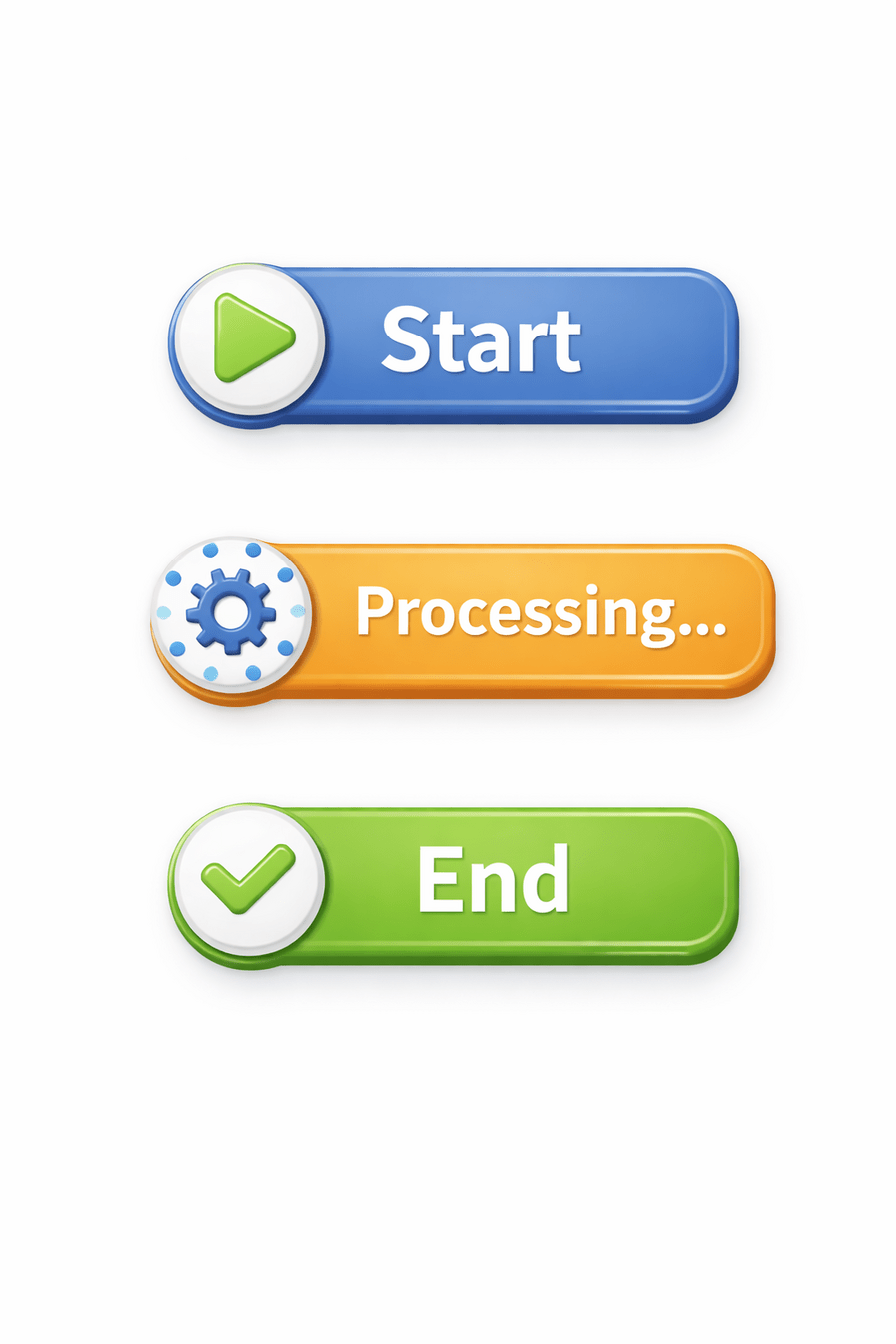

This behavior is predictable and simple. However, it becomes problematic when dealing with time-consuming
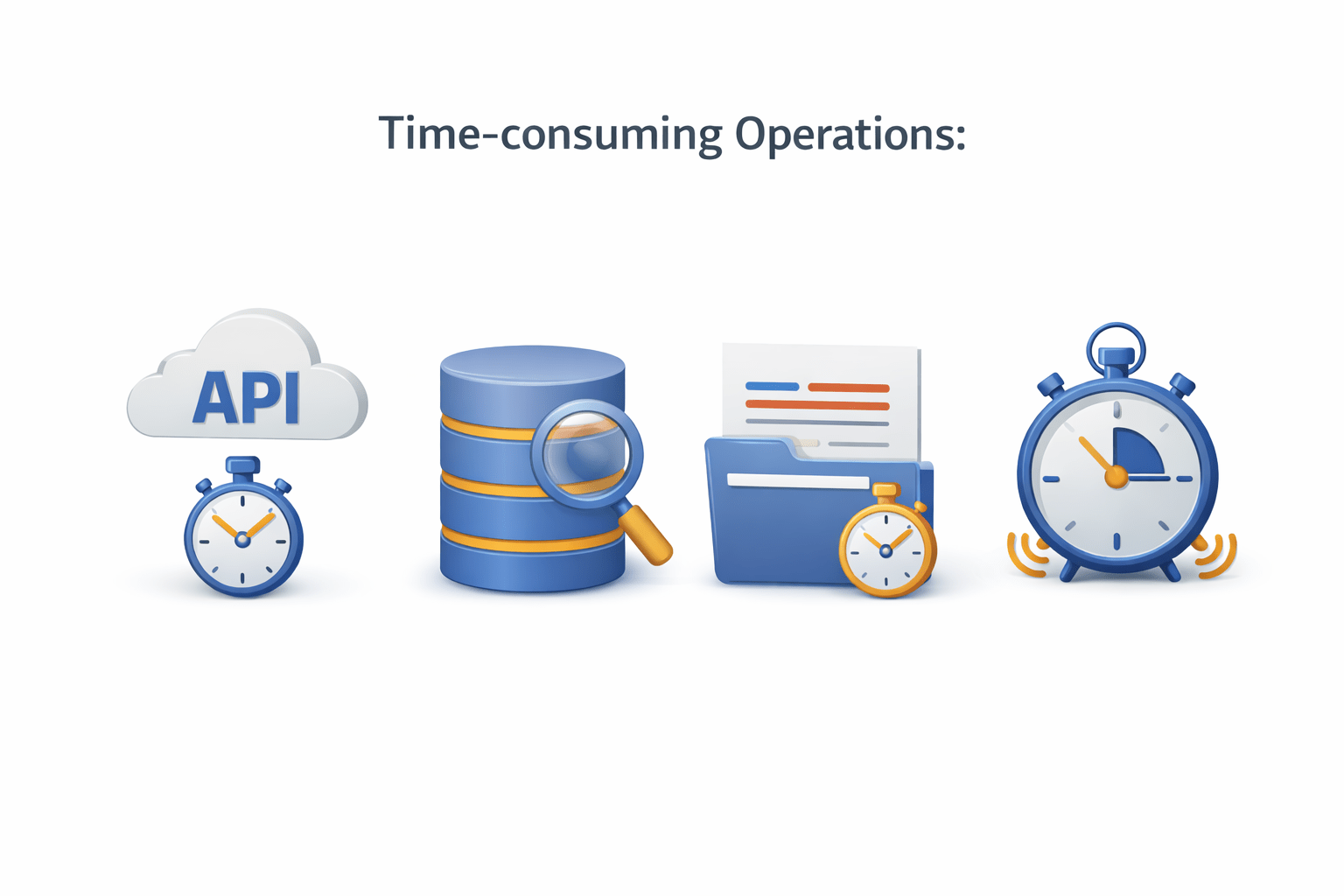
Operations such as:
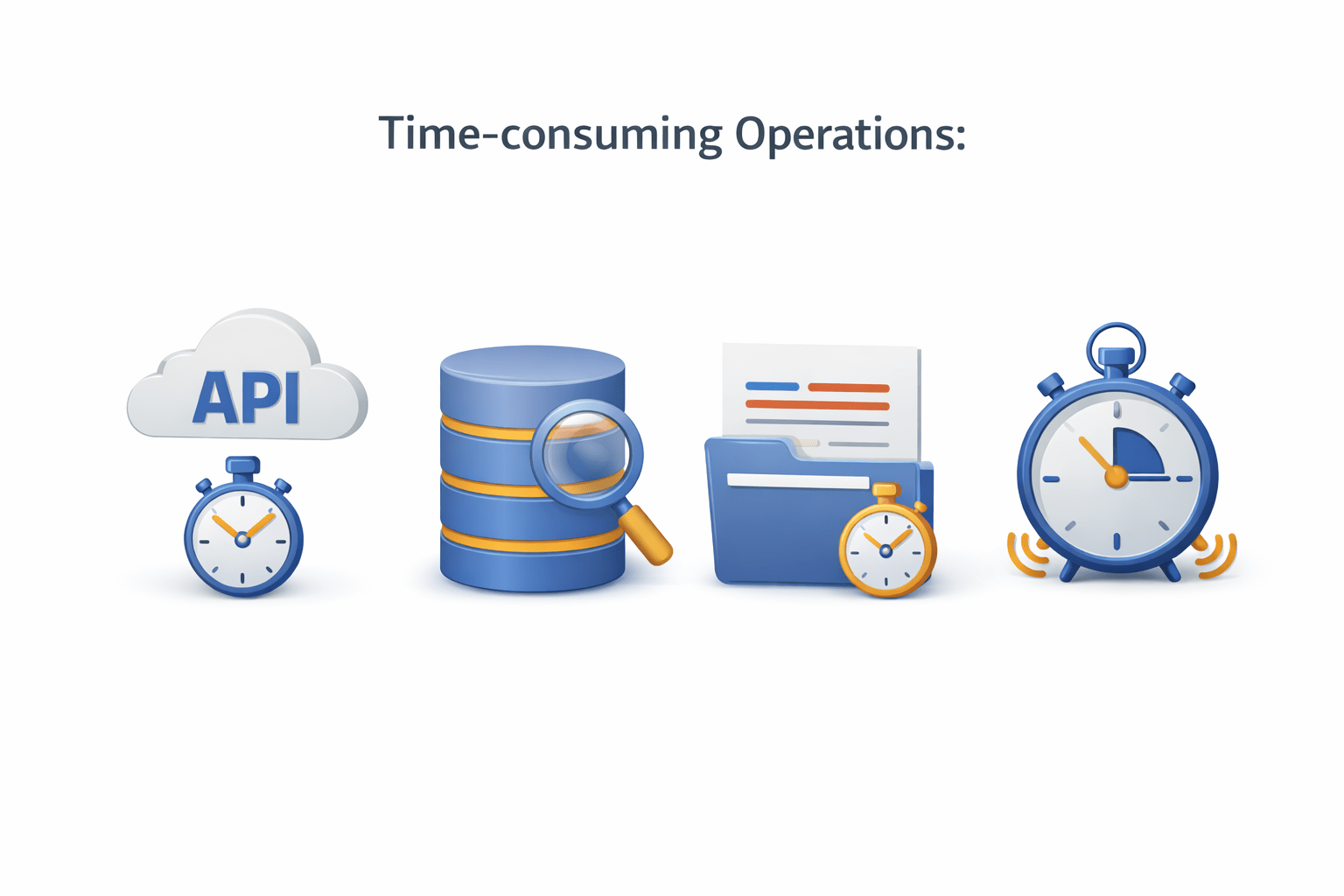
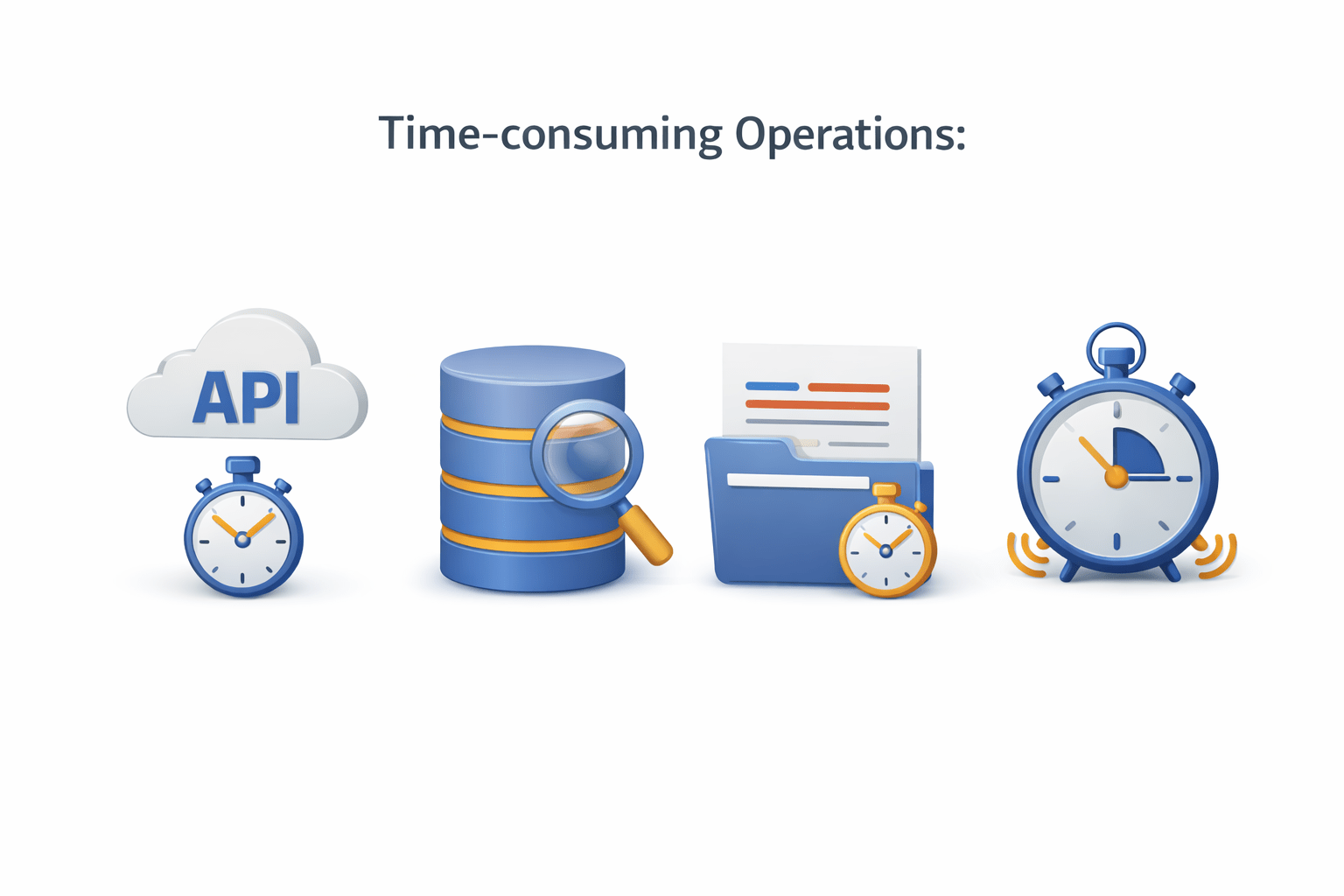
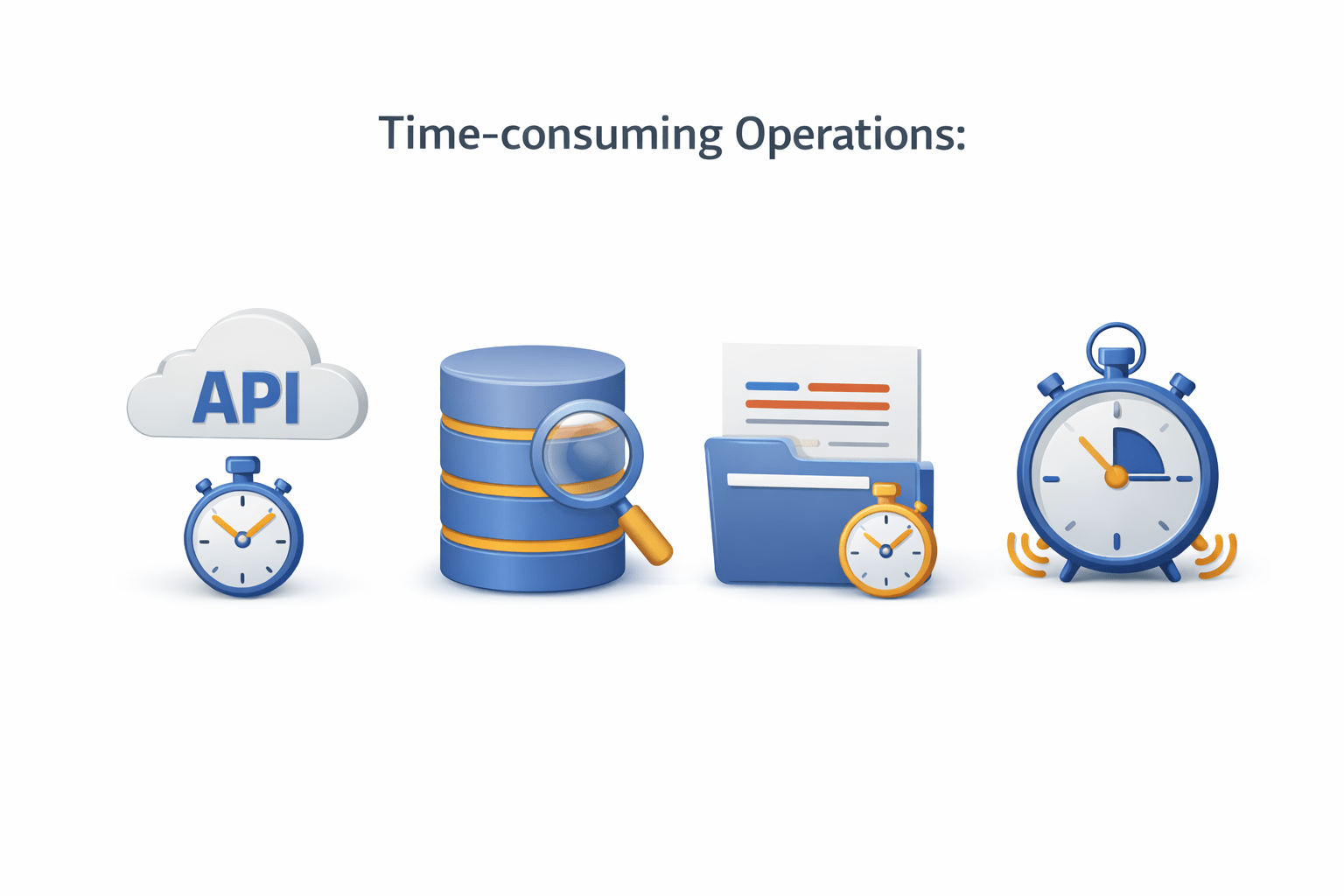
API calls
Timers
File reading
Database queries
The Problem with Synchronous Execution
Consider the following code:
console.log("Start");

setTimeout(() => {
    console.log("Data fetched");
}, 3000);

console.log("End");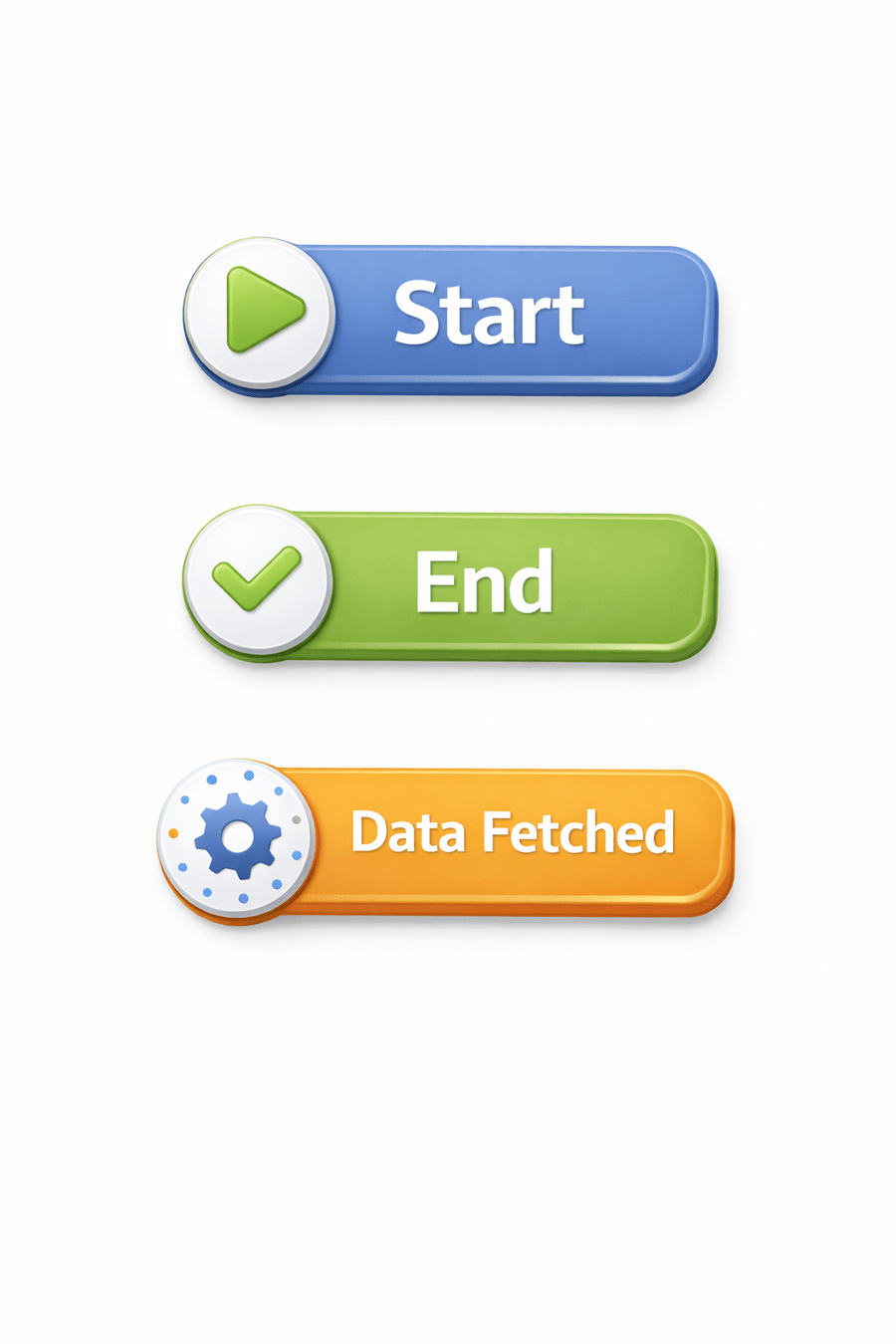
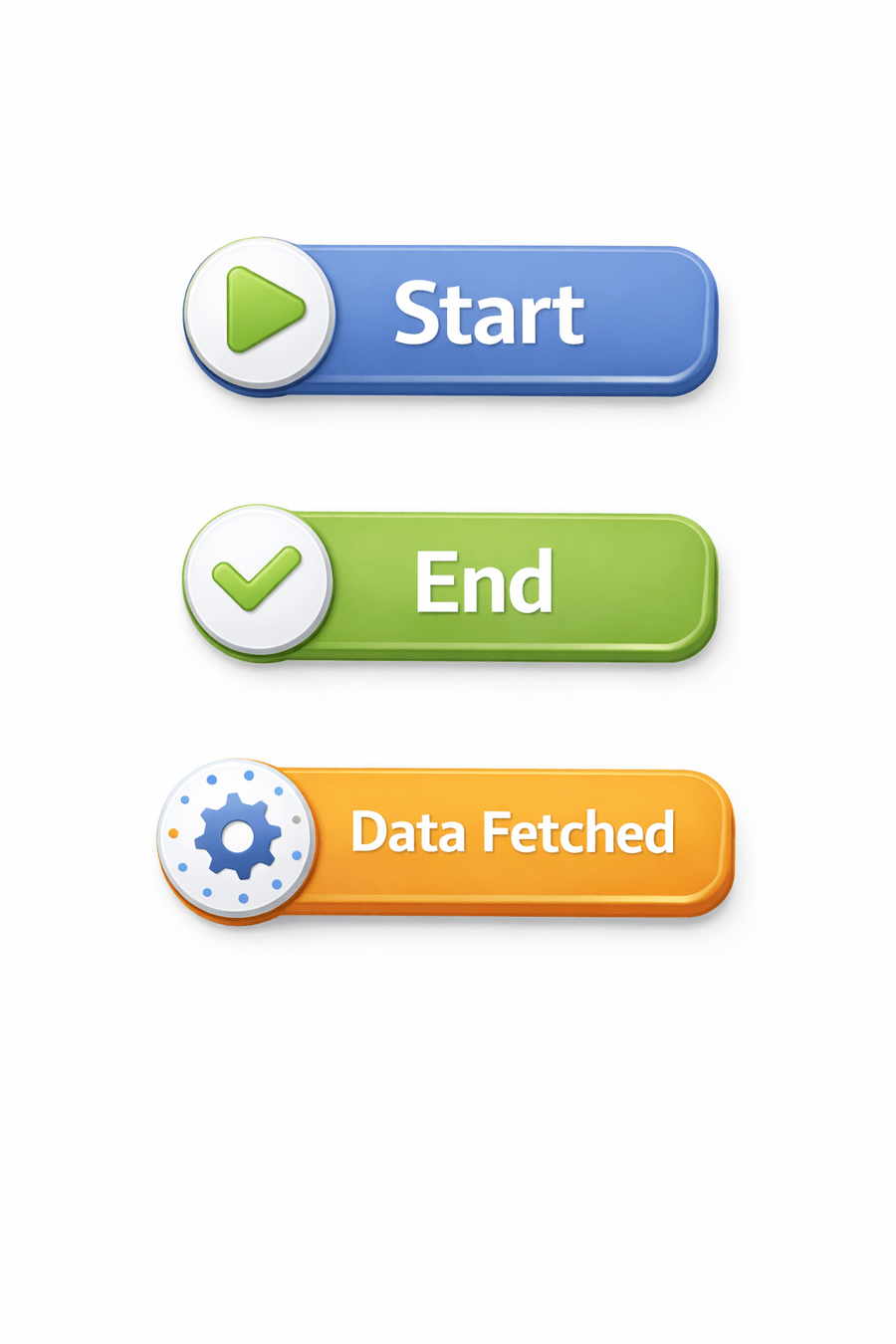
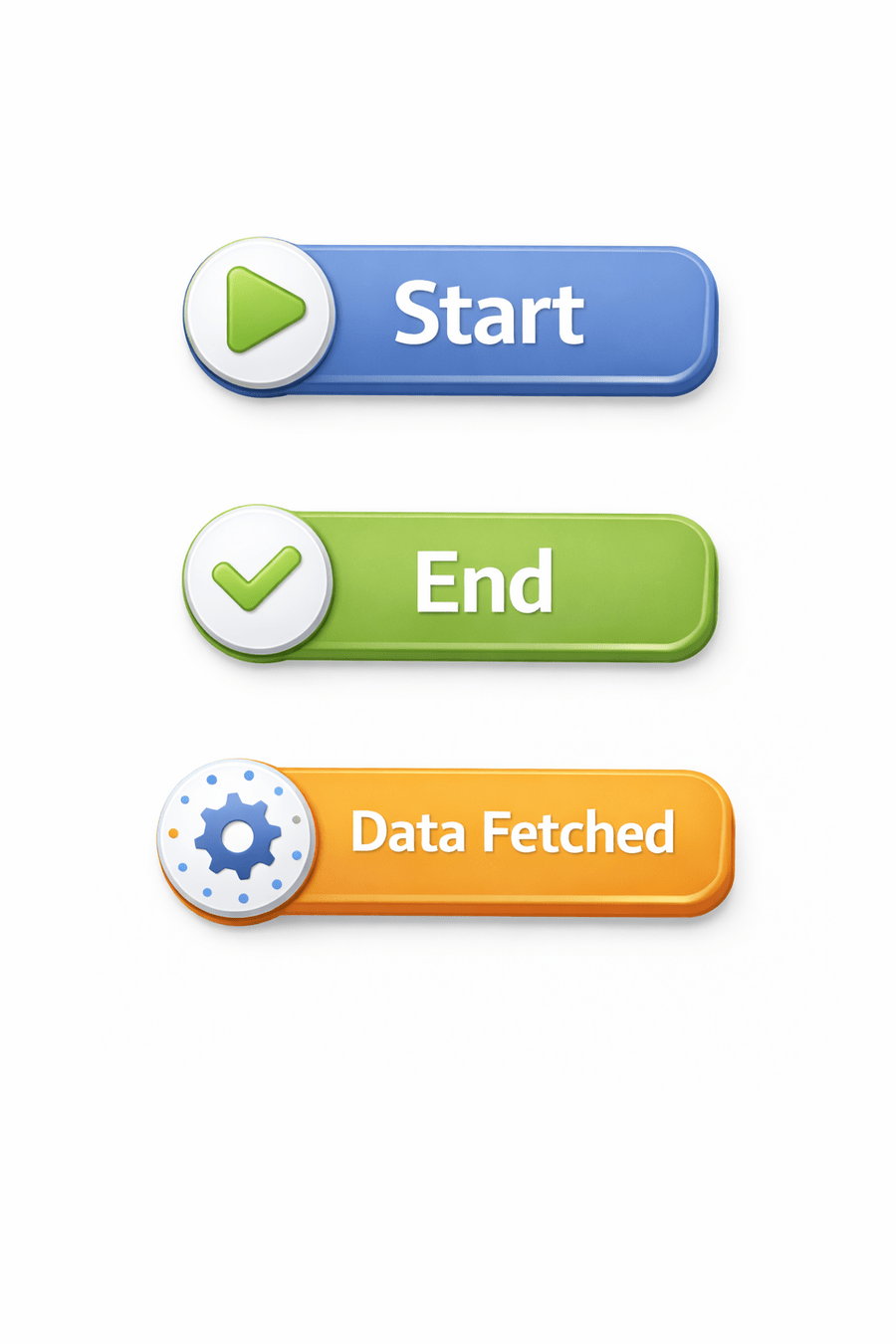
Output:
At first glance, this seems counterintuitive
It delegates such tasks to the browser's Web APIs
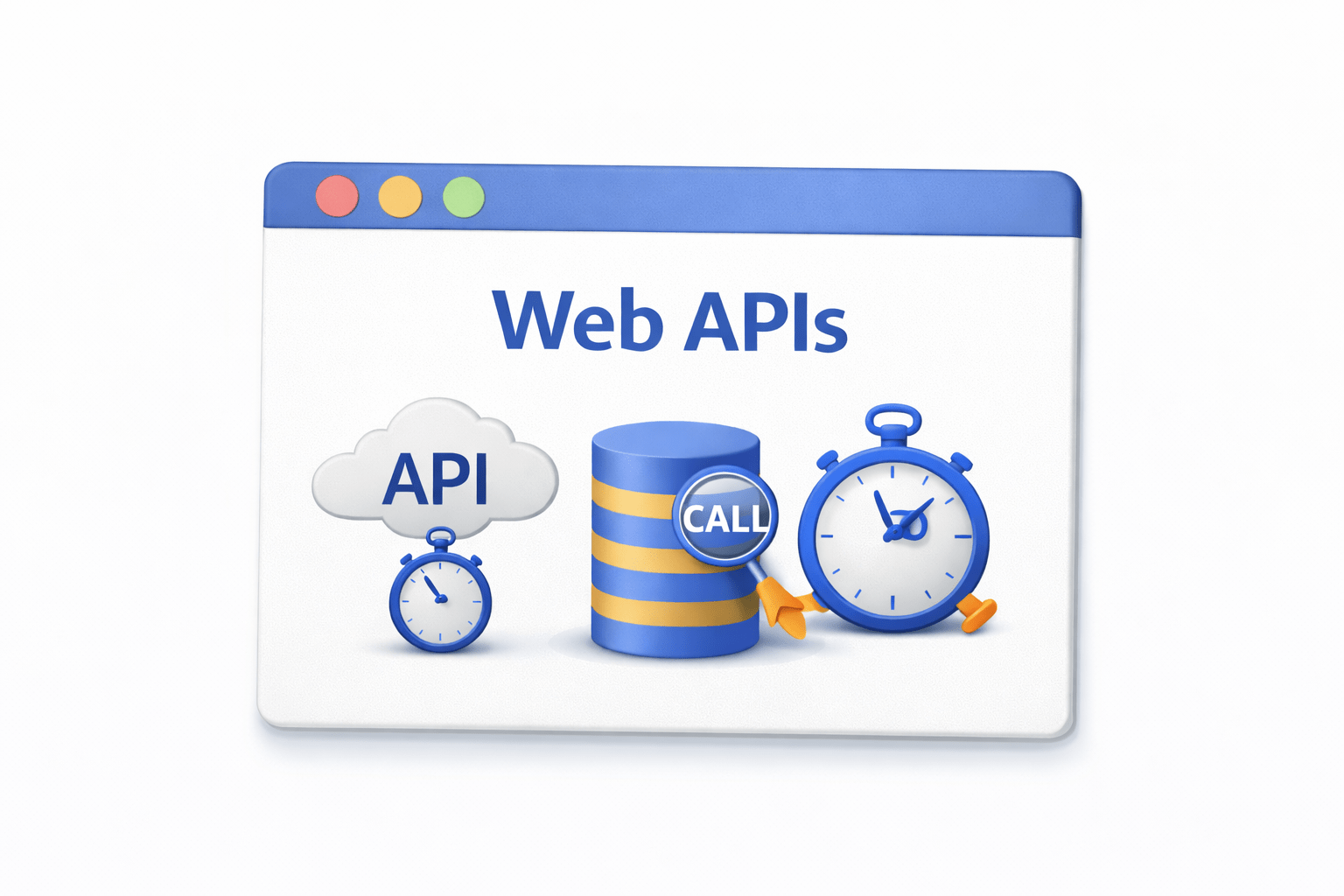
Once completed, results are placed in a callback queue
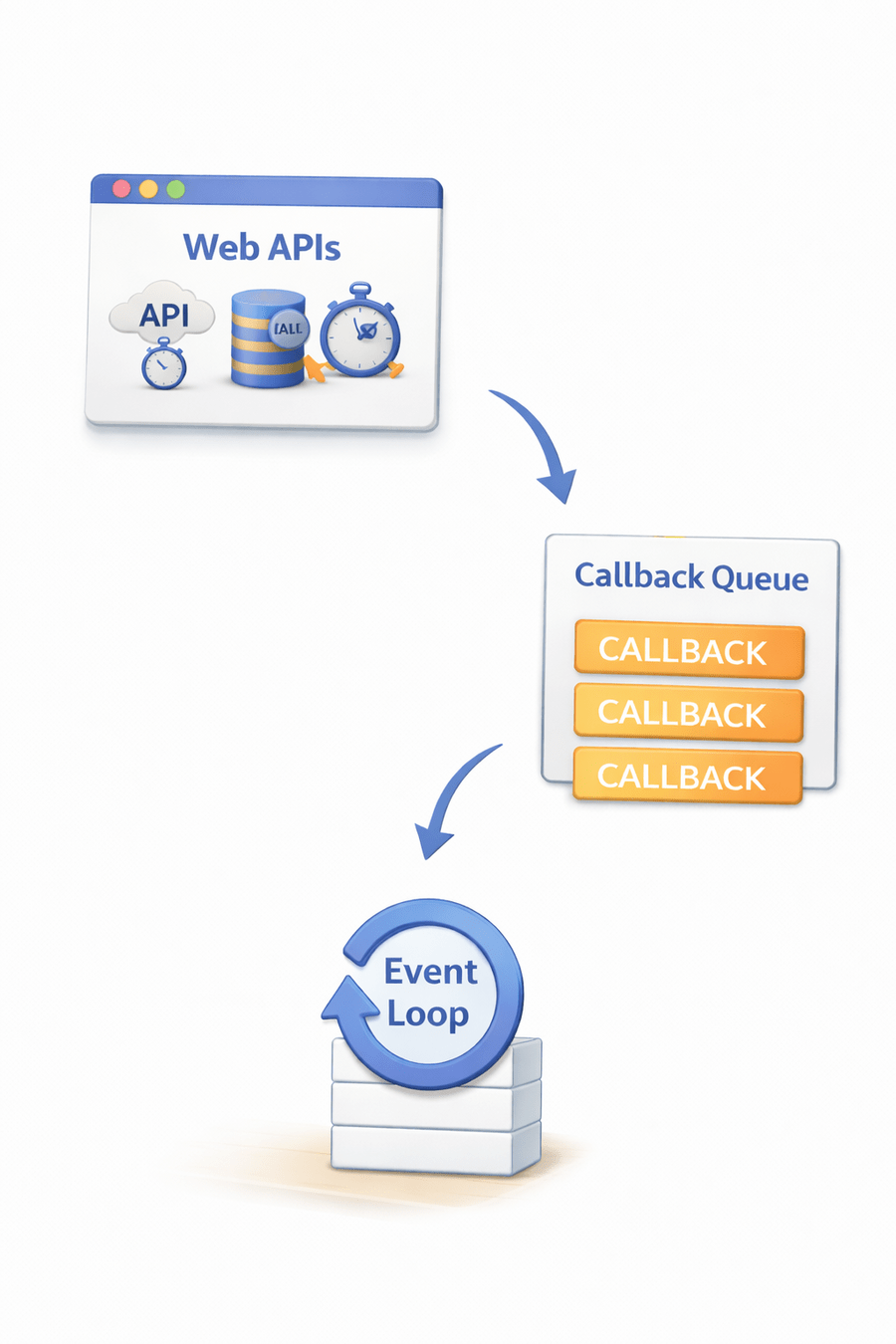
The event loop moves them to the call stack when it is free
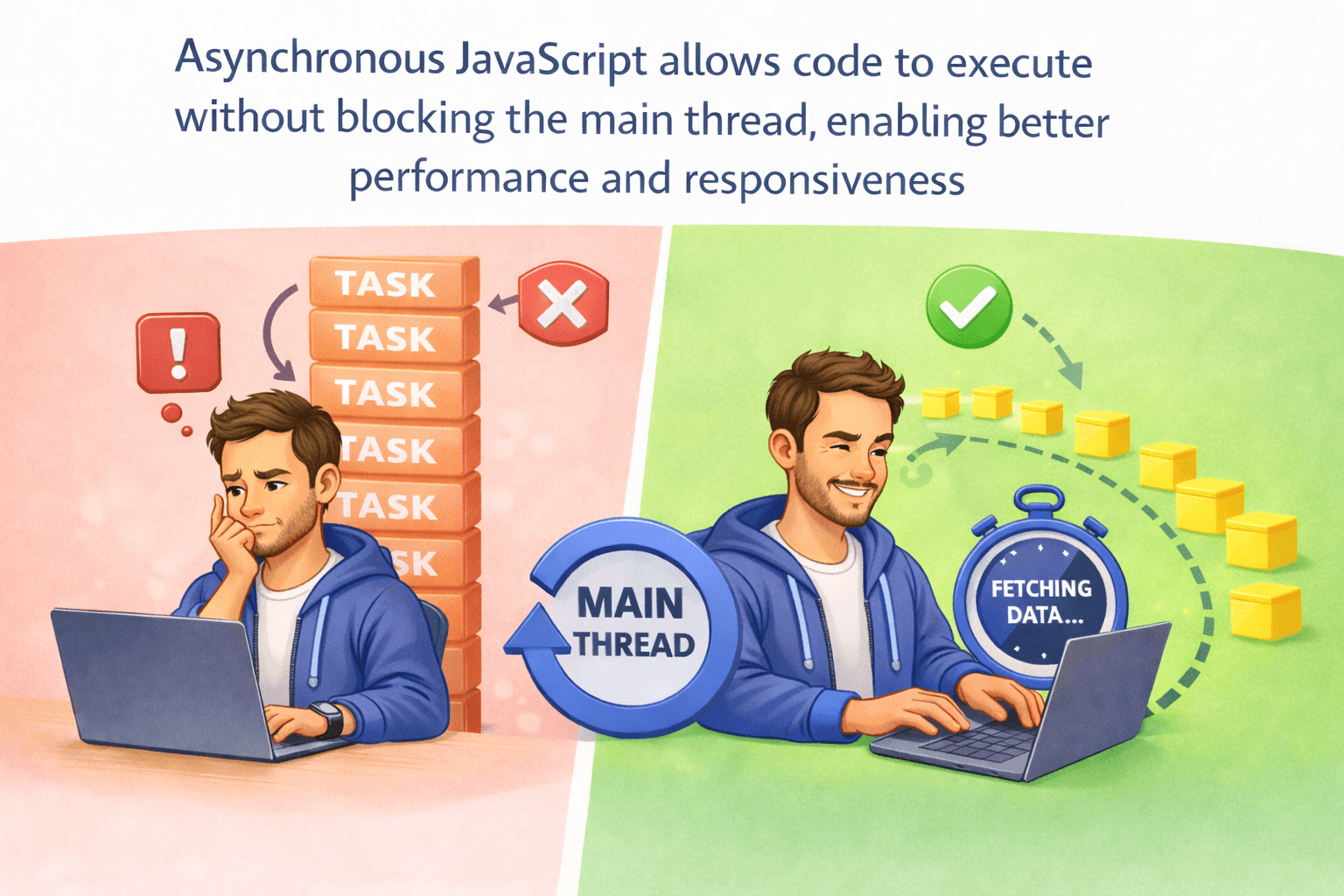
This behavior introduces asynchronous execution, where tasks can run in the background without blocking the main thread
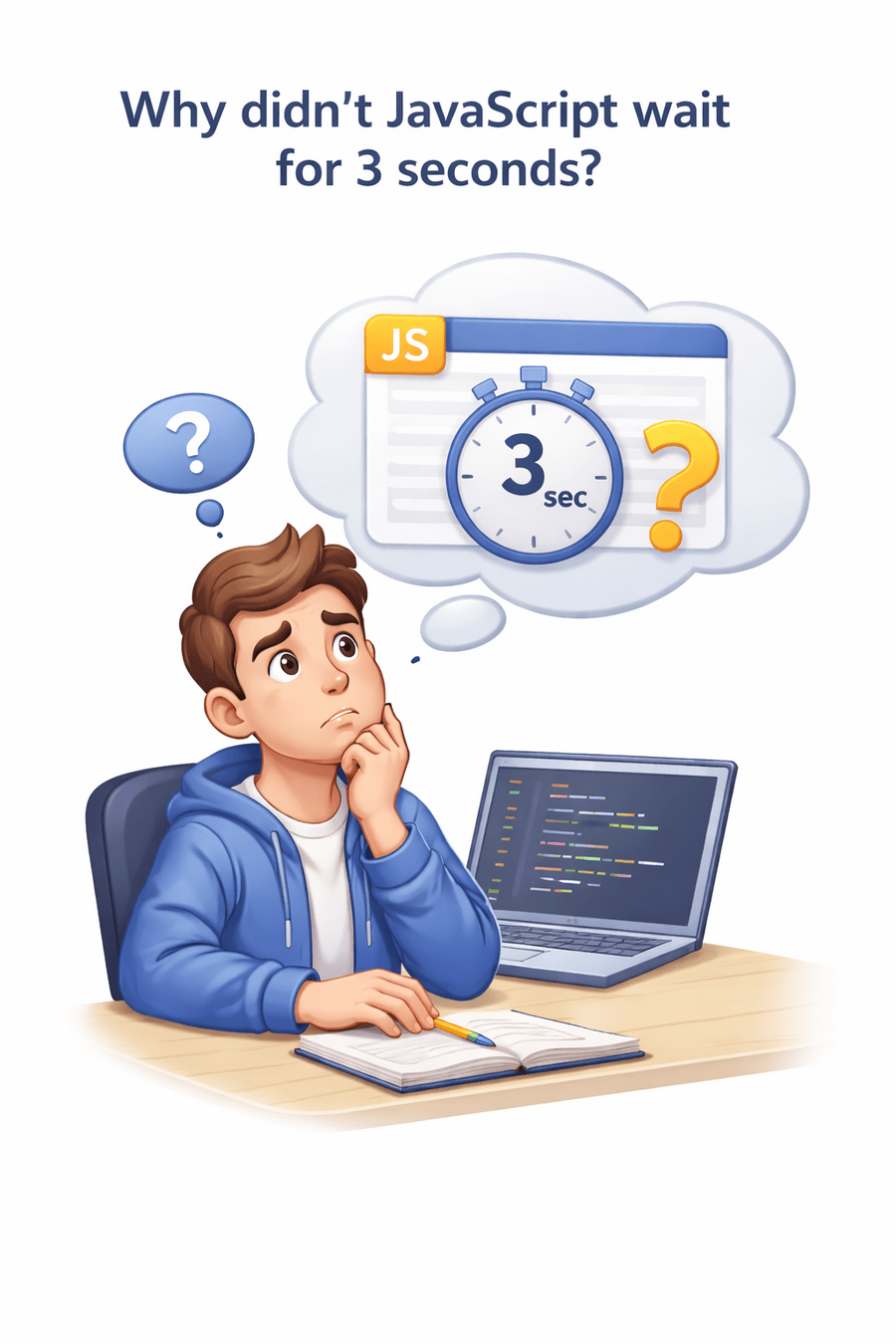

Explanation
JavaScript does not handle asynchronous operations directly.
Instead:
Asynchronous JavaScript
Asynchronous JavaScript allows code to execute without blocking the main thread, enabling better performance and responsiveness
When you order food at a restaurant:
You place the order

You do not wait at the counter

You continue your conversation

You are notified when the order is ready

When you order food at a restaurant:
The notification mechanism is conceptually similar to a callback

Callbacks — The First Approach
A callback is a function passed as an argument to another function, to be executed after a task completes
function fetchData(callback) {
    setTimeout(() => {
        callback("Data received");
    }, 2000);
}
fetchData(function(result) {
    console.log(result);
});
The callback function is executed after the asynchronous operation completes
Limitations of Callbacks
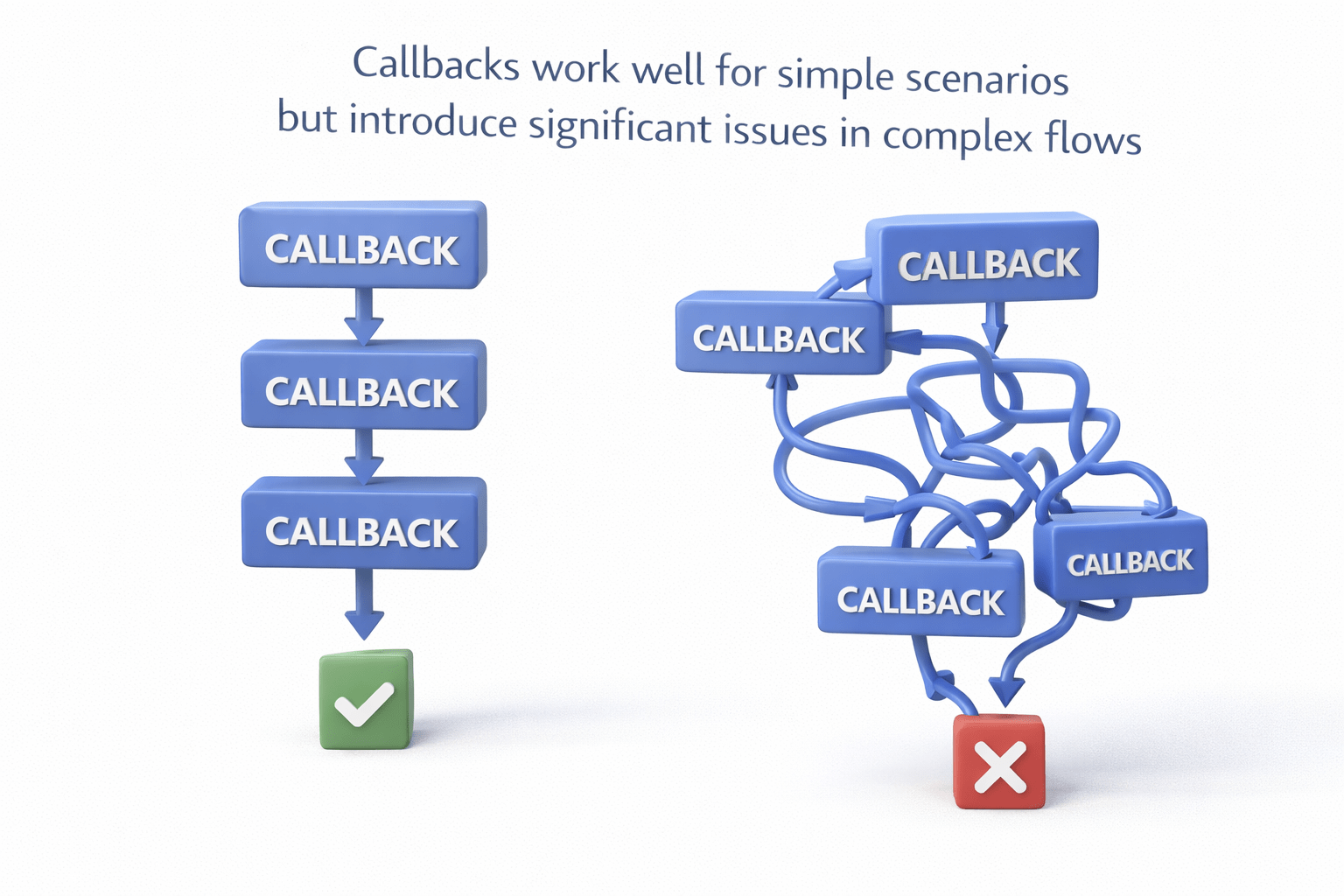
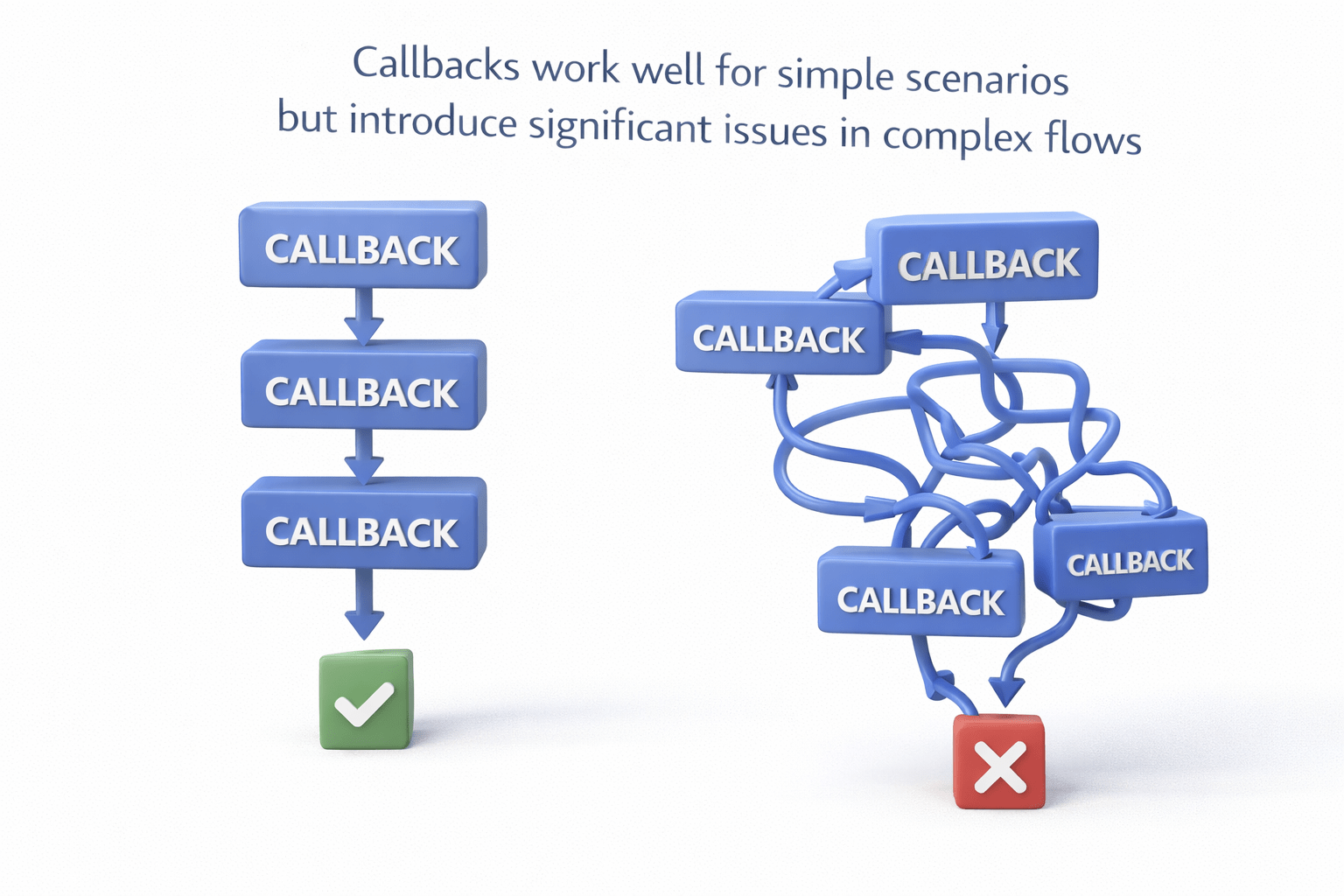
Callbacks work well for simple scenarios but introduce significant issues in complex flows
Callback Hell (Pyramid of Doom)
When multiple dependent asynchronous operations are chained:
login(user, function() {
    getProfile(function() {
        getPosts(function() {
            display();
        });
    });
});

Limitations of Callbacks
Poor readability
Difficult debugging
Hard to maintain




Deep nesting(vertical code growth)
Inversion of Control
When you pass a callback:
apiCall(callback);When the callback executes
How many times it executes
Whether it executes
This creates trust issues and unpredictability



Code Structure Issue
Callbacks lead to vertical growth of code:
Hard to follow logic
Increased cognitive load


Promises — The Structured Solution
To overcome callback limitations, JavaScript introduced Promises
A Promise is an object representing the eventual completion or failure of an asynchronous operation
Promise States
A Promise has three states:
Once resolved or rejected, the state is immutable

Pending
initial state

Fulfilled
operation successful

Rejected
operation failed
Creating a Promise
const promise = new Promise((resolve, reject) => {
    let success = true;

    if (success) {
        resolve("Data fetched");
    } else {
        reject("Error occurred");
    }
});
Key Functions
resolve(value) → marks success

reject(error) → marks failure

Consuming a Promise
promise
  .then(res => console.log(res))
  .catch(err => console.log(err))
  .finally(() => console.log("Completed"));
Methods
.then() → handles success
.catch() → handles failure
.finally() → executes regardless of outcome

Method Chaining
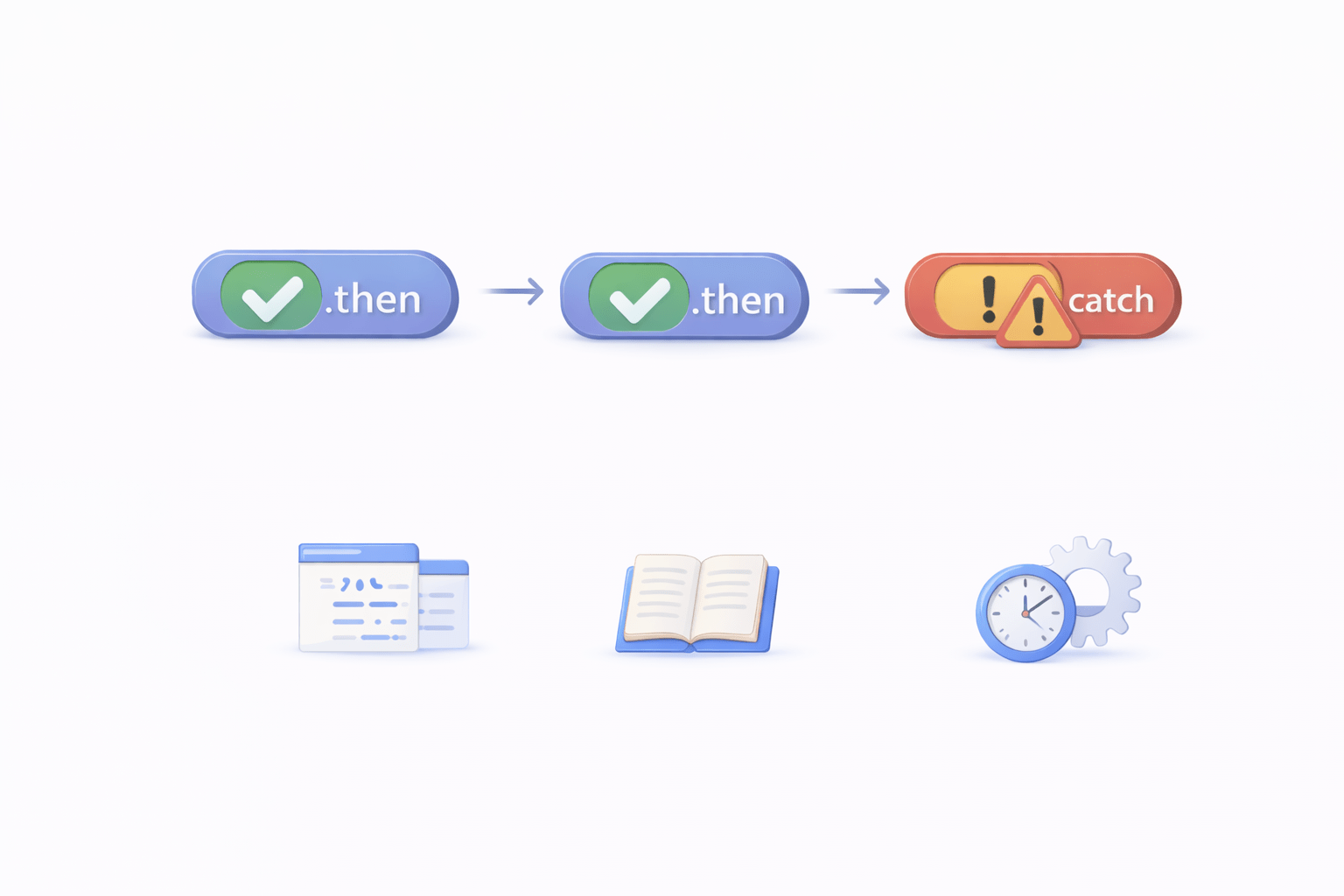
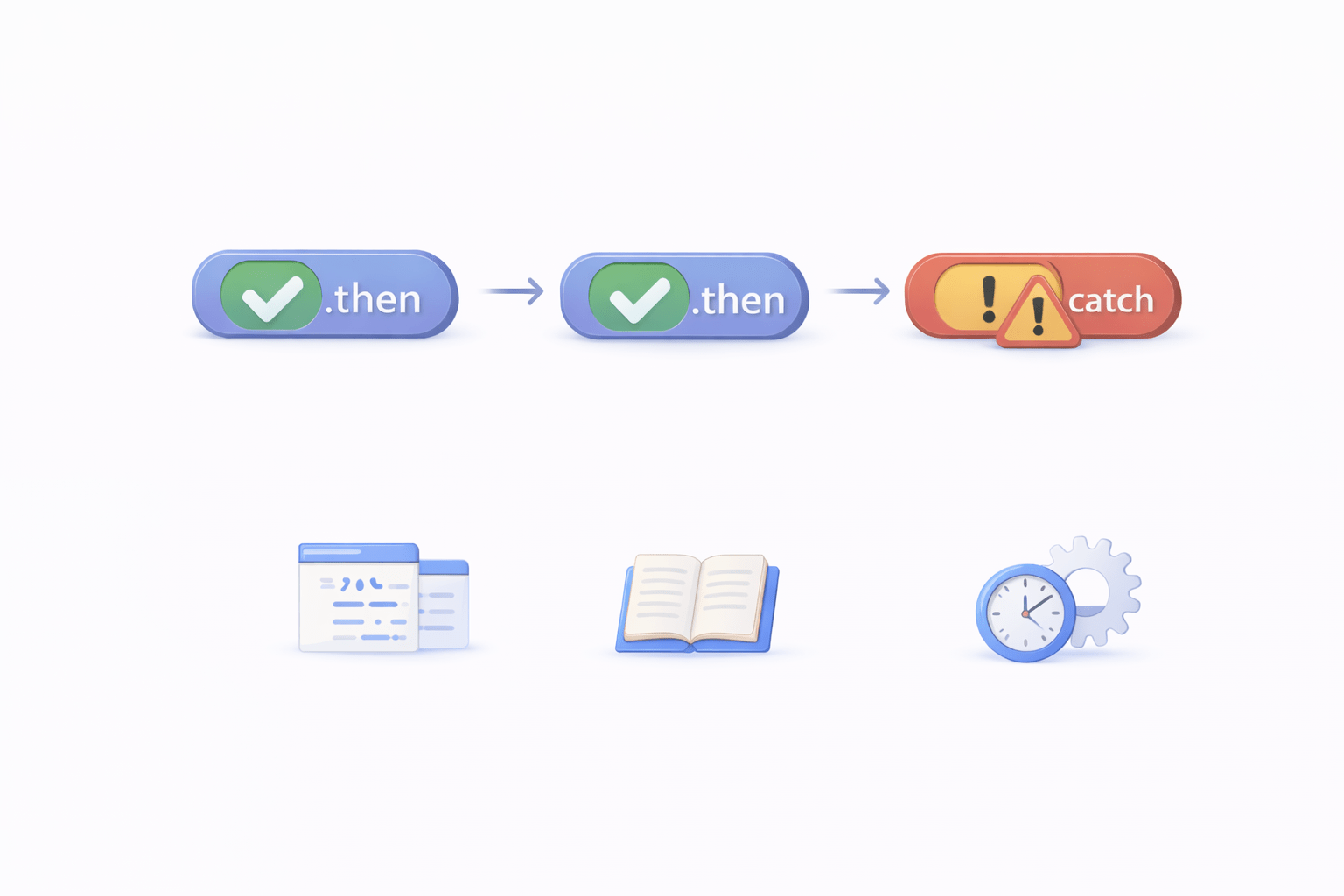
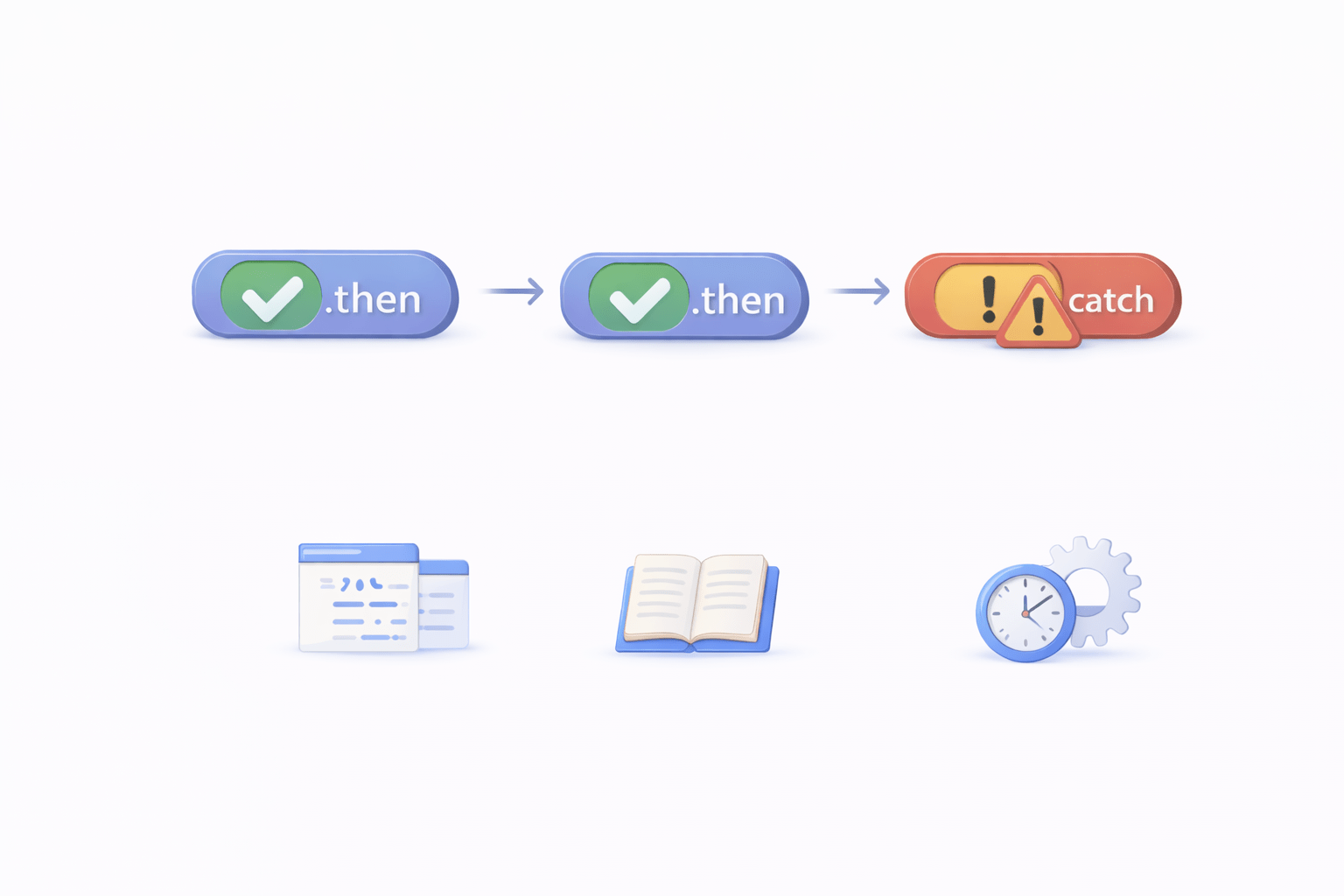
Promises allow chaining, eliminating nesting:
fetchData()
  .then(data => process(data))
  .then(result => display(result))
  .catch(err => console.log(err));
Advantages:
Flat structure (horizontal code)
Improved readability
Better control over execution
Promise Utility Methods
Promise.all()
Promise.allSettled()
Promise.race()
Promise.any()
Executes multiple promises in parallel

Fails if any one fails

Waits for all promises

Returns results regardless of success/failure

Ignores failures

Returns the first successful promise

Returns the first completed promise (success or failure)
Limitations of Promises
Although better than callbacks, Promises still have limitations:
Async/Await — Cleaner Abstraction
Async/Await is syntactic sugar over Promises, making code appear synchronous
async function fetchData() {
    let data = await getData();
    console.log(data);
}
async → function always returns a promise
await → pauses execution until promise resolves
Key Concepts
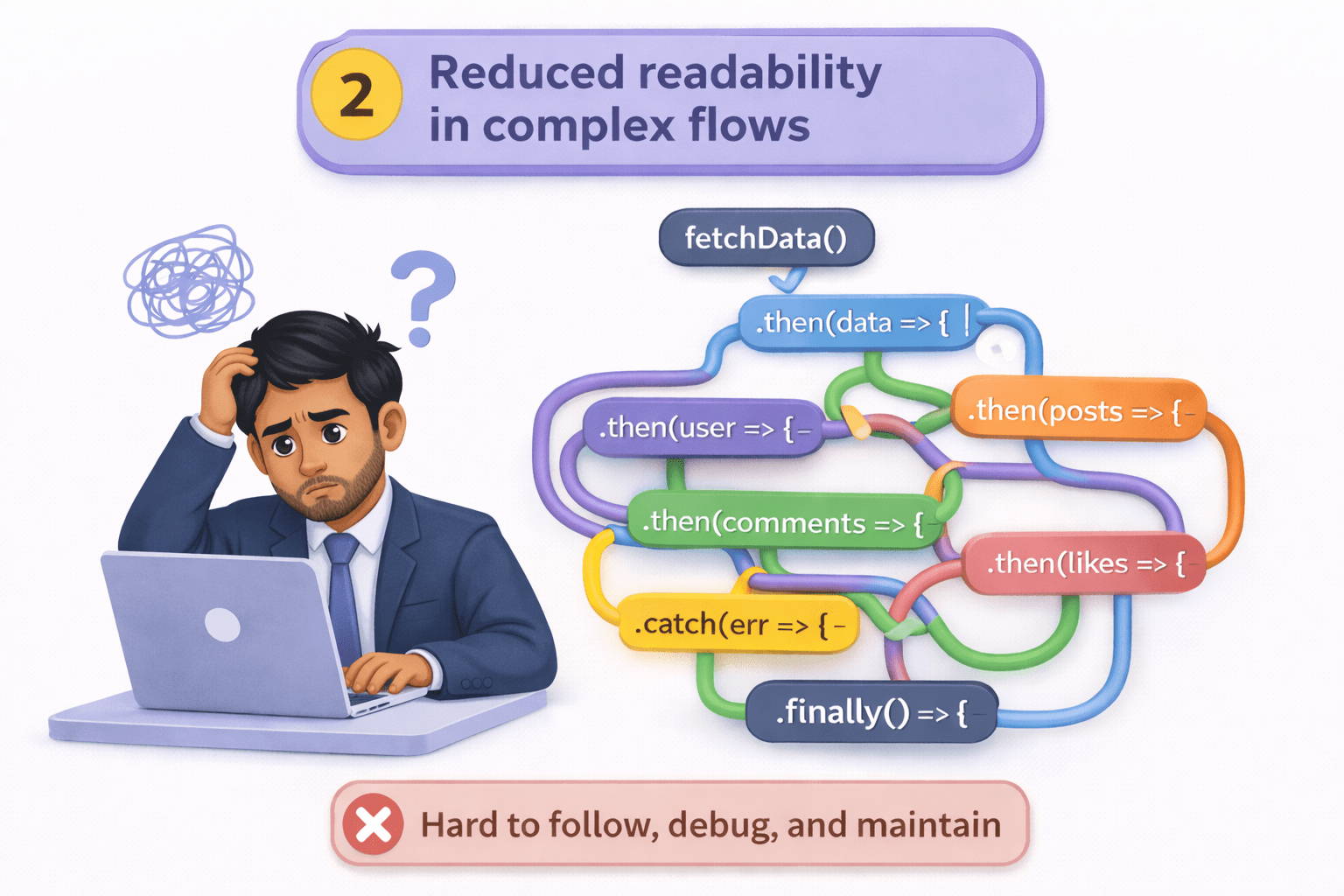
Chain-heavy syntax (.then().then().then())
.then()
.then()
.then()
.then()
Reduced readability in complex flows

Error Handling in Async/Await
async function fetchData() {
    try {
        let data = await getData();
        console.log(data);
    } catch (err) {
        console.log(err);
    }
}
This approach is cleaner and closer to traditional synchronous error handling

Example using Promises:
fetch("https://api.example.com/data")
  .then(res => res.json())
  .then(data => console.log(data));
Example using Async/Await:
async function getData() {
    let response = await fetch("https://api.example.com/data");
    let data = await response.json();
    console.log(data);
}
Limitations of Fetch API
Despite being powerful, Fetch has practical drawbacks:
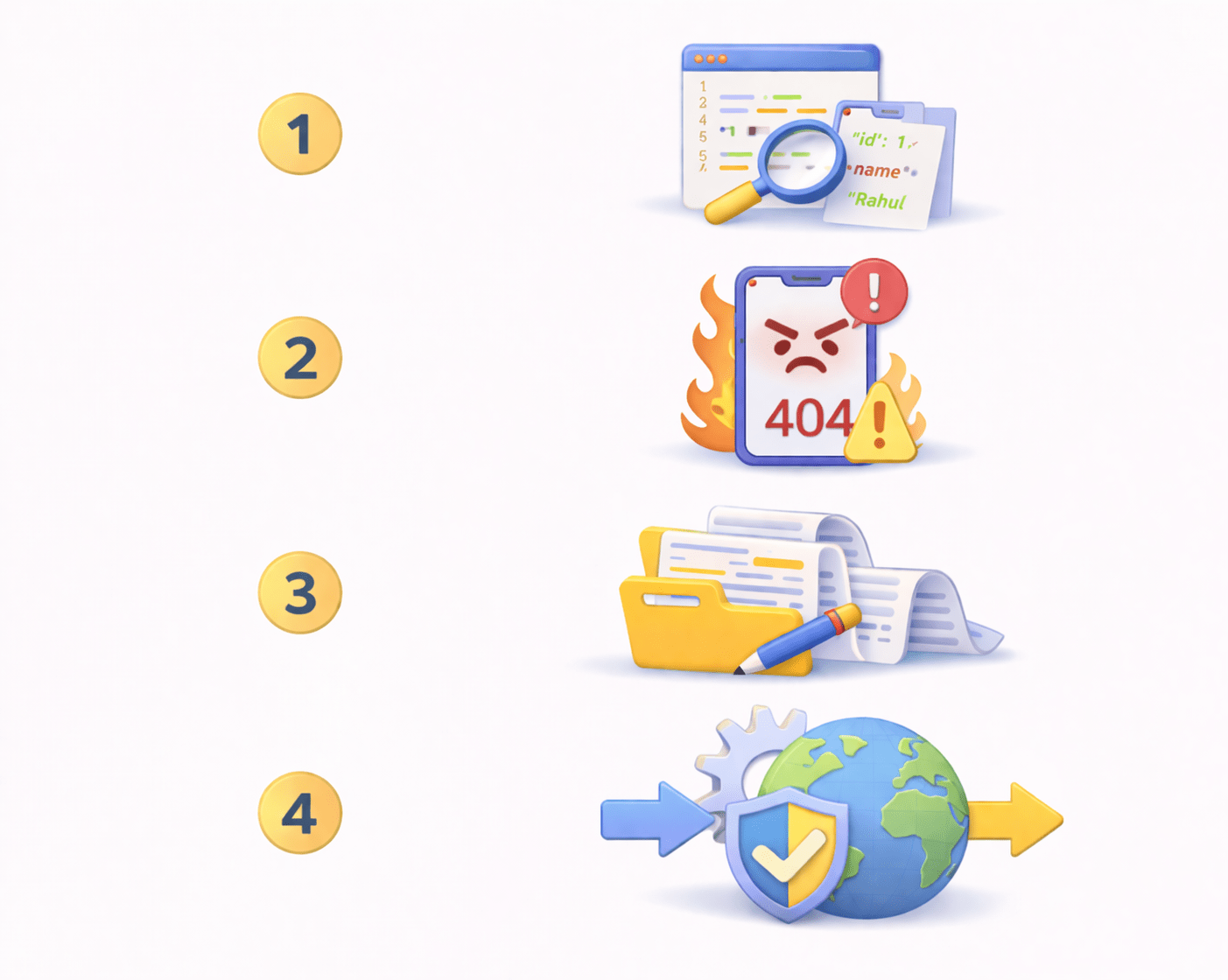
Manual JSON Parsing
res.json()
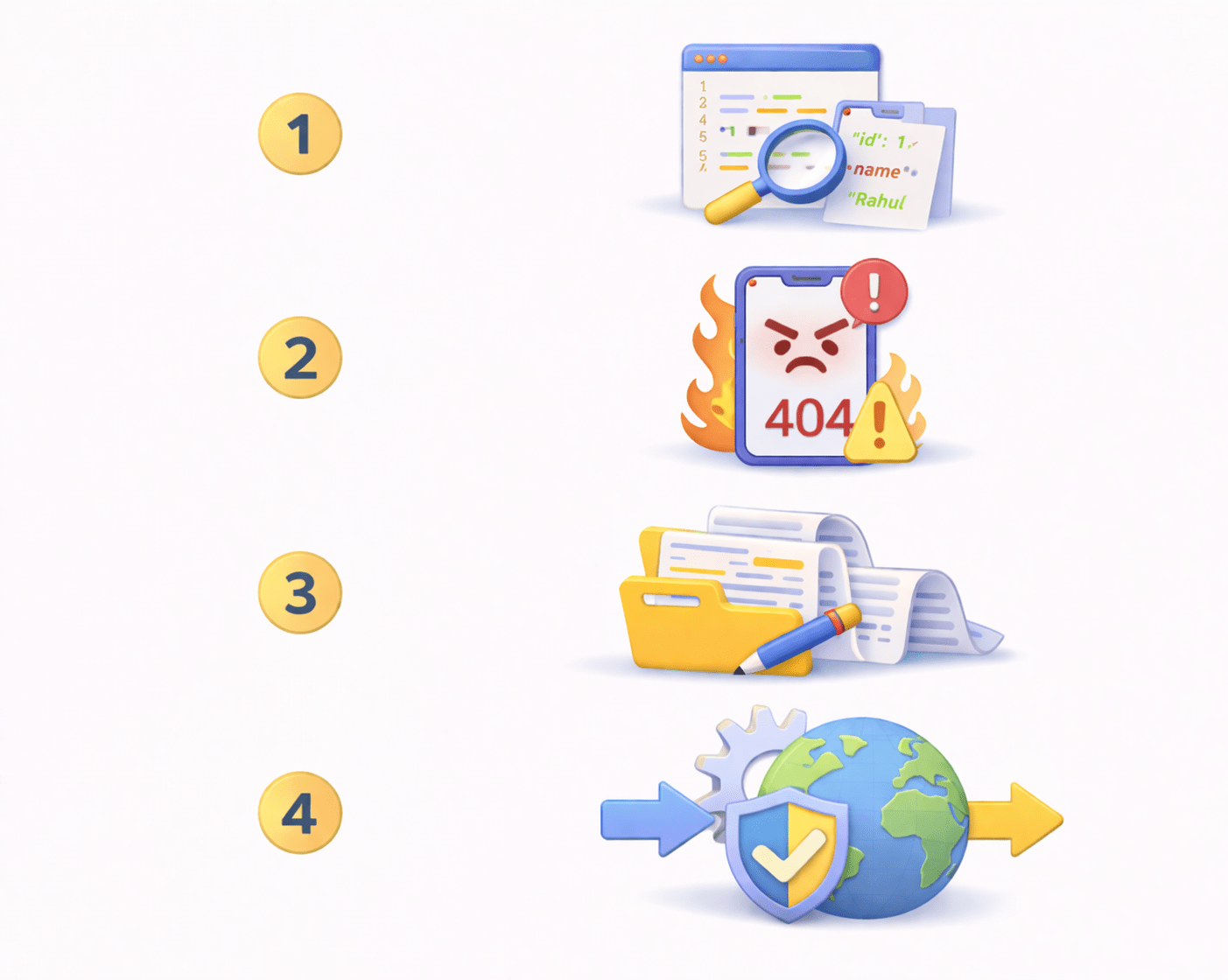
No Automatic Error Handling
Fetch does not reject on HTTP errors (e.g., 404, 500)
Verbose Syntax
More boilerplate code is required
No Built-in Interceptors
Cannot globally modify requests/responses easily
Axios — Improved HTTP Client
Axios is a popular HTTP client library built on top of Promises, offering a better developer experience
Installing Axios:
npm install axios
Axios GET Request
import axios from "axios";

axios.get("https://api.example.com/data")
  .then(res => console.log(res.data))
  .catch(err => console.log(err));
Key Advantage :
Automatically parses JSON
Response data available as res.data
Axios with Async/Await
async function getData() {
    try {
        const res = await axios.get("https://api.example.com/data");
        console.log(res.data);
    } catch (err) {
        console.log(err);
    }
}
Axios POST Request
axios.post("https://api.example.com/data", {
    name: "John"
});
Simpler and cleaner than Fetch
Axios Interceptors
Axios allows global request/response handling
axios.interceptors.request.use(config => {
    config.headers.Authorization = "Bearer token";
    return config;
});
Use Cases:

Authentication tokens
Logging
Global error handling
Fetch vs Axios Comparison
Feature
Axios
|
Fetch |
|
JSON parsing |
|
Timeout support |
Interceptors
Syntax
|
Error handling |
|
Limited |
|
|
Verbose |
|
|
Available
|
Built-in |
|
Cleaner |
|
Automatic |
|
Automatic |
When to Use What
Use Axios:
Need for interceptors and better error handling
Frequent API calls
Native browser usage preferred

Use Fetch:
Small projects
Native browser usage preferred
No advanced requirements
Final Evolution of Asynchronous JavaScript
The development of async handling in JavaScript follows this progression:
Axios
Fetch
Async/Await
Promise
Callback
Synchronous






Final Evolution of Asynchronous JavaScript
Final Mental Model :
When working with asynchronous operations:
Identify if the task is asynchronous
1
Use Promises or Async/Await
2
For API calls:
3
-
Use Fetch for simple use cases
-
Use Axios for scalable applications
Summary
5
Build strong branding
4
Use different marketing channels
3
Target the right audience
2
Create and communicate value
1
Understand customer needs
Quiz
Which platform is mainly used for professional networking and B2B marketing ?
A. Facebook
B. Instagram
C. LinkedIn
D. Snapchat

Quiz-Answer
Which platform is mainly used for professional networking and B2B marketing ?
A. Facebook
B. Instagram
C. LinkedIn
D. Snapchat
