

















Content ITV PRO
This is Itvedant Content department
Learning Outcome
6
Implement cross-field and conditional validation
5
Work with FormArray and dynamic forms
4
Build custom validators
3
Apply validation and error handling
2
Use FormBuilder for cleaner code
1
Create Reactive Forms using FormGroup & FormControl
Why Reactive Forms
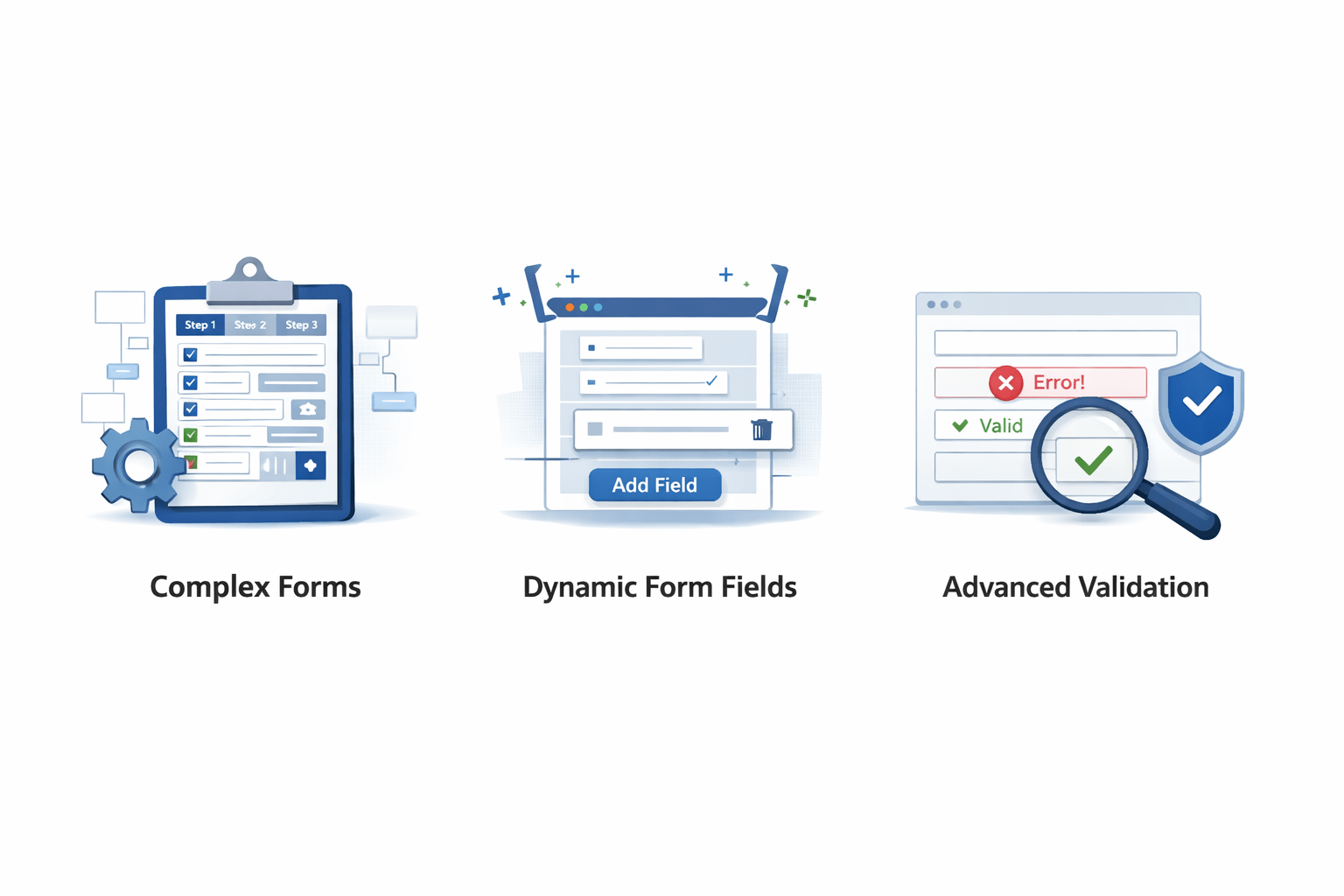
Complex forms
Dynamic form fields
Advanced validation
Reactive forms are used for :
Full control in TypeScript
Scalable and maintainable
Easy testing
Advantages :
Best for real-world enterprise applications.
Creating Reactive Form
Steps :
import { ReactiveFormsModule } from '@angular/forms';this.form = new FormGroup({
name: new FormControl(''),
email: new FormControl('')
});Each field is managed as a FormControl inside a FormGroup
Reactive Forms are created using TypeScript (component code).
Using FormBuilder
import { FormBuilder } from '@angular/forms';

constructor(private fb: FormBuilder) {}

this.form = this.fb.group({
 name: [''],
 email: ['']
});
Cleaner, shorter, and more readable than manual FormGroup
FormBuilder simplifies form creation and reduces boilerplate code.
Validation in Reactive Forms
import { Validators } from '@angular/forms';

this.form = this.fb.group({
 name: ['', Validators.required],
 email: ['', [Validators.required, Validators.email]]
});
Ensures user enters valid and required data
Validators are added directly in the form model.
Handling Validation Errors
<input formControlName="email">

<p *ngIf="form.get('email')?.errors?.['required']">
 Email is required
</p>
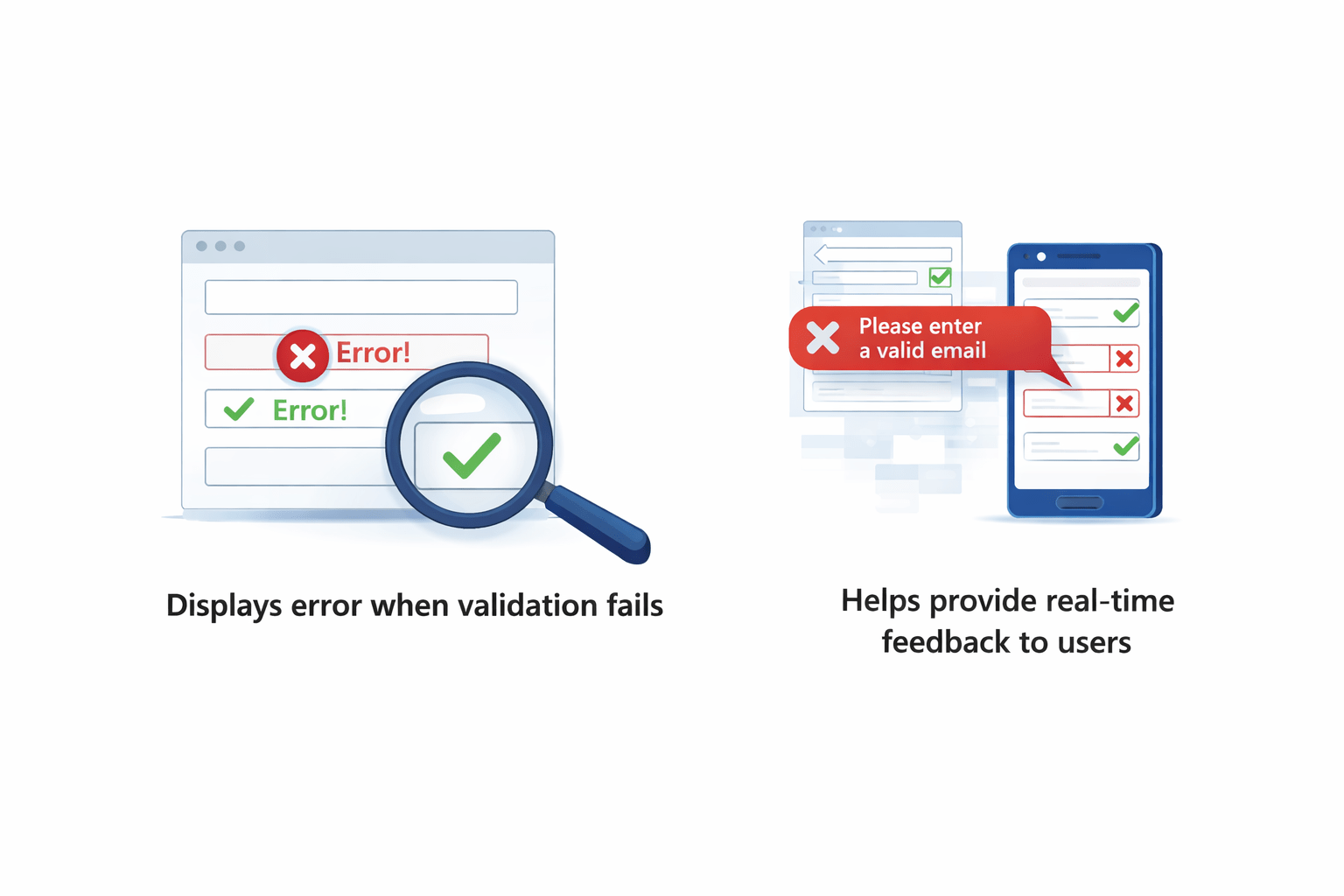
Validation messages are shown based on form state.
Displays error when validation fails
Helps provide real-time feedback to users
Creating Custom Validator
function noAdmin(control: any) {
 return control.value === 'admin'
   ? { notAllowed: true }
   : null;
}
Makes field invalid if value is "admin"
Usage :
name: ['', noAdmin]Custom validators handle specific business rules.
FormArray (Dynamic Forms)
import { FormArray } from '@angular/forms';

this.form = this.fb.group({
 skills: this.fb.array([])
});
Add control :
this.skills.push(this.fb.control(''));Useful for dynamic data like skills, hobbies, etc.
Used when form fields are dynamic (add/remove inputs).
Conditional Validation
if(condition) {
 this.form.get('field')?.setValidators(Validators.required);
}
Useful when validation depends on user input or logic
Validation applied based on conditions.
Cross-Field Validation
function passwordMatch(form: any) {
 return form.get('password')?.value === form.get('confirm')?.value
   ? null
   : { mismatch: true };
}
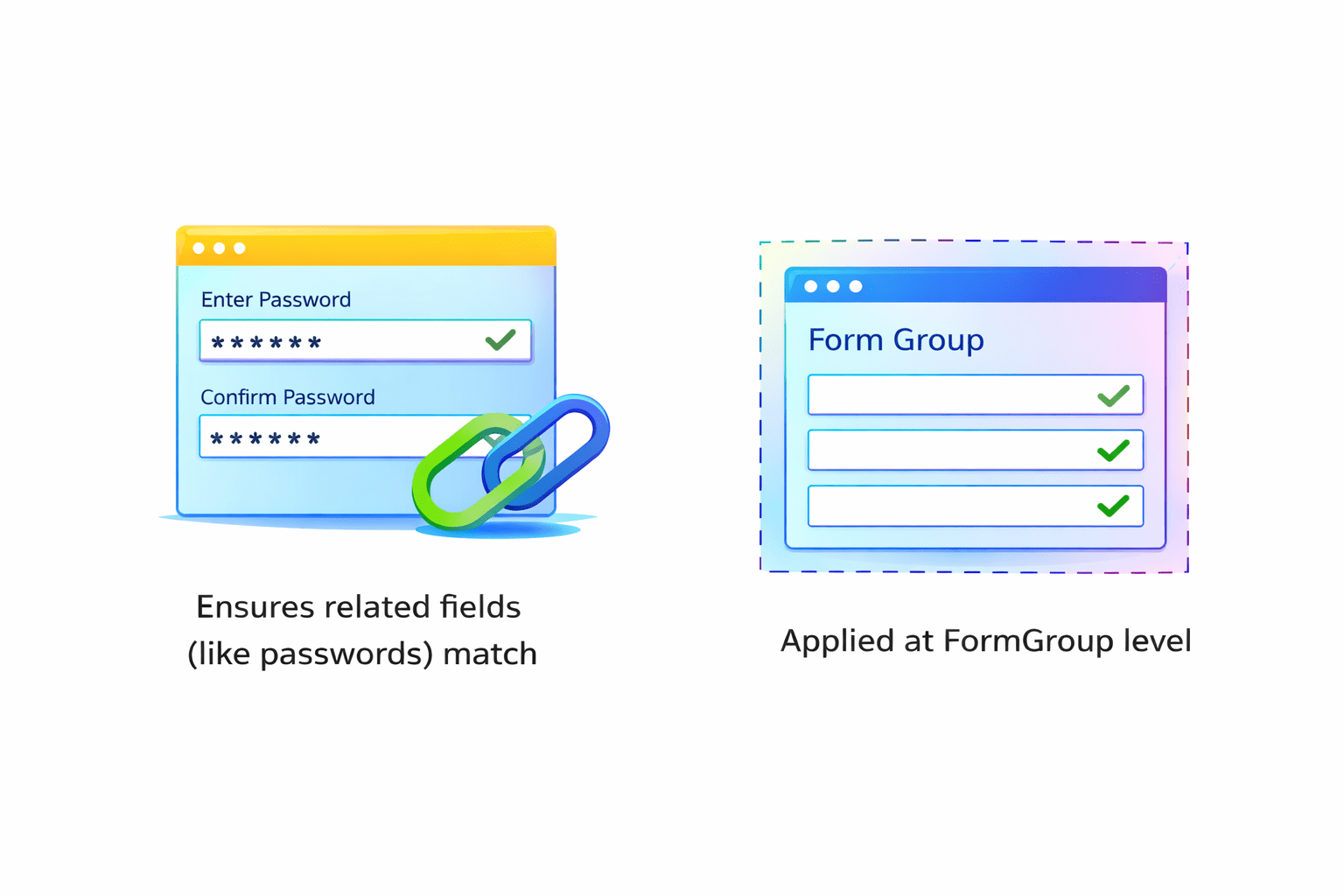
Ensures related fields (like passwords) match
Applied at FormGroup level
Validates multiple fields together.
Summary
5
FormArray enables dynamic forms
4
Custom validators handle complex rules
3
Validators ensure correct input
2
FormBuilder makes form creation easier
1
Reactive forms are powerful and scalable
Used in real-world applications
6
Quiz
Cross-field validation is used for:
A. Single field
B. Multiple fields
C. Styling
D. API calls
Quiz-Answer
Cross-field validation is used for:
A. Single field
B. Multiple fields
C. Styling
D. API calls
By Content ITV