Shopping & Performance Max


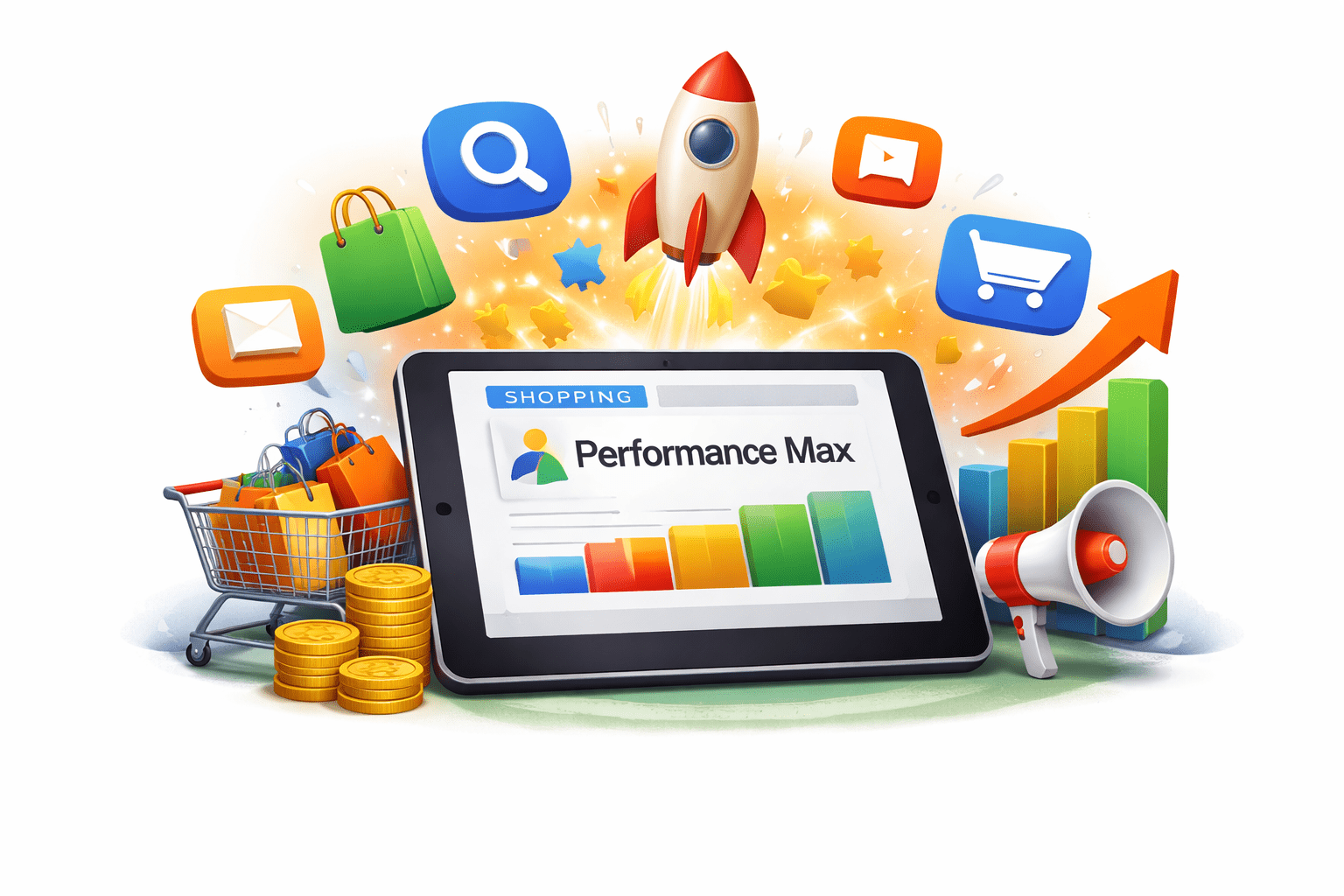
Performance Max

Learning Outcome
6
Set up a Performance Max campaign
5
Identify common mistakes and best practices
4
Understand Asset Groups and Audience Signals
3
Explain AI, goals, and bidding strategies
2
Identify channels covered in PMax
1
Understand Performance Max and its purpose
Mr. Sharma’s Business Analogy
Mr. Sharma ran a hardware business in Nagpur with 6 salespeople, each handling only one task—construction sites, residential areas, phone enquiries, shop counter, flyers, or exhibitions.

Mr. Sharma’s Business Analogy
The problem was rigid roles. If a construction site needed paint, Ravi wouldn’t sell it because “that’s Suresh’s job.” The budget was wasted and sales opportunities were missed.


His son Karan replaced them with one all-rounder manager, Vikram, whose only goal was to maximize sales. He used all channels, products, and customer data to decide where to focus each day.
Mr. Sharma’s Business Analogy
Within 6 months,
revenue increased by 190%.

From Traditional Selling to Performance Max

Just like Karan replaced multiple separate salespeople with one smart manager, advertisers can replace multiple separate Google campaigns with one intelligent campaign.
From Traditional Selling to Performance Max
Instead of managing Search, Display, YouTube, Shopping, Gmail, and Discover separately, businesses can use one Performance Max campaign to handle everything together.

What is Performance Max?
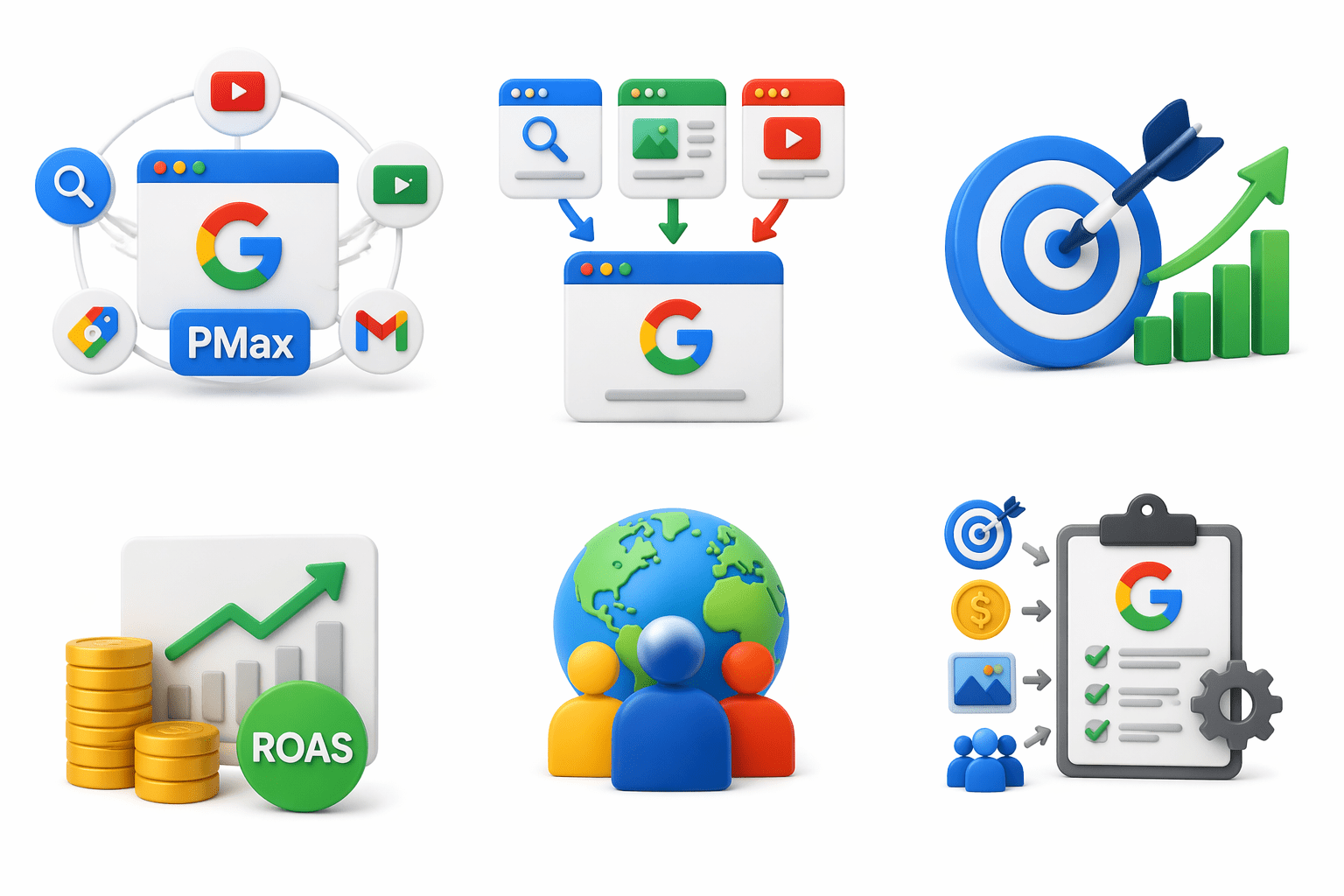
Performance Max (PMax) is Google Ads’ AI-powered campaign type that runs ads across all Google channels from one campaign.
Instead of separate campaigns for Search, Display, YouTube, Shopping, and Gmail, everything is managed in one place.
What is Performance Max?
Main purpose:
- Maximize conversions
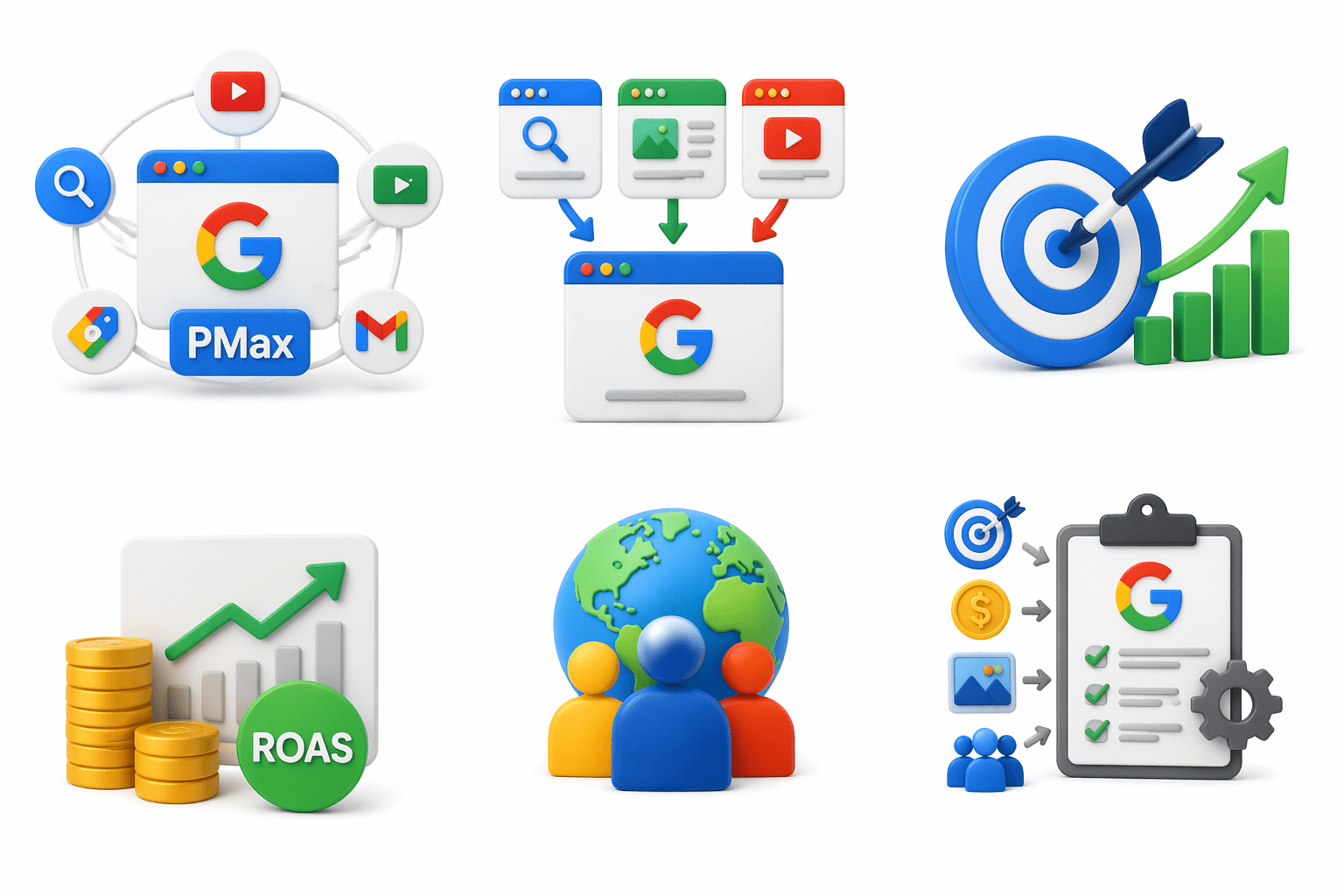
- Improve ROAS
- Reach more customers
You provide the goal, budget, assets, and audience signals — Google handles optimization.
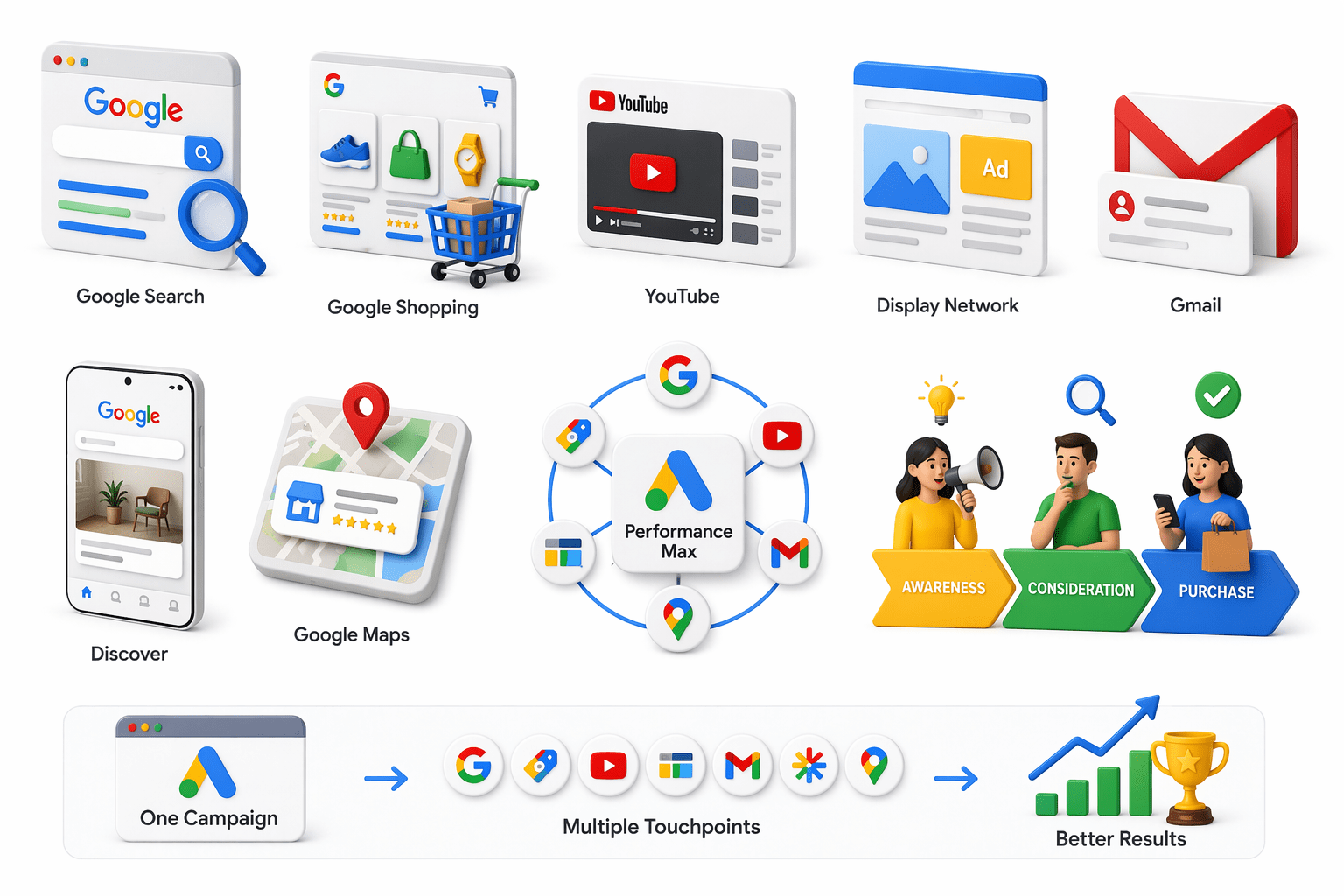
What channels does Performance Max cover?
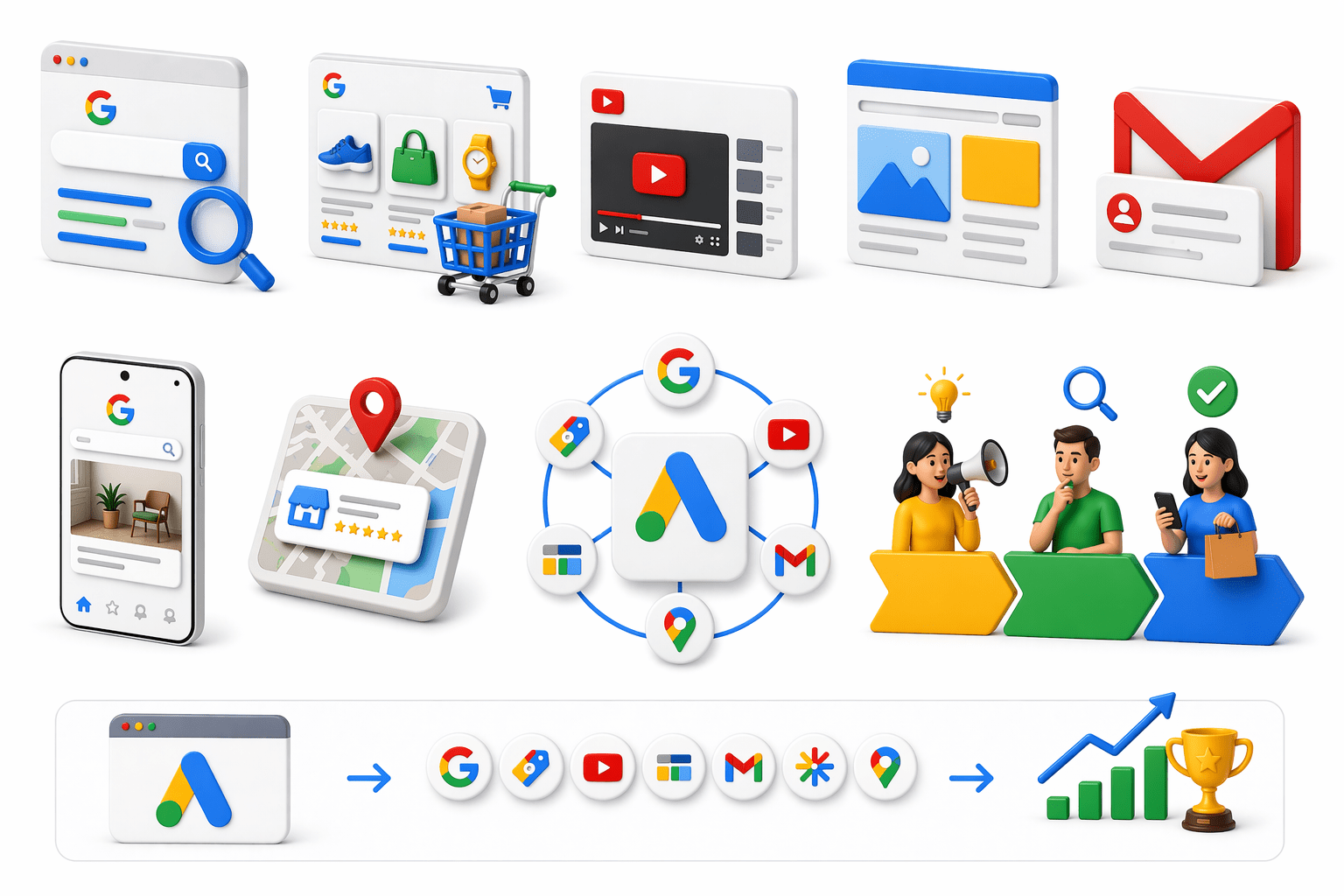
Google Search
Google Shopping
YouTube
Display Network
Gmail
Discover
Google Maps
Performance Max gives access to:
What channels does Performance Max cover?
It helps reach users across the full buying journey:
Awareness → Consideration → Purchase
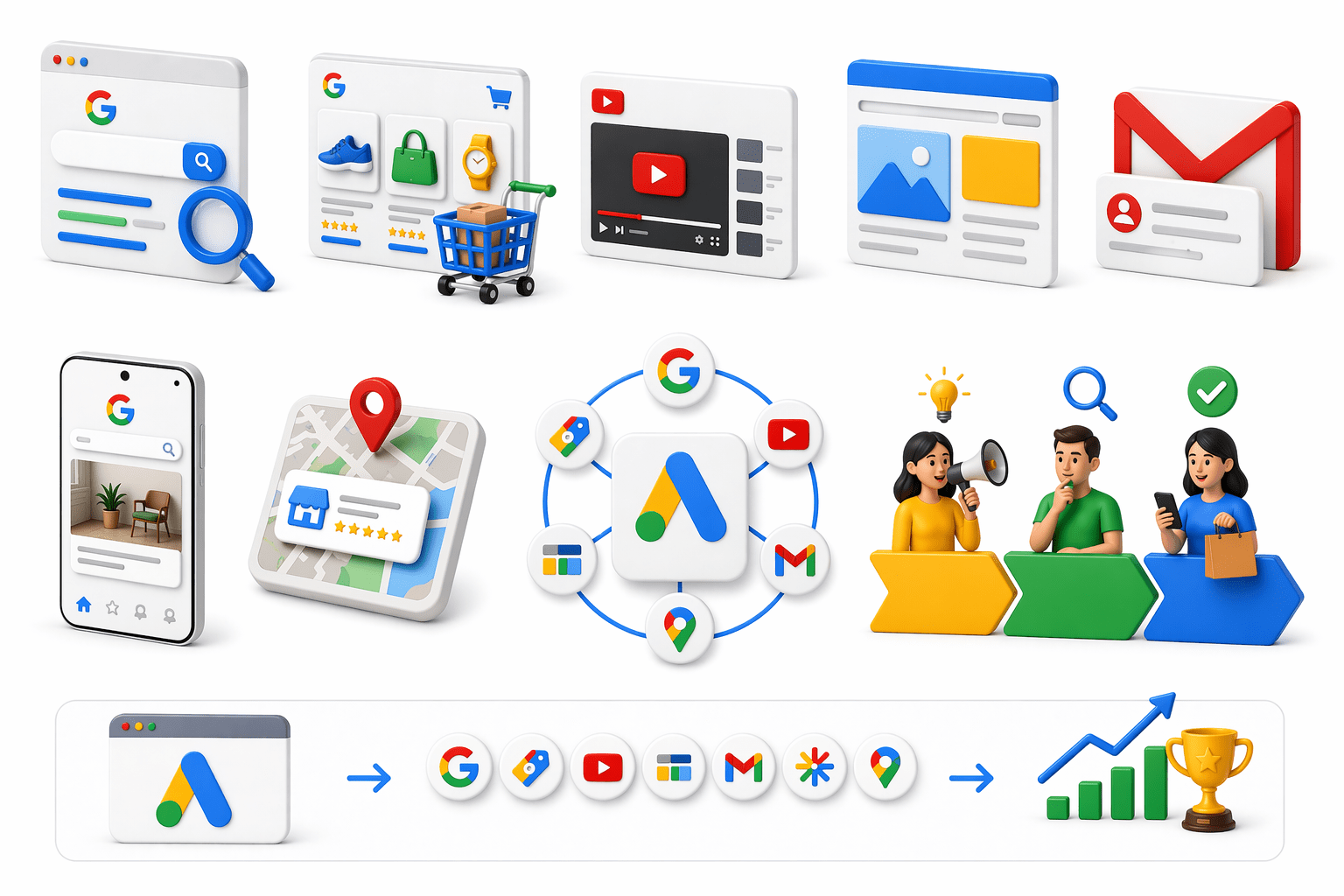
One campaign, multiple touchpoints, better results.
How Performance Max Works — The AI Engine

Performance Max uses AI to decide:
-
Who to target
-
Which ad to show
-
Which channel to use
-
What bid to place
Google analyzes:
-
Search behavior
-
Purchase intent
-
Conversion data
-
Audience signals
-
Product feed data
Better data helps PMax perform better.
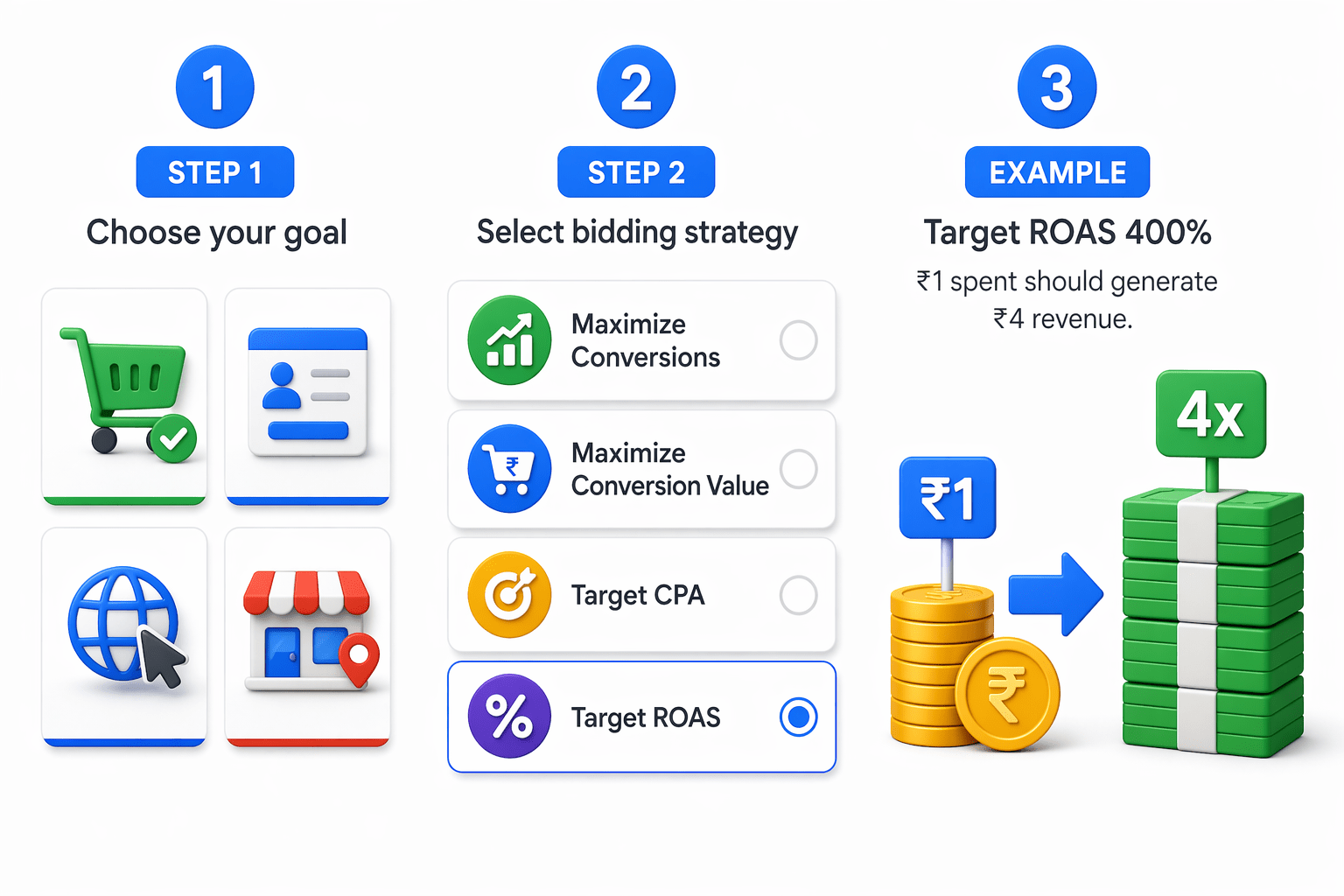
Campaign Setup — Goals and Bidding
Step 1: Choose your goal
Common goals:
- Sales
- Leads
- Website traffic
- Store visits
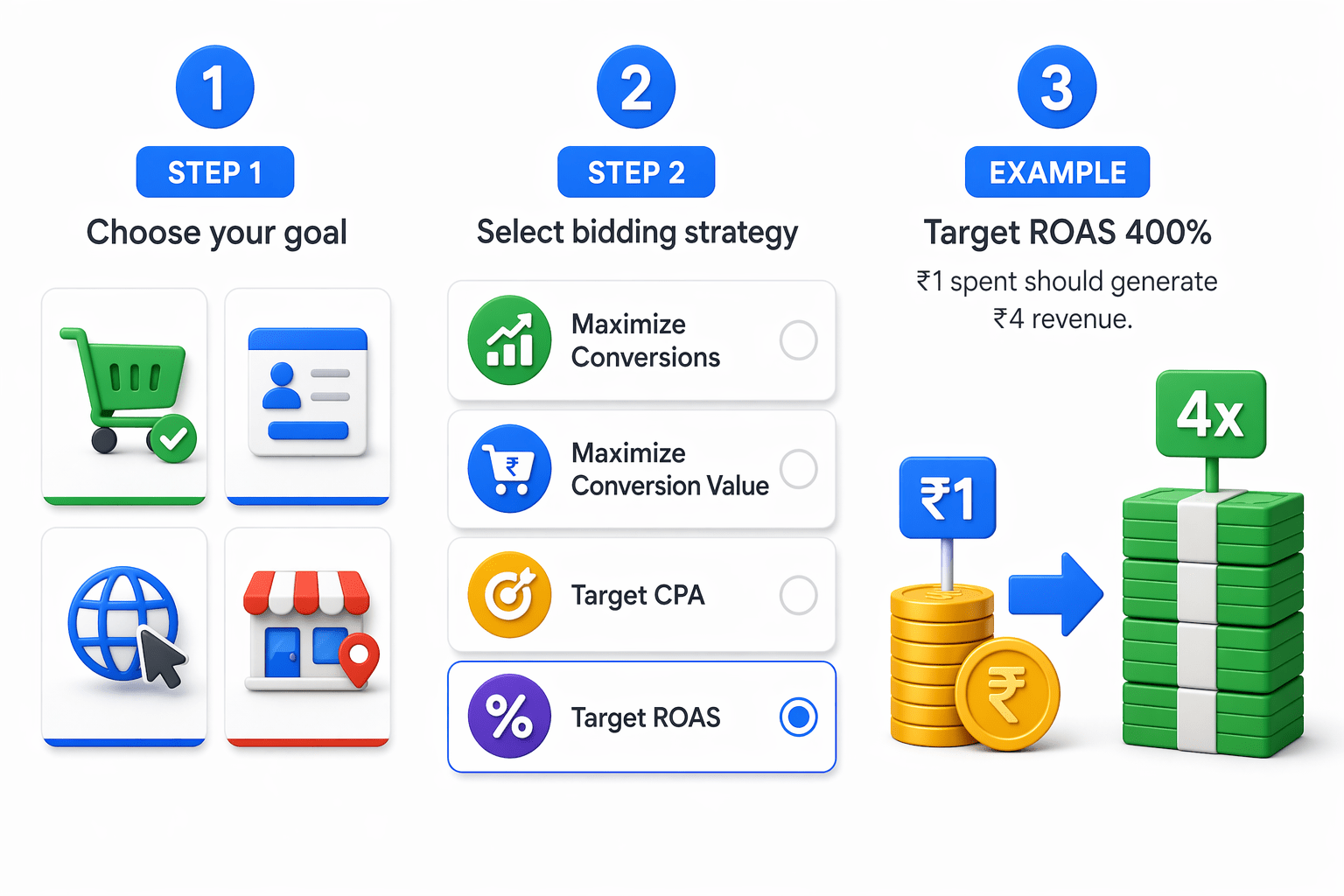
Step 2: Select bidding strategy
Popular options:
- Maximize Conversions
- Maximize Conversion Value
- Target CPA
- Target ROAS
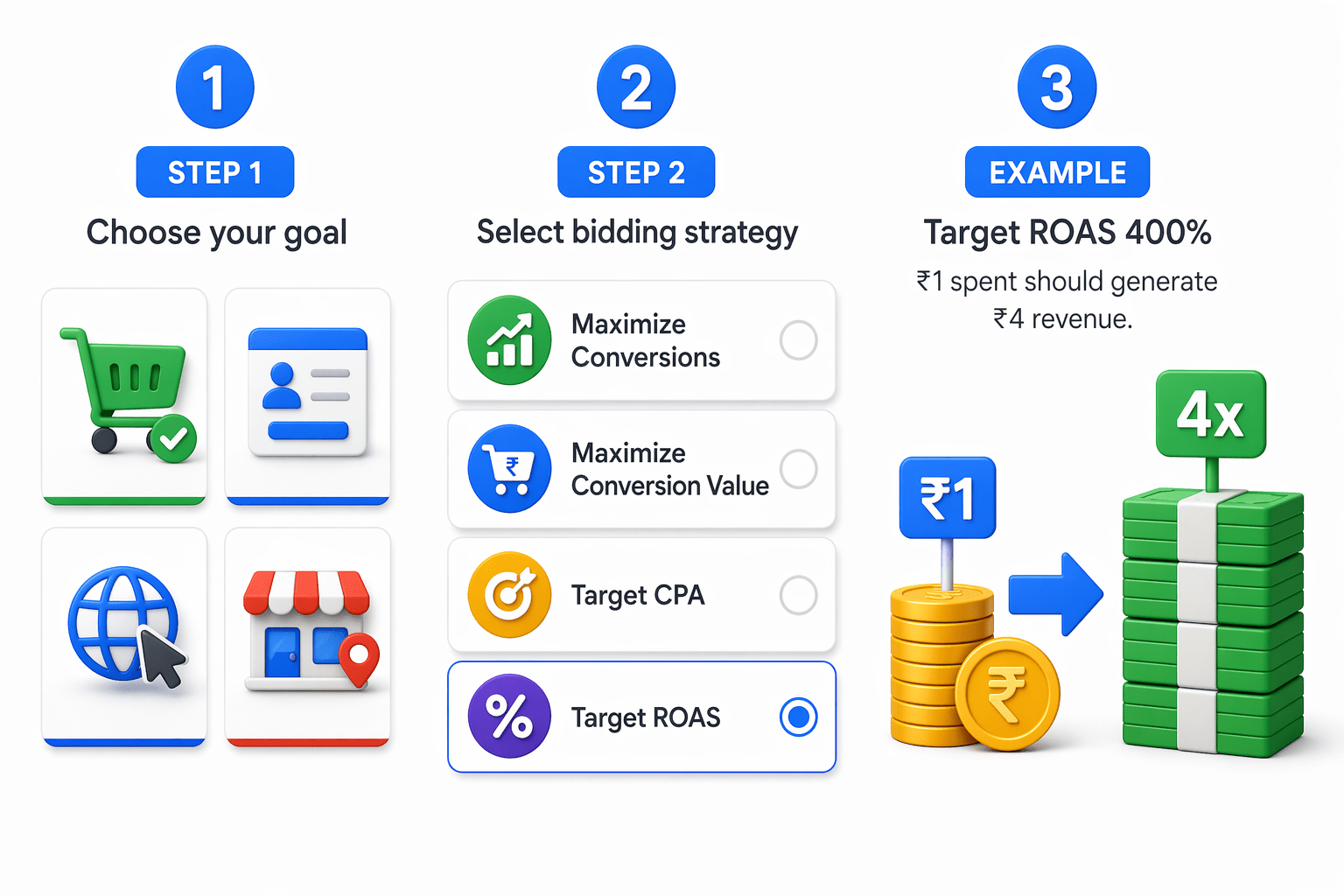
Example:
Target ROAS 400% = ₹1 spent should generate ₹4 revenue.
Asset Groups — The Creative Foundation of PMax
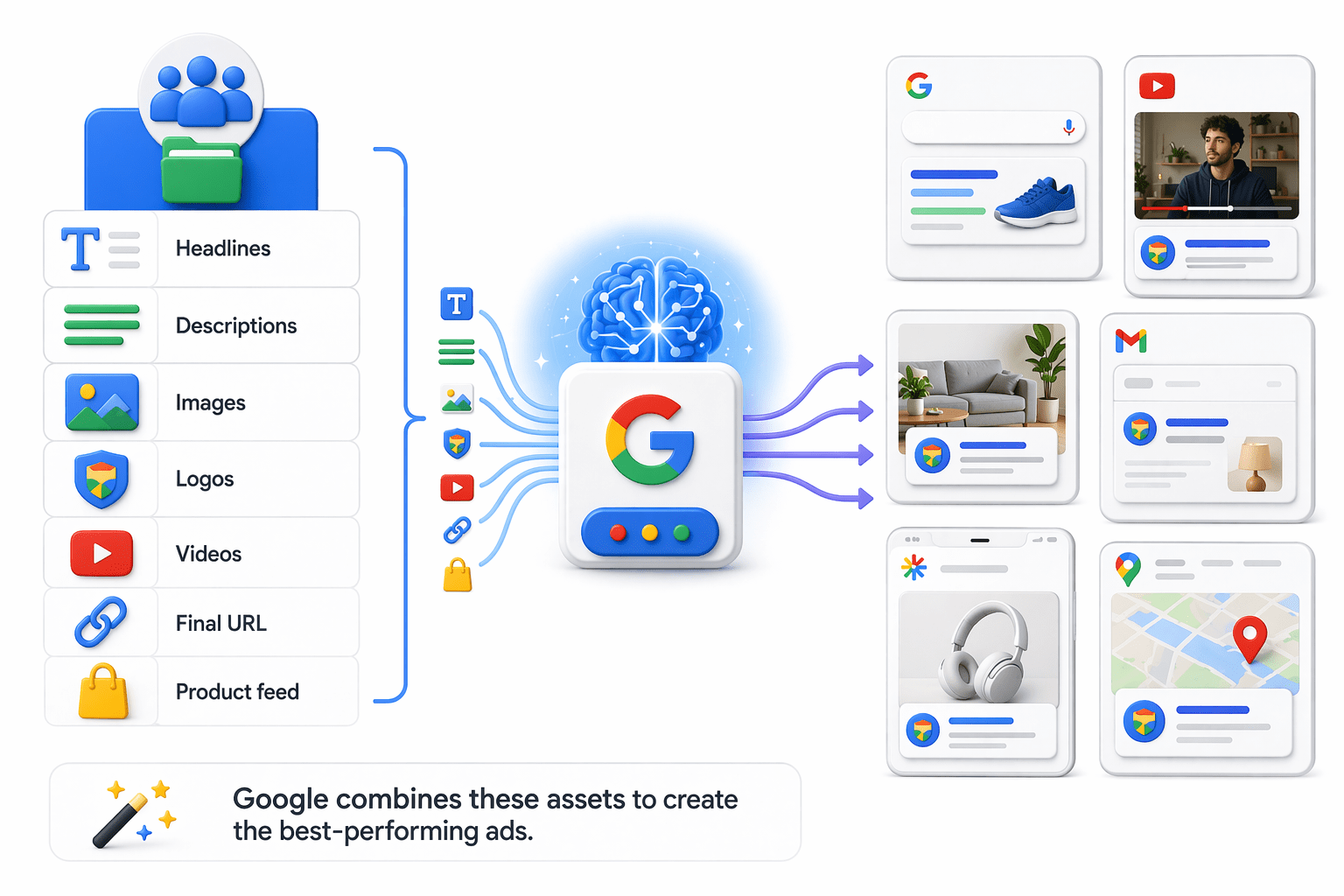
Asset Groups are the creative base of PMax.
Google combines these assets to create the best-performing ads.

Better assets = better results.
Audience Signals in Performance Max
Audience Signals help Google find the right customers faster.
Types include:
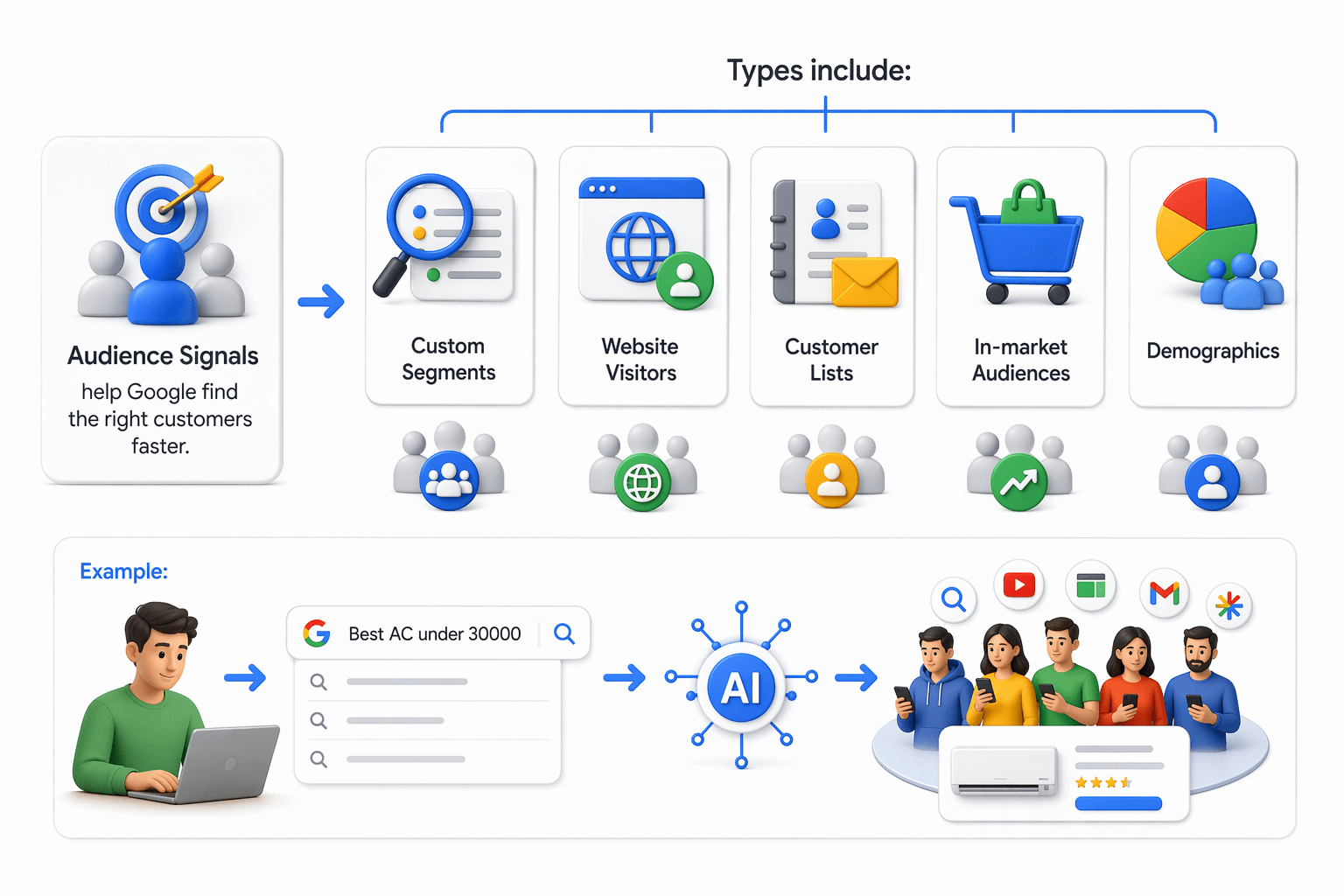
Custom Segments
Website Visitors
Customer Lists
In-market Audiences
Demographics
Audience Signals in Performance Max
Example:
Users searching “Best AC under 30000”
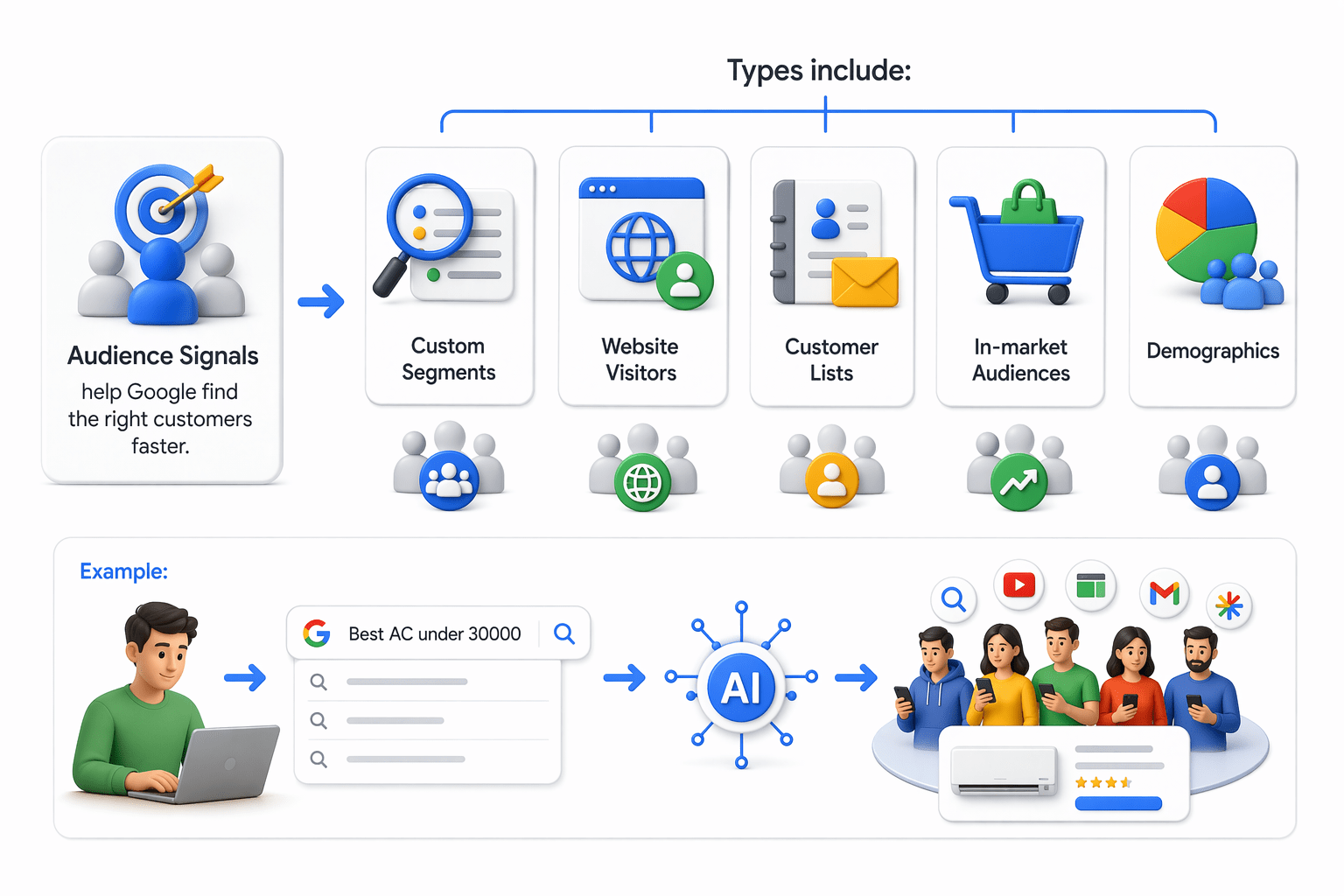
Audience signals guide AI, not strict targeting.
Common PMax Mistakes and Best Practices
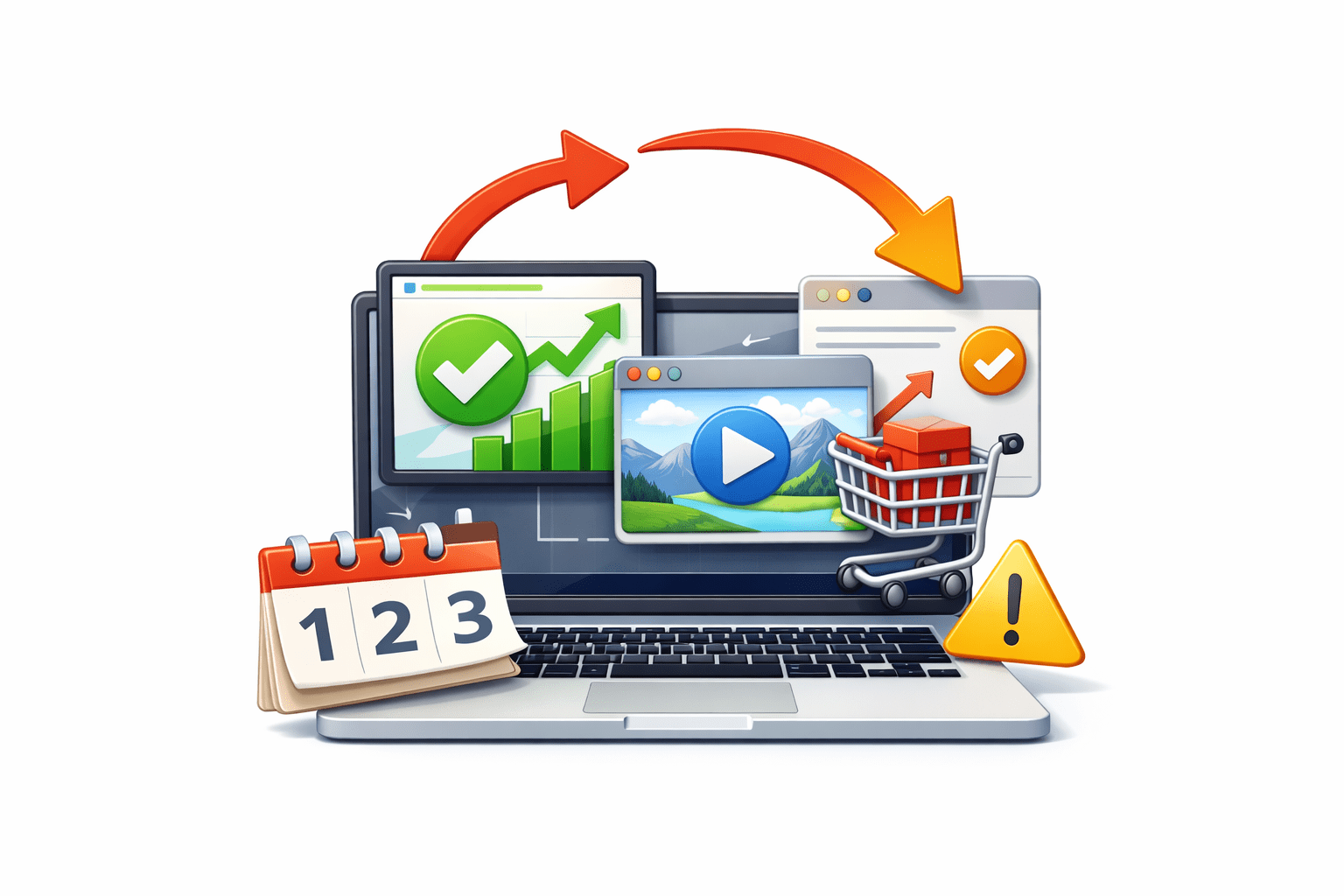
Common Mistakes:
Poor images

No video upload
Wrong conversion tracking
Low budget
Frequent early changes
Common PMax Mistakes and Best Practices
Best Practices:

Use strong assets
Upload quality video
Wait 4–6 weeks
Track conversions properly
Performance Max Campaign Setup
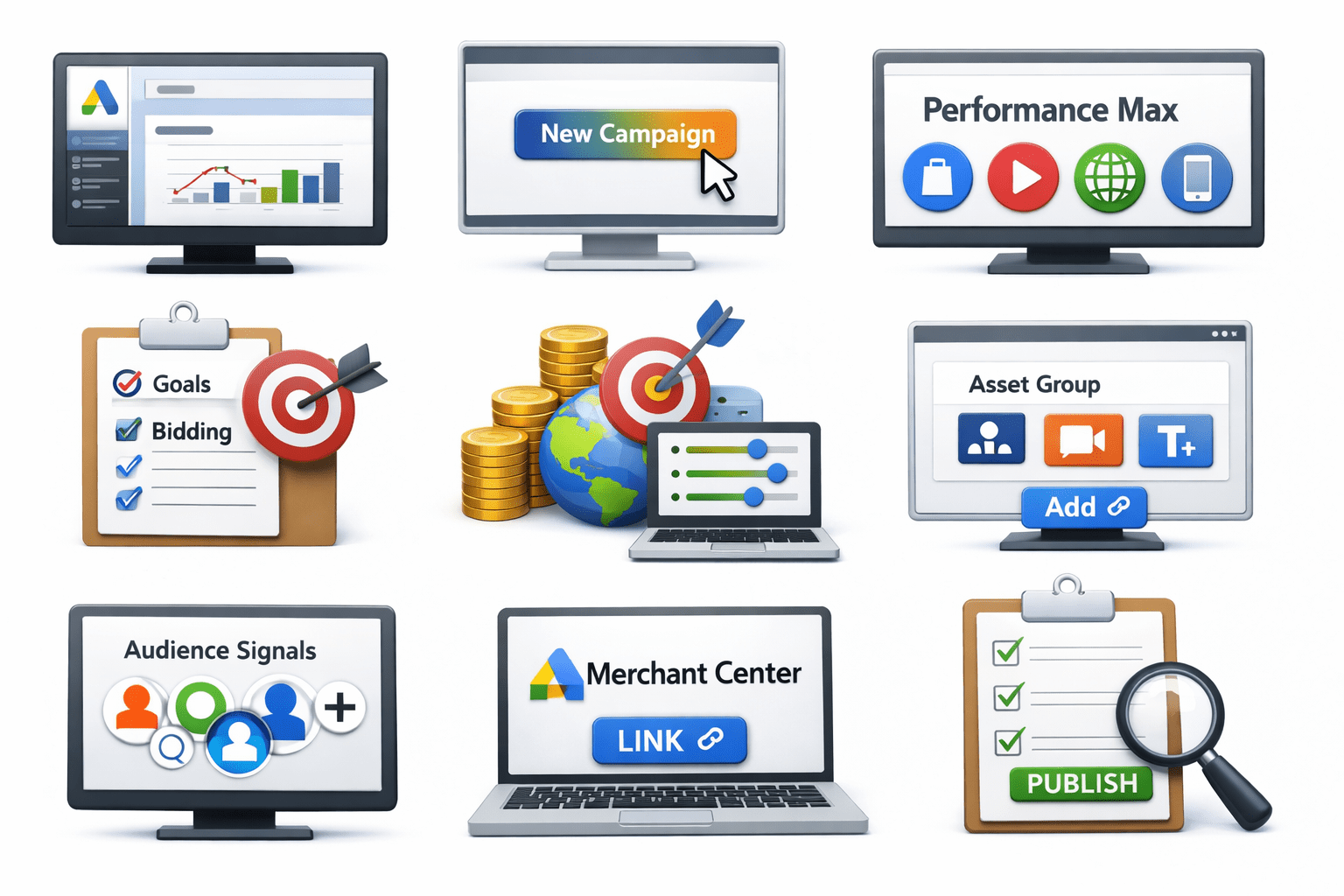
Open Google Ads
Click New Campaign
Choose Performance Max
Set goals and bidding
Add budget and targeting
Create Asset Group
Add Audience Signals
Link Merchant Center
Review and Publish


Setup is simple—results depend on strong inputs.

Summary
5
Strong campaign setup drives better conversions and ROAS
4
Best practices and avoiding mistakes improve results
3
Asset Groups and Audience Signals improve targeting and ads
2
AI, goals, and bidding improve campaign performance
1
PMax runs ads across all Google channels from one campaign
Quiz
Anita wants one AI-powered campaign to show ads across Search, YouTube, Gmail, Shopping, Discover, and Maps. Which campaign type should she choose?
A. Smart Campaign:Auto-manages budgets
B. Performance Max:All channels in one campaign
C. Display Campaign:Display reach
D. Standard Shopping:Search + Shopping placements

Quiz-Answer
Anita wants one AI-powered campaign to show ads across Search, YouTube, Gmail, Shopping, Discover, and Maps. Which campaign type should she choose?
A. Smart Campaign:Auto-manages budgets
B. Performance Max:All channels in one campaign
C. Display Campaign:Display reach
D. Standard Shopping:Search + Shopping placements
