Angular Forms


Angular Forms Essentials: Key Concepts, Approaches, and Benefits

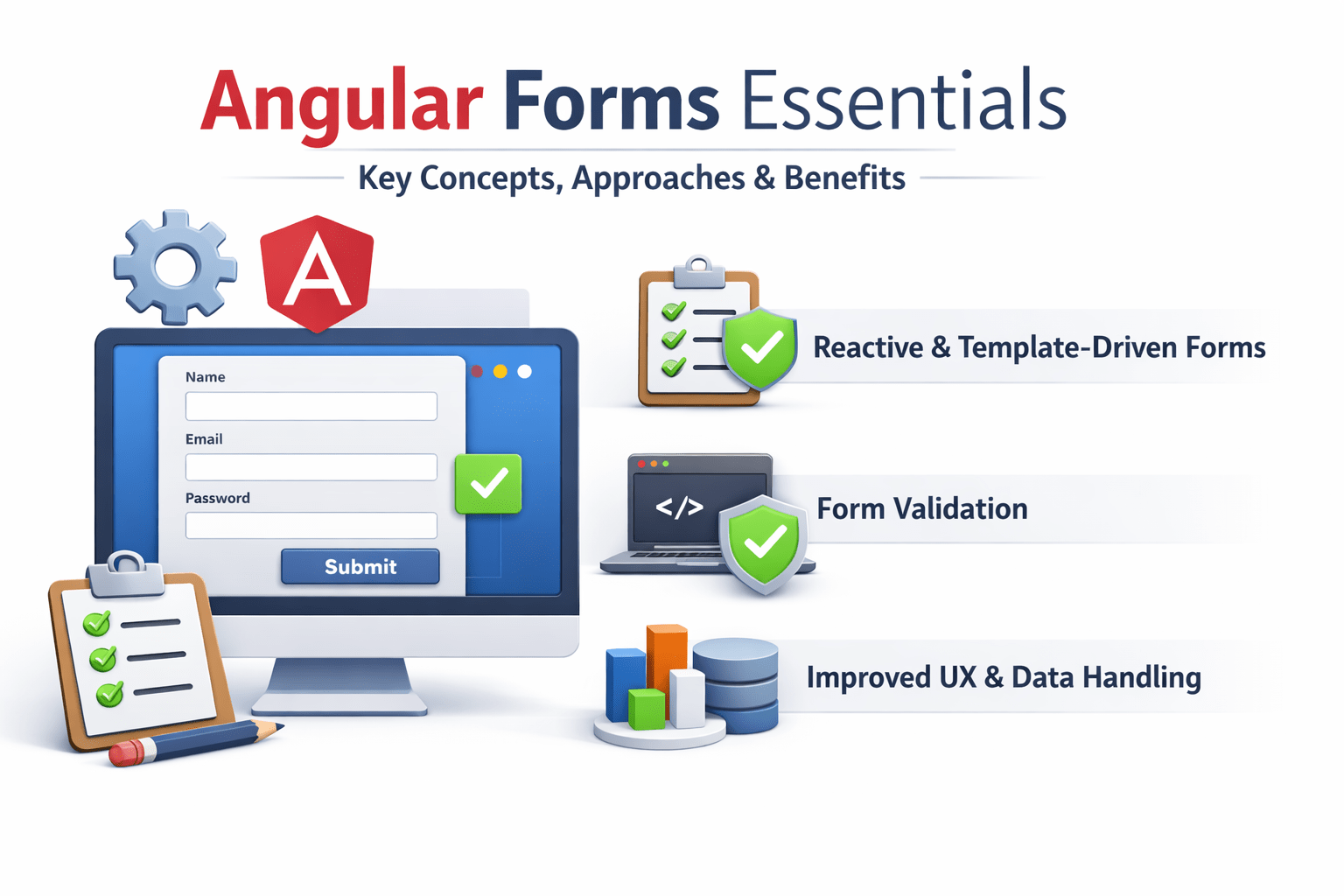

Learning Outcome
4
Identify use cases, pros & cons of each approach
3
Compare Template-Driven vs Reactive Forms
2
Learn form architecture and key concepts
1
Understand Angular Forms and their importance
Why Angular Forms are Important
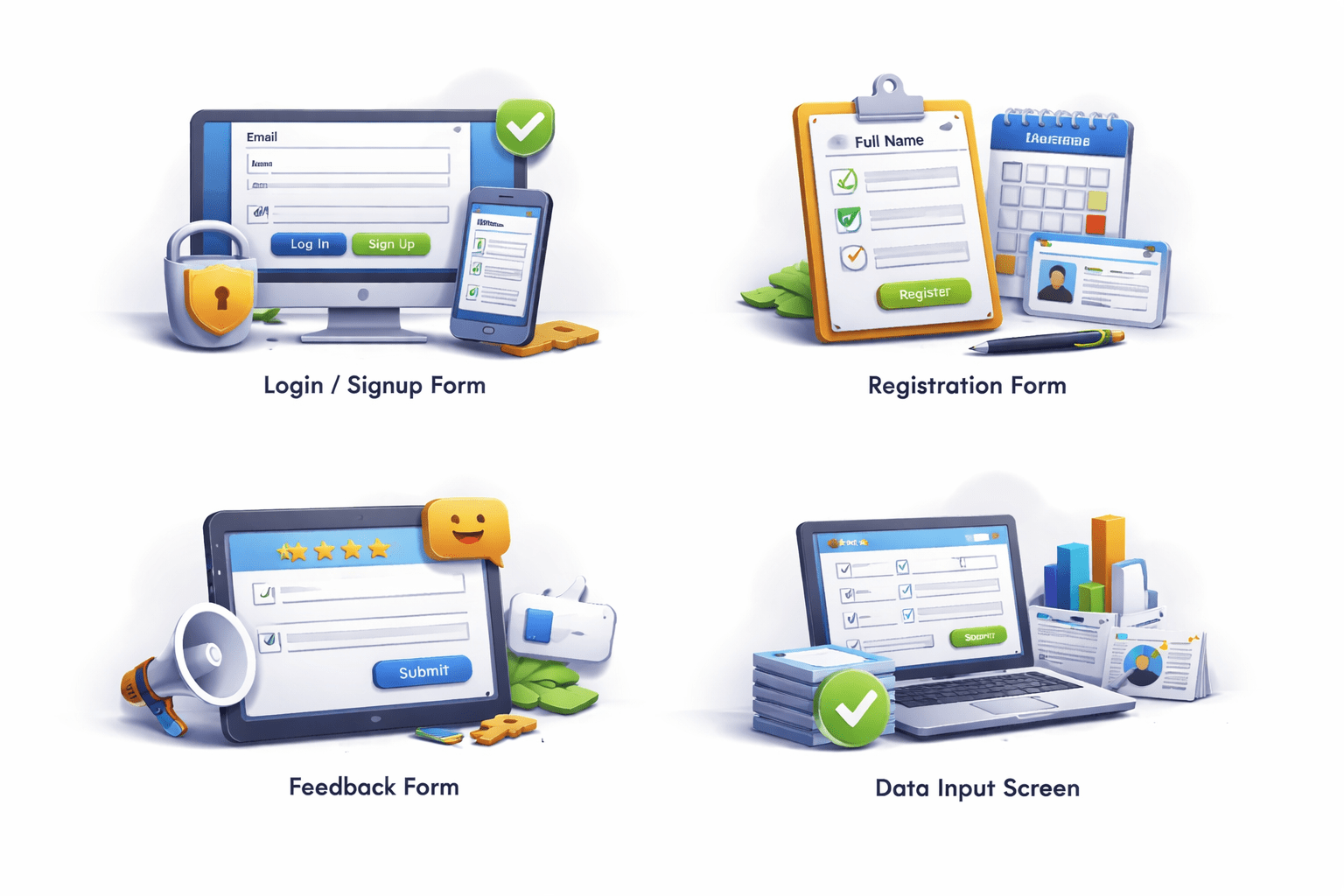
Login / Signup
Registration forms
Feedback forms
Data input screens
Forms are used in almost every application :

Without forms :
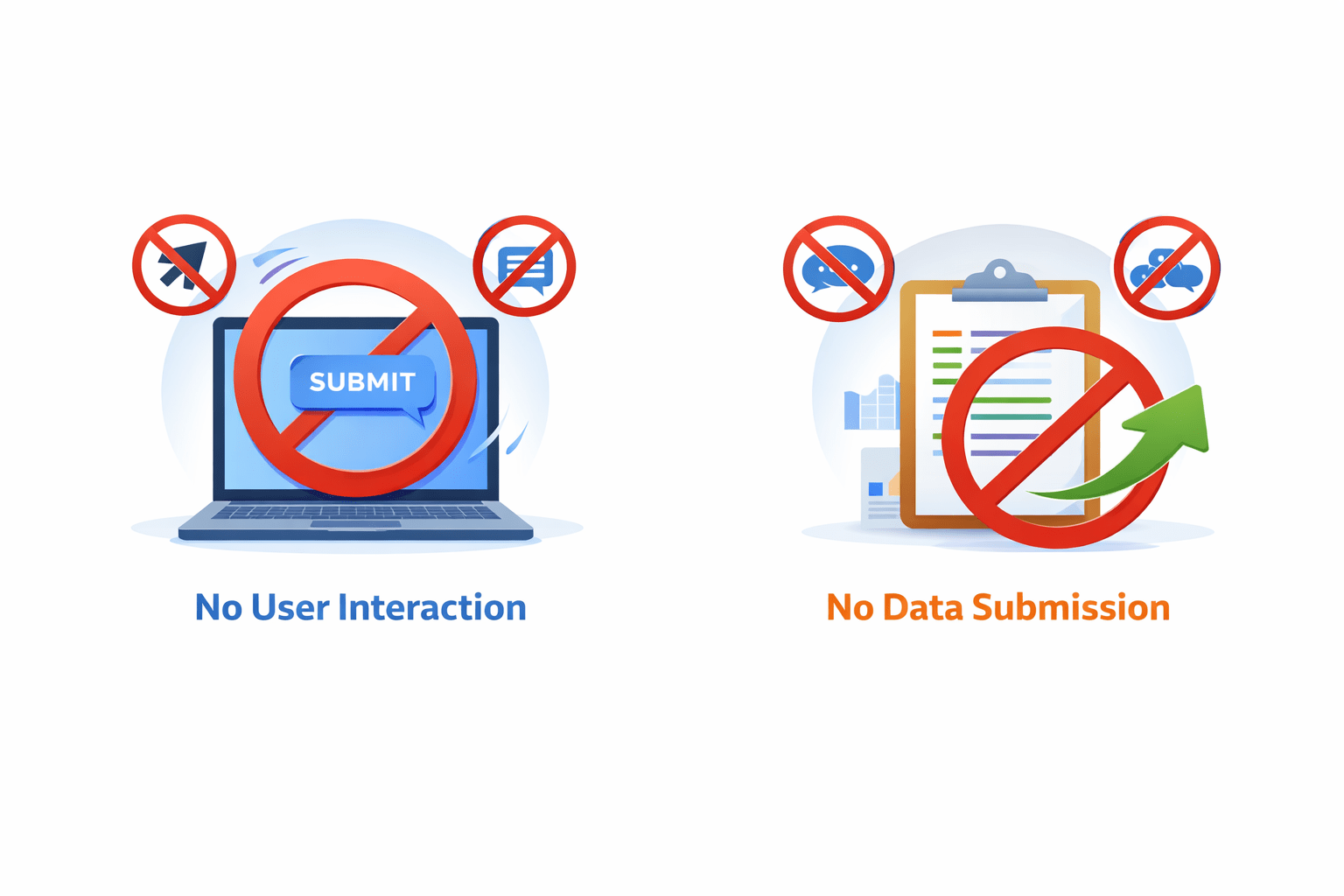
No user interaction
No data submission

Handle user input
Validate data
Manage form state
Angular provides powerful tools to :

Overview of Angular Forms
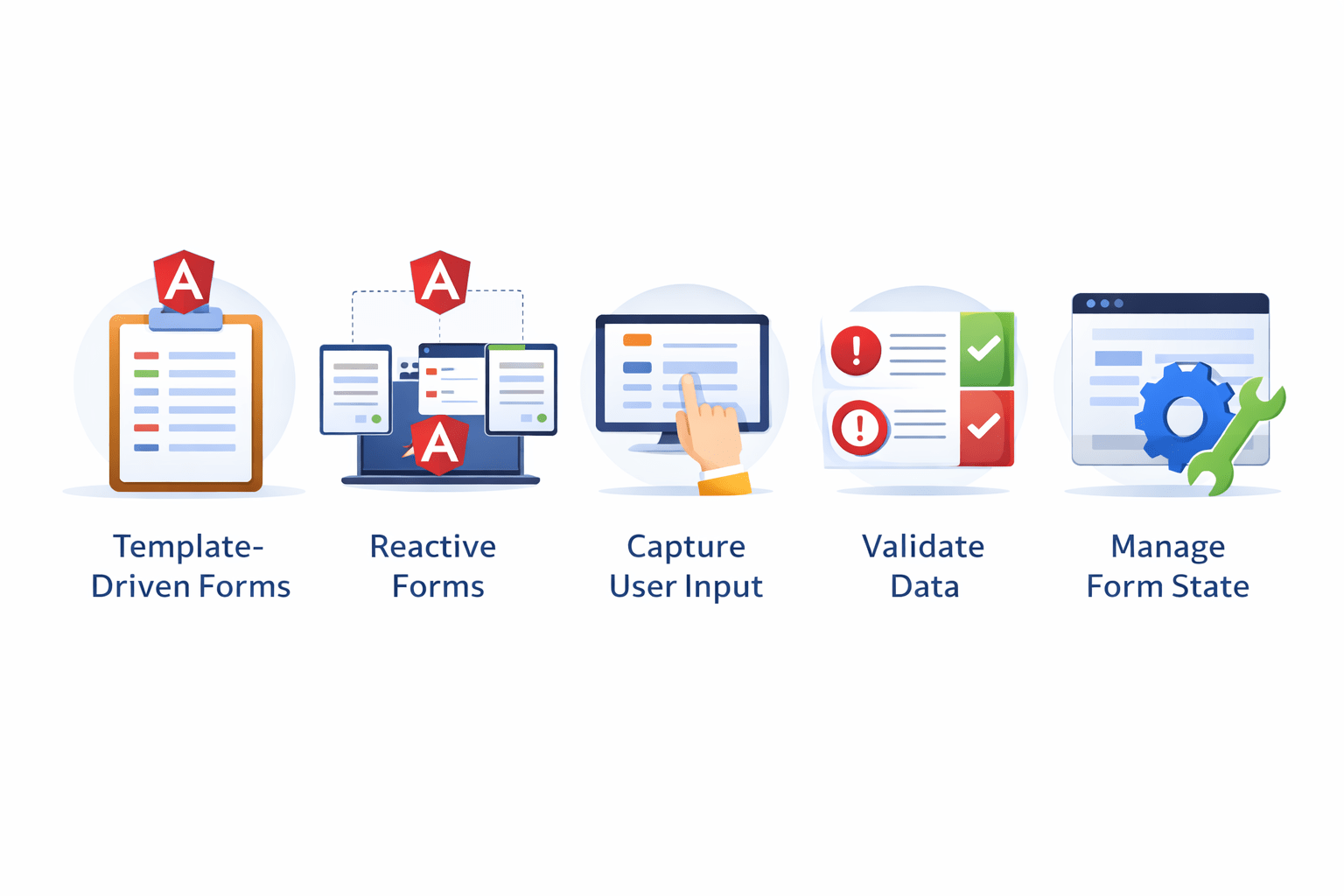
Template-Driven Forms
Reactive Forms
Capture user input
Validate data
Manage form state
Angular provides two main approaches :

Both are used to :
Key Concepts of Angular Forms
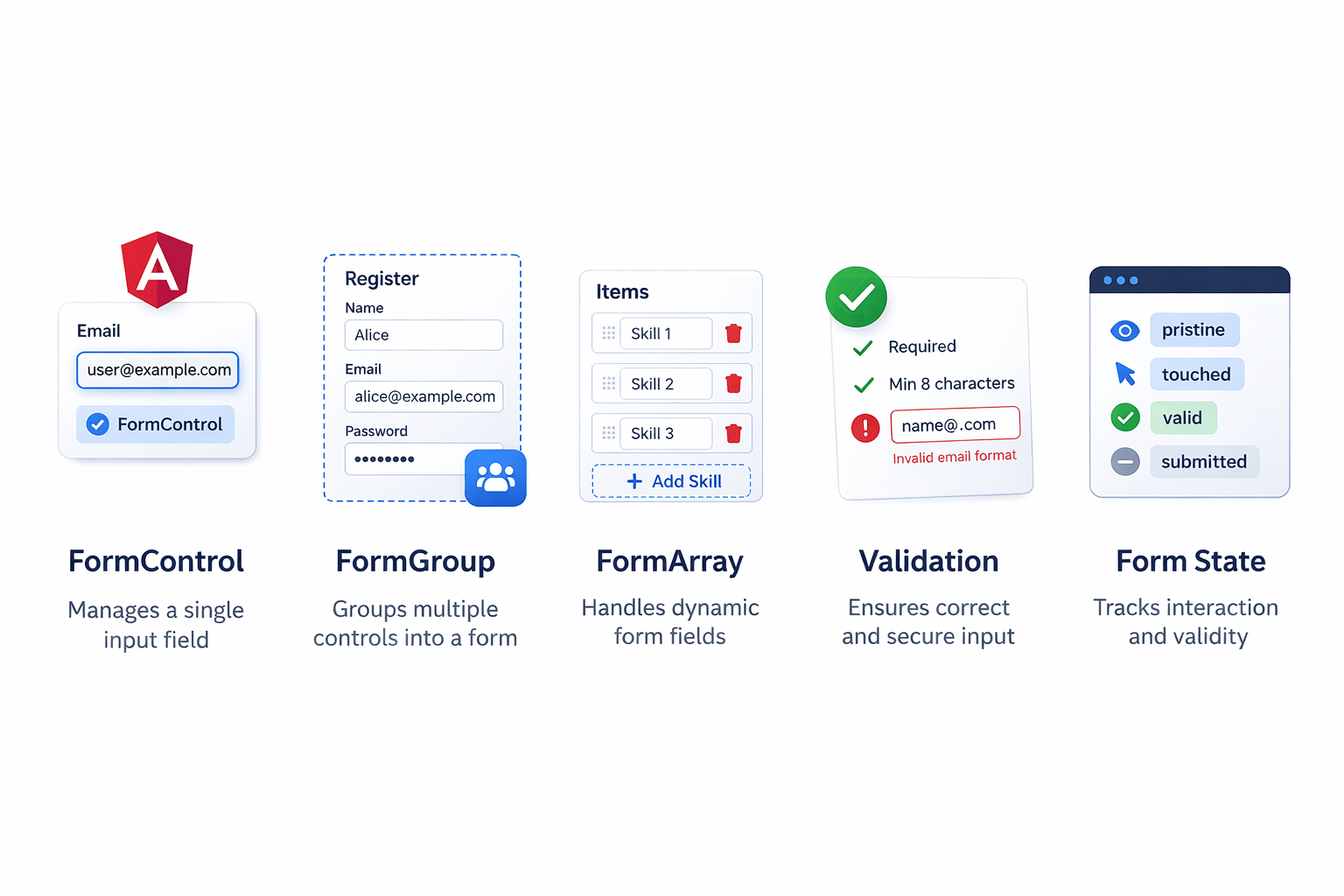
FormControl → Manages a single input field
FormGroup → Groups multiple controls into a form
FormArray → Handles dynamic form fields
Validation → Ensures correct and secure input
Form State → Tracks interaction and validity
Angular forms are built using structured components:

This architecture makes forms scalable and maintainable

Template-Driven vs Reactive Forms
Both achieve the same goal but follow different approaches

Template-Driven Forms
-
Built using HTML templates
-
Uses directives like ngModel
-
Logic is mostly in the template
-
Built using TypeScript
-
Uses FormControl & FormGroup
-
Logic is handled in the component
Reactive Forms
Example :
<input
type="text"
[(ngModel)]="name"
name="name"
>
Example :
this.form = new FormGroup({
  name: new FormControl('')
});
Pros & Cons of Template-Driven Forms
Pros of Template-Driven Forms :

Cons of Template-Driven Forms :
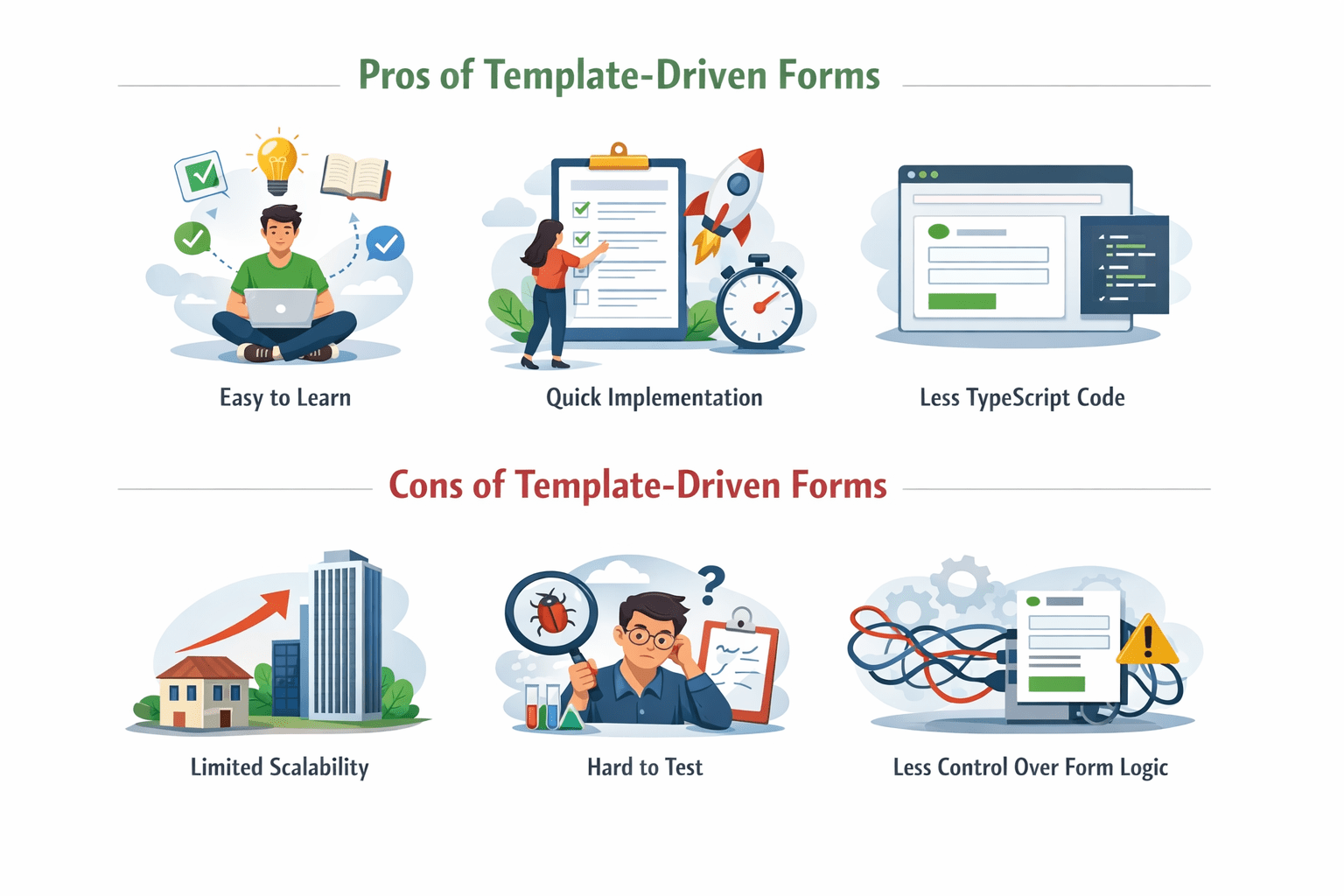
Quick implementation
Less TypeScript code
Easy to learn
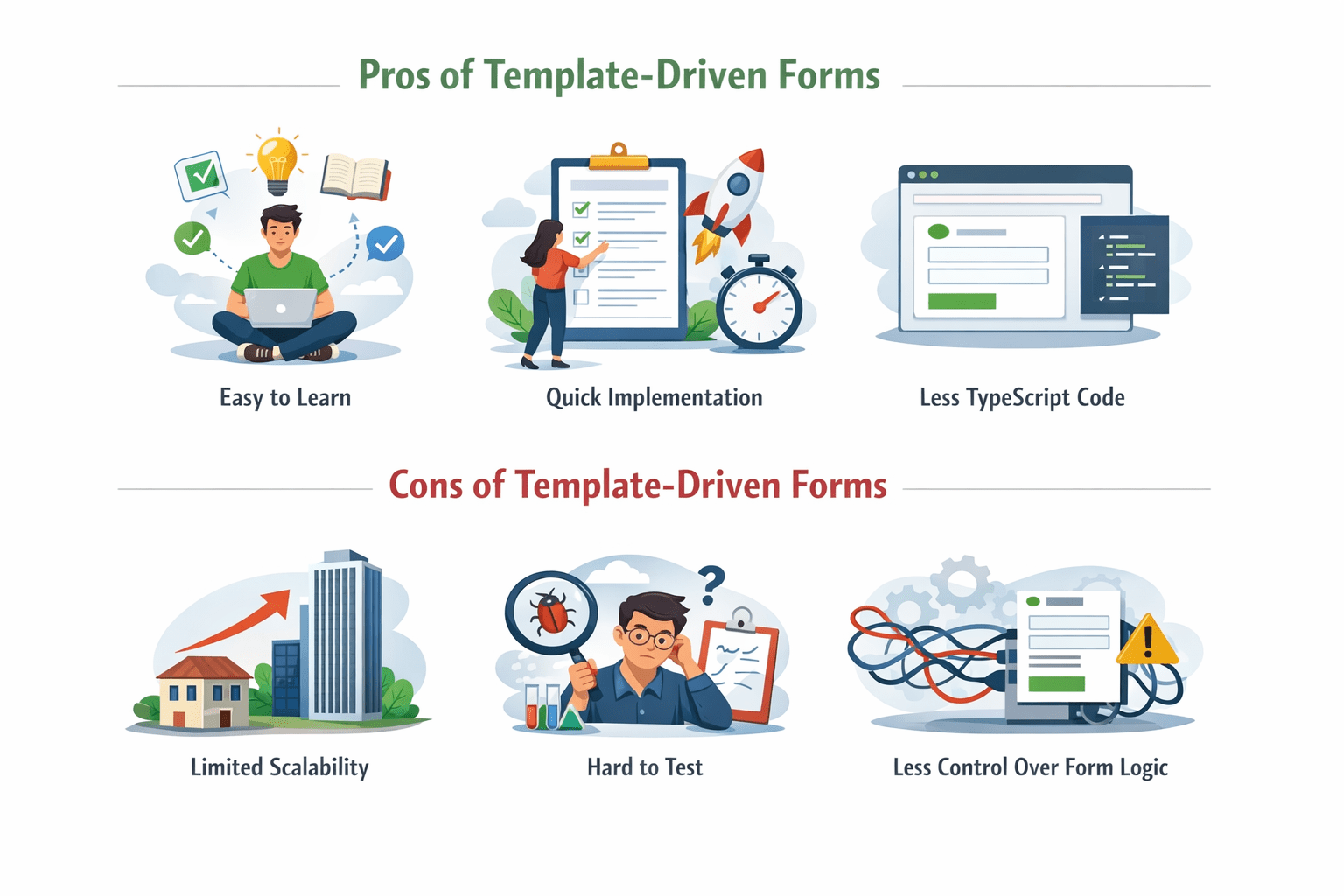
Limited scalability
Hard to test
Less control over form logic
Pros & Cons of Reactive Forms
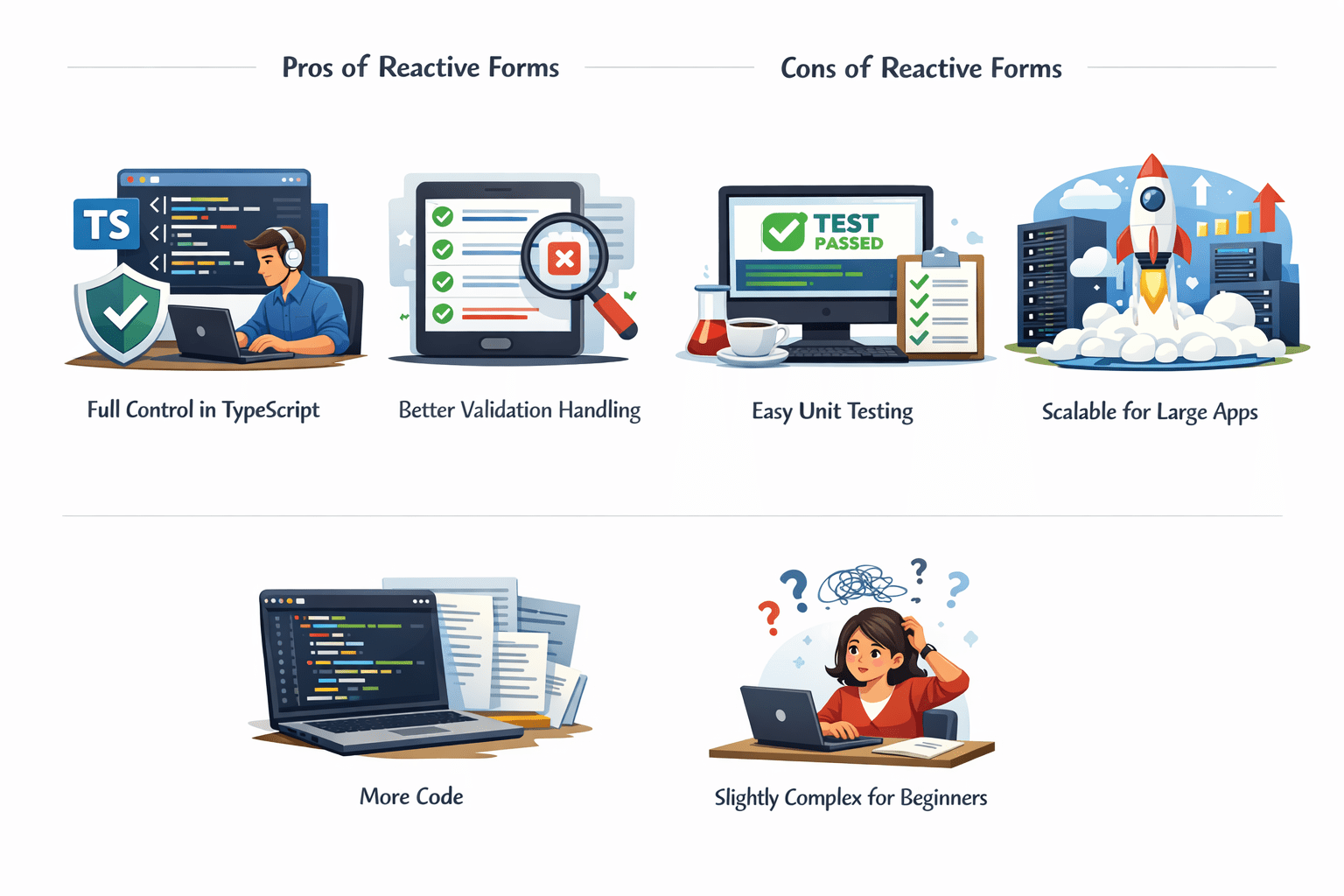
Full control in TypeScript
Better validation handling
Easy unit testing
Scalable for large apps
Cons of Reactive Forms :

Pros of Reactive Forms :
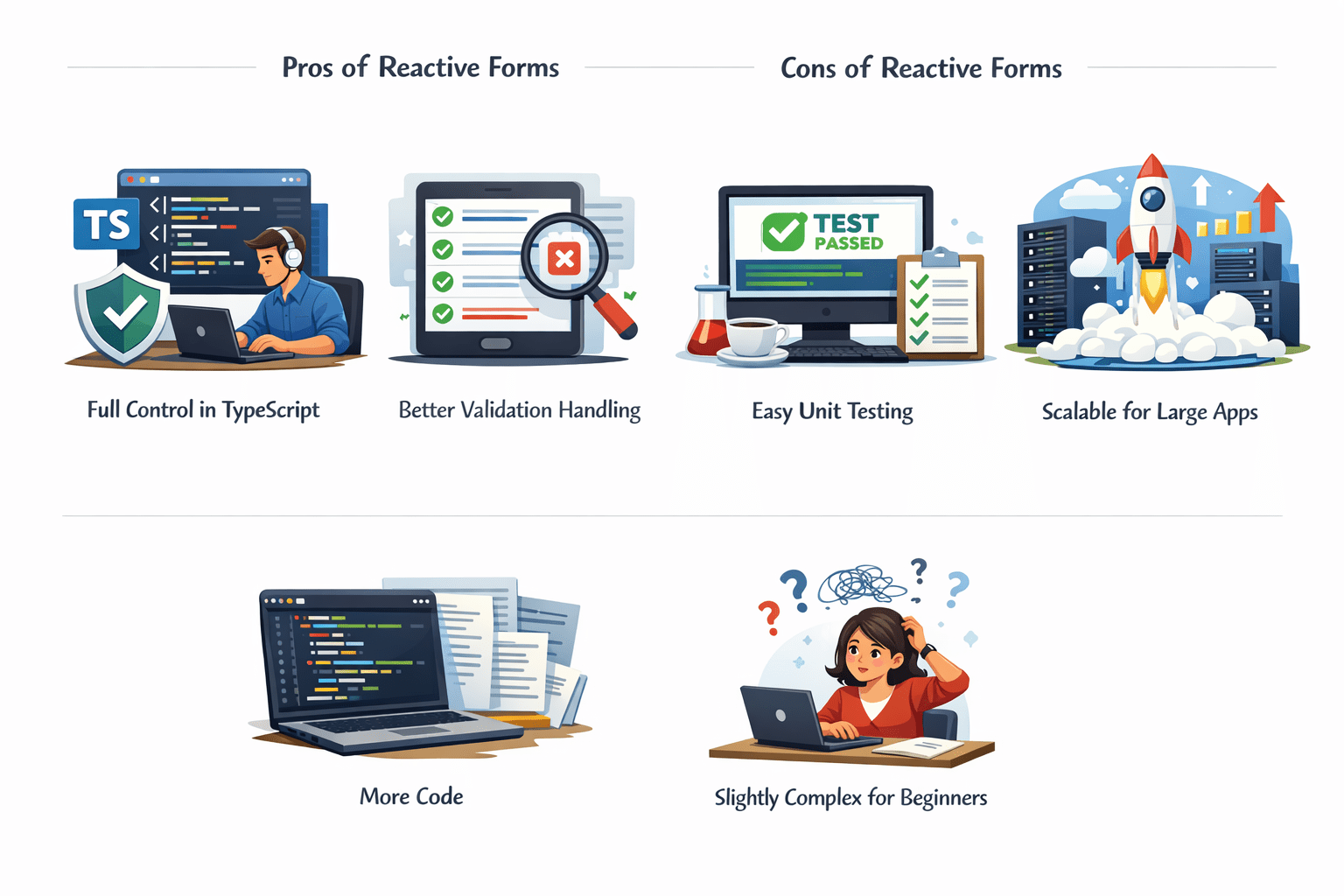
More code
Slightly complex for beginners
Track Control States
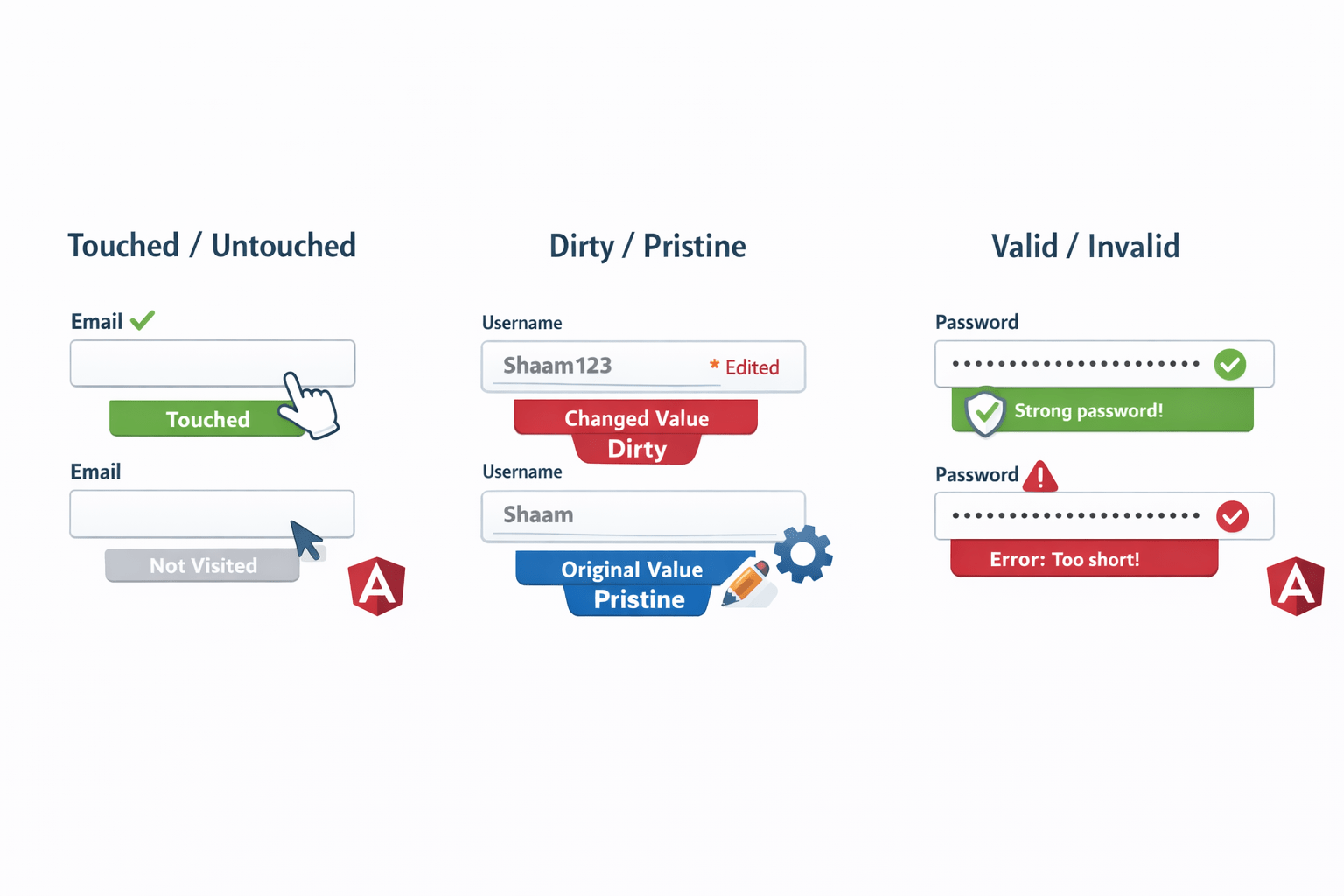
dirty / pristine → Whether the value was changed
touched / untouched → Whether the field was visited
valid / invalid → Whether input passes validation
Angular tracks how users interact with form fields :

Example :
<input name="email" ngModel #email="ngModel">
<p *ngIf="email.invalid && email.touched">
  Invalid email
</p>
These states help :


Improve user experience
Show error messages correctly
Control form behavior
Summary
5
Choice depends on application complexity
4
Reactive forms are powerful and scalable
3
Template-driven is simple and quick
2
Two approaches: Template-driven & Reactive
1
Angular forms handle user input and validation
Quiz
Which form uses ngModel?
A. Reactive
B. Template-driven
C. Both
D. None

Quiz-Answer
Which form uses ngModel?
A. Reactive
B. Template-driven
C. Both
D. None
