






























Content ITV PRO
This is Itvedant Content department
Learning Outcome
5
Measure and optimize campaign performance
4
Create engaging video ads
3
Target the right audience using layered strategies
2
Select the right ad formats based on goals
1
Set up YouTube campaigns using Google Ads
Mall Screen Advertising → YouTube Ads Strategy
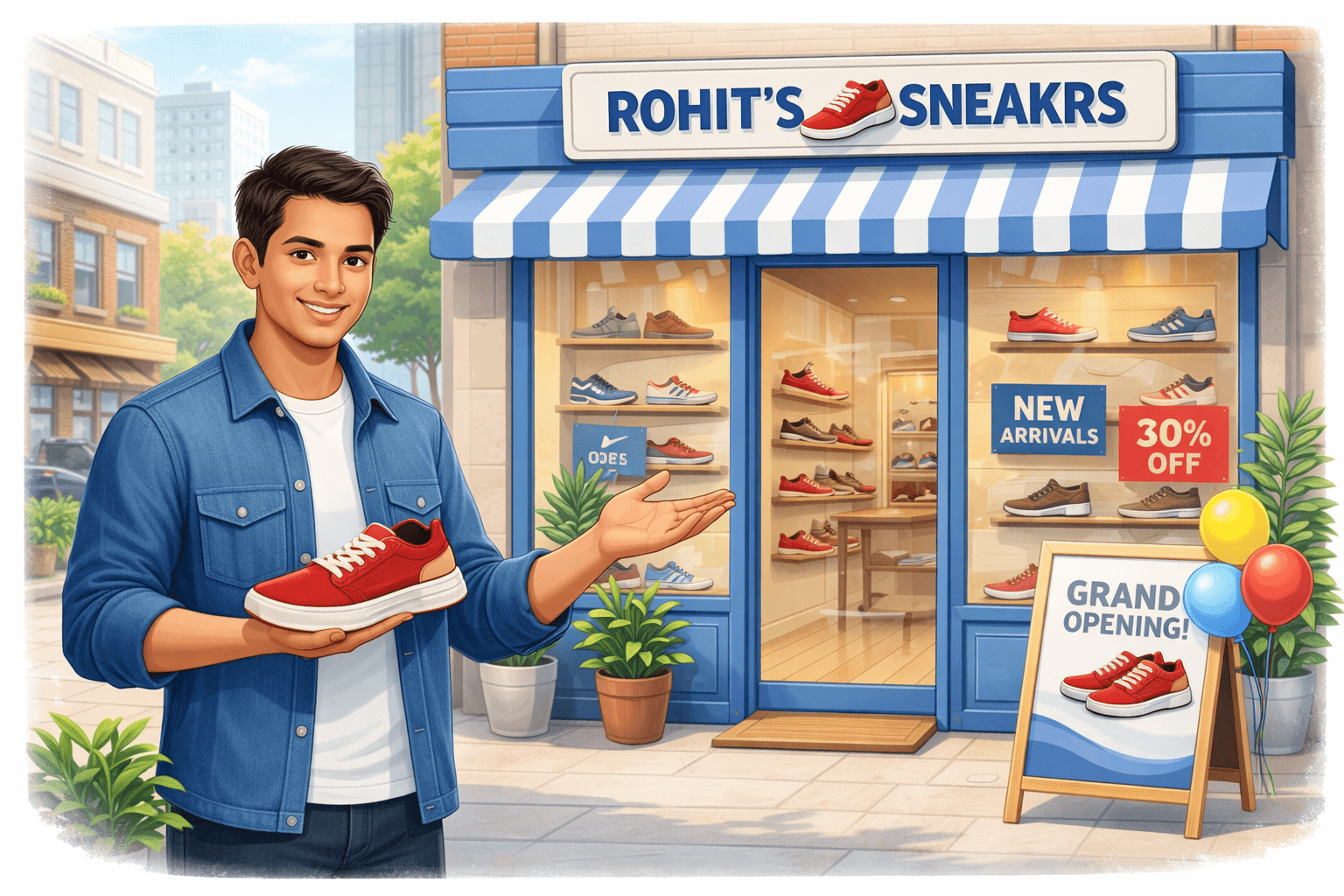
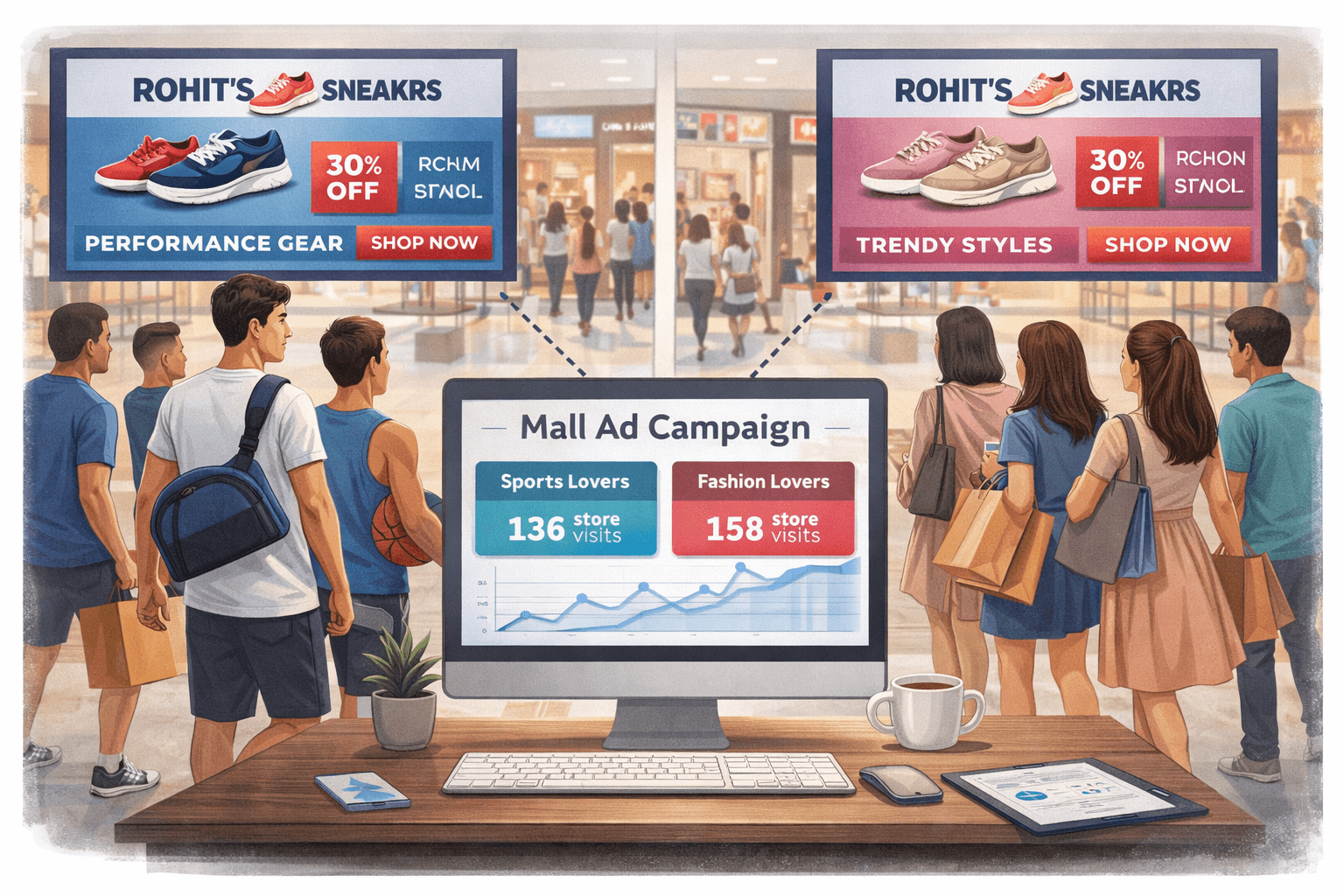
Rohit owns a new sneaker store in the city
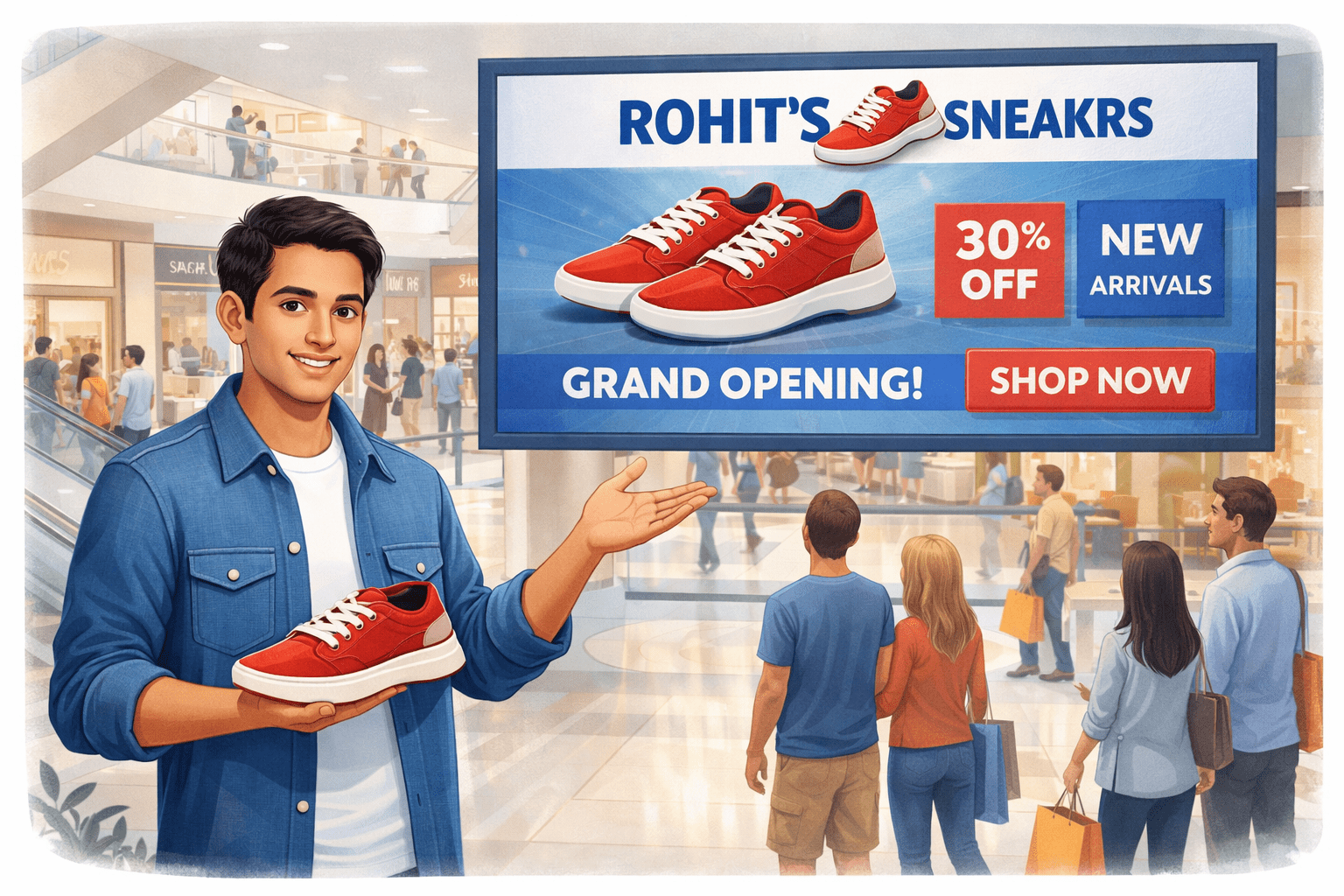
Instead of random flyers, he advertises on a mall’s digital screen
Mall Screen Advertising → YouTube Ads Strategy
Now observe what he does:
People walking in the mall are already interested in shopping
His ad plays on the screen before a popular music video starts
Some people watch the full ad because they like sneakers
Some notice it quickly and decide to visit his store
Some people ignore or walk away
Mall Screen Advertising → YouTube Ads Strategy
Now Rohit gets smarter:
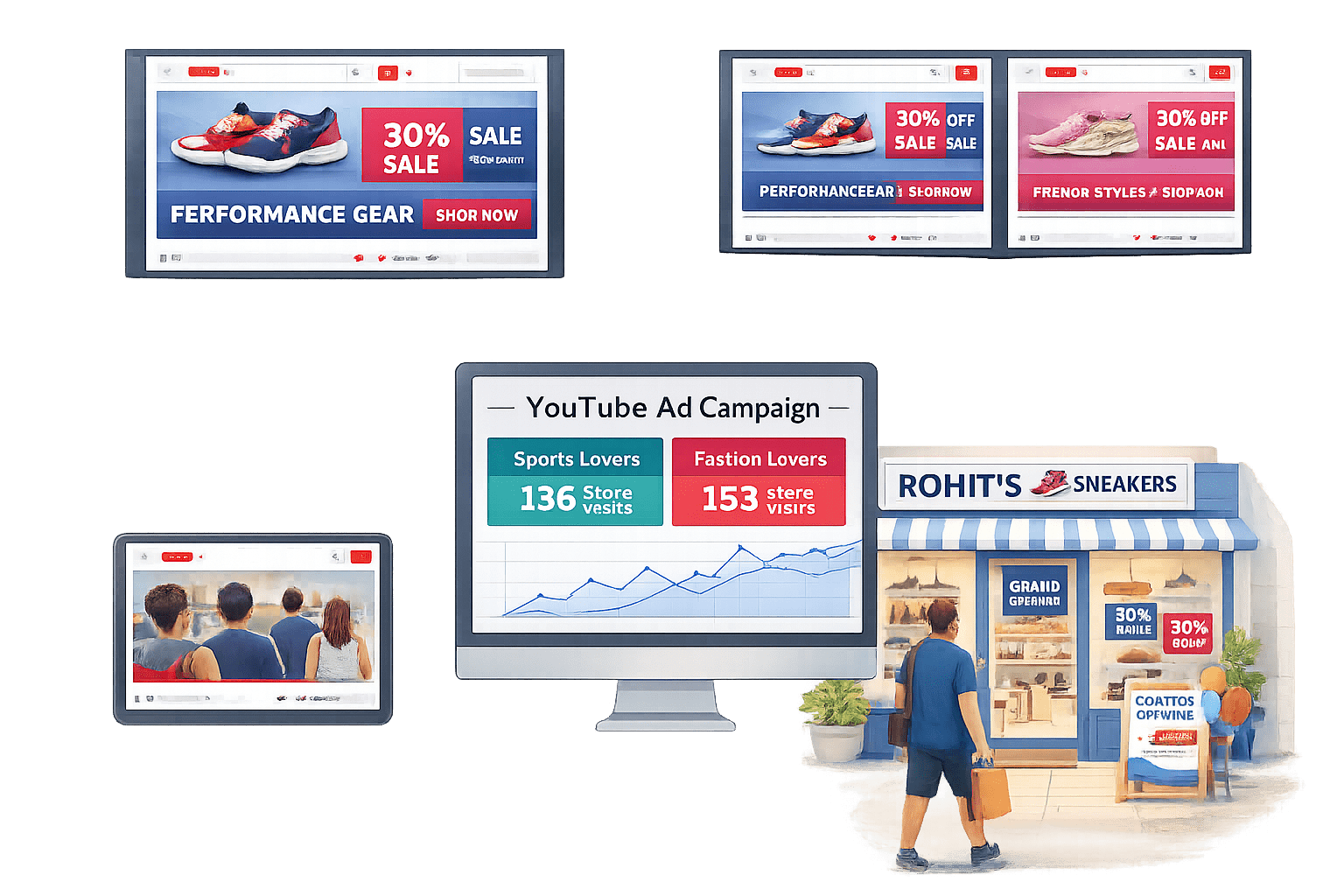
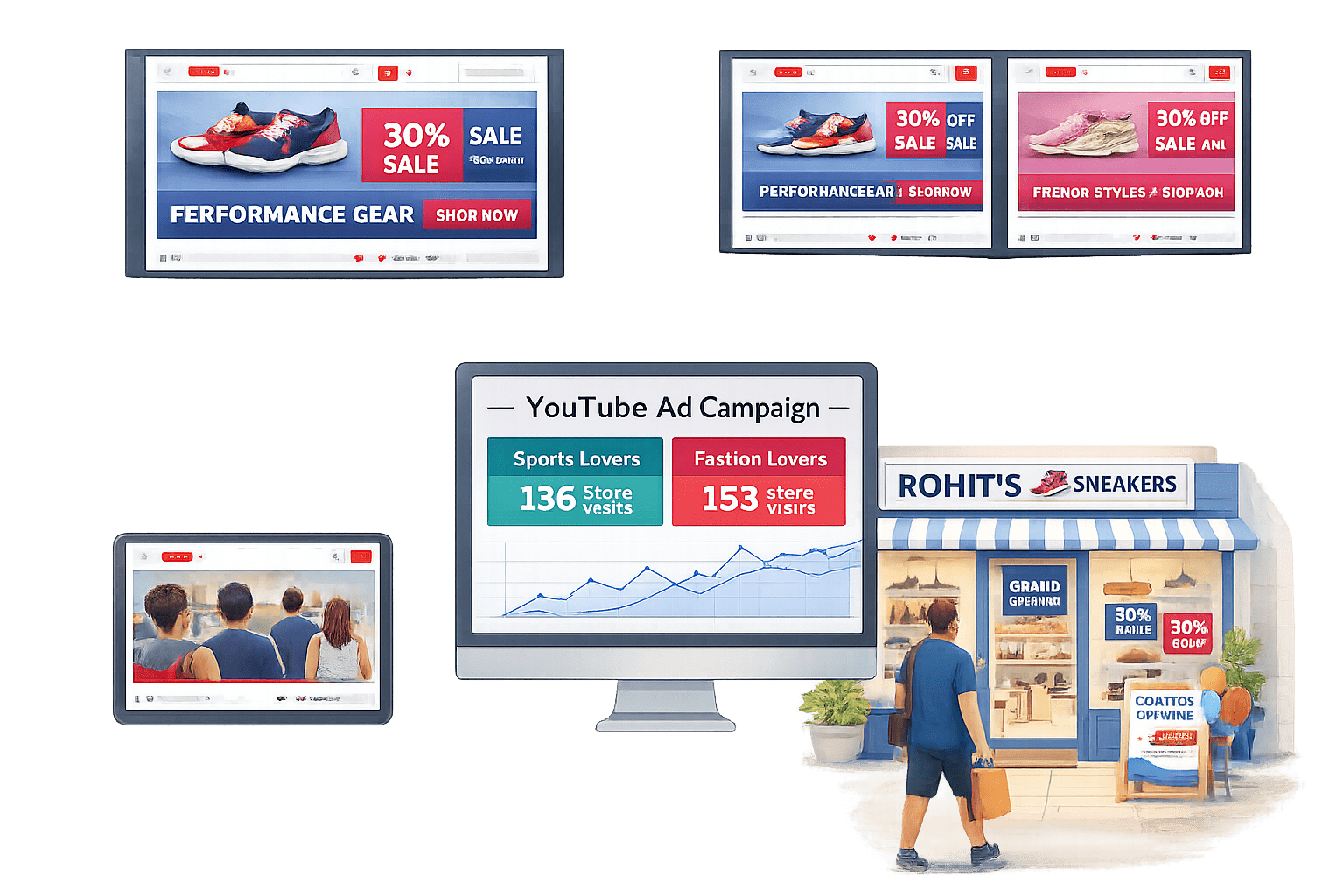
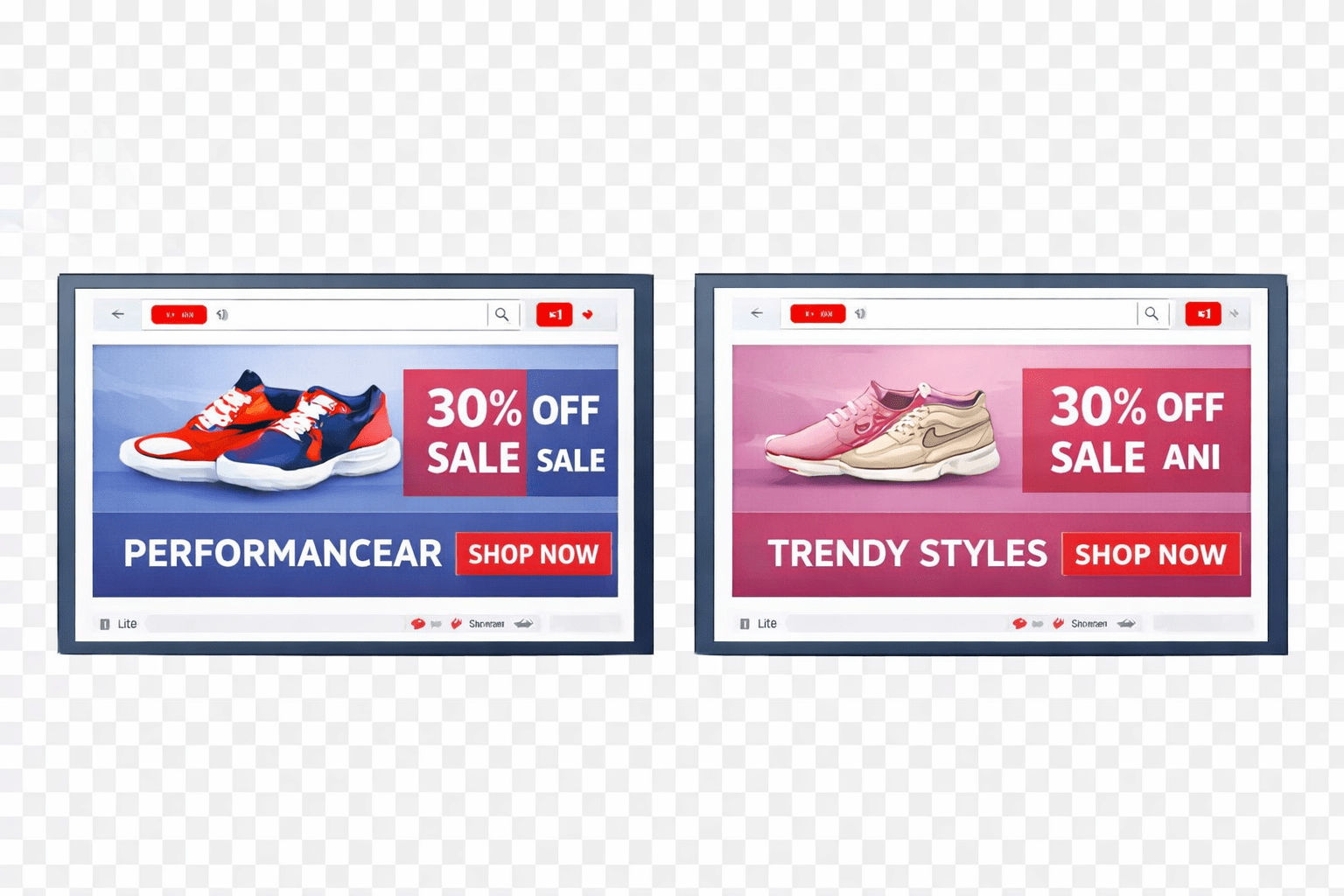
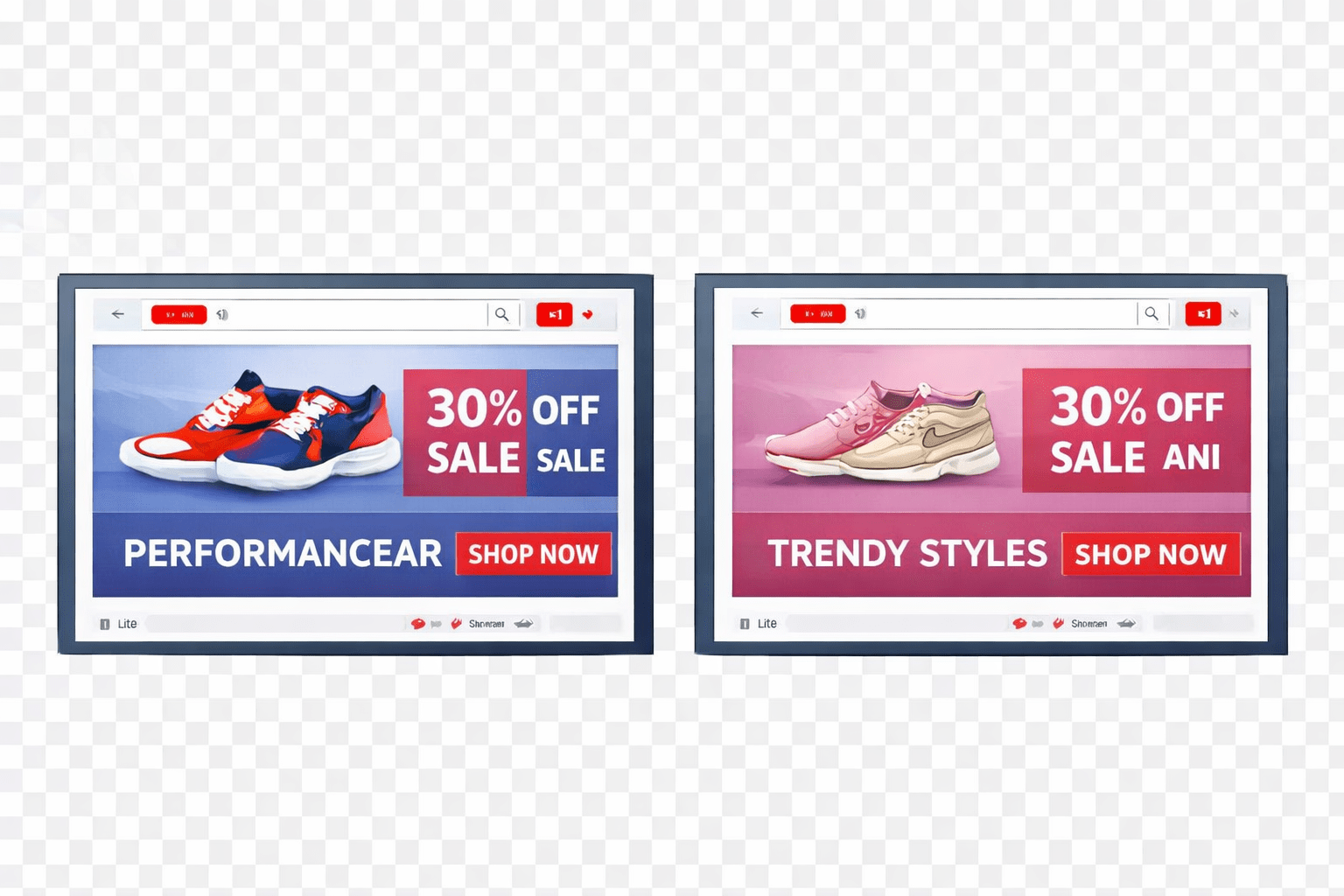
He plays different ads for sports lovers and fashion lovers
He tracks how many people came to his store after watching the ad
He chooses to show ads only in malls where young audiences hang out
Over time, his sales increase without wasting money on random promotion.
From Physical Screens to Digital Reach
Lesson:
YouTube ads help you show video ads to the right people, at the right time, with measurable results
Setting Up Google Ads for YouTube
Create Account
Visit ads.google.com and create an account, then link your YouTube channel
Campaign Setup
Choose a campaign goal and select "Video" as the campaign type
Target & Budget
Set your budget, target audience, and placements
Upload & Launch
Upload or select your video ad, launch the campaign, and track performance in Google Ads
YouTube Ad Types
Skippable In-Stream
Brand awareness, cost-efficient reach
Plays before/during video; can skip after 5 seconds
Non-Skippable In-Stream
15320 seconds; cannot be skipped
High-impact messaging
Bumper Ads
|
6-second non-skippable ads |
|
Short, memorable messages |
Discovery Ads
Shown in search results or homepage
Promoting valuable content or tutorials
|
Outstream Ads |
|
|
Ad Type
Description
Best Use Case
Multi-Layered Targeting Options
Keywords
Demographics
Interests
Multi-Layered Targeting Options
Placement Targeting
Interest
Placement targeting
Maximum relevance
Combine intent
Advanced Targeting Strategies
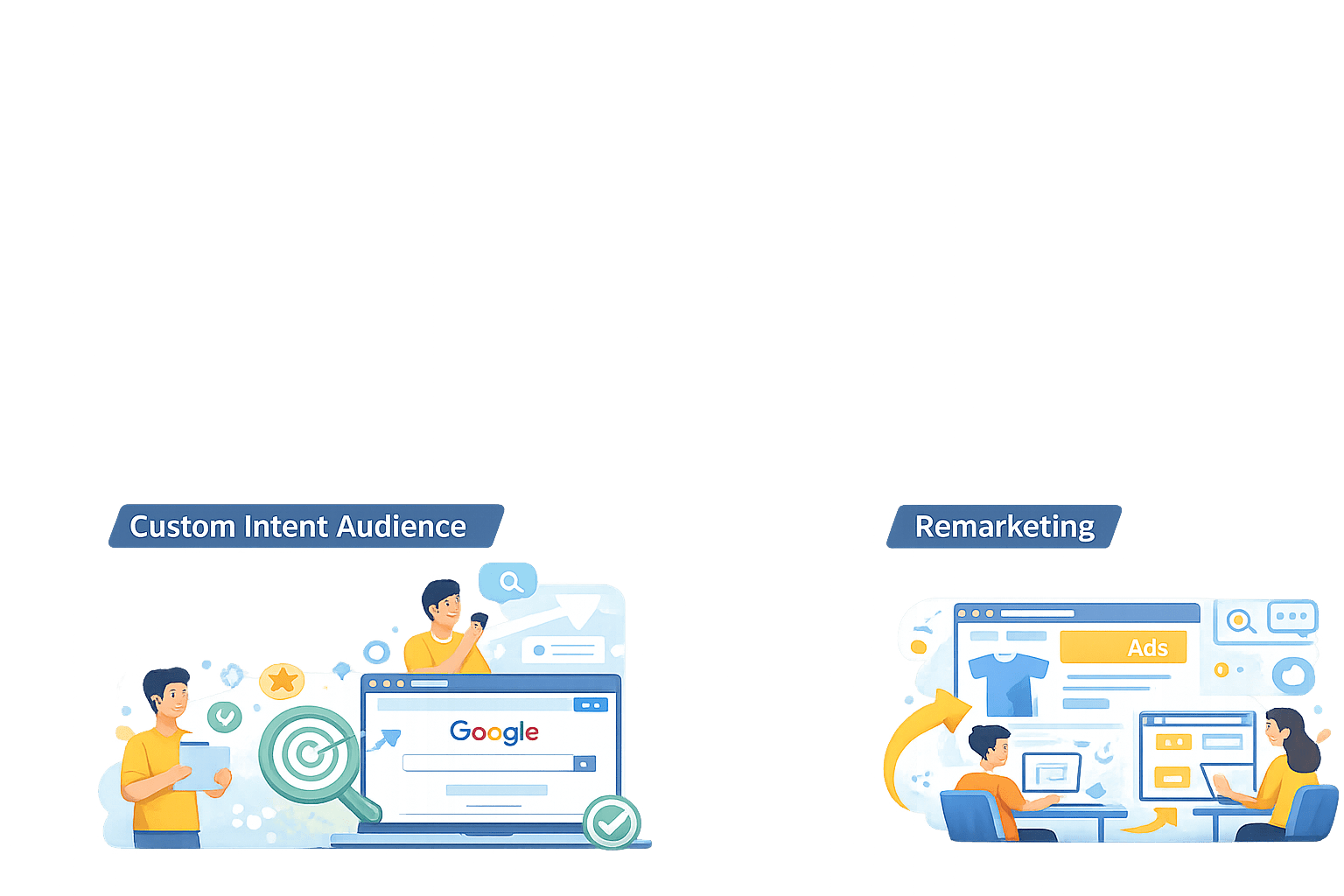
Remarketing
Reconnect with past visitors to boost conversions
Custom Intent Audience
Target users actively searching on Google
Improve performance by targeting interested users
Best Practices for Ad Creatives
Hook in First 5 Seconds
Grab attention in the first 5 seconds using questions, visuals, or sound
Branding Early
Show logo in first 5–10 sec for recall
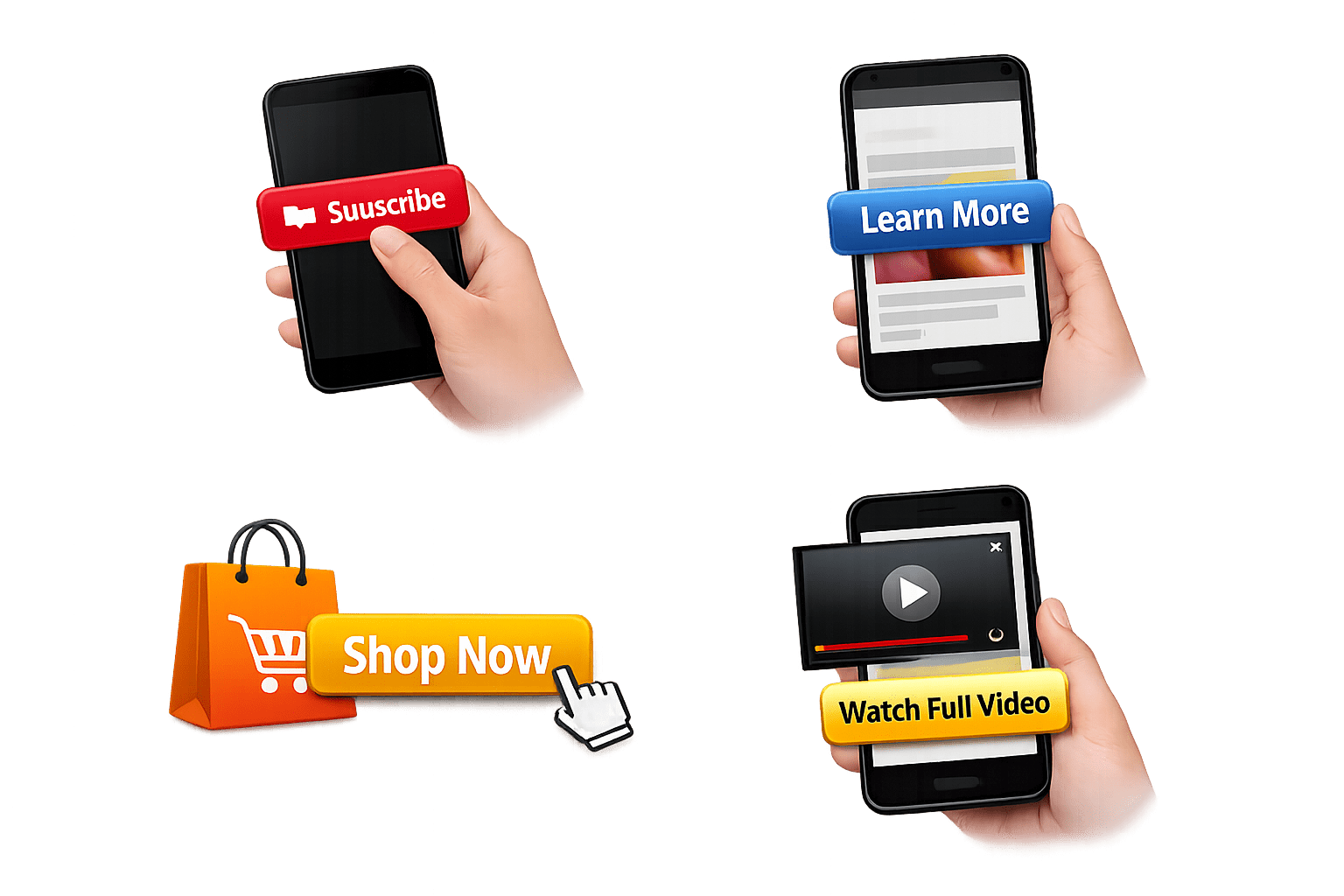
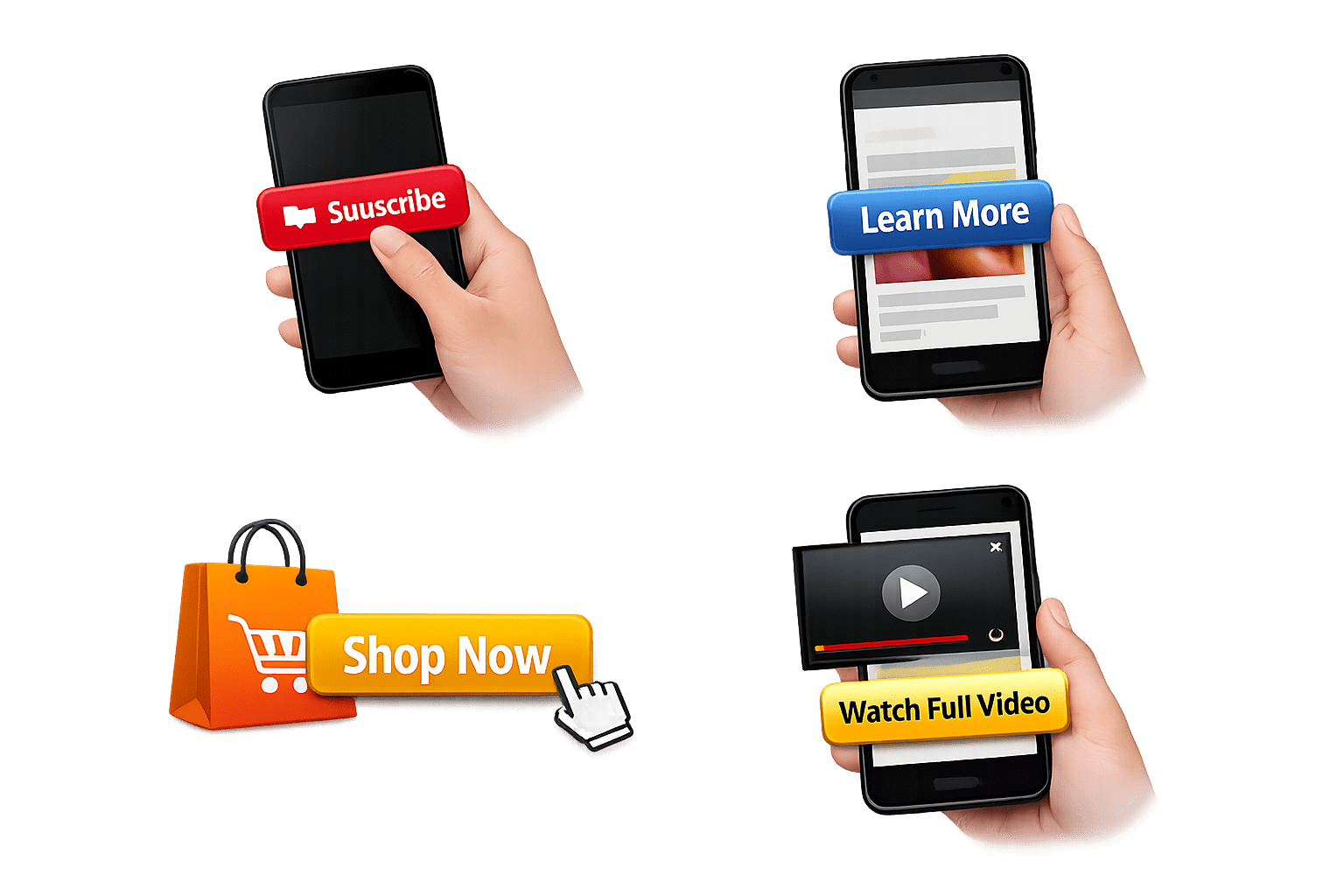
Strong CTA
Use clear actions (Subscribe, Learn More, Shop, Watch)
Best Practices for Ad Creatives
Mobile Design
Use bold text, vertical format, fast pacing; 70%+ watch time is mobile
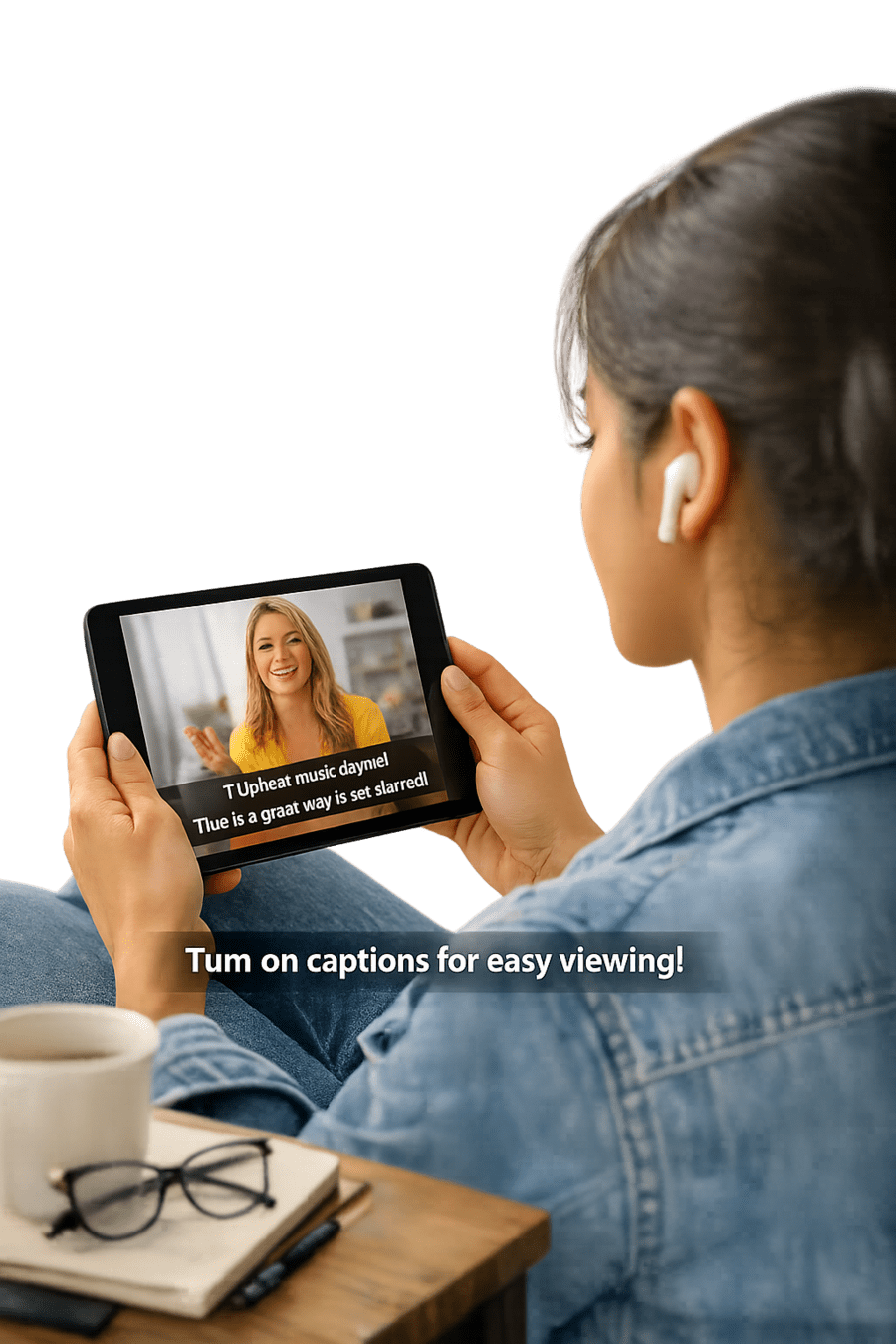
Use Subtitles
Captions help viewers watch without sound and improve reach
Key Performance Metrics
Monitor these metrics in Google Ads dashboard and YouTube Analytics for full performance visibility
Key Performance Metrics
Views & View Rate:
Total times your video was watched and % of impressions converted into views
Watch Time :
How long viewers watched your ad, indicating engagement quality
CTR & Conversions :
Percentage of viewers who clicked your CTA and specific actions
Key Performance Metrics
Cost Per View (CPV)
Average cost for each video view, helping measure campaign efficiency
Summary
5
Track results using key metrics
4
Engaging videos improve performance
3
Target right audience using smart targeting
2
Multiple ad formats for different goals
1
YouTube ads run via Google Ads
Quiz
Which part of a YouTube ad is most critical for grabbing attention?
A. Last 5 seconds
B. Middle content
C. First 5 seconds
D. Thumbnail only
Quiz
Which part of a YouTube ad is most critical for grabbing attention?
A. Last 5 seconds
B. Middle content
C. First 5 seconds
D. Thumbnail only
By Content ITV