CartSure Build Verification, Sanity & UAT Phase

Business Scenario
Welcome!
You are now performing Build Verification, Sanity Testing, and UAT Testing in the CartSure project as a Software Tester.
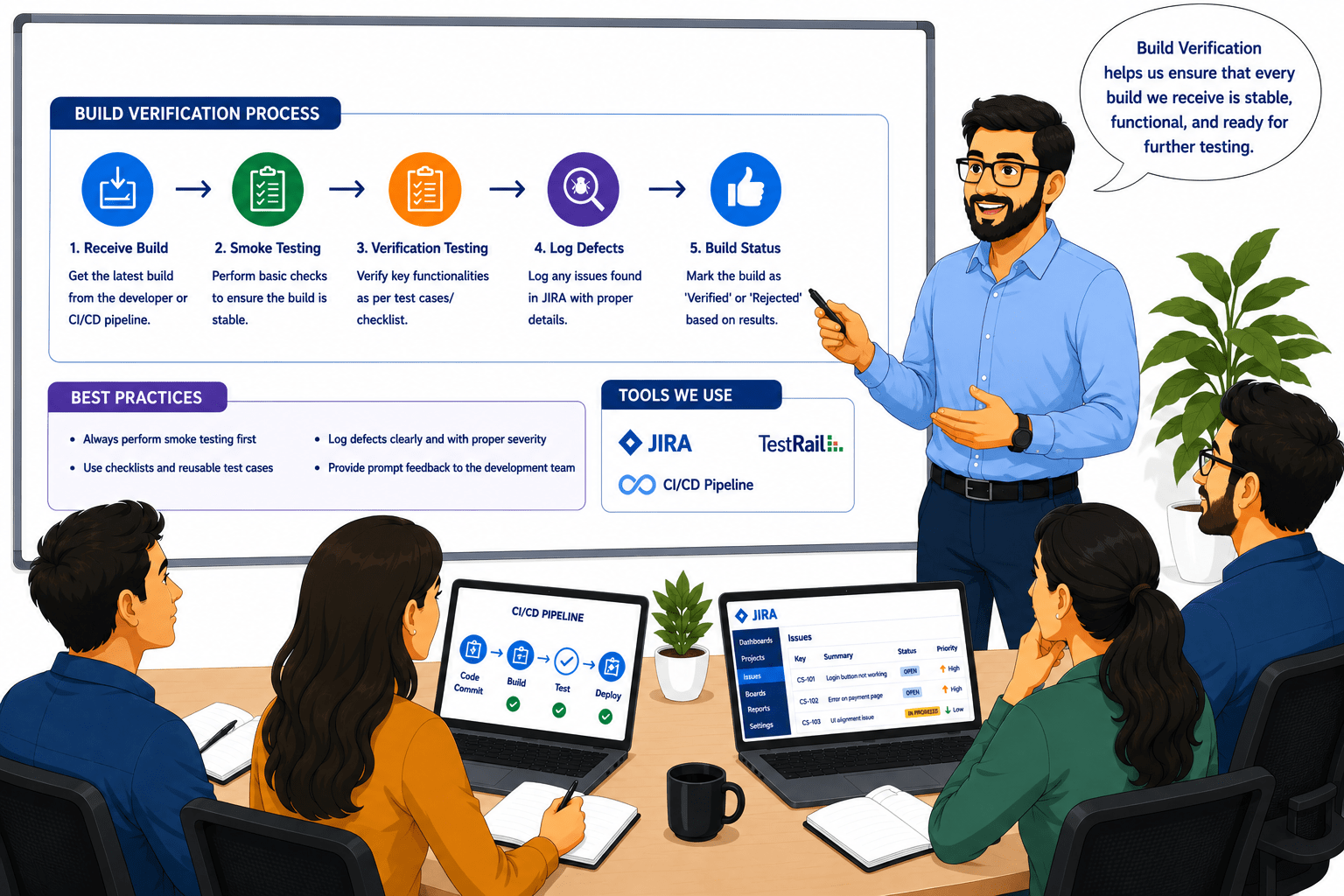
Before testing newly developed features in real-world applications, it is important to verify whether the application build is stable enough for detailed testing activities.

Pre-Lab Preparation
This helps ensure that major functionalities are working correctly before moving to advanced testing phases.
So, today you will learn how to perform Smoke Testing, perform Sanity Testing, understand User Acceptance Testing concepts, and validate business requirements in the CartSure project.
Topic: Testing Types
1)Functional vs Non-Functional
2)Smoke, Sanity, Regression
3)Alpha, Beta, Acceptance Testing
4)System, Integration Testing
git pull origin branchName
Git Pull
Task 1: Perform Smoke Testing
Open the CartSure website
1
1
Test basic functions:
1
2
-
Log in with a valid user.
-
Search for a product.
-
Add product to cart.
-
Checkout and payment.
Record results.
1
3
Example: Login works, product added to cart, and payment succeeds → Build is stable.
Task 2: Perform Sanity Testing
Identify areas that have changed in the new build (e.g., Add to Cart bug fixed).
1
1
Test only the modified areas.
1
2
Confirm that the fixes work and that no new issues appear.
1
3
Example: Add to Cart button fixed → Test adding multiple products, check cart updates correctly.
Task 3: Validate Business Requirements
Review business requirements (BRD).
1
1
Test key workflows:
1
2
-
Apply coupon codes.
-
Calculate discounts.
-
Generate order confirmation email.
Note any discrepancies.
1
3
Example: Coupon 10% off applies correctly → Requirement satisfied.
Task 4: Understand UAT process
Prepare UAT scenarios based on real user actions.
1
1
End users test workflows: login → search → add to cart → checkout → receive confirmation.
1
2
Example: User completes purchase successfully and receives order confirmation email → UAT passed.
Record feedback and defects.
1
3
Ensure all UAT defects are fixed before production
1
4
OUTPUT: UAT validation report
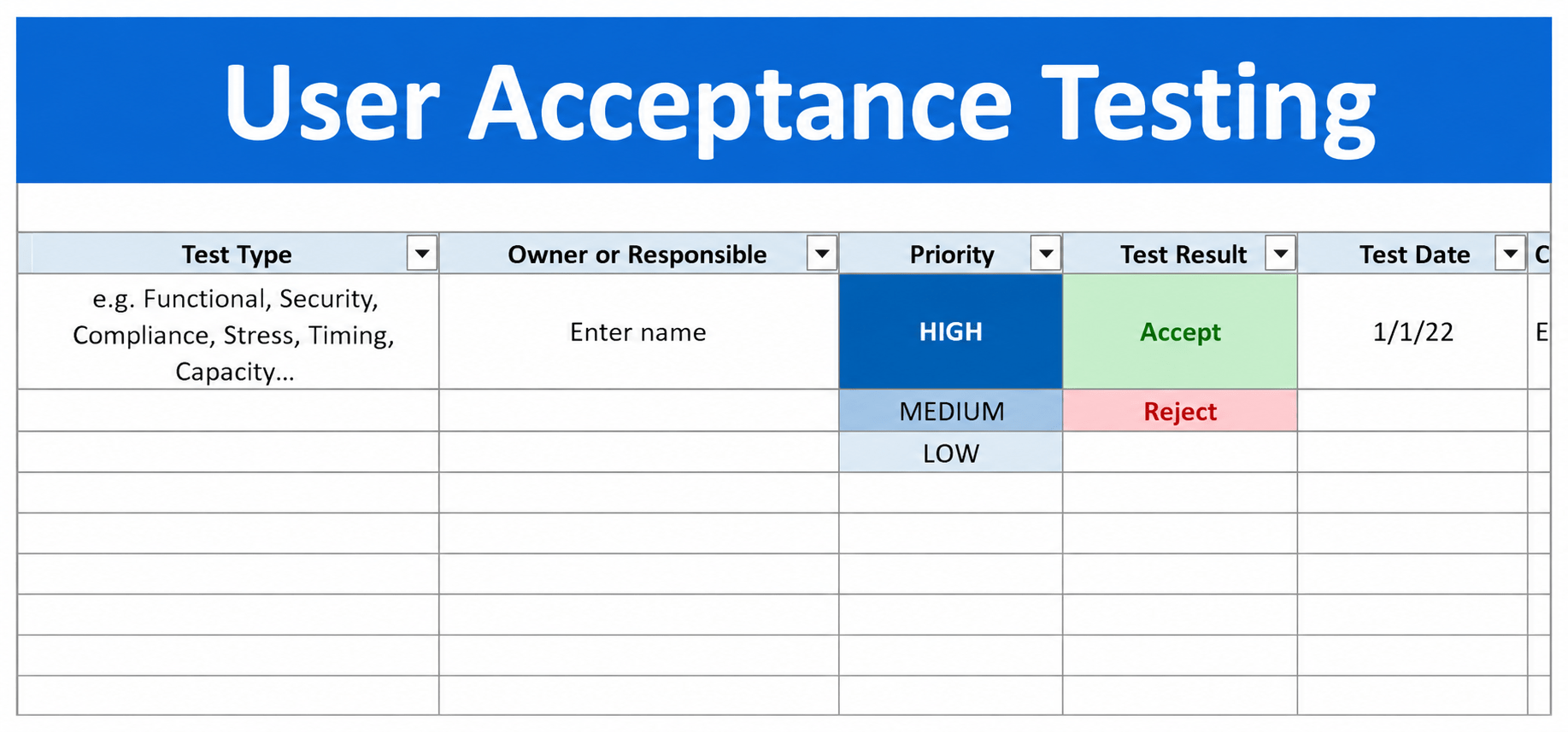
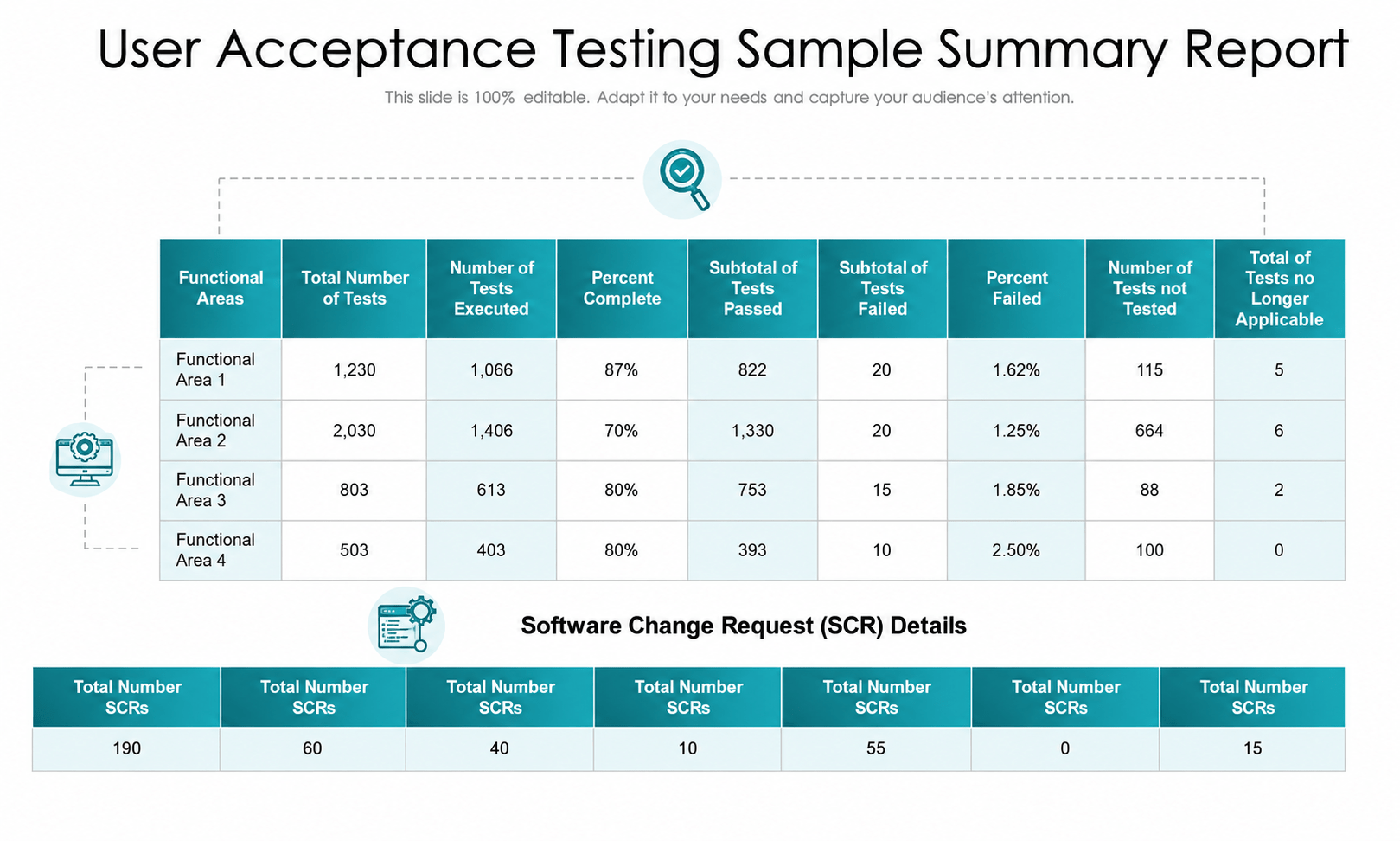
Great job!
You have successfully completed your CartSure Build Verification, Sanity & UAT Phase session.
Applied Smoke Testing, Sanity Testing, and User Acceptance Testing (UAT) to verify build stability, validate critical functionalities, and ensure business requirements were successfully met before release.
You now understand how testers verify build stability, validate important functionalities, and ensure business requirements are satisfied before production release.
Checkpoint
Next-Lab Preparation
Git Push
git push origin branchNameTopic: Working with a Text and Listing HTML
Introduction to Bugasura
Test Case Management
1) Creating Requirements
2) Creating Test Cases
3) Executing Test Case
4) Defect Logging with Defect Management