







Content ITV PRO
This is Itvedant Content department
DSDA 11.0
| Modules | Type |
|---|---|
| Advance Excel 11.0 | Essential |
| SQL 11.0 | Essential |
| Power BI 11.0 | Essential |
| Tableau 11.0 | Essential |
| Python 11.0 | Essential |
| Data analysis and Statistics 11.0 | Essential |
| Machine Learning 11.0 | Essential |
| Agentic AI 11.0 | Essential |
| Prompt Engineering 11.0 | Digital Learning |
DA 12.0
| Modules | Type |
|---|---|
| Advance Excel 12.0 | Essential |
| SQL 12.0 | Essential |
| Power BI 12.0 | Essential |
| Tableau 12.0 | Essential |
| Python 12.0 | Essential |
| Data analysis and Statistics 12.0 | Essential |
| Prompt Engineering 12.0 | Essential |
| Zapier 12.0 | Essential |
| Make 12.0 | Essential |
| N8N 12.0 | Essential |
| RAG & MCP 12.0 | Essential |
Old Modules from DSDA 11.0
New Modules Added
Automation
Scenerio
Every evening, the counsellor counts calls made, walk-ins, demos, and admissions.
Fill the excel sheet or send data over mail as the day end to the Manager.
Repeatative Task
You fill the data into Sheet.
A Tool at 7 pm
Send a Email to Manager.
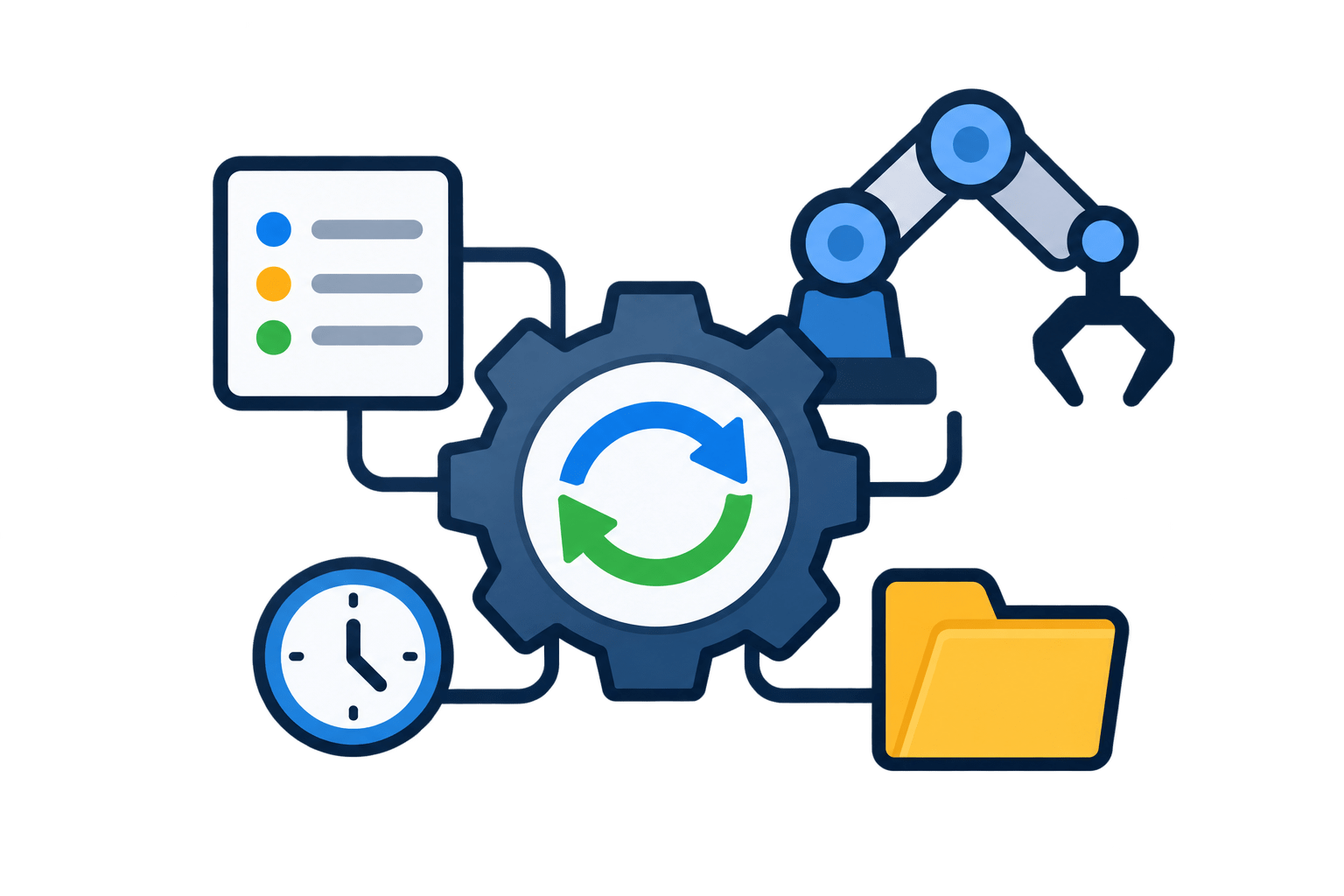
Automation means making software do your repetitive work for you, automatically, without you doing it again and again.
Automation Tools
Zapier
Make
n8n
Automation Tools
Tools that automate Your process or repeatative Work.
Technical Definiation :
Automation tools are software that connect your everyday apps, like Gmail, WhatsApp, and Google Sheets, so work moves between them automatically.
From Automation to Smart AI Assistant: RAG
Automation
“On your first day, you were given a script: if a student asks X, say Y. You followed it exactly.
That’s automation.
It works, but only for situations in the script.”
Limitations
Then a parent asked something not in the script.
A day-1 counsellor gets stuck.
That’s where automation stops.
Refer Document and Policies
You studied Polices, SOP, documents etc.
So now before answering you first remember what is given in the document and then answer it.
Automation Tool
Follows a fixed checklist or rules
Handles only expected situations.
When this happens Do that
Limitations
Automation Get Stuck when it is trying to do something which is not defined in the rule.
Automation Can't think.
Refer Document and Policies
So we our Automatin tool will look up in the Policies, documents, company SOP , before answering the question.
The Moment Automation Tool start looking into the documents first and then answering it, it become Smart AI Assistant.
Now Our automation tool is ready to handle questions that are outside rules or checklist.
From Automation to Smart AI Assistant: RAG
Full Form of RAG is Reterival Auguemented Generation
Retrival
Find the information
Augmented
Add it to the question
Generation
Generate Answer
RAG (Retrieval-Augmented Generation) is a method where the AI first finds the right information from company documents, adds it to the question, and then generates the answer.
From Smart Assistant to AI Agent: MCP
Trained Counsellor: Knows the Answers
You can answer any question using the policies, fee sheet, and course handbook.
Limitation
A student says, “I want to book a demo for Saturday.” You know the answer, but you don’t have booking access, so you have to ask someone else to do it.
After Getting System Access
You get a Pulse login, demo booking access, and payment link access. Now you answer and complete the task yourself.
That’s an Agent.
Smart AI Assistant
Answers questions by looking up company documents (RAG).
Limitation
Can tell but can’t do. It can explain the EMI or the demo timings, but can’t book an appointment or update a record. Knows, but can’t act.
With Access to Company Systems
We connect the assistant to company tools: booking, CRM, calculators. Now it answers, decides what needs to be done, and does it.
The Smart AI Assistant becomes an AI Agent.
So how do we connect the assistant to company systems safely? That connection has a name:
MCP.
MCP
MCP full form is Model Context Protocol
Model
Smart AI Assistant
Context
The tools and information the AI needs to do the job
Protocol
A standard set of rules for connecting them
Heading
How to Access ADD ON Modules
How to Access ADD ON Modules
How to Access ADD ON Modules
How to Access ADD ON Modules
By Content ITV