GitHub_Copilot_AI_Code_Assistance





Agenda
6
Practical Lab Manual: Step-by-Step Guide
5
Copilot Chat
4
Supported Environments
Supported Environments
3
How copilot work?
2
Why developer choose copilot?
1
Introduction to github co-pilot
Introduction

AI-powered coding assistant
Suggests code as you type
Understands code context and comments
Supports Java, Python, JavaScript, and more
Works in VS Code, IntelliJ, Eclipse
Reduces repetitive coding and errors
Speeds up development time
Why Use a Copilot?
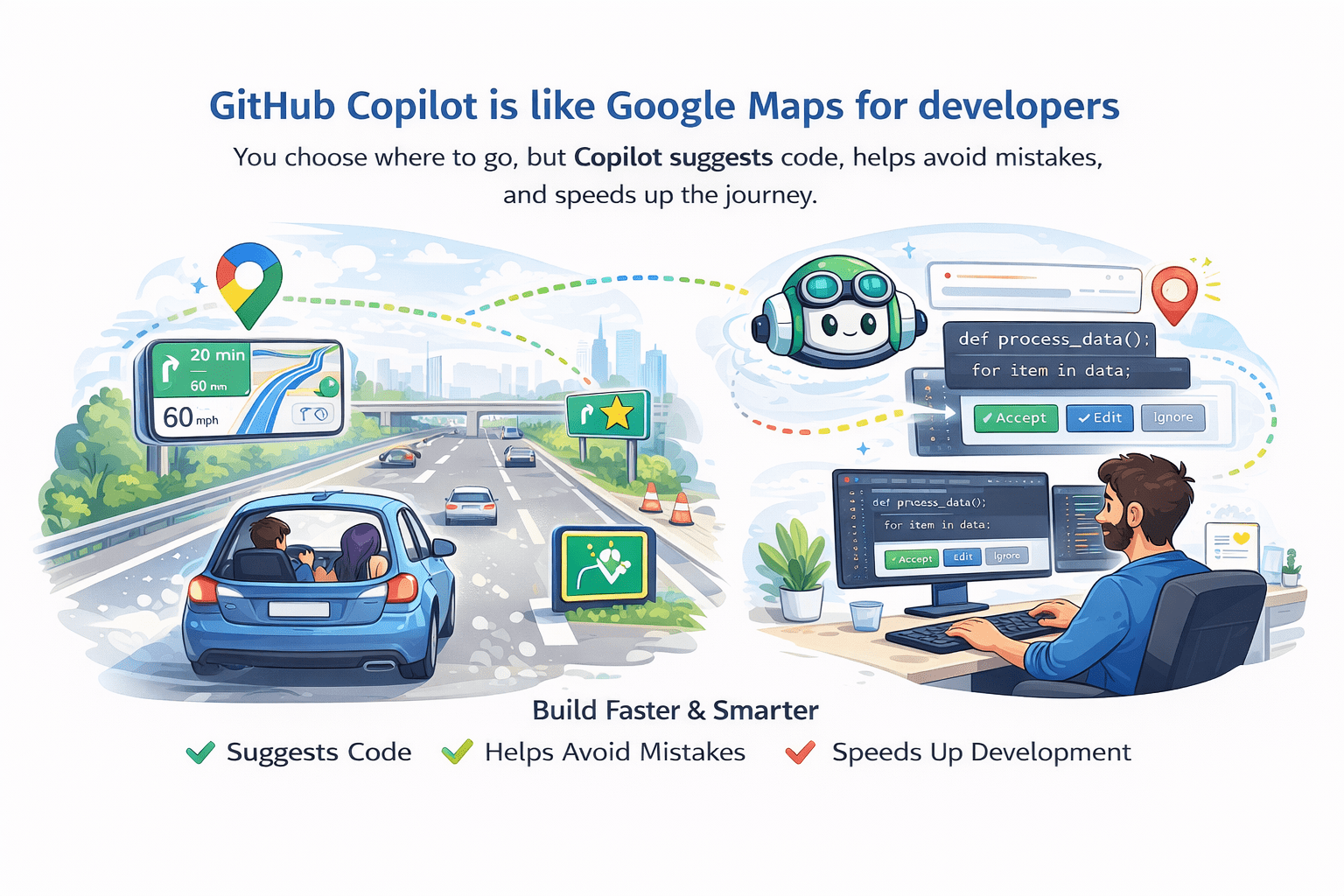
How GitHub Copilot Works
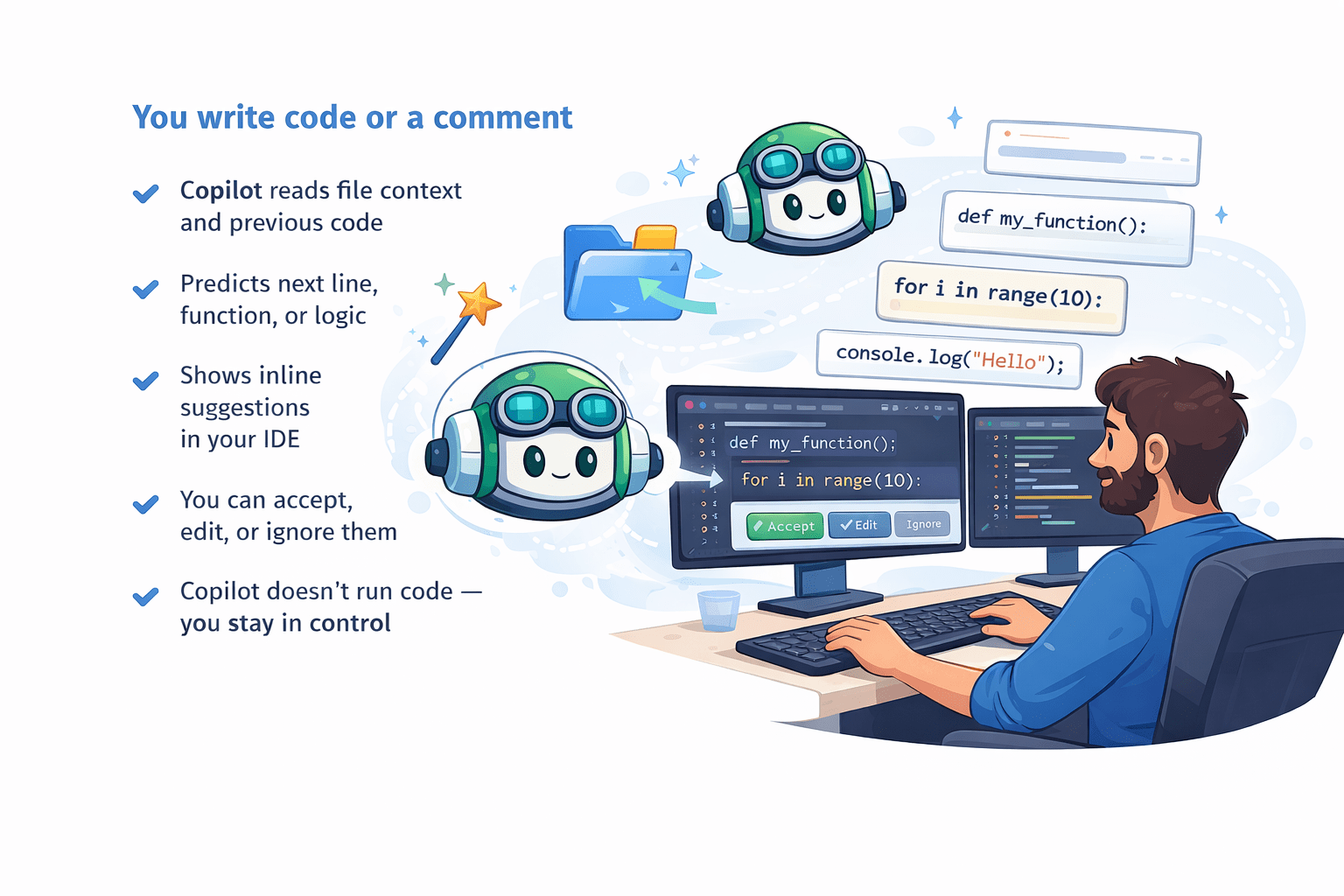
Supported Languages & IDEs in GitHub Copilot
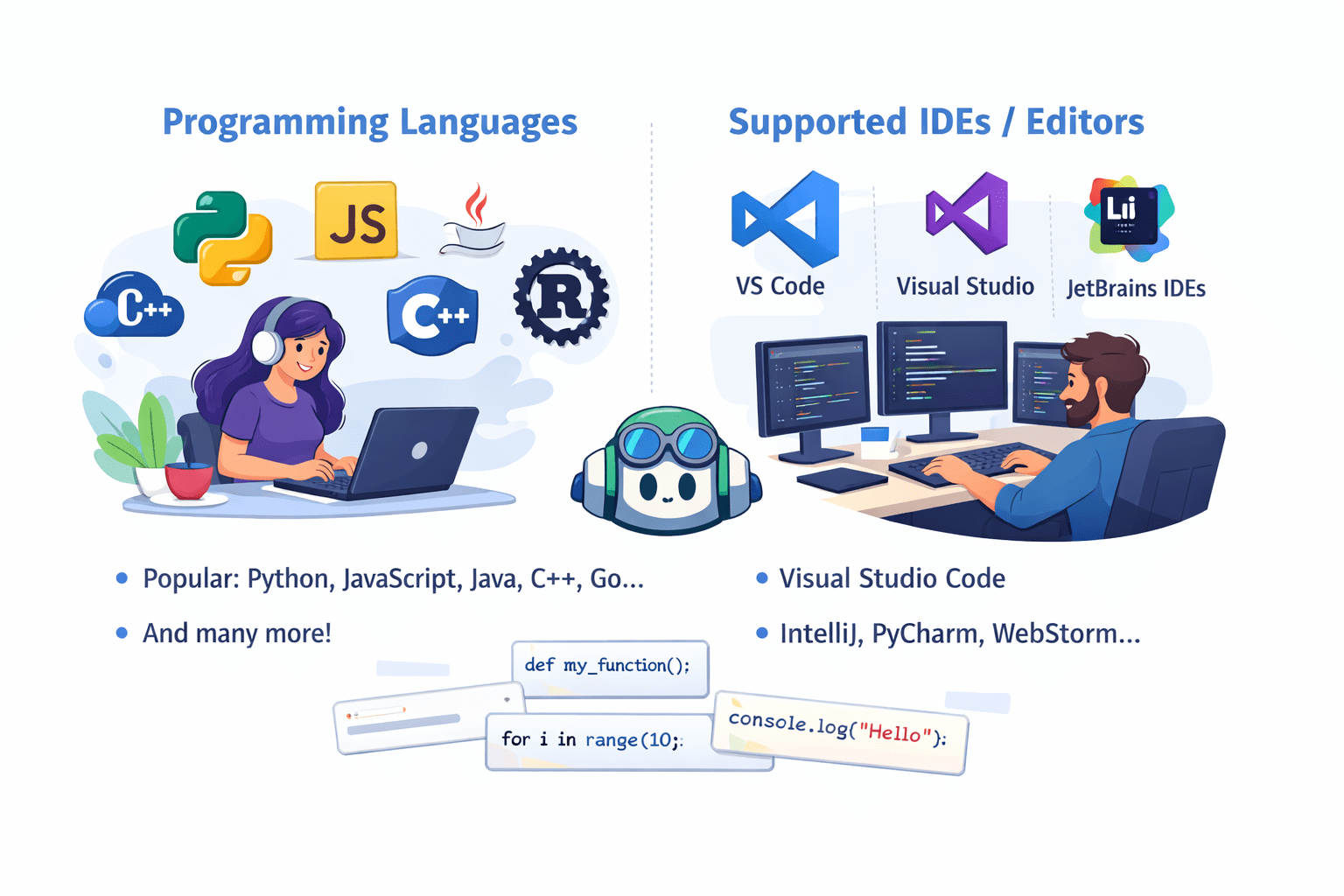
Core Features of GitHub Copilot
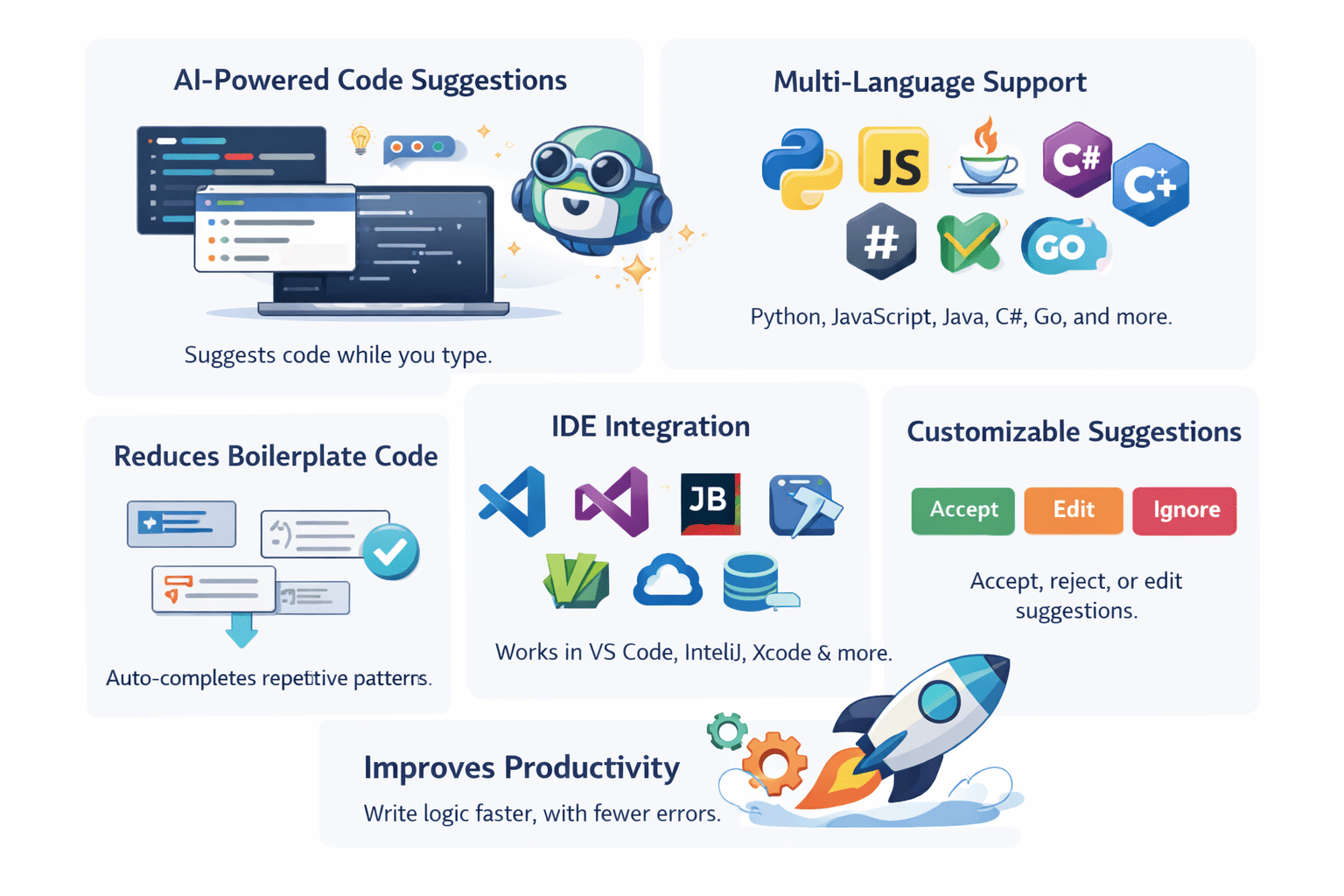
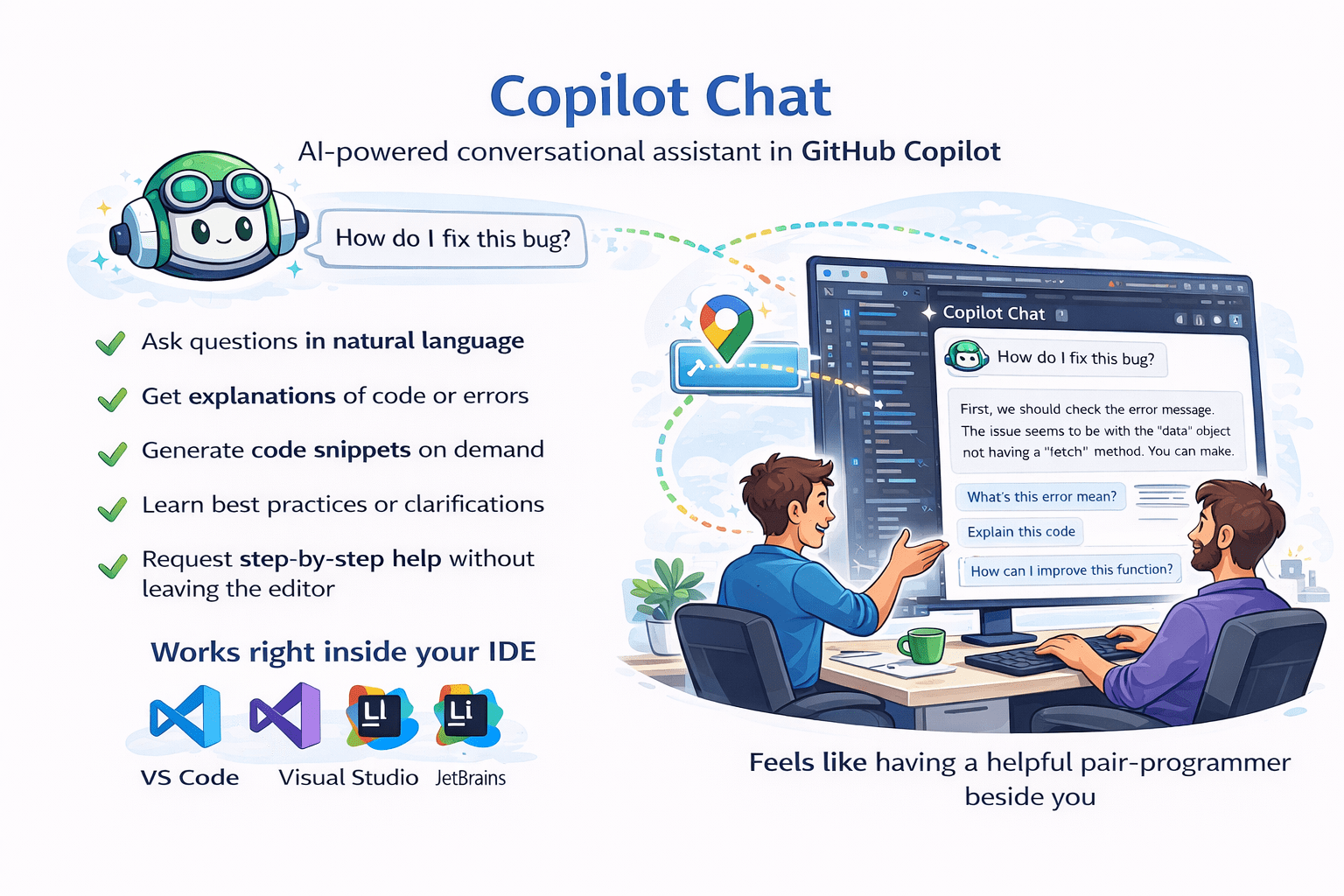
How GitHub Copilot Chat Works
Practical Lab Manual: Step-by-Step Guide
Prerequisites
To complete the labs, ensure you have the following setup:
-
Active GitHub Account.
-
Active GitHub Copilot Subscription.
-
VS Code (or compatible IDE) installed.
-
Basic programming knowledge (e.g., Python).
Lab 1: Installation (Setup)
Text

Go to the extension store .
Open your coding program(IDE) .
Install the Extension.
find the Github copilot tool .
Log in to GitHub .
Lab 2:First Code Suggetion
Step 2: Type descriptive comment defining a functional goal
# use comment to generate a simple python function.
#function to calculate factorial.
Step 3:Wait for Copilot’s code suggestion to appear
Step 1: Create new file for e.g.Test.py
Step 4:press the tab key to accept the suggetion
Lab 3:Logic Generation
Step 2:Type descriptive comment
# Generate loop and conditional structure.
# loop through numbers 1 to 10 .
# if number is even print it.
Step 3:Wait for Dimond code suggestion to appear
Step 1:Continue in the Test.py file
Step 4:press the tab key to accept the suggetion
Lab 4:SQL Assistance
Step 2:Type plain English description of the query in comment
-- Generate sql query using comment
--select all employees whoes joined in 2023
Step 3 :Accept the suggested SELECT query with WHERE clauses and filters.
Step 1: Create new file and set the language mode
Lab 5:Copilot Chat
Step 2:open the copilot chat window(usually accessible via the sidebar)
/explain what this selected code does
Step 4:The chat window gives a simple, natural-language explanation
Step 1:Highlight an existing block of code
Step 3:Use the /explain slash command or simply ask
Lab 6:Unit Test Genration
Step 2:Type the Following comment
#Generate the tests cases for an existing function
#Generate unit tests for this function
Step 3:Accept the suggestion to auto-generate a unit test class and complete test
methods for different scenarios.
Step 1:Place the cursor immediately after a completed function in your code
Conclusion
GitHub Copilot is a powerful AI-based coding assistant that helps developers write code faster and more efficiently. By providing intelligent code suggestions and real-time support through Copilot Chat, it improves productivity, reduces errors, and supports learning. Overall, GitHub Copilot acts like a smart pair programmer, making software development easier and more effective.
