Network Security and
Protection


File Handling in Python

Learning Outcome
5
Handle common file-related errors
4
Apply the with statement for safer file handling.
3
Use file properties and methods to inspect file information.
2
Open, read, write, and close files using different file modes.
1
Understand the importance of file handling in Python
Topic Name-Recall(Slide3)

Text
Text
Text
Text
Text
Text
Text
Text
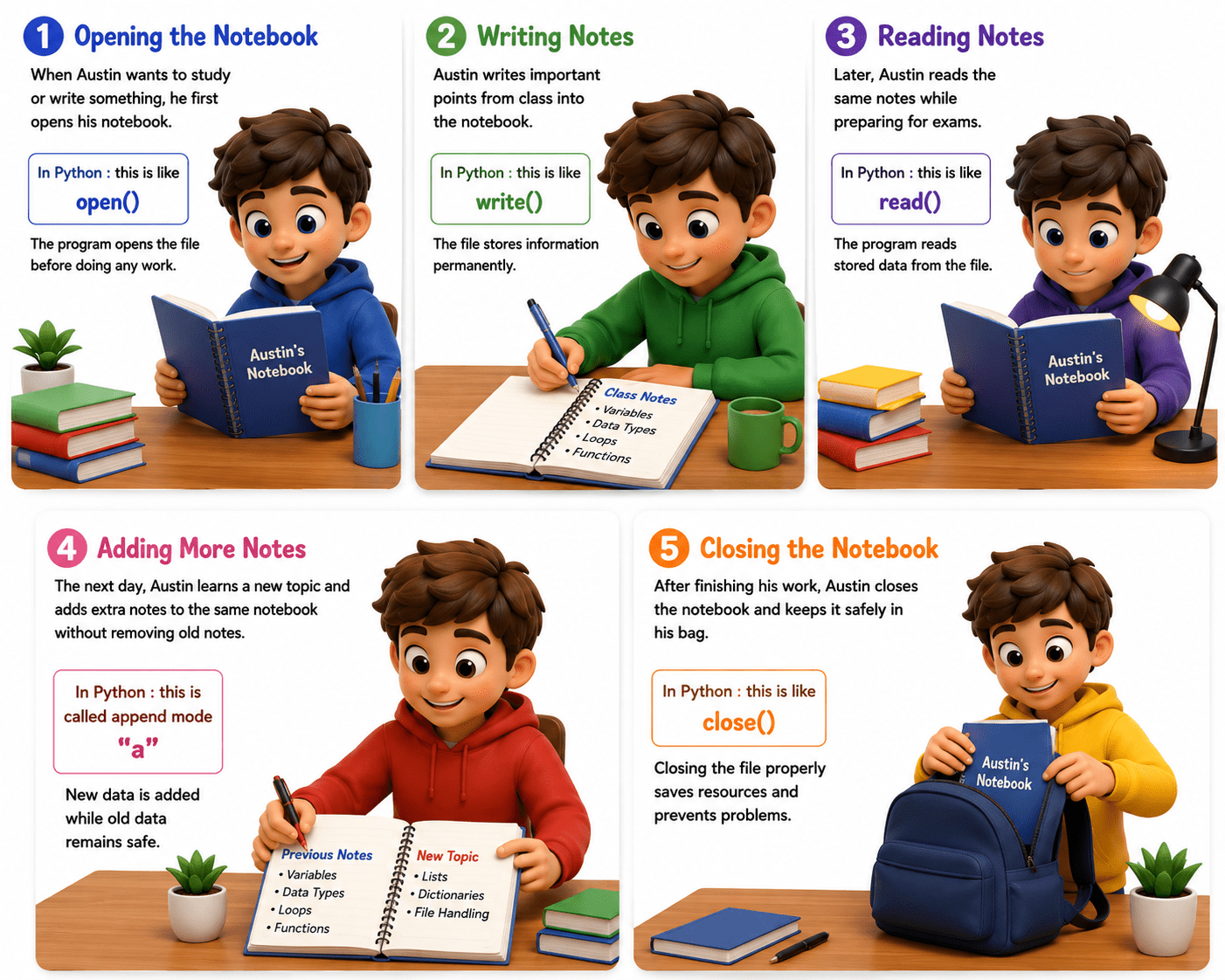
Imagine :- “A student named Austin preparing for his exams.”
Every day, Austin uses a notebook to store important class notes.
Step 1: Opening the Notebook
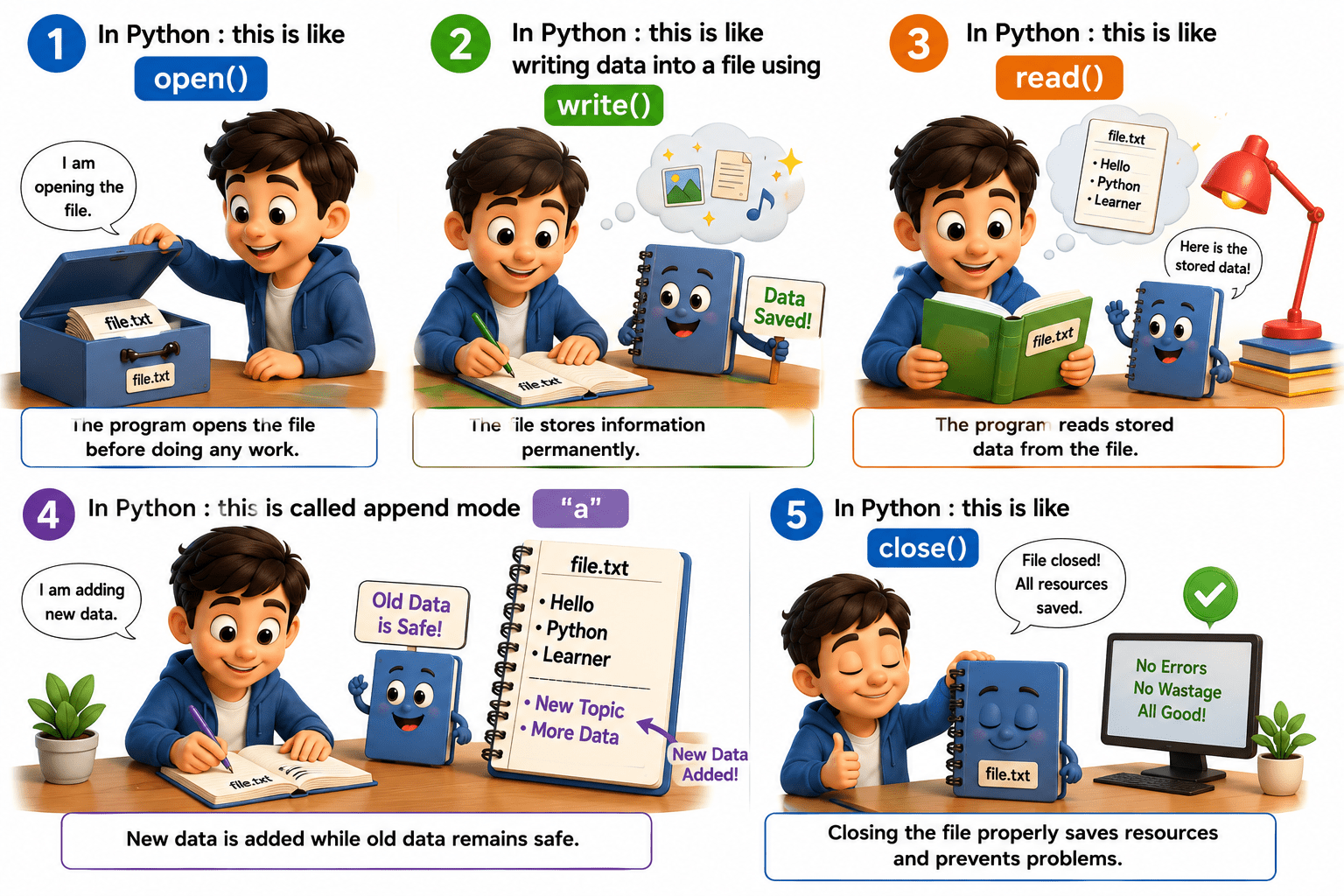
When Austin wants to study or write something, he first opens his notebook.
In Python : this is like
open()
Step 2: Writing Notes
Austin writes important points from class into the notebook.
write()
The file stores information permanently.
Step 3: Reading Notes
Later, Austin reads the same notes while preparing for exams.
read()
The program reads stored data from the file.
Step 4: Adding More Notes
The next day, Austin learns a new topic and adds extra notes to the same notebook without removing old notes.
"a"
New data is added while old data remains safe.
Step 5: Closing the Notebook
After finishing his work, Austin closes
the notebook and keeps it safely in his bag.
In Python : this is like
close()
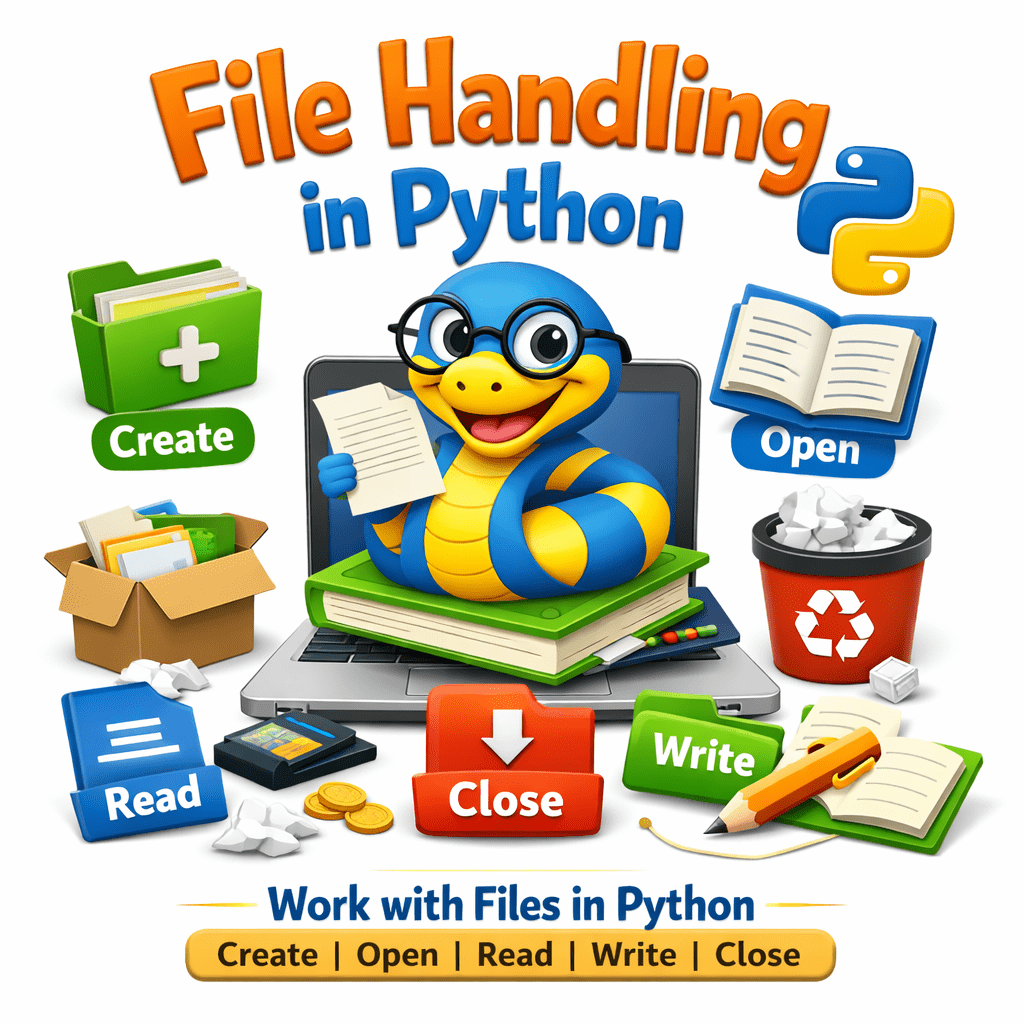
What is File Handling in Python
File handling means working with files in Python.It allows a program to create, open, read, write, and close files. Using file handling, data can be stored on the computer and used later.
To save data permanently, even after the program stops.
To work with external files like .txt, .csv, and .json.
To handle large amounts of data efficiently.
To automate tasks such as saving results or reading settings.

Why Do We Need File Handling?





Write binary file
|
Create new file |
|
Write mode |
|
"r" |
Mode
Meaning
Read mode
Append mode
|
Read binary file |
"w"
"a"
"x"
"rb"
"wb"
File Modes
User behavior
Device
Location
Time
Chances of conversion
User behavior
Device
Location
Time
Chances of conversion
Device
Time
Returns the name of the file
Returns the mode in which the file was opened
Returns True if the file is closed, False otherwise
Returns True if the file can be read
Returns True if the file can be written
Returns the current position of the file cursor
Moves the file cursor to position
file.mode
file.closed
file.readable()
file.writable()
file.tell()
file.seek(n)
|
file.name |
Property / Method
Description
Beginner
PRO

Summary
5
Exception handling prevents program crashes
4
With statement automatically closes files safely
3
Different file modes perform different operations (r, w, a, etc.)
2
Python uses open() to access files
1
File handling helps store and manage data permanently
Quiz
Which method writes multiple strings from a list into a file?
A. write()
B. readlines()
C. writelines()
D. append()

Quiz
Which method writes multiple strings from a list into a file?
A. write()
B. readlines()
C. writelines()
D. append()

Quiz
Which platform is mainly used for professional networking and B2B marketing ?
A. Facebook
B. Instagram
C. LinkedIn
D. Snapchat