Getting started with Computing


Autoscaling Your Cloud Fleet

Learning Outcome
5
Understand scaling policies
4
Explain Auto Scaling Group capacity settings
3
Understand launch templates
2
Explain types of scaling
1
Understand what EC2 Auto Scaling is
Earlier, we learned that
-
We learned how to launch EC2 instances
-
We understood instance types and pricing
- We discussed manual EC2 management.
Restaurant Analogy
Imagine a restaurant
2 chefs work when customers are few
Suddenly 100 customers arrive
The manager calls 3 more chefs
When customers leave, extra chefs go home






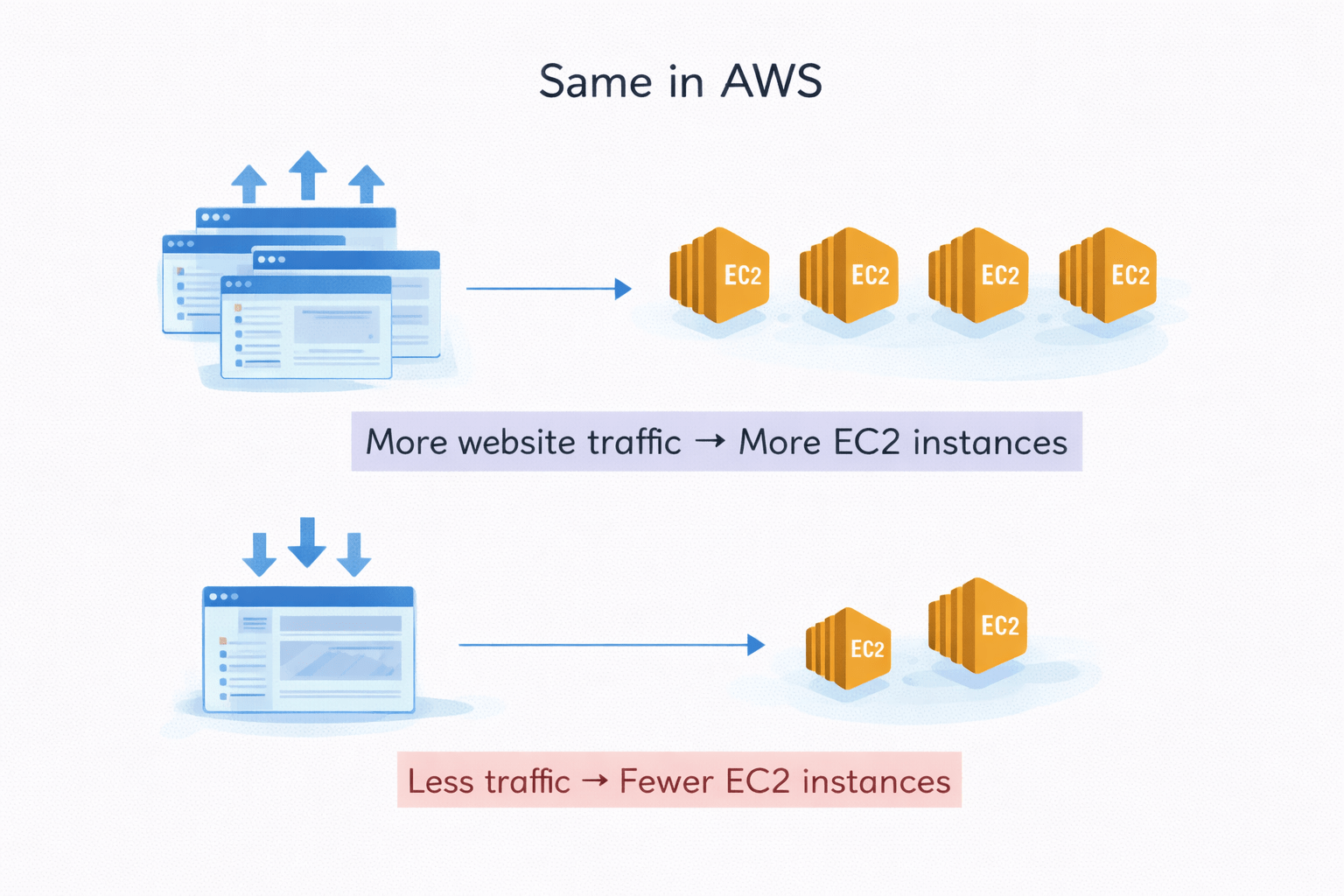
Same in AWS
More website traffic → More EC2 instances
Less traffic → Fewer EC2 instances
EC2 Auto Scaling
What is EC2 Autoscaling
Automatically adjusts the number of EC2 instances
Adds or removes servers based on demand
Works using defined scaling policies and metrics
How It Works
Monitors CPU usage, traffic, or custom metrics
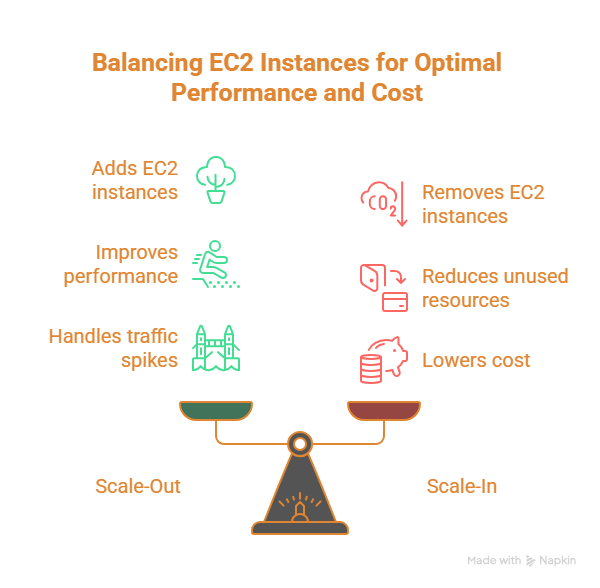
Scales out when demand increases
Scales in when demand decreases




Why Autoscaling is important
Keeps applications running smoothly
Ensures high availability and reliability
Handles sudden traffic spikes automatically


Key Benefits
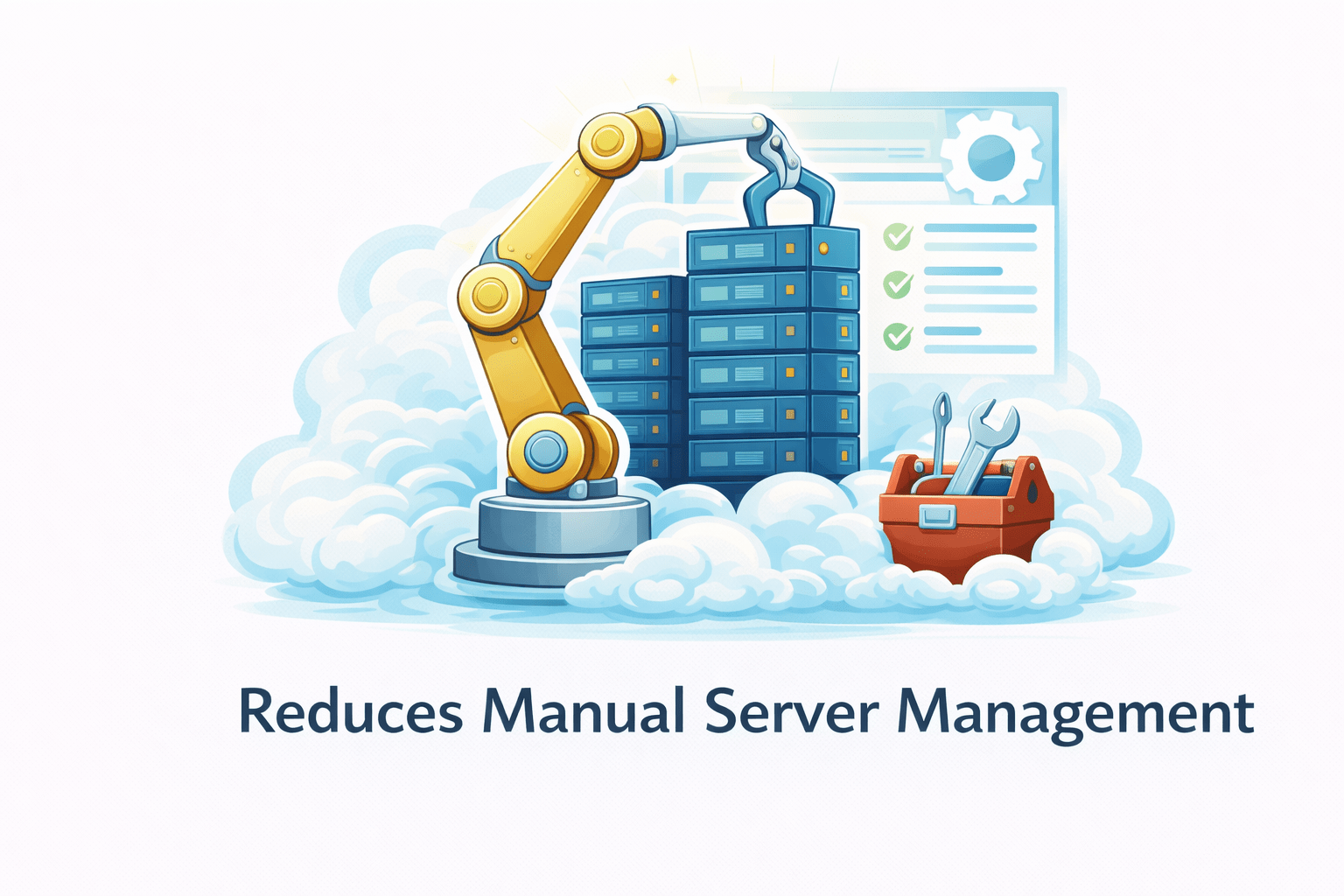
Reduces manual server management
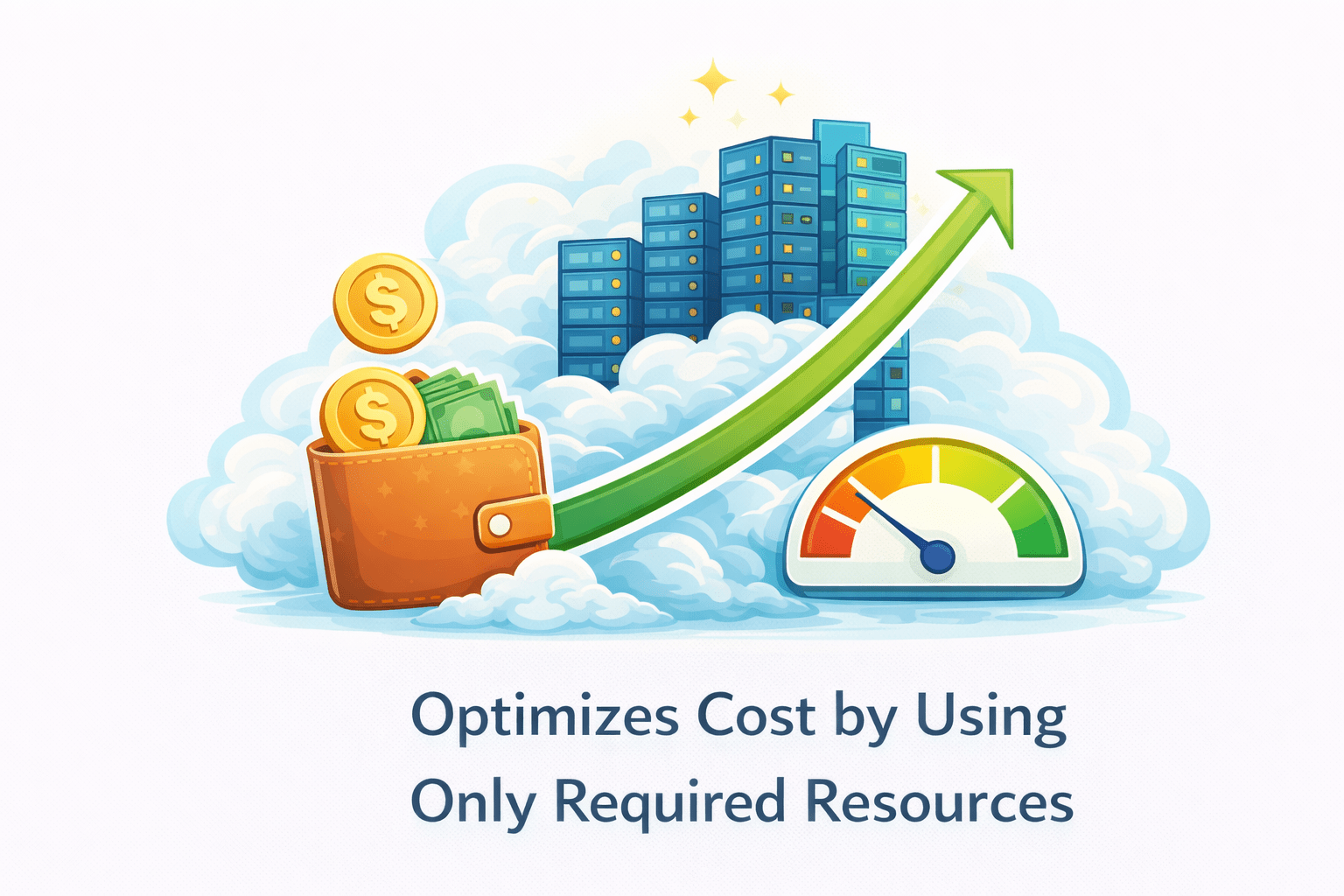
Optimizes cost by using only required resources
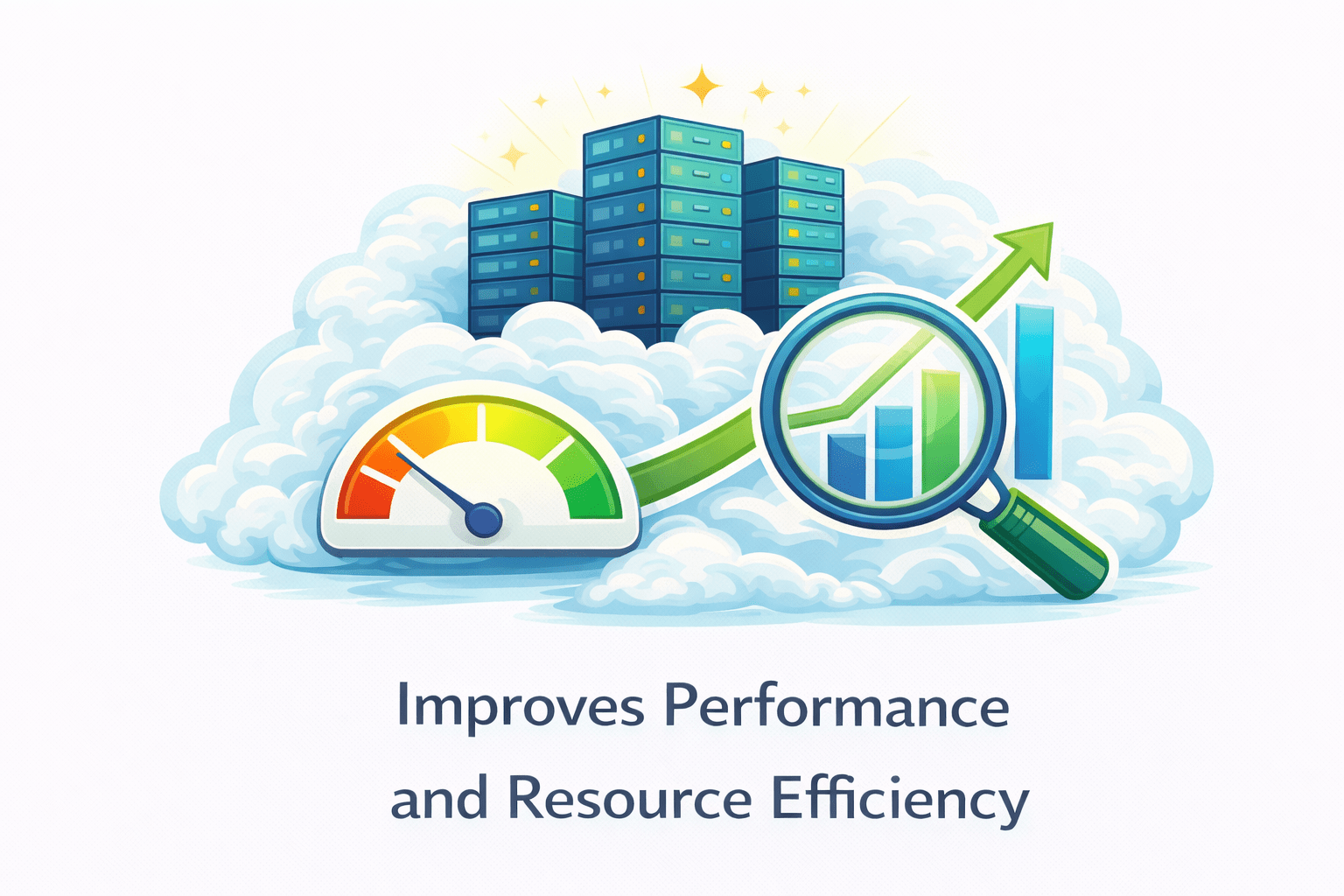
Improves performance and resource efficiency
Types of Auto Scaling
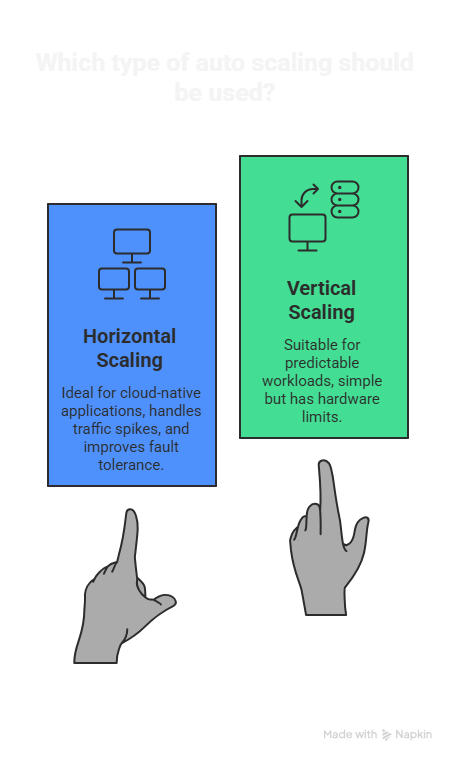
Horizontal scaling is more commonly used in AWS
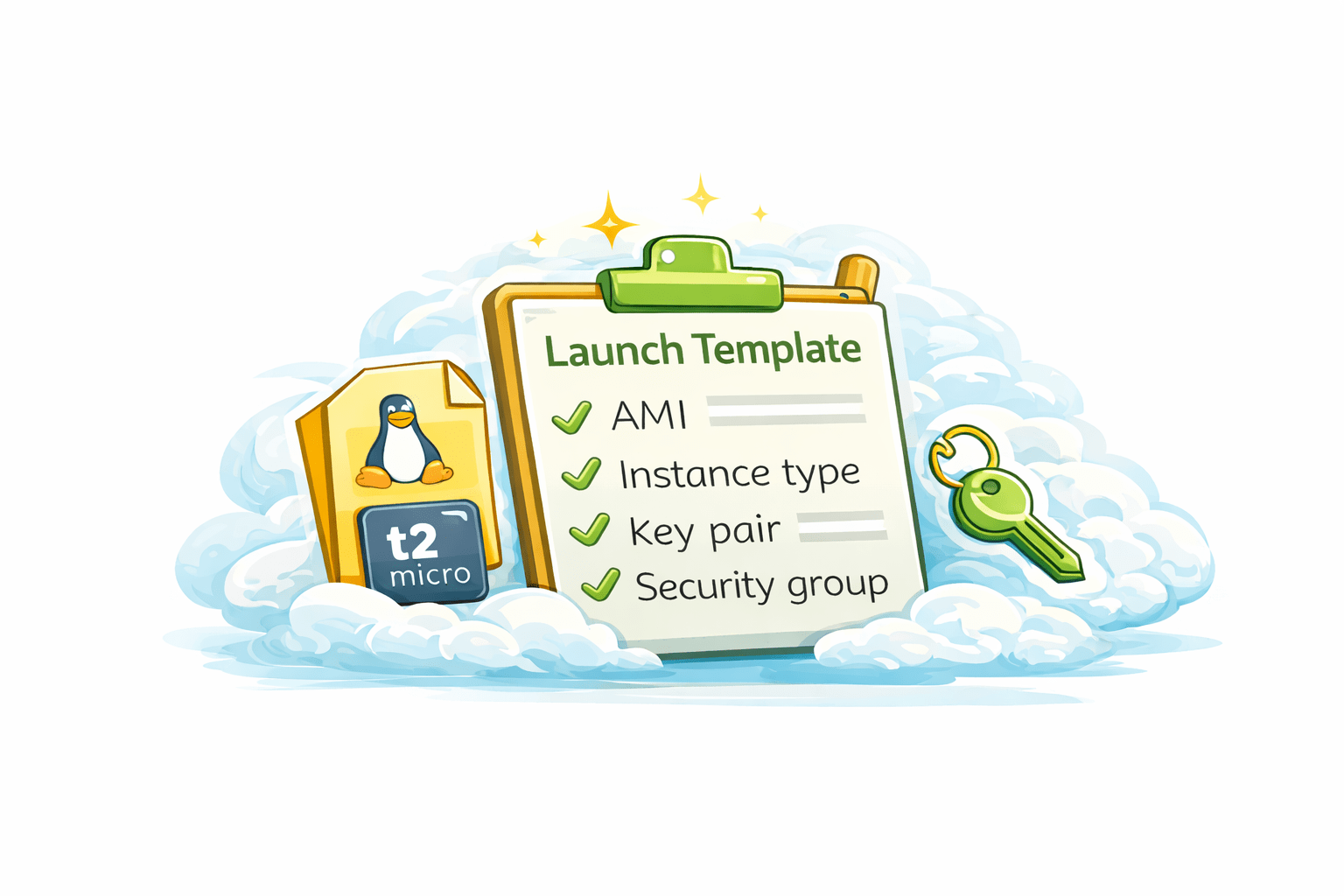
What is a Launch Template?
Defines AMI, instance type, key pair, and
security groups Acts as a blueprint for launching instances
A reusable configuration for EC2 instances
Key Components Included
Amazon Machine Image (AMI)
Instance type and storage settings
Network, security groups, and IAM role
User data scripts (startup configuration)

Why Launch Templates Are Important
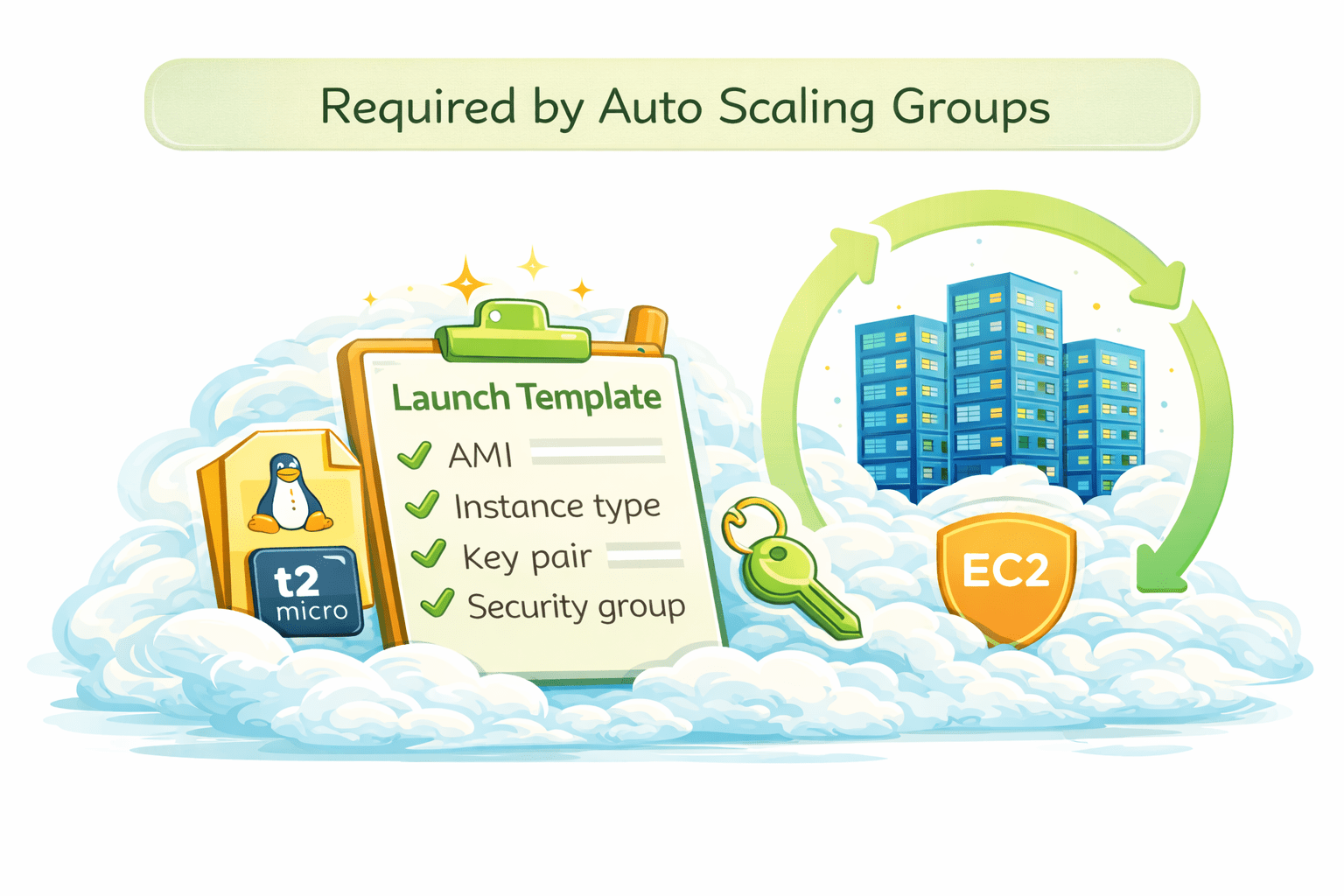
Required by Auto Scaling Groups
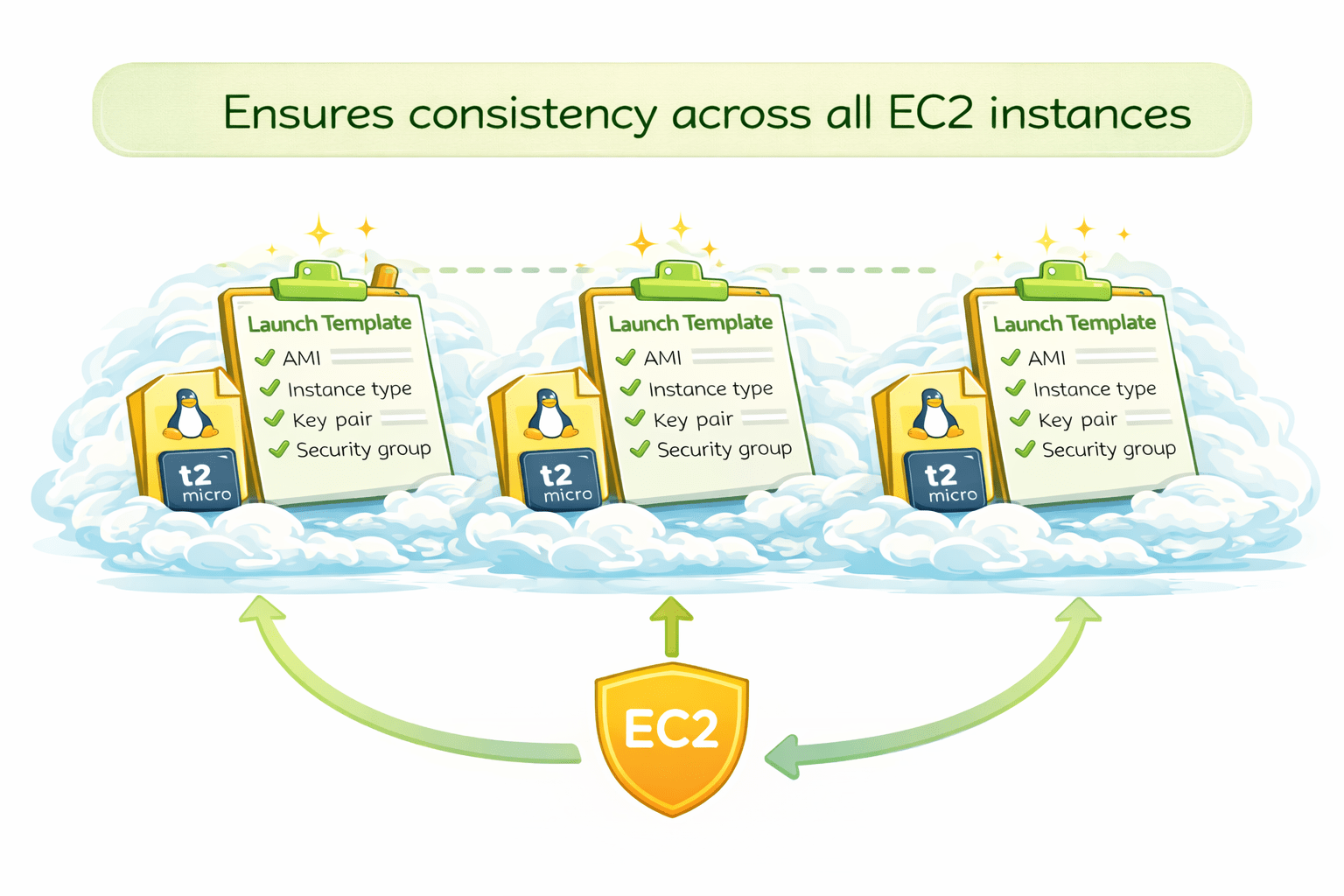
Ensures consistency across all EC2 instances
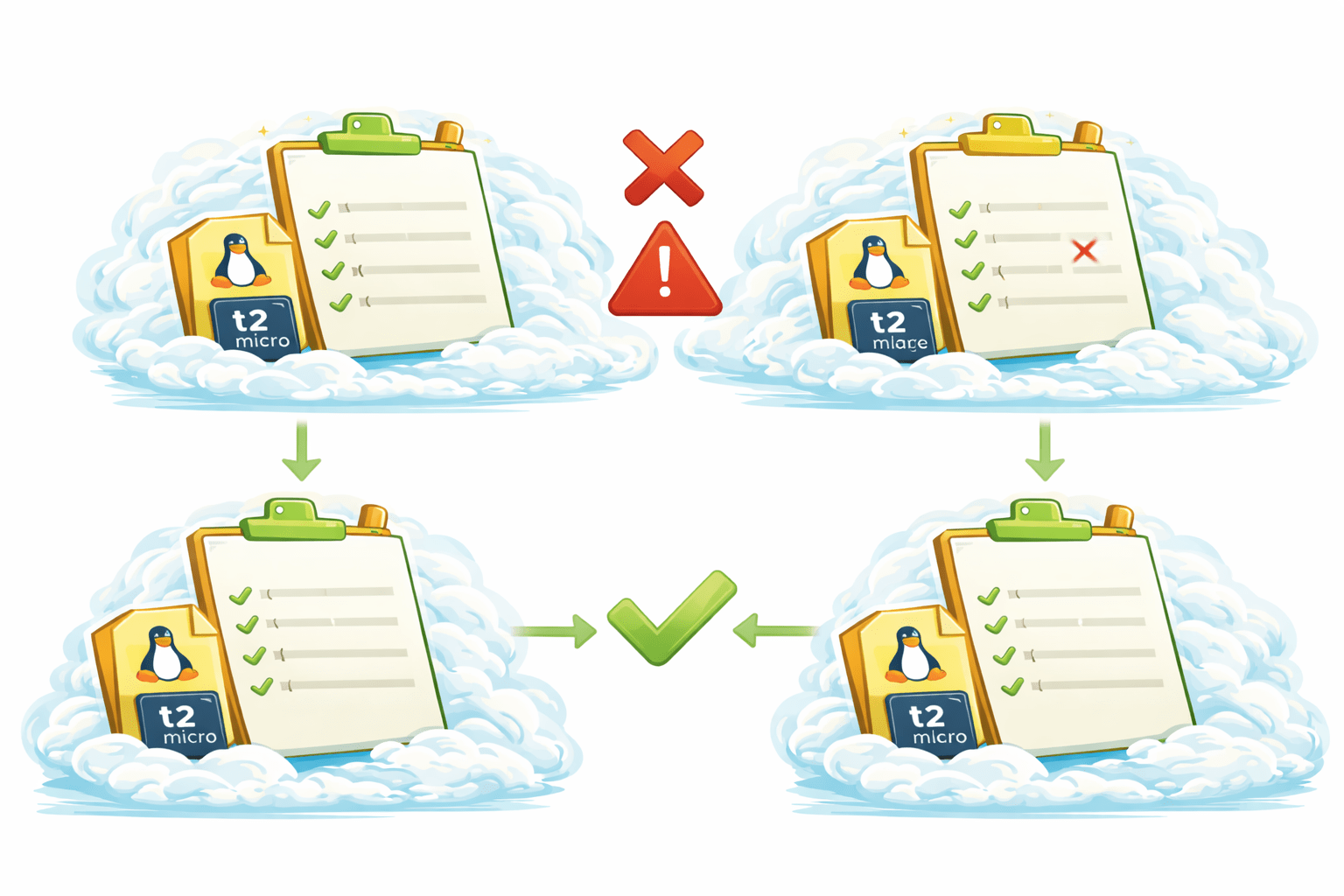
Prevents configuration mistakes
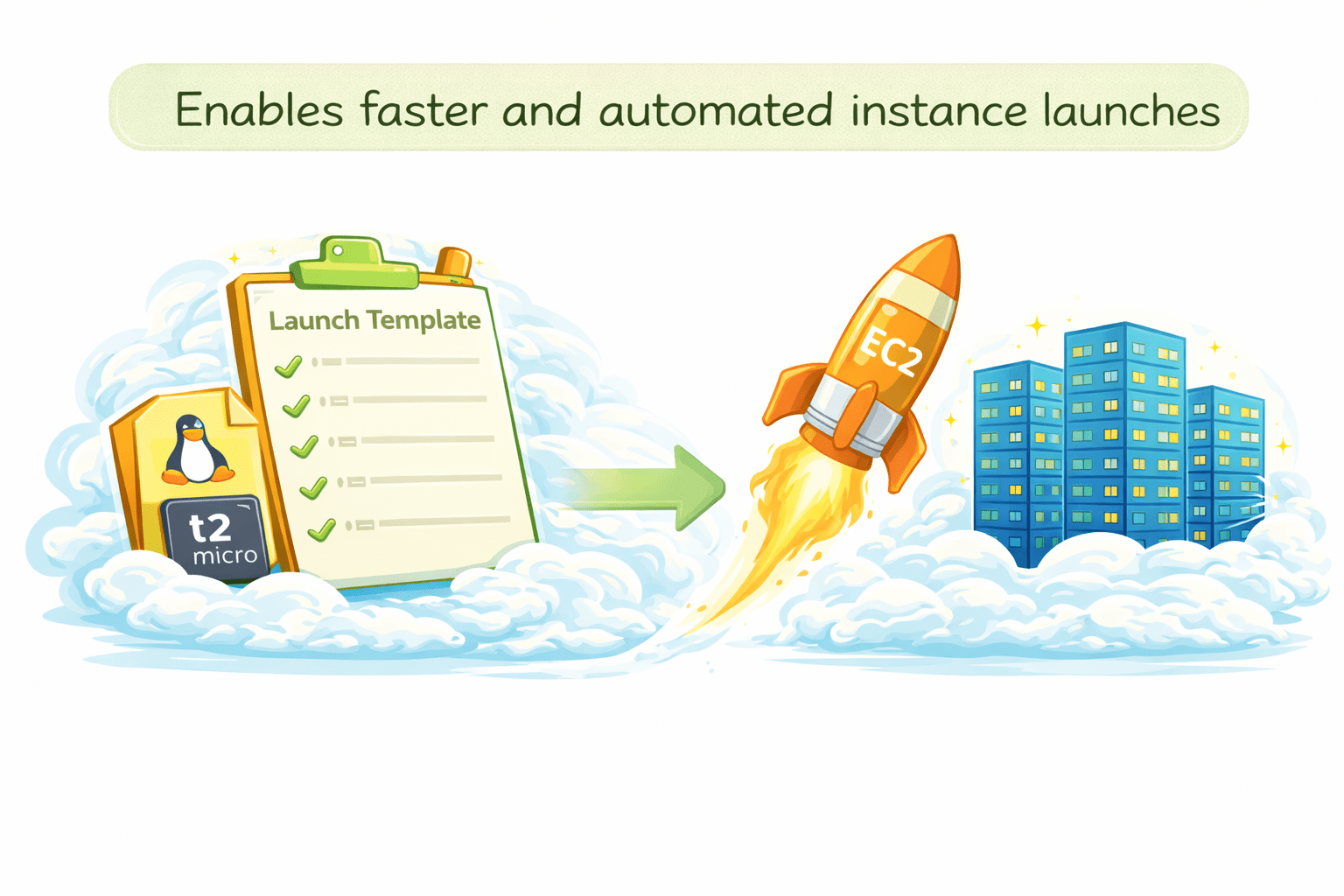
Enables faster and automated instance launches
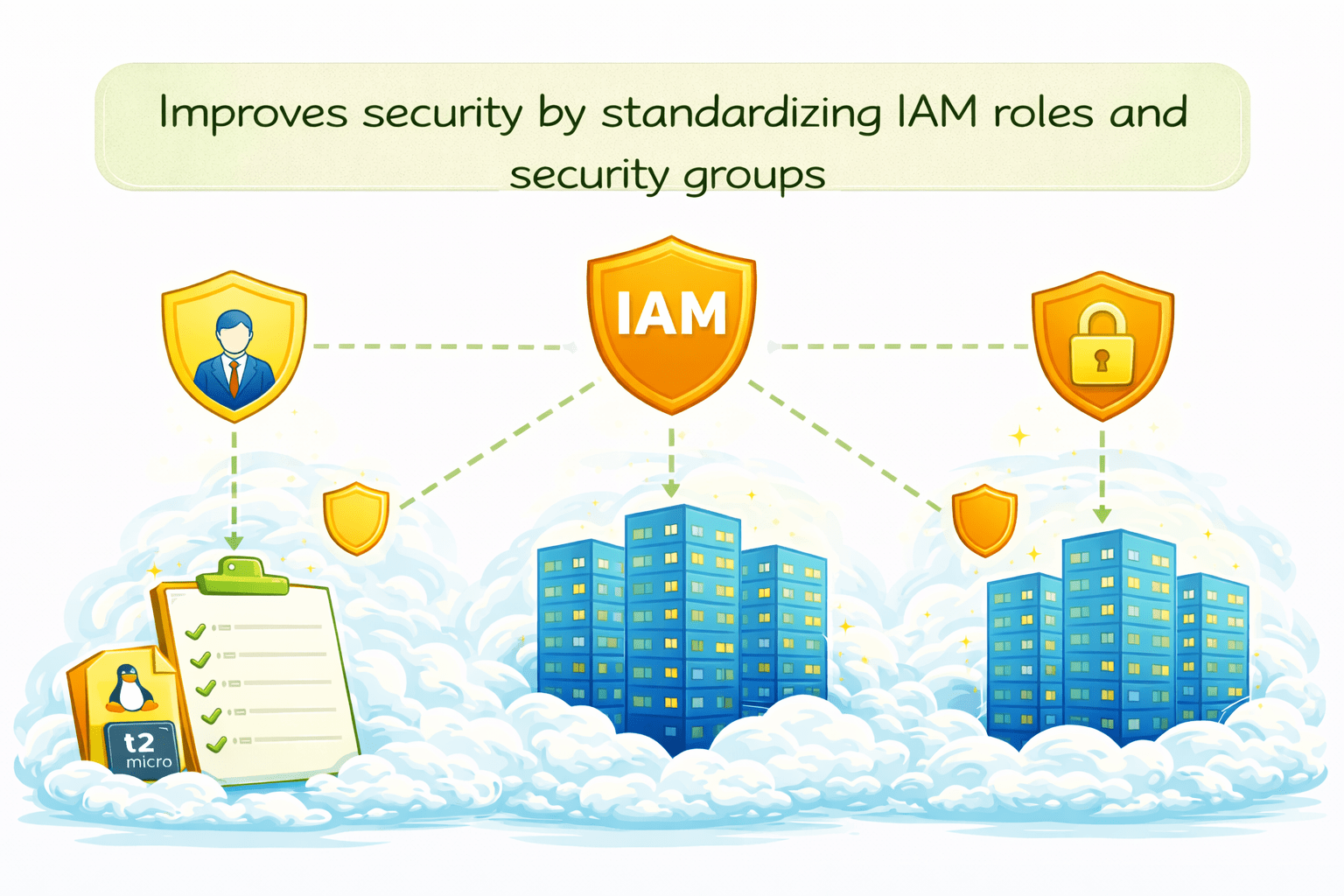
Improves security by standardizing IAM roles and security groups
Auto Scaling Group (ASG)
What Is an Auto Scaling Group?
A logical group of EC2 instances managed as a single unit
All Auto Scaling actions happen inside an ASG
Uses Launch Templates or Launch Configurations

How ASG Works
Automatically launches new EC2 instances when demand increases.
Terminates instances when demand decreases
Works with scaling policies and CloudWatch metrics


Availability & Reliability
Ensures high availability by running instances across multiple AZs
Automatically replaces unhealthy or failed instances
Maintains desired capacity at all times
Distributes traffic evenly when used with Load Balancers

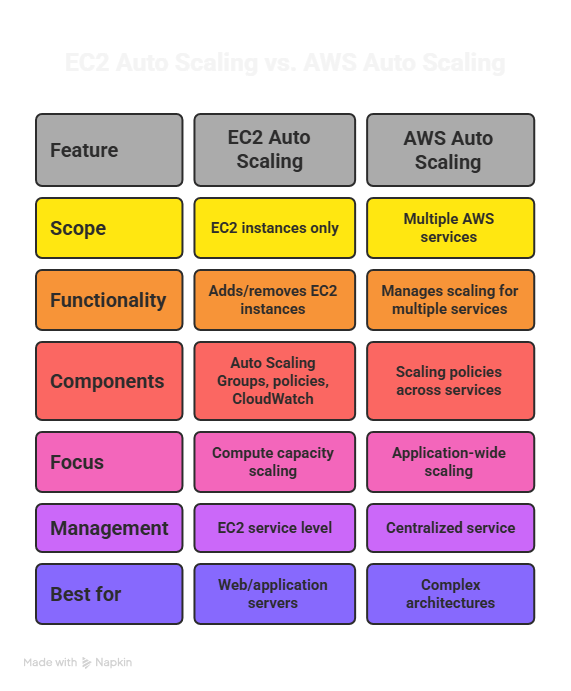
EC2 Auto Scaling vs AWS Auto Scaling
ASG Capacity Settings
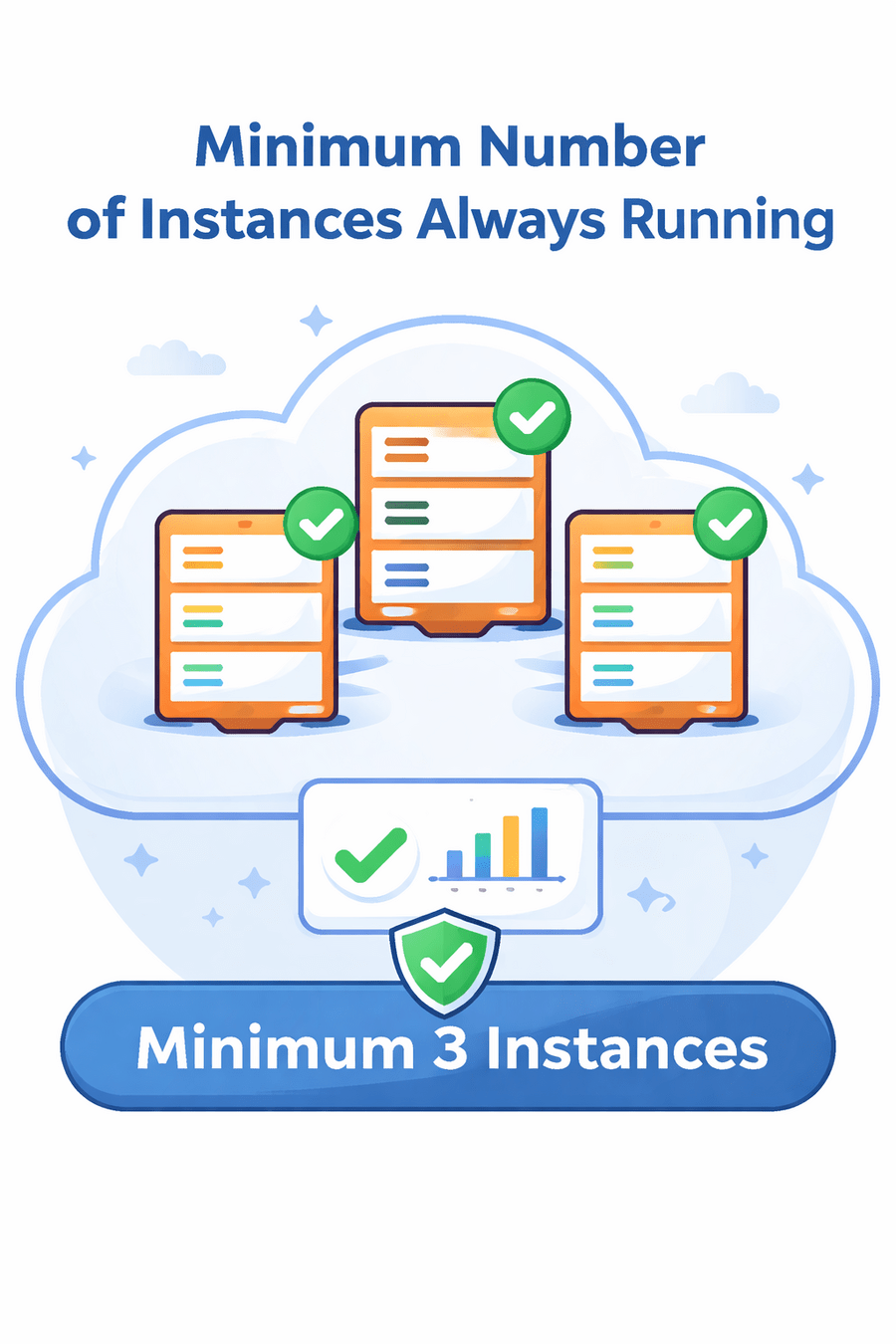
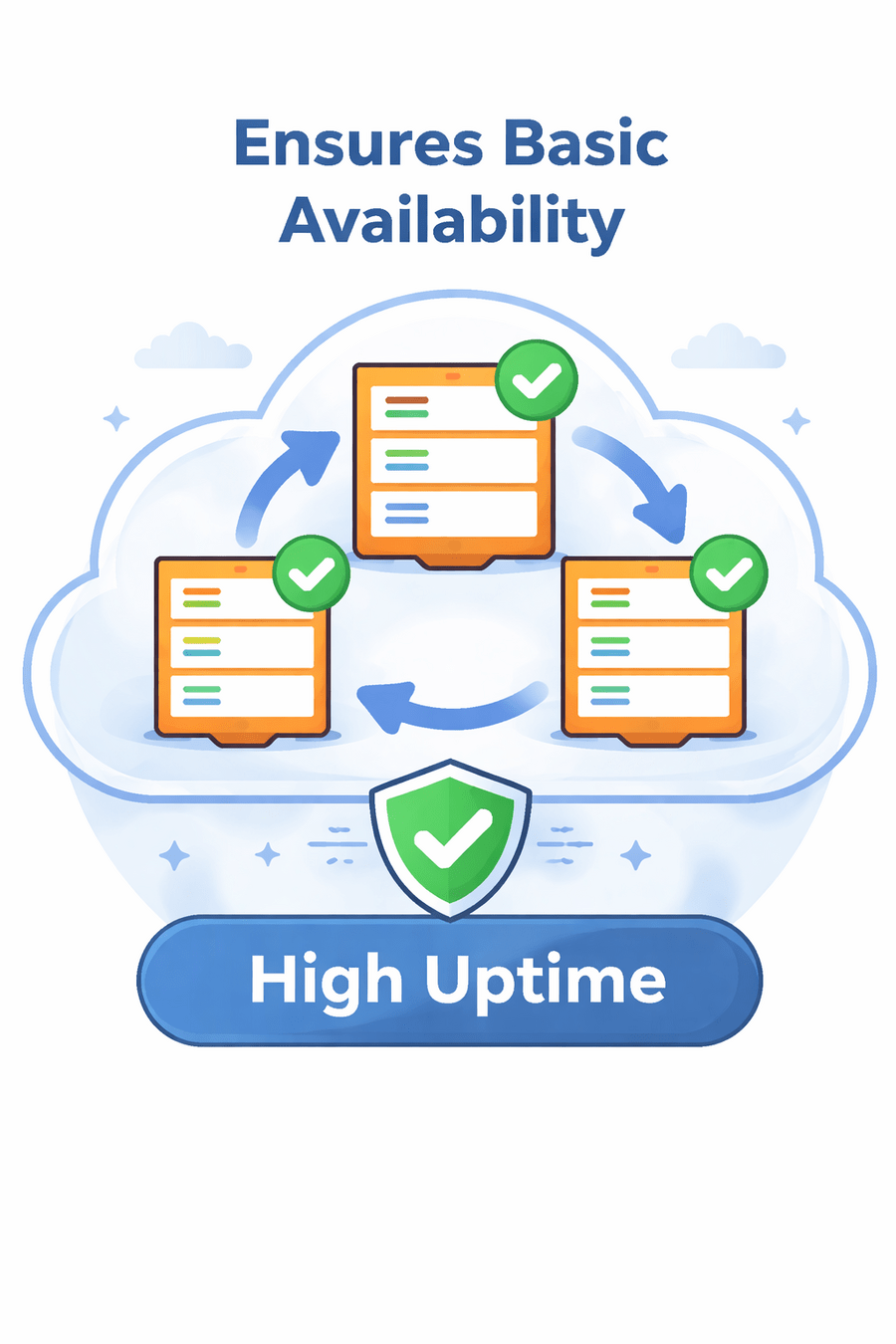
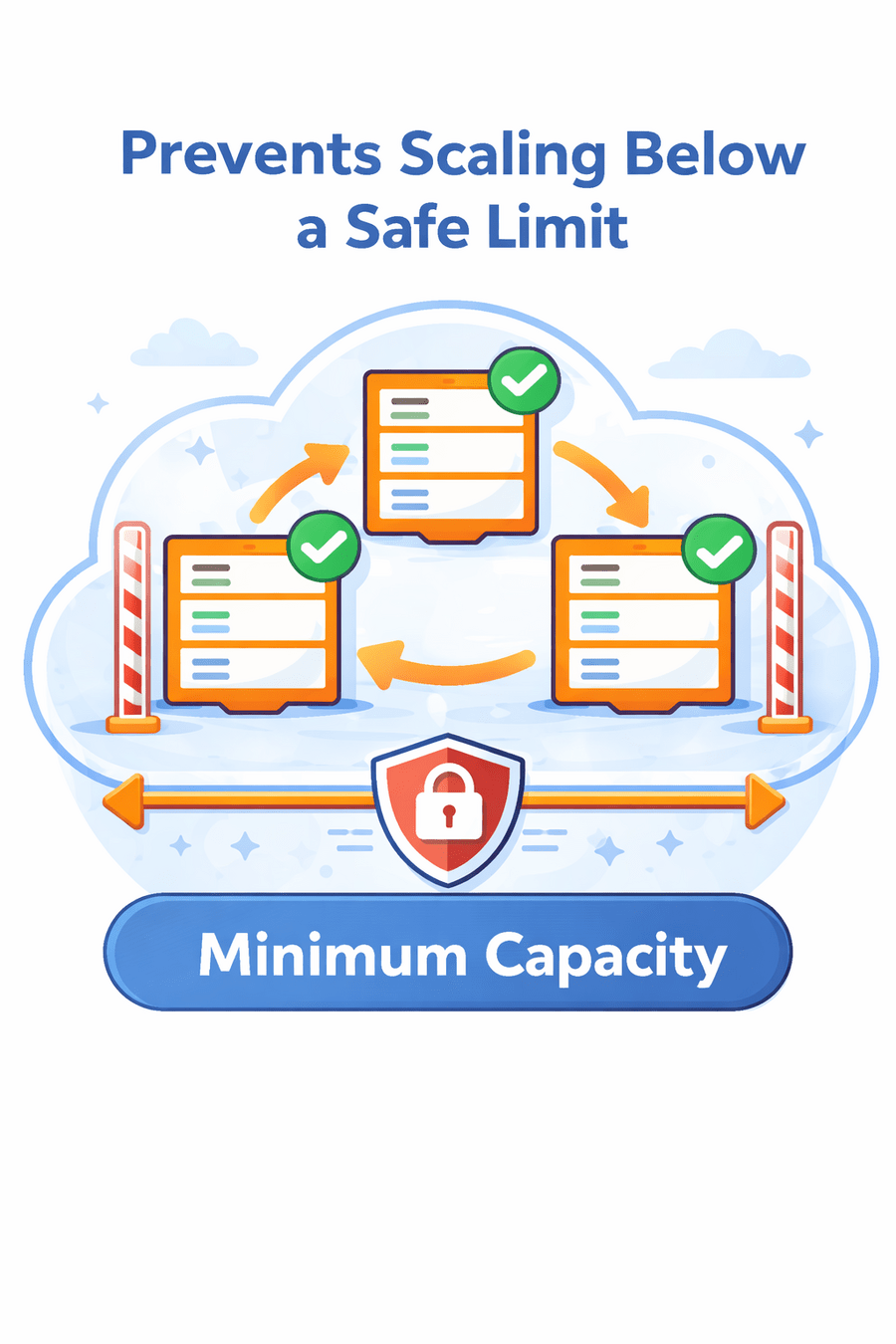
Minimum Capacity
Minimum number of instances always running
Ensures basic availability
Prevents scaling below a safe limit
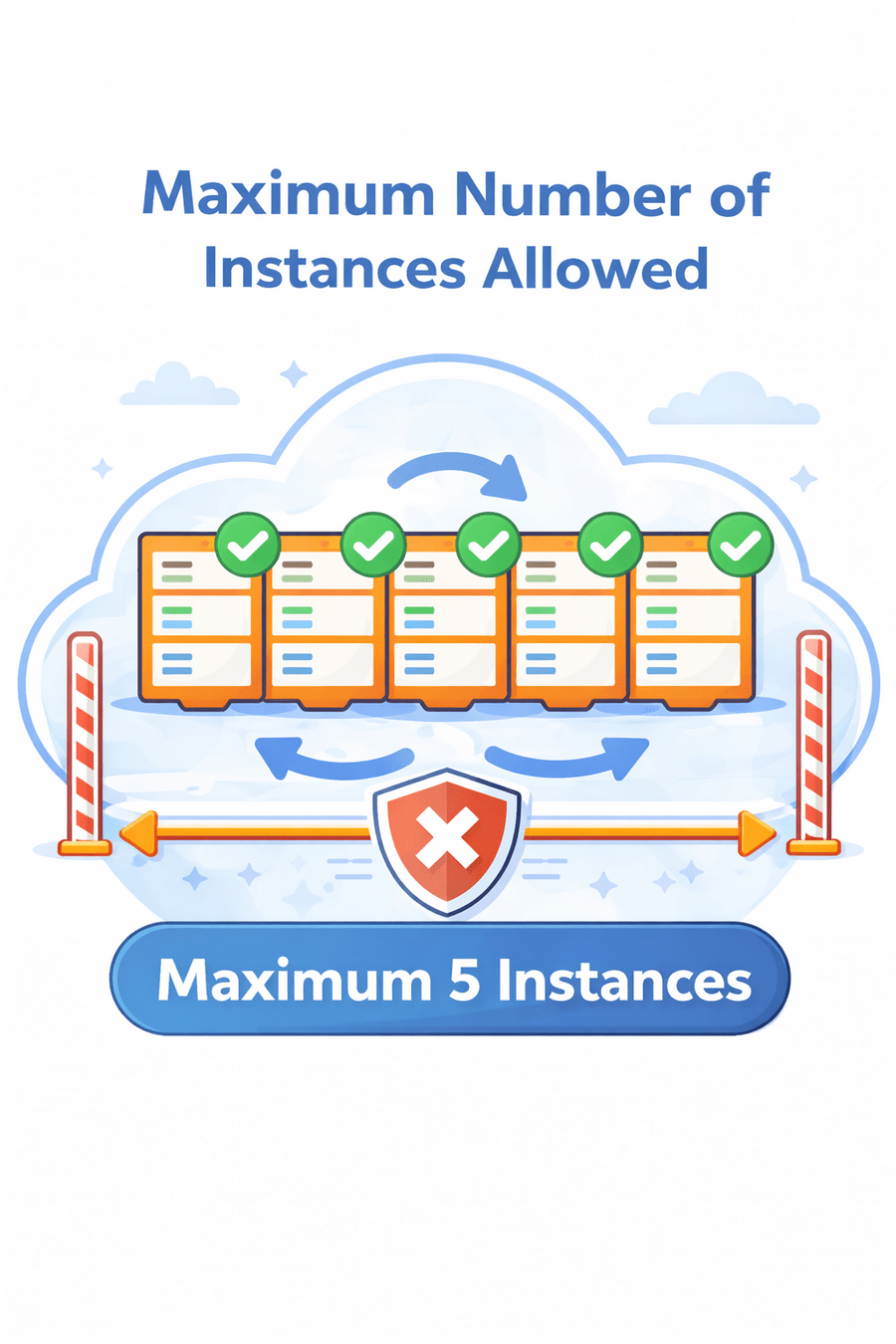
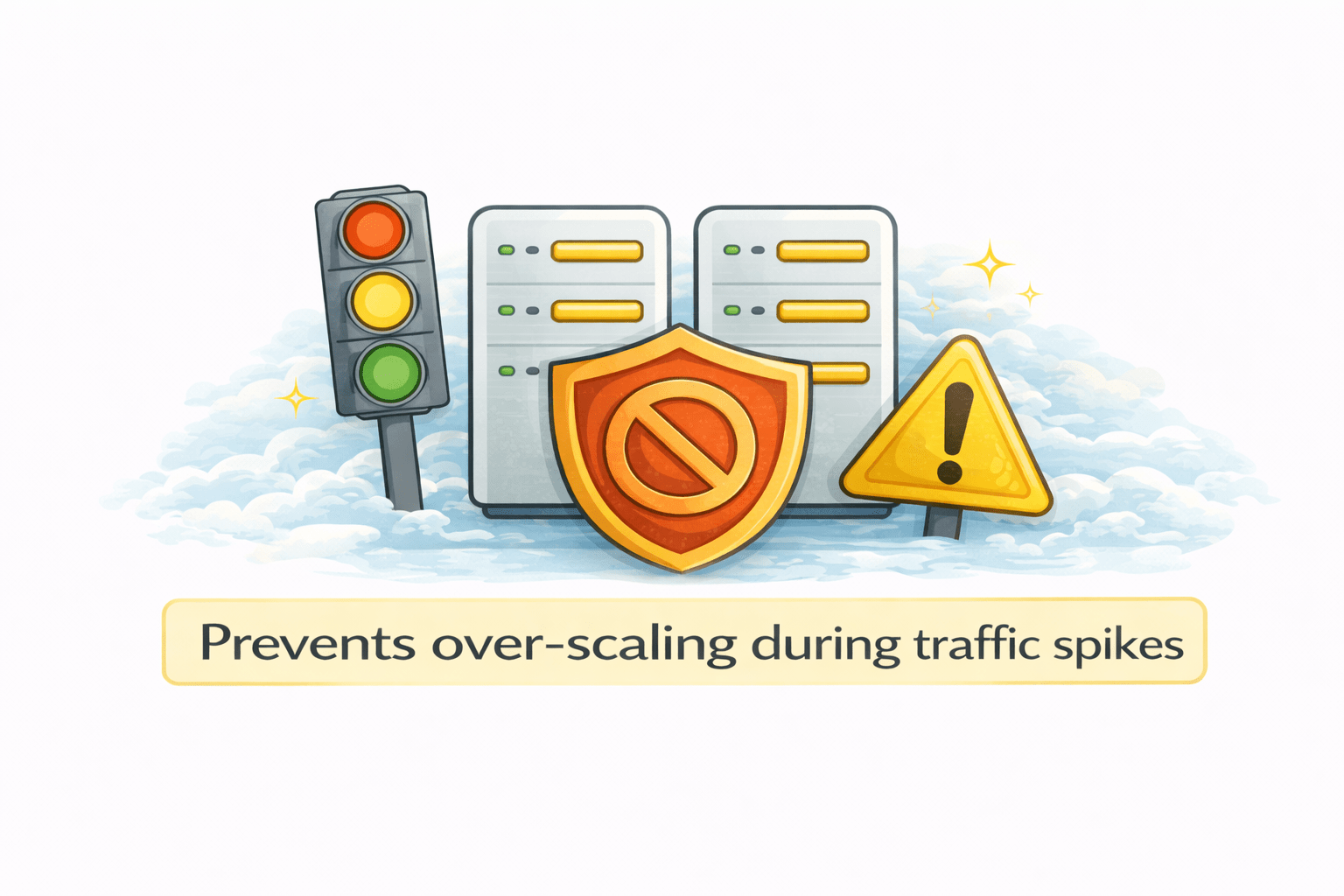
Maximum Capacity
Maximum number of instances allowed
Controls cost and resource usage
Prevents over-scaling during traffic spikes



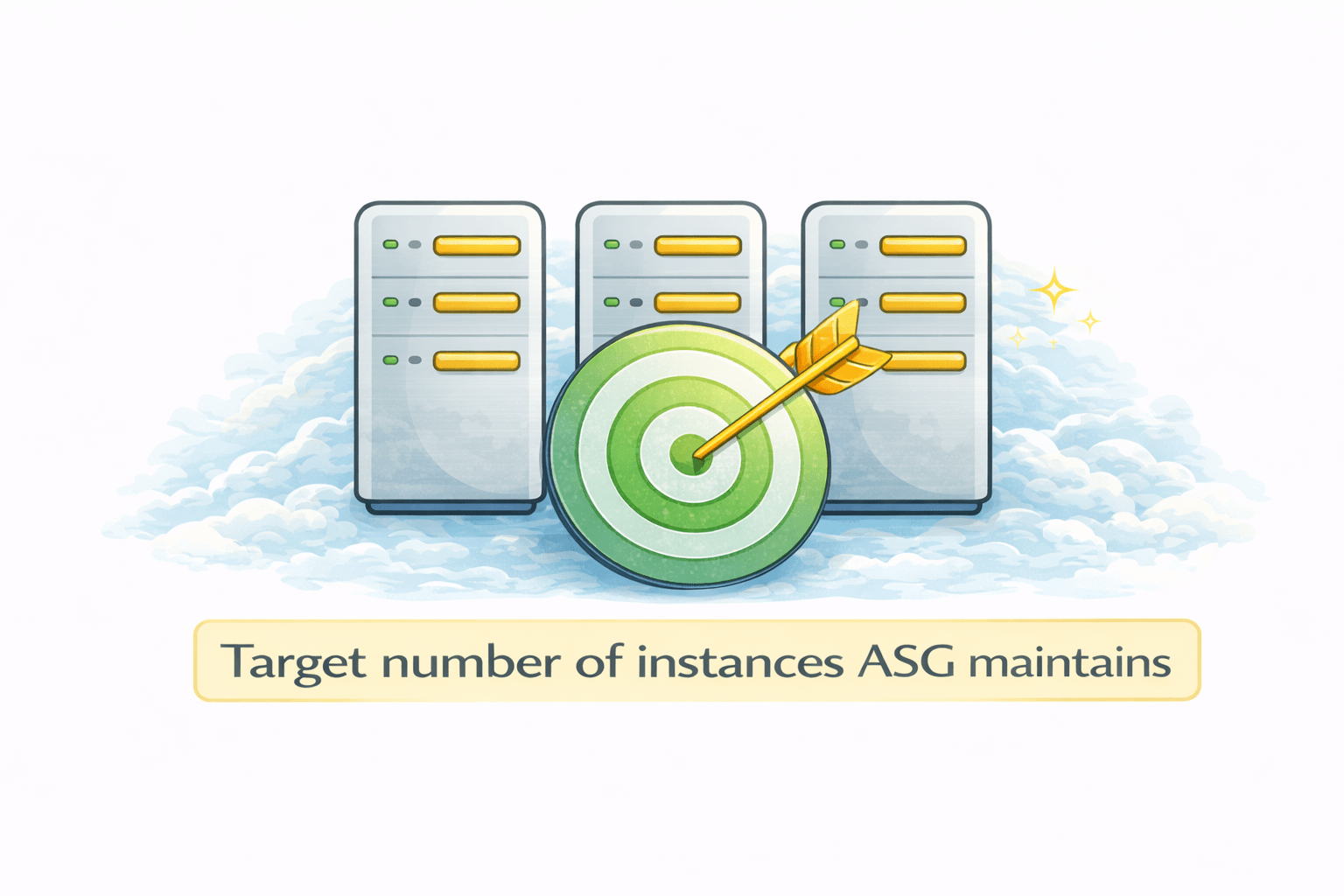
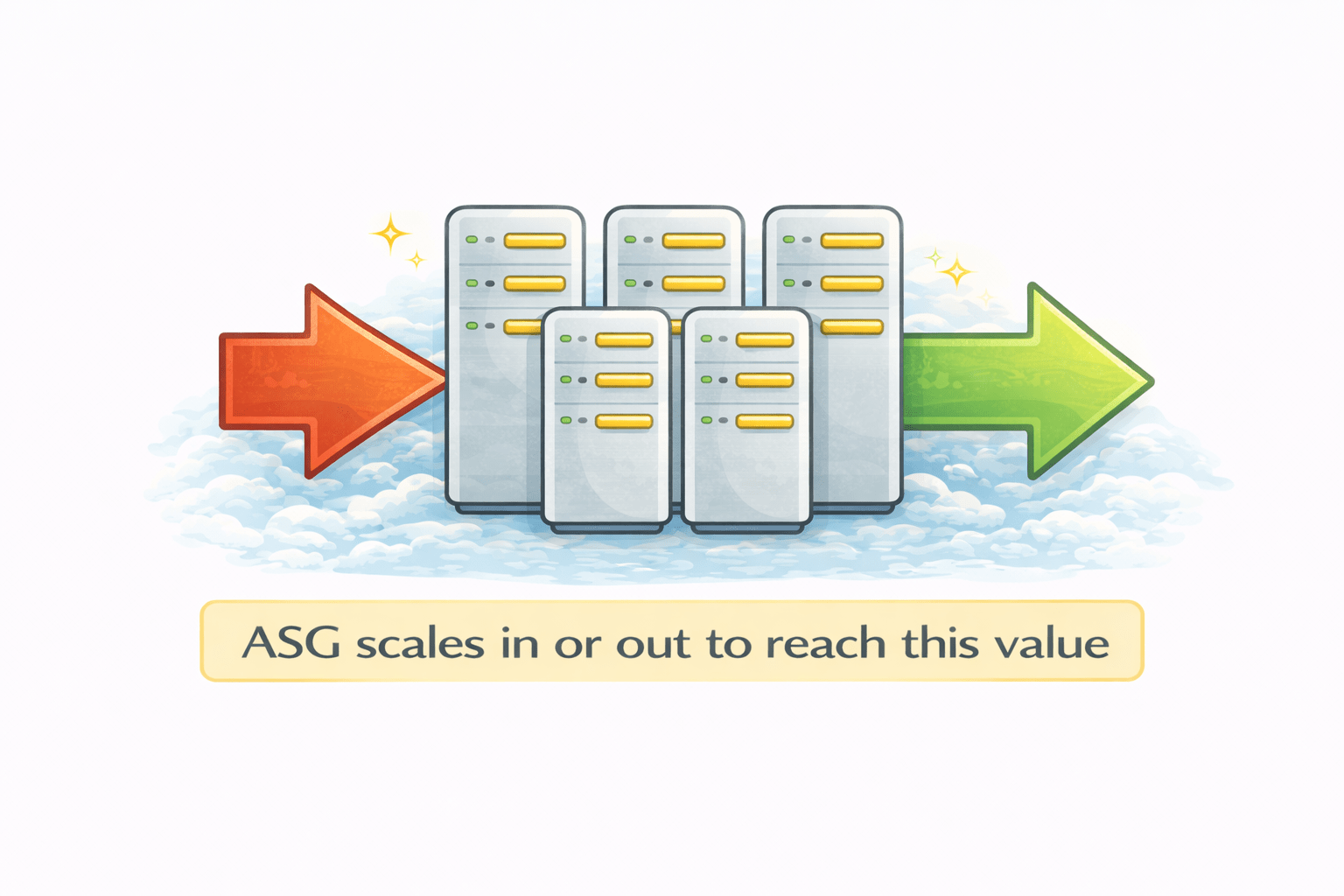
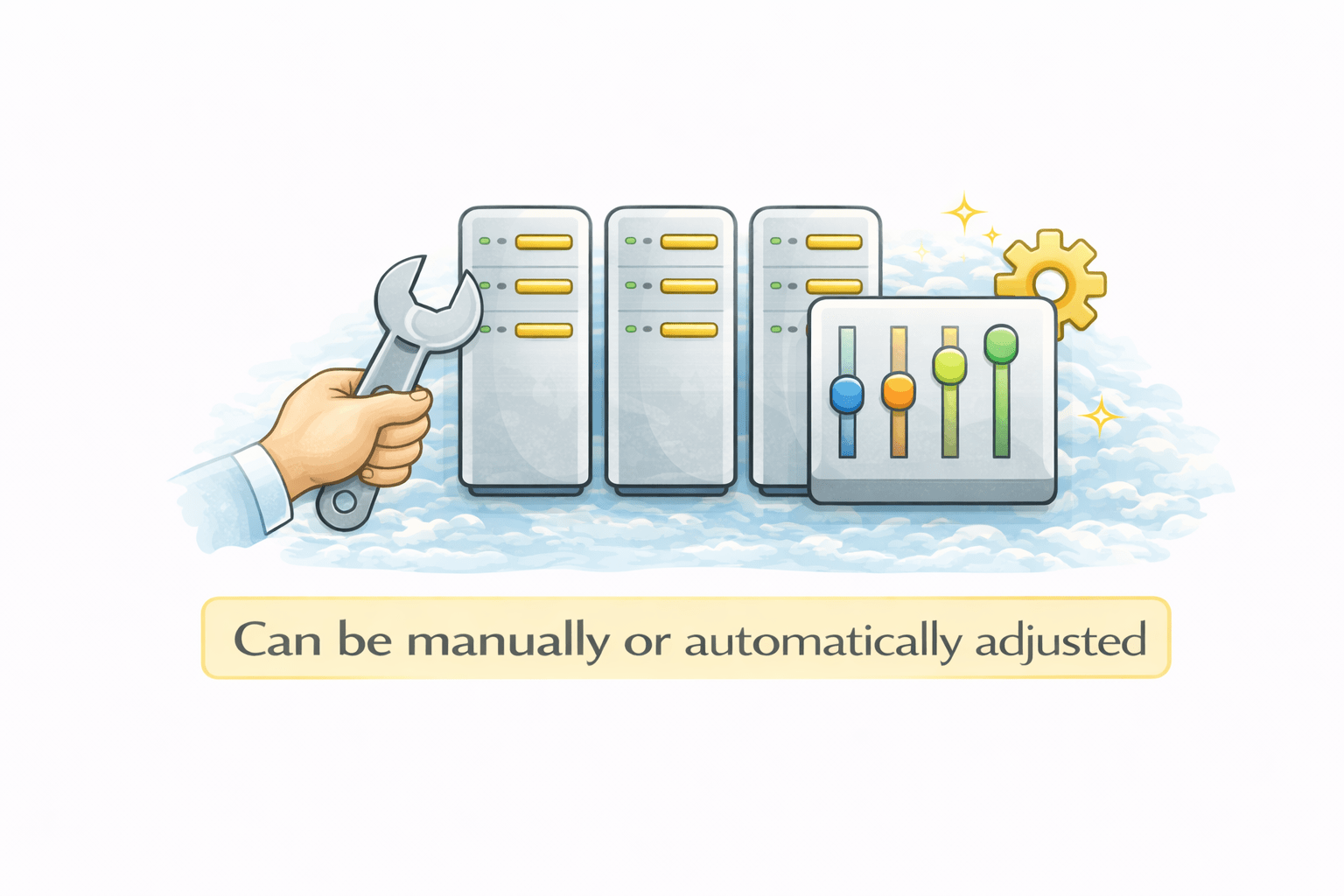
Desired Capacity
Target number of instances ASG maintains
ASG scales in or out to reach this value
Can be manually or automatically adjusted

Scaling Policies
What Are Scaling Policies?
Rules that control when Auto Scaling adds or removes instances
Define scale-out and scale-in behavior
Triggered automatically based on conditions

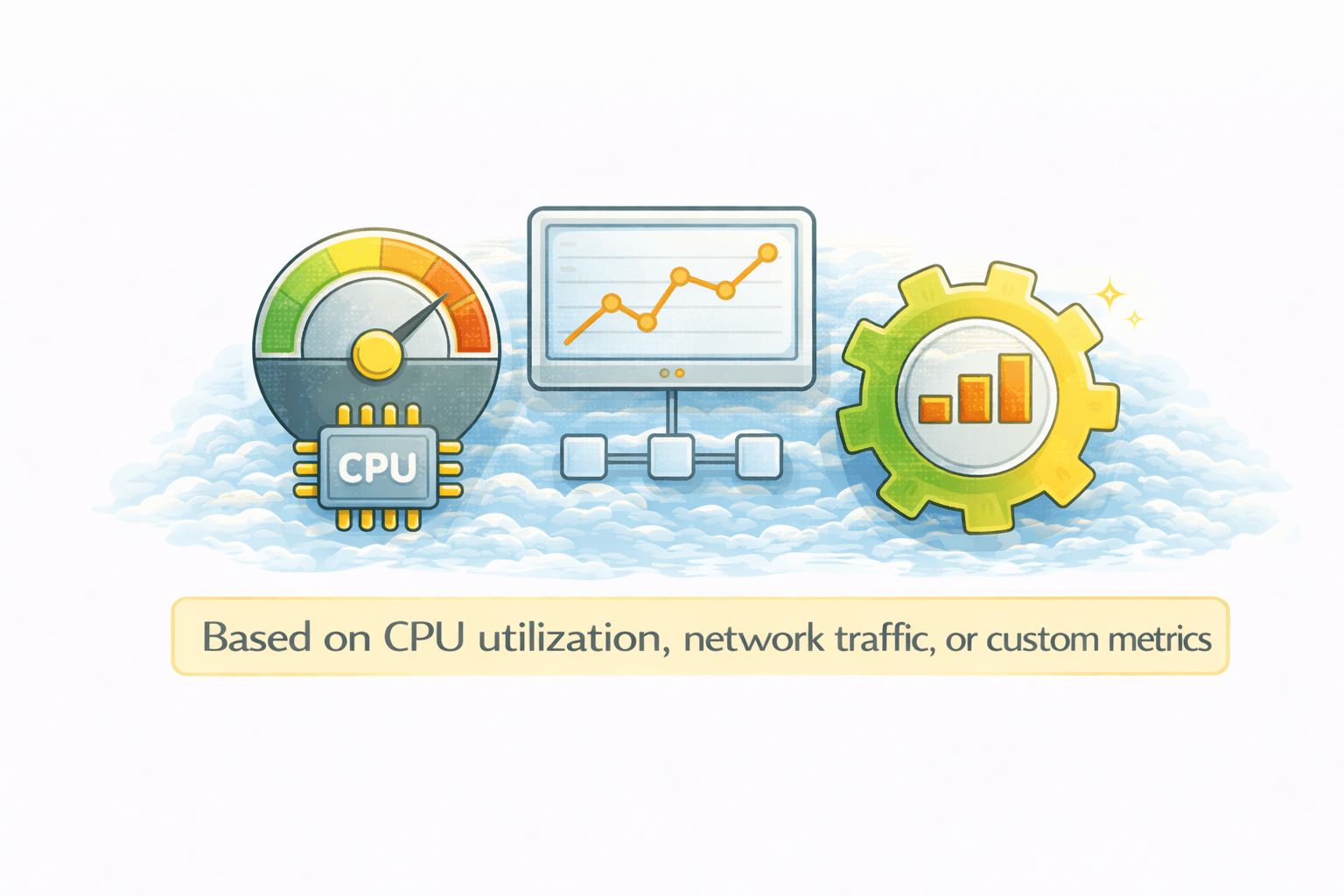
How Scaling Decisions Are Made
Based on CPU utilization, network traffic, or custom metrics
Can also be time-based (scheduled scaling)
Uses CloudWatch metrics for monitoring
Types of Scaling Policies
Target Tracking
Automatically keeps a chosen metric (like CPU usage) at a target values most commonly used
Step Scaling
Scales in or out in steps based on how much a metric crosses defined thresholds
Scheduled Scaling
Scales resources at predefined times based on expected traffic patterns.

Scale-Out and Scale-In
Summary
4
ASG controls instance count
3
Launch templates provide standard configuration
2
Horizontal and vertical scaling handle load change
1
Auto Scaling adjusts EC2 instances automatically
Quiz
What is the main purpose of EC2 Auto Scaling?
A. To stop EC2 instances
B. To manually manage server
C. To automatically adjust the number of EC2 instances
D. To reduce storage size

Quiz-Answer

What is the main purpose of EC2 Auto Scaling?
A. To stop EC2 instances
B. To manually manage server
C. To automatically adjust the number of EC2 instances
D. To reduce storage size